This documentation is for people who've done the training, but need a refresher on each specific part of the email with more detailed breakdowns.
Once you've opened the email you want to create, you'll see many parts to it.
The Header
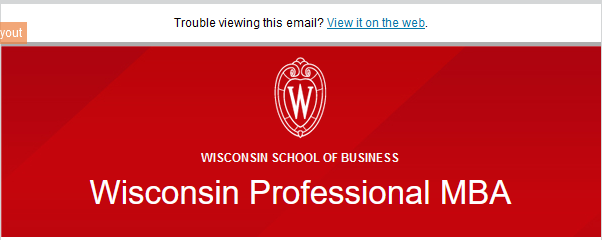
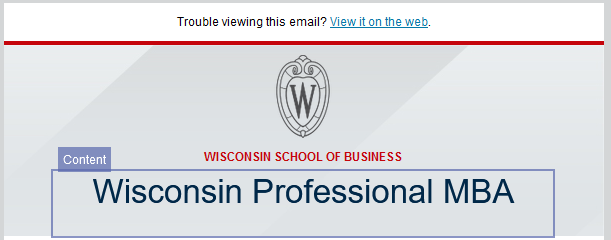
The header includes the "Trouble viewing this email?" message(which will open up the email on the web), followed by the WSB Crest, "Wisconsin School of Business" and the name of your program.
- There are two versions of the header- the red, and the gray. Depending on which template you open, you will get one or the other.
Rules on editing:
- We recommend you don't edit the header at all, although it might be appropriate to tweak the program name in specific cases, in which case you can just edit the text.
- Do not edit the color, font size, crest, or background image of the header! The colors were specifically chosen to both follow brand and accessibility guidelines.
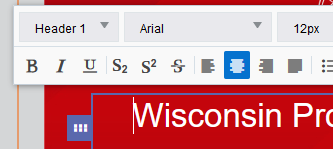
Your program name will be formatted as a "Header 1". Do not use the Header 1 formatting anywhere else on the page.
Intro Paragraph
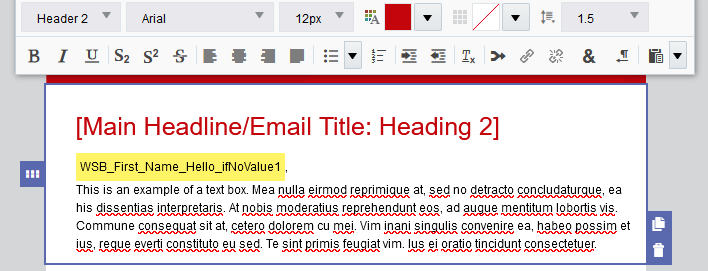
Next on your template is your first paragraph. It includes a red Header 2 for the main headline/title of your email, followed by a First Name variable, then paragraph text.
Rules on editing:
Editing the text:
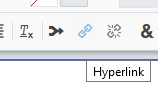
- Type/paste in whatever content you need for your email. You can also insert links by highlighting the text you want linked and selecting the hyperlink button in the toolbar. Unfortunately, links will not paste over (if you drafted the email in a word doc, for instance), so you will need to add them within the email again. Note: make sure to follow accessibility rules on links.
You are free to delete any portion of this if you don't need it:
- Emails do not necessarily need a big header at the beginning, so feel free to remove it and start with your greeting.
- Variables (highlighted in yellow in your email), called "Field Merges" in Eloqua, only work when contacts are uploaded as Custom Data Objects. Using a variable for someone's name is entirely optional, and many users prefer to address their emails as "Dear Students," or "Dear Alumni and Friends" instead of using the names. In that case, go ahead and delete the variable and write something else.
- You may not even need the intro paragraph.
Editing the formatting:
- Avoid changing the color or size of the text. If you'd like to emphasize text, we recommend using bold formatting
- Do not use underlined text, because underlines should be reserved for links only.
- Italics are okay, but bold is preferred because it's easier to read.
- Do not edit the color/formatting of the Headers, with one exception: you may change the Header 2 from the color red, to the color gray: #494949. You can edit this color by selecting the text, clicking the color, clicking "Custom Color", and enter 494949 in the hex value field:
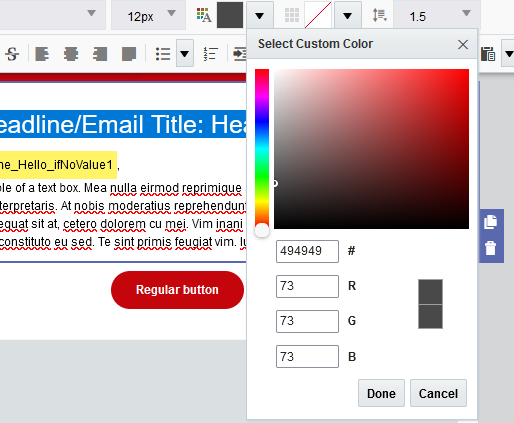
- This can be done on any Header 2 on the page, not just the first one.
Buttons
There are two types of buttons, regular buttons and "called out" buttons. They are appropriate when you want to send the user to an important link. You probably don't want to have more than 2 buttons in an email, less important links should just be text links.
The main difference between the two types is that Called Out buttons have a background color, and have more spacing (padding) around them to make them more prominent.
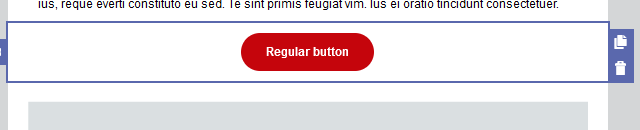
Rules on editing:
You may only edit the text, and the hyperlink in a button.
- Edit the text: select the button, double click the text, and write something else. We recommend using sentence case (capitalize only the first word) for the text.
- Edit the link: select the button, and paste in the link into the "Web Address URL" field of Hyperlink Properties (in the left panel). Double check the link is entered correctly.
Do not edit the color, or any other properties of the button, with the possible exception of:
- "Outer Padding" if you need to edit the spacing around the button
- "Alignment" the button may be left aligned instead of centered, but we recommend centered.
Don't insert a new button within the editor, if you want another button, copy an existing one, so the formatting stays correct.
- (advanced) In case you mess up the formatting, you can edit it in the button properties in the left sidebar
- Button Color: #C5050C
- Corner Radius: 30
- Width: Fit to text
- Alignment: Centered
- Button Padding: top, bottom: 10. Left, right: 25
- (called out button only) Background color: #F9F9F9