This training documentation is a substitution for a 3-4 hour long training session. Please review it thoroughly prior to creating emails.
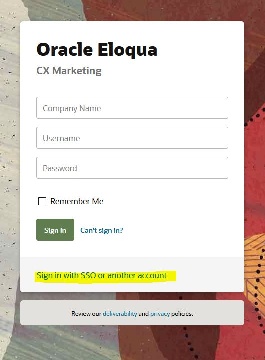
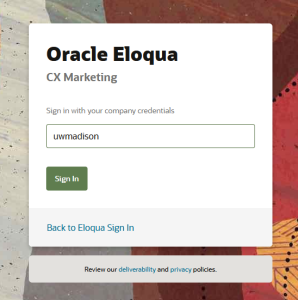
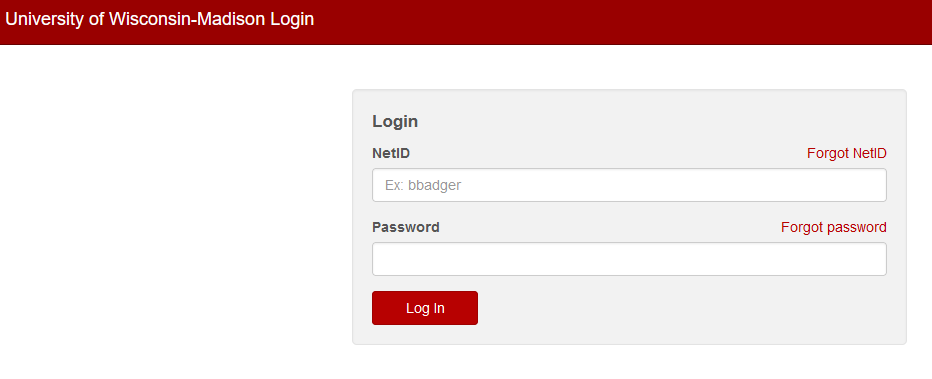
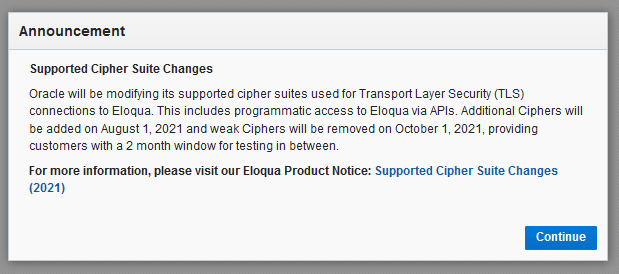
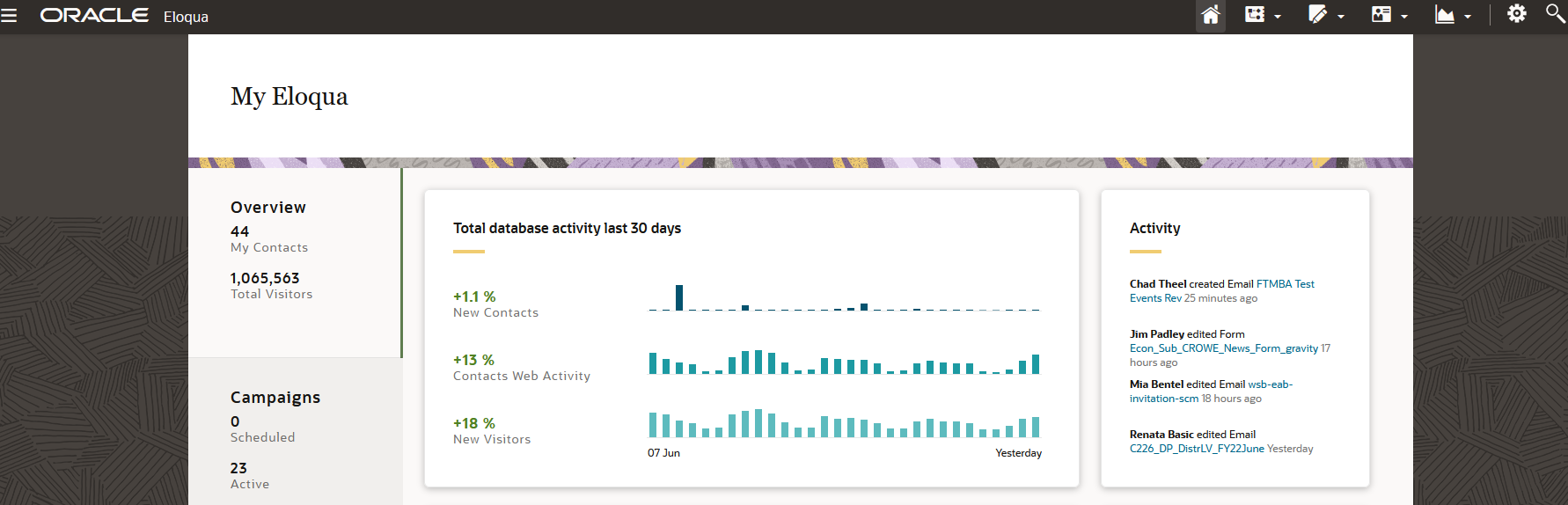
After you've logged in, you can start building emails!
Here is a recording of the training session for Eloqua Emails: Part 1
<iframe id="kaltura_player" src="https://cdnapisec.kaltura.com/p/1660902/sp/166090200/embedIframeJs/uiconf_id/25717641/partner_id/1660902?iframeembed=true&playerId=kaltura_player&entry_id=1_cdm1uv77&flashvars[streamerType]=auto&flashvars[localizationCode]=en_US&flashvars[leadWithHTML5]=true&flashvars[sideBarContainer.plugin]=true&flashvars[sideBarContainer.position]=left&flashvars[sideBarContainer.clickToClose]=true&flashvars[chapters.plugin]=true&flashvars[chapters.layout]=vertical&flashvars[chapters.thumbnailRotator]=false&flashvars[streamSelector.plugin]=true&flashvars[EmbedPlayer.SpinnerTarget]=videoHolder&flashvars[dualScreen.plugin]=true&flashvars[Kaltura.addCrossoriginToIframe]=true&&wid=1_87urx6sm" width="649" height="401" allowfullscreen webkitallowfullscreen mozAllowFullScreen allow="autoplay *; fullscreen *; encrypted-media *" frameborder="0" title="Kaltura Player"></iframe> |
If you want a more specific breakdown of the email templates, check out the parts of the email documentation.
Note: If you will be sending Eloqua-created emails using a different email distributor (such as LRM or Constant Contact), here's some documentation on what to do differently: How to create a non-Eloqua sent email in Eloqua
Accessibility Quick Tips
Ensuring accessible emails is important both for improving usability and being inclusive of all email users. The following tips are just the basics, and it's recommended you take your own time to research accessibility strategies. Review campus's email accessibility guide for details beyond these tips.
Unable to click Activate on your email? You probably don't have full access.
<iframe id="kaltura_player" src="https://cdnapisec.kaltura.com/p/1660902/sp/166090200/embedIframeJs/uiconf_id/25717641/partner_id/1660902?iframeembed=true&playerId=kaltura_player&entry_id=1_26gzug08&flashvars[streamerType]=auto&flashvars[localizationCode]=en_US&flashvars[leadWithHTML5]=true&flashvars[sideBarContainer.plugin]=true&flashvars[sideBarContainer.position]=left&flashvars[sideBarContainer.clickToClose]=true&flashvars[chapters.plugin]=true&flashvars[chapters.layout]=vertical&flashvars[chapters.thumbnailRotator]=false&flashvars[streamSelector.plugin]=true&flashvars[EmbedPlayer.SpinnerTarget]=videoHolder&flashvars[dualScreen.plugin]=true&flashvars[Kaltura.addCrossoriginToIframe]=true&&wid=1_86dm1mwm" width="649" height="401" allowfullscreen webkitallowfullscreen mozAllowFullScreen allow="autoplay *; fullscreen *; encrypted-media *" frameborder="0" title="Kaltura Player"></iframe> |
Download for contact uploads: wsb-contact-upload-example.xlsx Note: we use "CL2" instead of "Contact Label" because it uploads contacts more quickly.
Eloqua Analytics Documentation
Note: in this video it says you can't upload custom data objects, this has since been fixed. It is recommended that if you intend to use a variable in your email (such as "Dear First Name"), you upload your contacts using custom data objects. The file below gives you the template you need, and you can follow the Eloqua documentation for uploading records to a CDO. Uploading contacts this way is often slower than using the regular contact uploader, so do so well in advance of when you need it.
Once you've completed the training videos above, you can start creating your first email campaign. Because you're likely to need extra assistance on your first attempt, make sure to give yourself extra time to ask for help as well as for the review process after creation. (Ideally, 1-2 weeks)
If you're having trouble setting up your first email, you can contact the webteam at webteam@wsb.wisc.edu, where we can answer your questions or set up a meeting in which we can work together to make sure you're not missing any steps.
Once you think you've gotten everything ready on your email campaign, you will need the web team to review and activate it. Follow the steps on asking the web team to activate your emails. Most likely, you will have a few mistakes on your first email, so be ready to implement any feedback we give you(if you need additional assistance, we can set up a meeting). Once everything is set up correctly, we will activate (send) your email campaign.