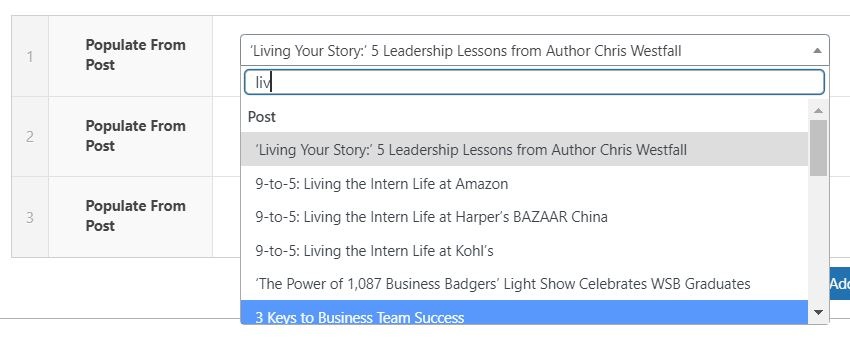
Note: Since the dropdown pulls all posts, you can type the title of a post to filter through them.
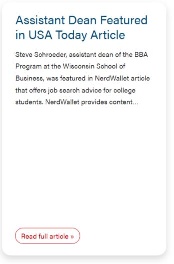
Note: When pulling a post, a CTA is automatically created. The CTA text is "Read full article", and you can select the style of the CTA.
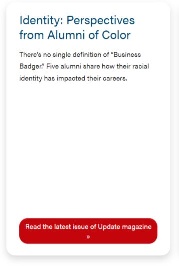
Title
Add the title of the card.
Note: The class of the title depends on the Title Heading Size under Introduction. For example, if Title Heading Size is h2, the card title will be h3.
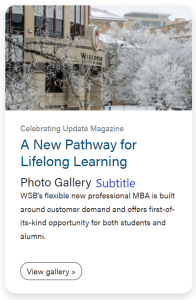
Subtitle
You can add a subtitle to the card. This subtitle is displayed below the card title.
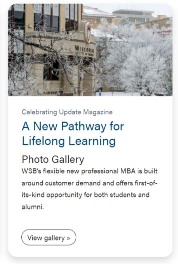
Image
You can add an image from the Media Library to the card.
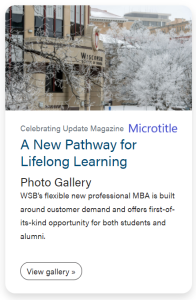
Microtitle
You can add a microtitle to the card. This microtitle is displayed above the card title.
Content
Add the content of the card.
Link
You can add a link to a card.
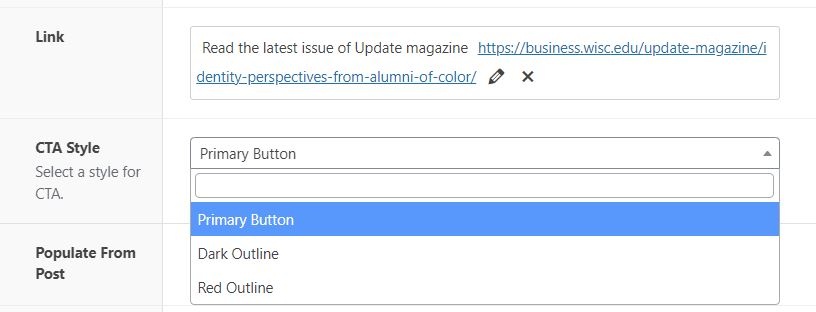
CTA Style
Select the style of the CTA of the card and footer CTA. Default style is primary.
You can adjust the ratio of the image. Default ratio is 16x9.