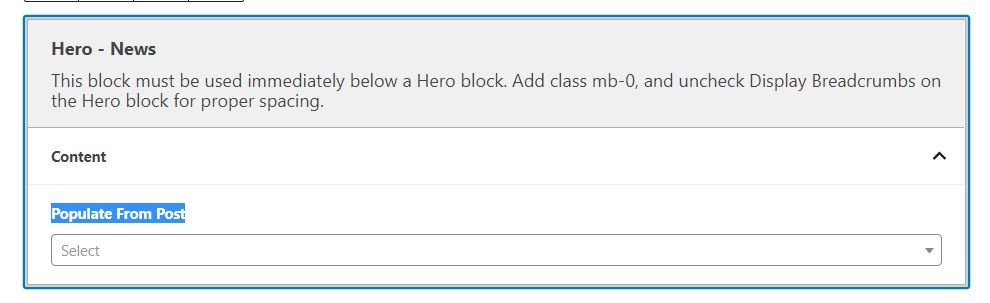
A block that spans full-width and displays a Post on Wordpress.
Use Case
Use on the News landing page to display a featured Post.
Fields
Use the dropdown to select a post to feature.
Override Featured Image
If set to No (default), the block will pull in the Post's featured image.
Toggle to Yes if you want to manually select a different image to use for this block.
Use case: If the featured image for the featured story has text, is a collage, or gets cropped weirdly/doesn't look good in this block, toggle to Yes and select the preferred image.
Hero Image
This field only appears if the override image field is toggled to Yes.
Use this field to upload/select the image to display in the block.
The image should be at least 2400px x 1600px
Note: this will not change the featured image for the Post itself
Additional Notes
Make sure you follow the additional instructions on the Hero - News block – "This block must be used immediately below a Hero block. Add class mb-0, and uncheck Display Breadcrumbs on the Hero block for proper spacing."
News Hero Image specs
Use the standard hero image size (2400px x 1600px)
The image will get cropped at the bottom on really wide screens.
Ensure important content is contained within the top 700px of the image.
Image also gets cropped on the left and right for mobile screens (up to 400px per side).