Link to figma doc with component if it exists
Weikel speakers and other profile pages that include individuals not in our directory.
Contact Us pages with biographies or other custom content not found in directory data.
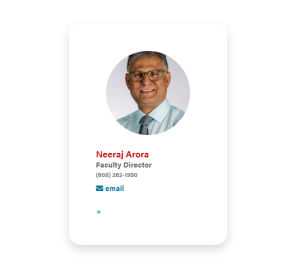
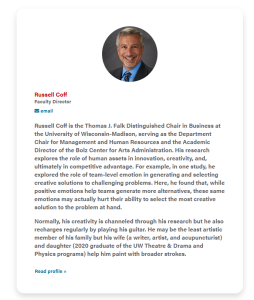
The person's name is an h3 header in red
Use square images or stylized cutout headshots (also a square shape) available in the WP media library
Tip: When you go to insert the first image in the first card, insert all of the images you want at once, and a card for each image will be automatically created.
Choose yes or no, default is yes
The person's position goes here. Since you are manually entering the data, you can use their working title instead of their actual title from the directory.
The person's department or company goes here. This field is added to the position (Position, Organization).
This field appears above the email address. If there no other detail is needed, it's fine to leave empty.
Use for a biography or portfolio. If there is no biography, it's fine to leave empty.
Multiple links can be added; link to the person's profile in the directory, LinkedIn profile, their presentation video, etc.
Add a heading and supporting copy above the cards.
Add a footnote or button(s) below the block.
Add an Id to target the block on the page with an anchor link
Creates a swiper layout, rather than the standard grid layout with columns and rows.
10 card limit for the swiper, due to the width of swiper control arrows on mobile.
Note that this setting doesn't work with the standard column controls on this block. Rather, columns are fixed in the code for XS, S, M, and L viewports and you can set columns for XL screens with the next field.
Choose how many cards/columns display on XL screens – 3 or 4 columns. See which option looks best with the card content.
The columns are automatically set at
Columns Default: 1
Columns Small: 0
Columns Medium: 3
Columns Large: 4
Columns Extra Large: 0
This is fine if there's no biography. If there is a biography, the columns Medium, Large, and Extra Large should be set to 2.
(Note: as of 7/8/2021, the email and phone number are on the same line, (6/25/2021) order for circle image (if background is white, then the person gets cut off weirdly))