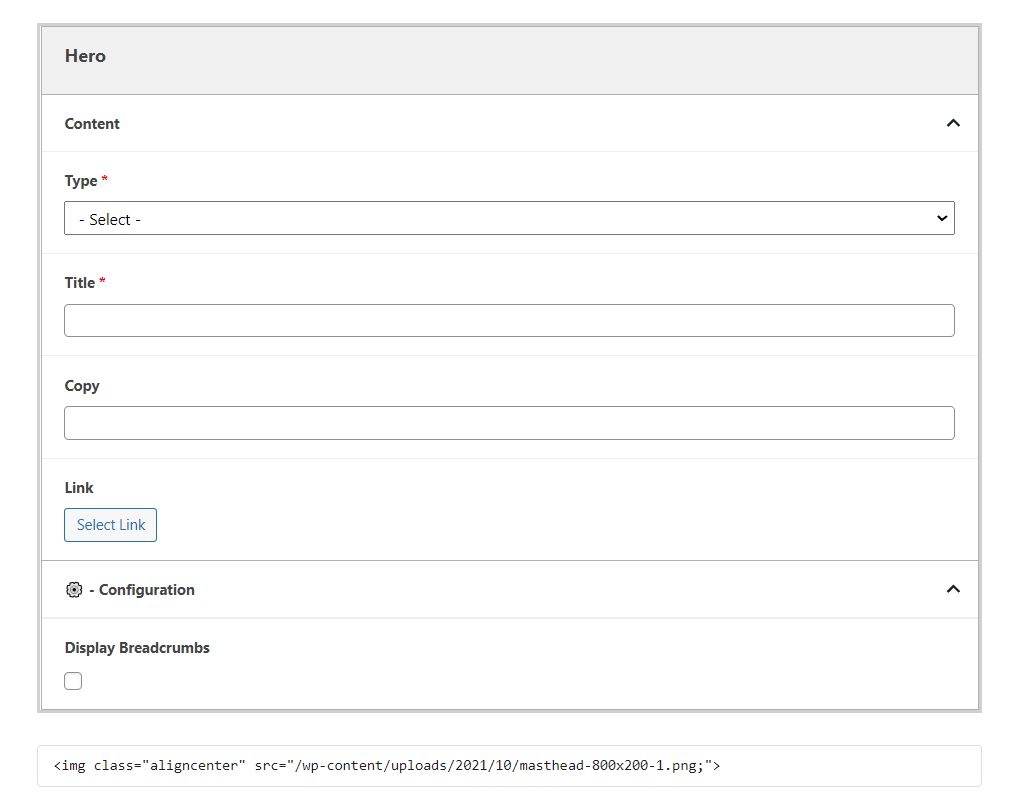
Even if the hero block doesn't work on a particular page, you may want to add the block with no content and check the "Hide breadcrumbs" option.
In some cases, such as for Update magazine issue landing pages, the image for the Hero doesn't work within the block. You can add the image before the Hero (in either the WordPress Image block or as HTML with the Custom HTML Wordpress widget), not select a Type, not add any Title or Copy, and disable breadcrumbs.
This will allow you to display an image as the page banner. This will also remove the black-text H1 that appears by default without a Hero on the page. See Update Fall 2020 as an example.