
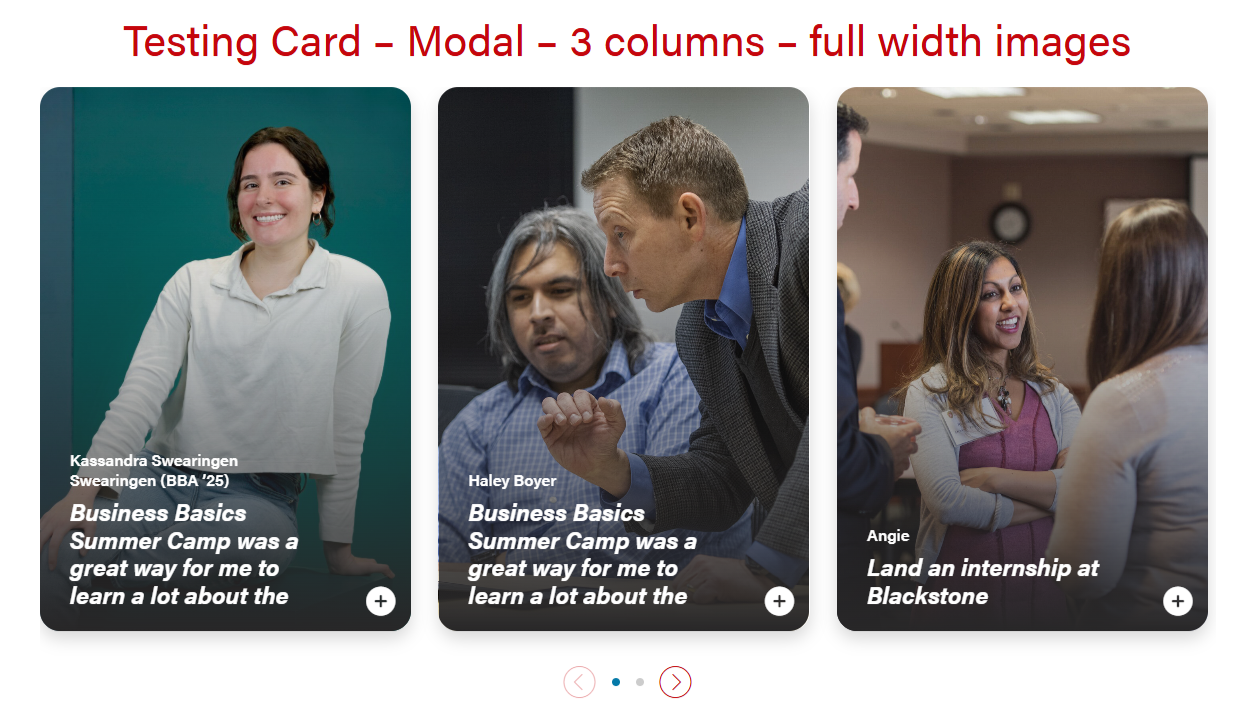
Modal for full-width cards. The header will be 50/50 for desktop and tablet, and full-width for mobile.


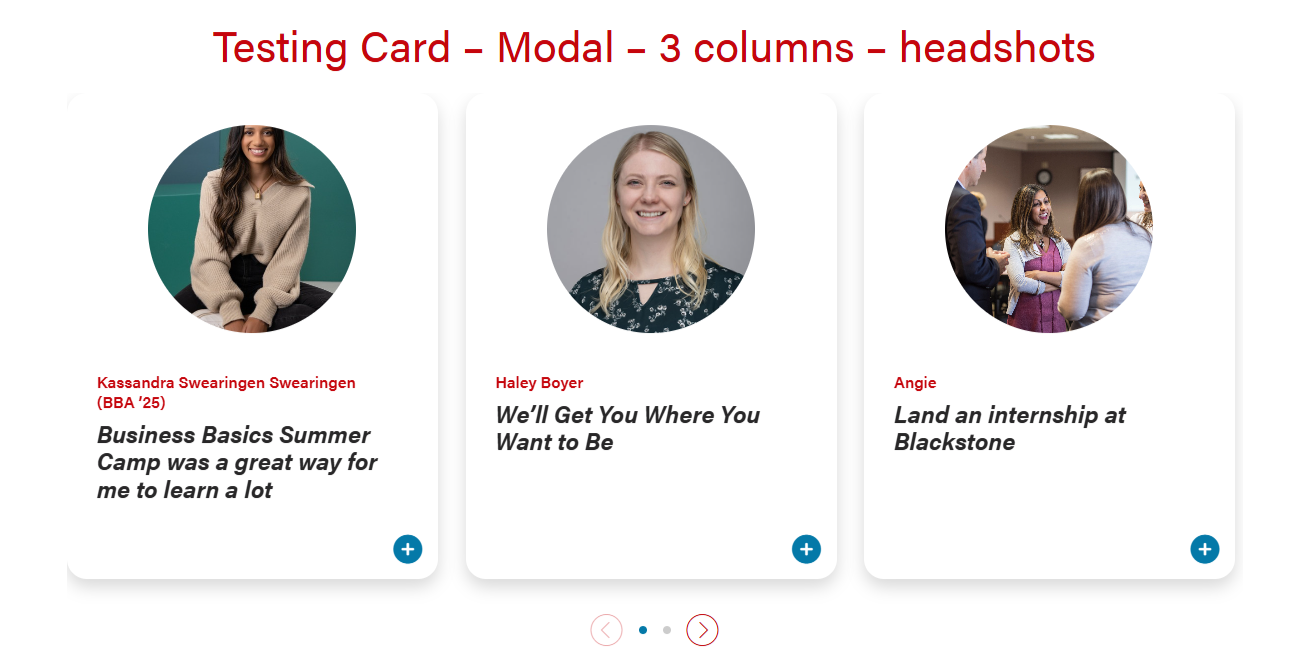
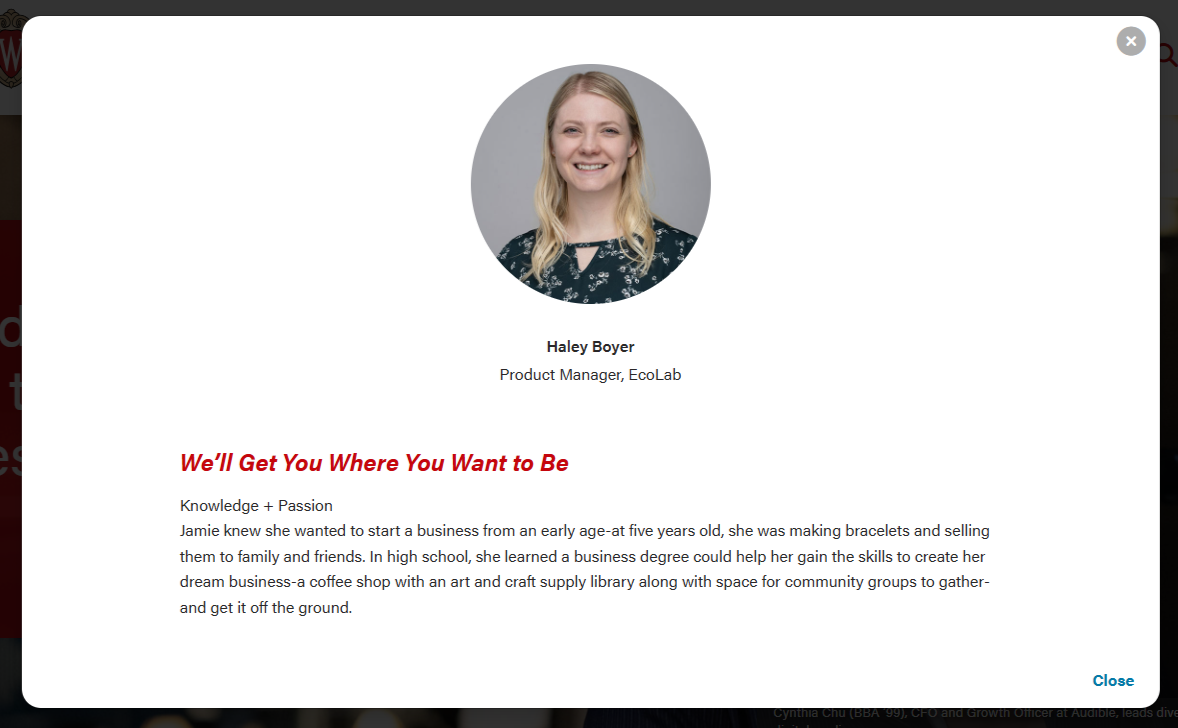
Modal for circle crop headshot. The layout will be the same in desktop, tablet, and mobile.
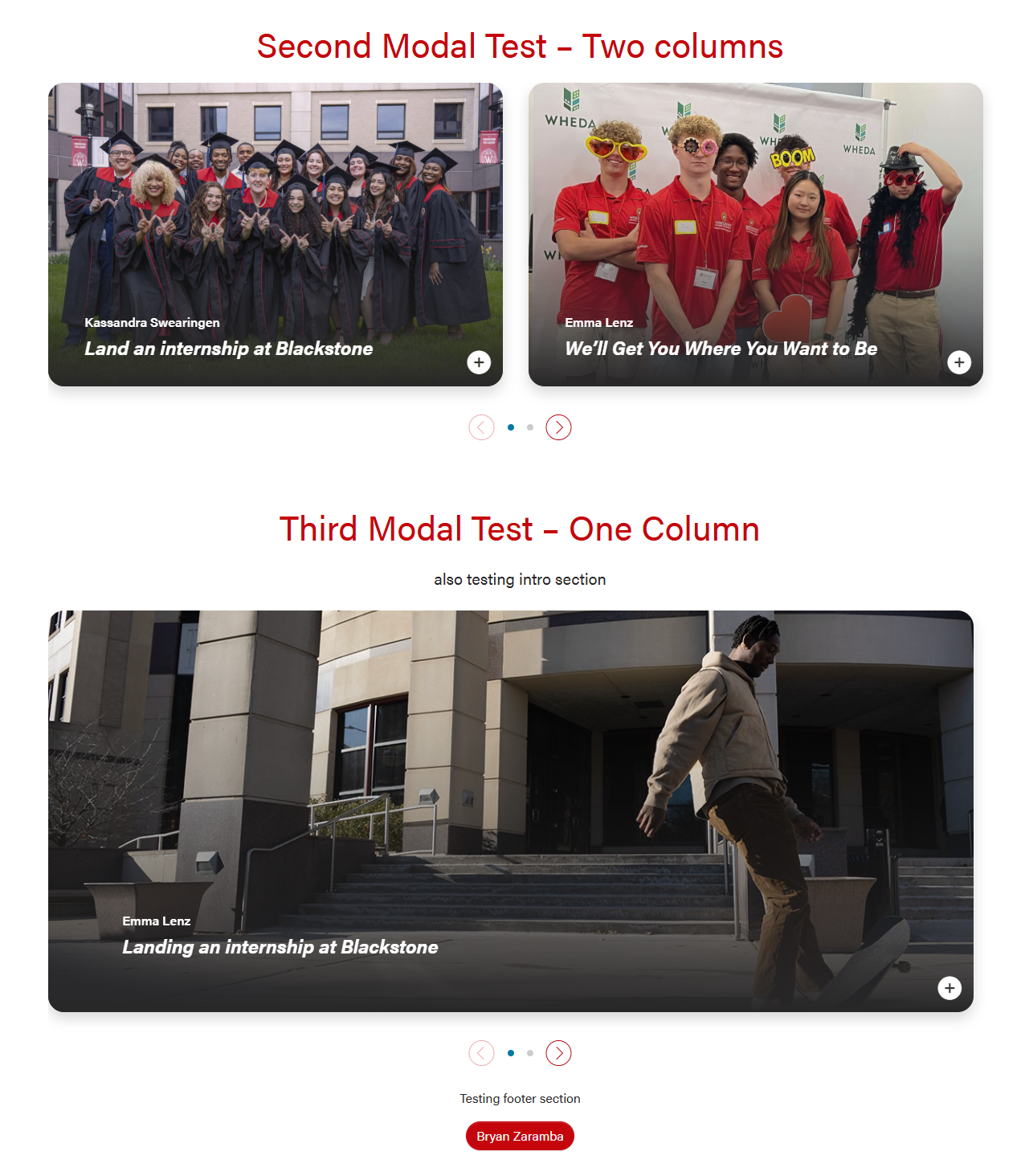
Card with full-width or circle headshot images that can open into a modal for more information. There are options for 1, 2, or 3 columns.
There is an open modal button on the lower right corner of the cards that can be a stretch link. There are two modal close buttons in the modal popups (upper right corner and bottom right corner).
| Examples of full-width and headshot modal cards and 1, 2, 3 columns | |
|---|---|
|
|
| |
Modal for full-width cards. The header will be 50/50 for desktop and tablet, and full-width for mobile.
| Modal for circle crop headshot. The layout will be the same in desktop, tablet, and mobile.
|
Limit the amount of copy in the cards, since more detail can be shown in the modal.
Modal Code template Add copy here <figure class="wp-block-pullquote mx-0 my-4 text-start"> Add copy here <hr class="hr-gray my-5" /> <h3 class="microtitle mb-3"><img class="microtitle-arrow" alt="" src="/wp-content/uploads/2024/10/Two-toned-yellow-arrow-digital-100x164-1.png" width="9" height="15" aria-hidden="true" /> Subheading</h3> Add copy here How it looks:
|
Modal content is added in a WYSIWYG field, so you'll need to add HTML elements with classes for styling. Copy the code below for the content you need:
Modal with pullquote, horizontal rule <hr>, and microtitle styling for last subhead | Modal with staggered image collage | Modal with mixed image collage |
|---|
<h3 class="microtitle mb-3"><img class="microtitle-arrow" alt="" src="/wp-content/uploads/2024/10/Two-toned-yellow-arrow-digital-100x164-1.png" width="9" height="15" aria-hidden="true" /> Subheading</h3> |
<hr class="hr-gray my-5" /> |
<figure class="wp-block-pullquote mx-0 my-4 text-start"> <p class="fs-5">add quote here</p> </figure> |
Basic template - contains code and styling classes for elements such as horizontal rules, microtitle subheadings with yellow triangles, and pull quotes
Modal Code template Add copy here Add copy here Add copy here How it looks: |