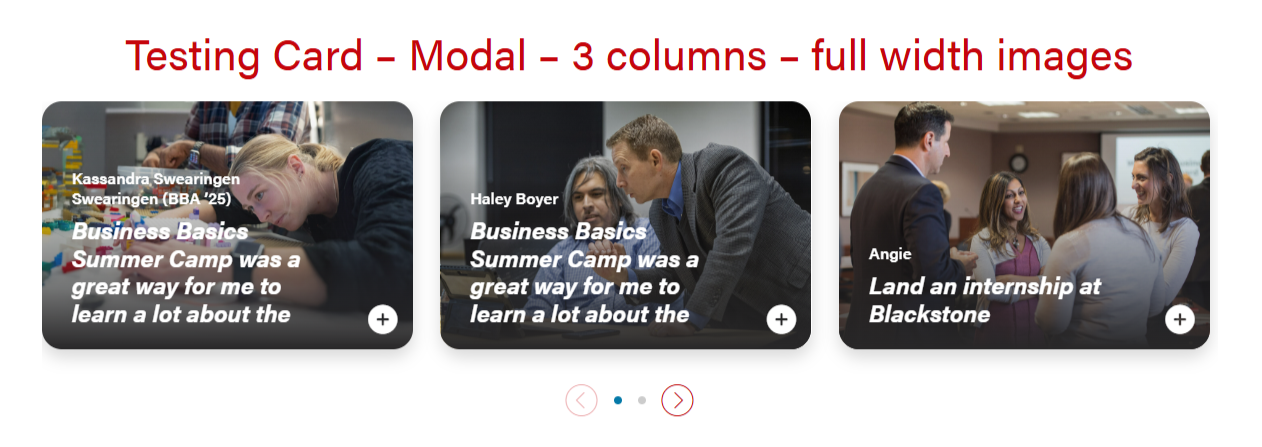
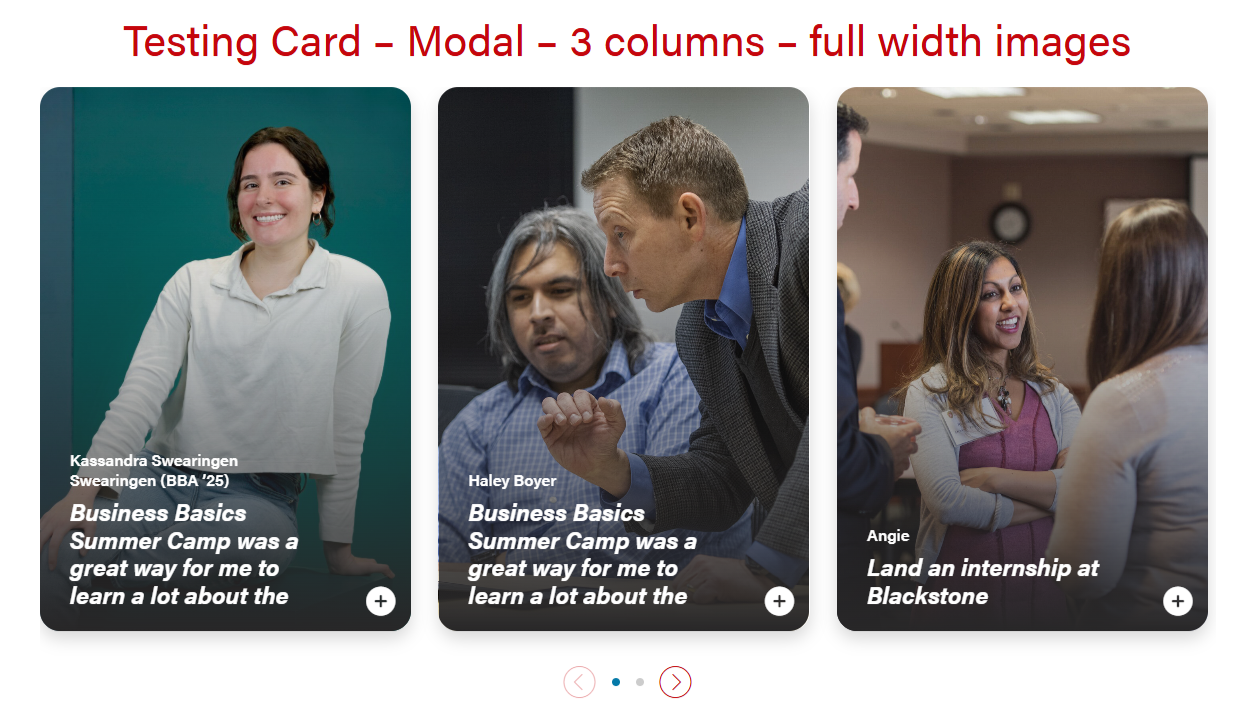
Modal for full-width cards. The header will be 50/50 for desktop and tablet, and full-width for mobile.


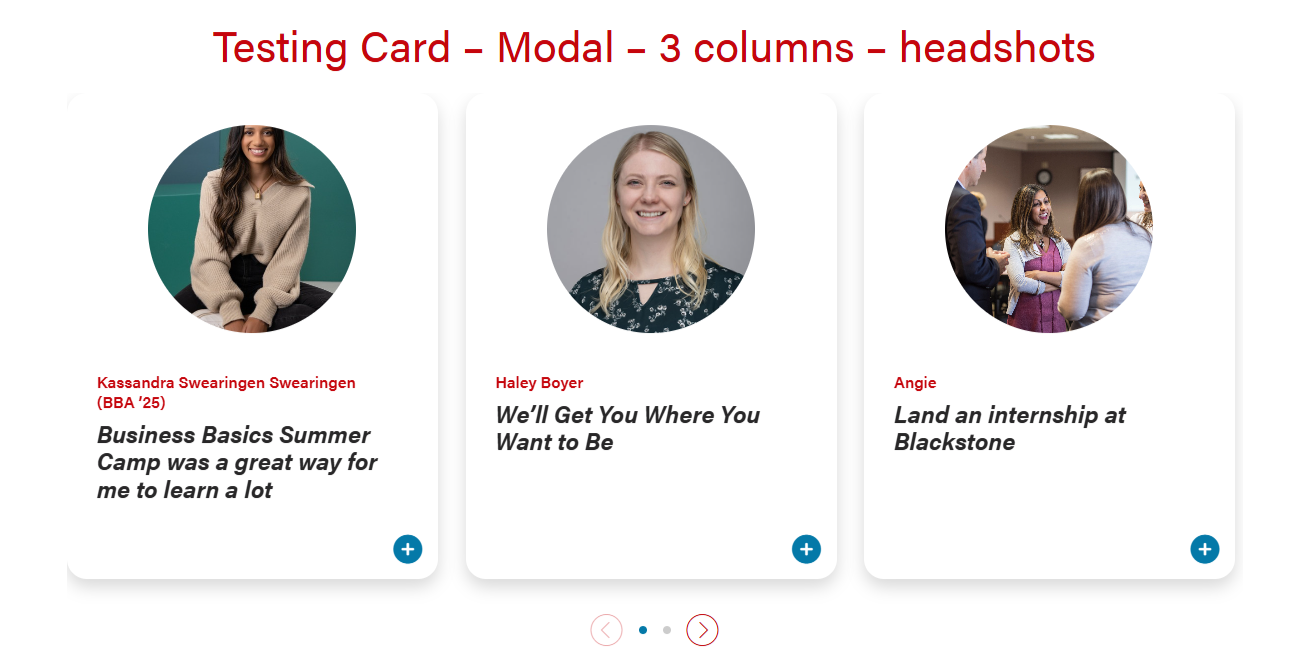
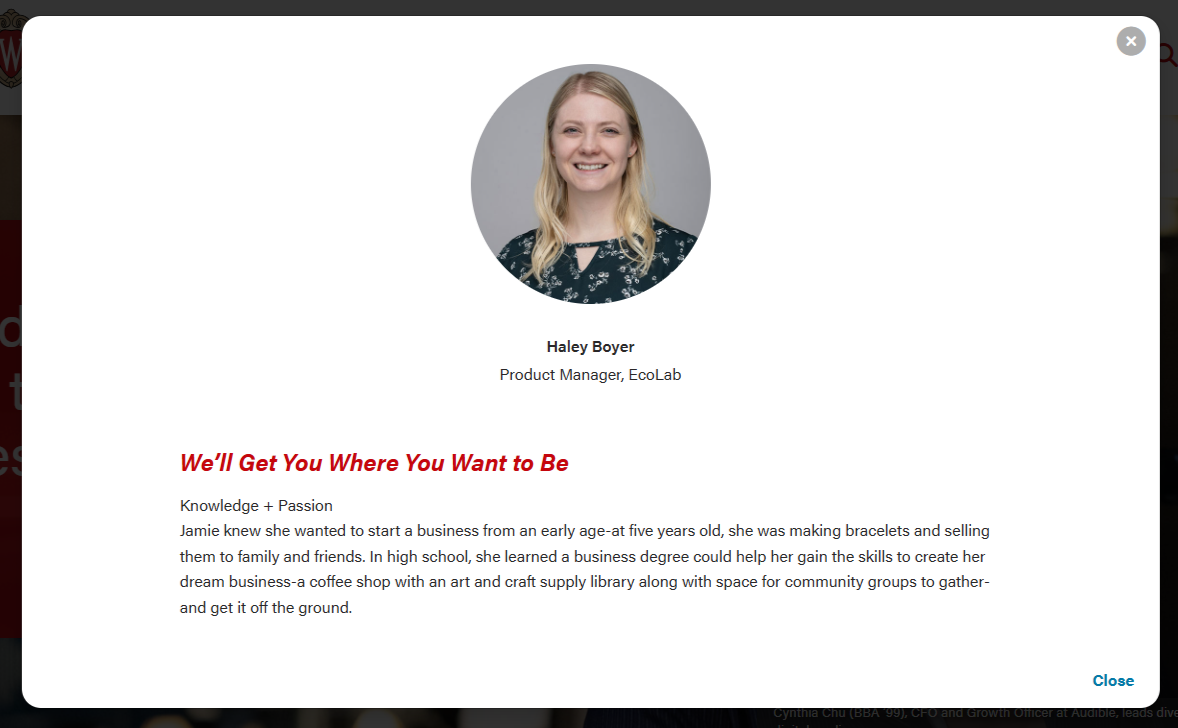
Modal for circle crop headshot. The layout will be the same in desktop, tablet, and mobile.
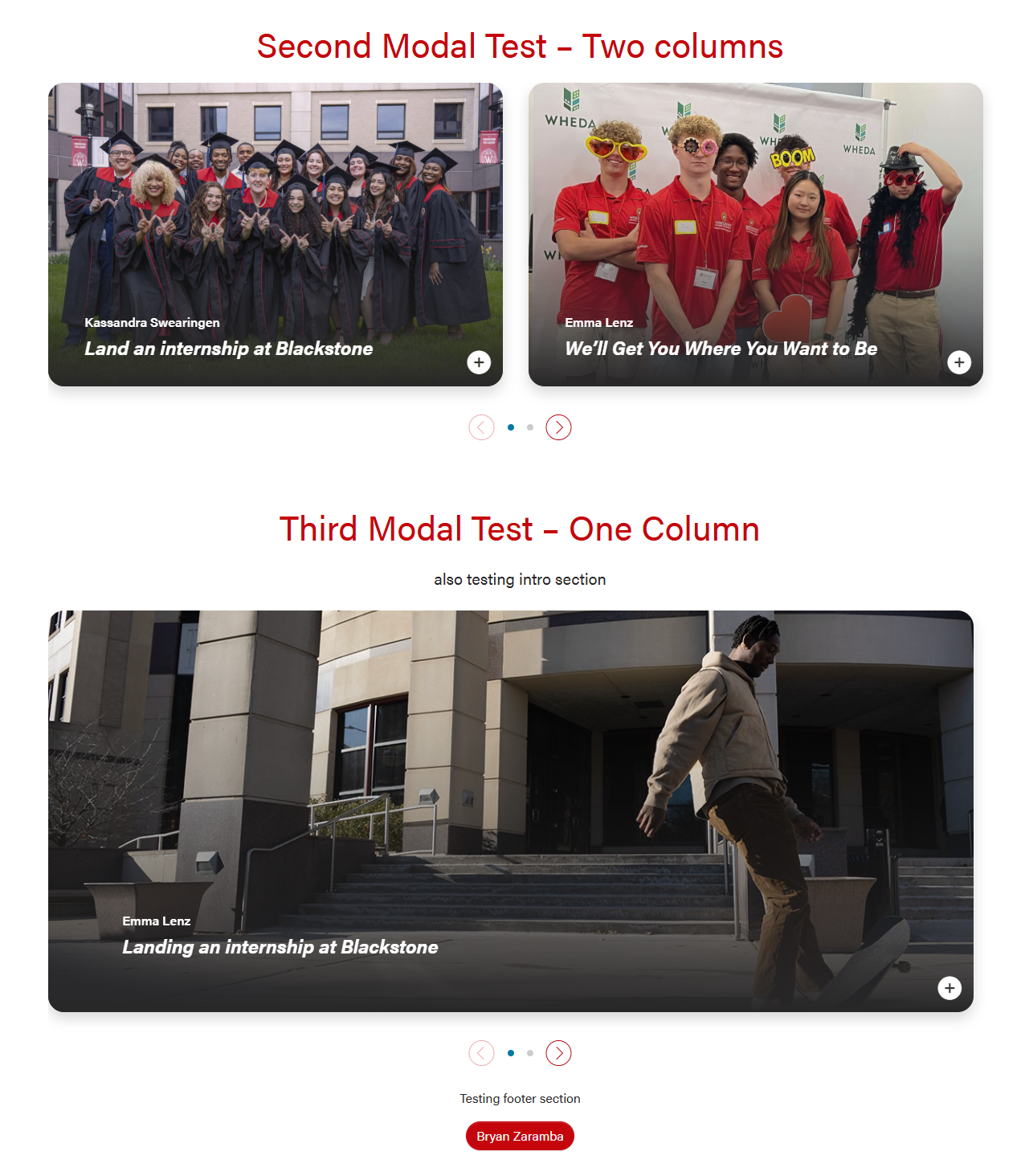
Card with full-width or circle headshot images that can open into a modal for more information. There are options for 1, 2, or 3 columns.
There is an open modal button on the lower right corner of the cards that can be a stretch link. There are two modal close buttons in the modal popups (upper right corner and bottom right corner).
| Examples of full-width and headshot modal cards and 1, 2, 3 columns | |
|---|---|
|
|
| |
Modal for full-width cards. The header will be 50/50 for desktop and tablet, and full-width for mobile.
| Modal for circle crop headshot. The layout will be the same in desktop, tablet, and mobile.
|
Limit the amount of copy in the cards, since more detail can be shown in the modal.
Modal content is added in a WYSIWYG field, so you'll need to add HTML elements with classes for styling. Copy the code below for the content you need:
Modal with pullquote, horizontal rule <hr>, and microtitle styling for last subhead |
|---|
These styles can be used on any heading level.
<h3 class="microtitle mb-3"><img class="microtitle-arrow" alt="" src="/wp-content/uploads/2024/10/Two-toned-yellow-arrow-digital-100x164-1.png" width="9" height="15" aria-hidden="true" /> Subheading</h3> |
<hr class="hr-gray my-5" /> |
Can adjust or remove margin-y "my-4" class if needed.
<figure class="wp-block-pullquote mx-0 my-4 text-start"> <p class="fs-5">add quote here</p> </figure> |
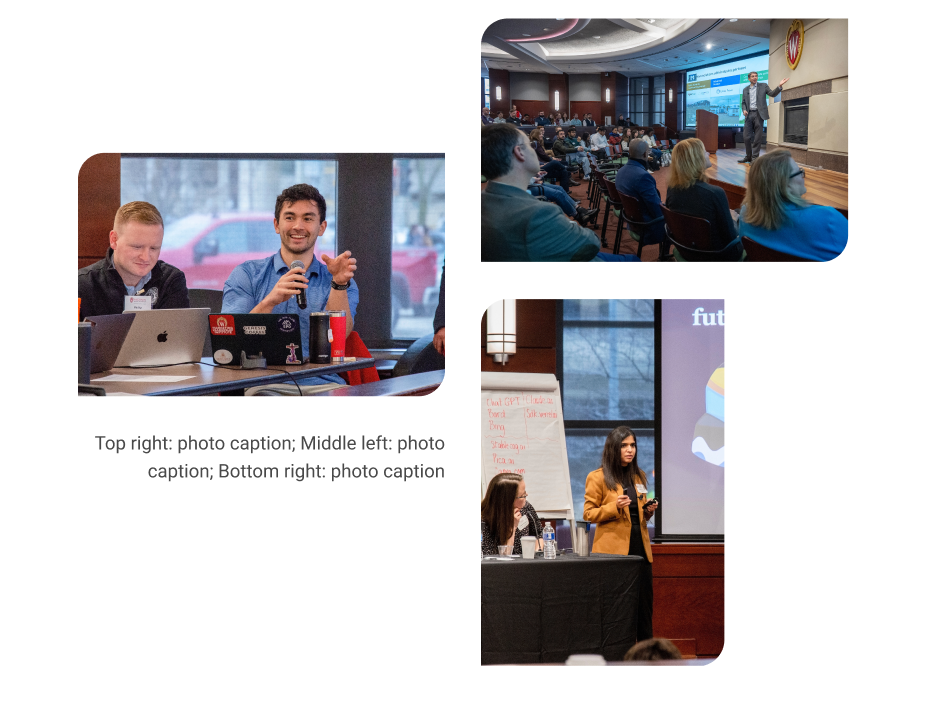
Staggered image collage
| Mixed image collage
|
|---|
<div class="acf-block-image-collage mt-5 mb-0">
	<div class="staggered-wrapper mb-0 pb-0">
		<div class="swiper-slide staggered-image-one image-one">
			<img decoding="async" class="image" src="" alt="" aria-desribedby="staggered-collage-caption">
		</div>
		<div class="swiper-slide staggered-image-two image-two">
			<img decoding="async" class="image" src="" alt="" aria-desribedby="staggered-collage-caption">
		</div>
		<div class="swiper-slide staggered-image-three image-three">
			<img decoding="async" class="image" src="" alt="" aria-desribedby="staggered-collage-caption">
		</div>
		<div class="caption" id="staggered-collage-caption">
      		<p class="mobile-caption mt-0">Mobile Caption</p>
      		<p class="desktop-caption mt-1 text-center">Desktop Caption</p>
   		</div>
 	</div>
</div> |
<div class="acf-block-image-collage mt-5 mb-0"> <div class="staggered-wrapper mb-0 pb-0"> <div class="swiper-slide staggered-image-one image-one"> <img decoding="async" class="image" src="" alt=""> </div> <div class="swiper-slide staggered-image-two image-two"> <img decoding="async" class="image" src="" alt=""> </div> <div class="swiper-slide staggered-image-three image-three"> <img decoding="async" class="image" src="" alt=""> </div> </div> </div> |
<div class="mixed-layout-collage">
   <div class="image-one">
      <img decoding="async" class="image brand-border-radius" src="" alt="" aria-desribedby="mixed-collage-caption">
   </div>
   <div class="image-two">
      <img decoding="async" class="image brand-border-radius" src="" alt="" aria-desribedby="mixed-collage-caption">
   </div>
    <div class="caption" id="mixed-collage-caption">
      <p class="mobile-caption pt-2">Mobile Caption</p>
      <p class="desktop-caption text-end">Desktop Caption</p>
   </div>
   <div class="image-three">
      <img decoding="async" class="image brand-border-radius" src="" alt="" aria-desribedby="mixed-collage-caption">
   </div>
</div> |
<div class="mixed-layout-collage">
   <div class="image-one">
      <img decoding="async" class="image brand-border-radius" src="" alt="">
   </div>
   <div class="image-two">
      <img decoding="async" class="image brand-border-radius" src="" alt="">
   </div>
   <div class="image-three">
      <img decoding="async" class="image brand-border-radius" src="" alt="">
   </div>
</div> |