Jumbotron - full width image with red box behind text
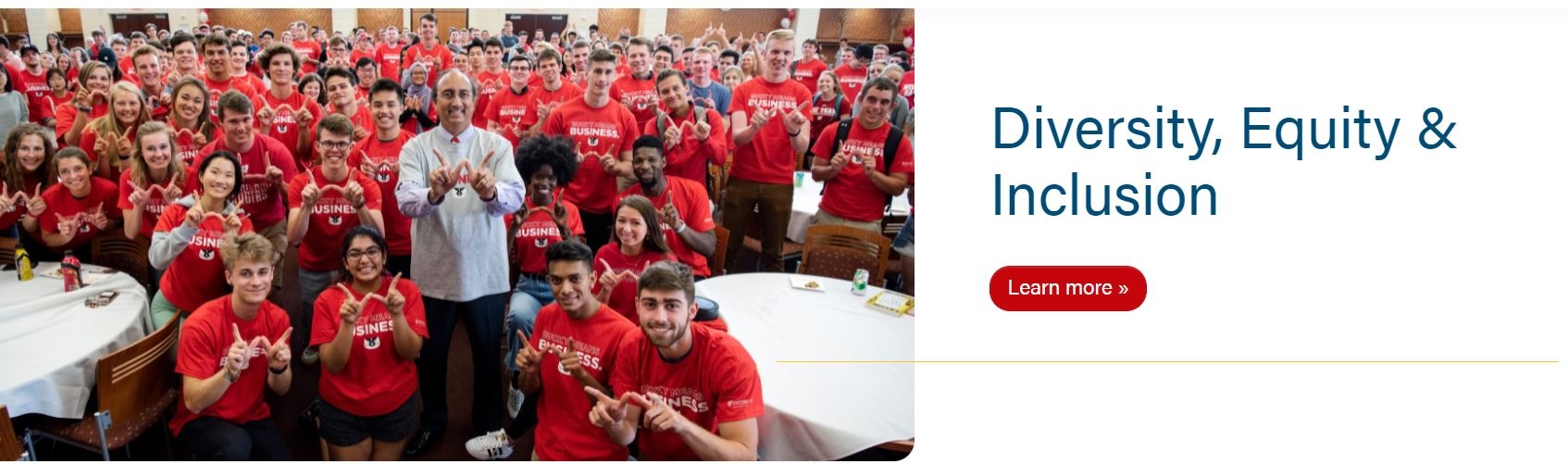
50/50 Split - image fills half the width, text is on other half
Pattern - choose one of our standard background patterns
Custom Pattern - add a custom background pattern
Video - a full width video that loops with no sound
Animated - a full width background image with animated text, coming soon: ability to add multiple images with a phrase for each; photos will loop through like a slideshow
Jumbotron - full width image with red box behind text
Randomize images? Check this box if you plan to add multiple images and you want a random one to load each time the page is loaded
Images repeater - Add a row for each image and choose your images from the media library. Be sure to add a description to each image file; this will become the caption.
Image - Choose image from the media library
Title
Copy
Link
Container alignment
50/50 Split - image fills half the width, text is on other half
Image
Title
Copy
Link
Pattern - choose one of our standard background patterns
Pattern - choose between a Gray, White, Blue or Red background
Microtitle - add a tagline or a secondary title above the H1
Example: "A People-First Focus on Business" microtitle shown below
Title
Copy
Link
Custom Pattern - add a custom background pattern
Image - add your custom pattern
Custom background images shouldn't have transparent sections as the background color will show in the transparent sections.
Bg pattern color
Add a hex color (i.e. #c5050c with hashtag included) - choose a brand color that best matches the bg image
Branded colors must be used - please see Brand Toolkit or variables.scss file for colors
Button color
The color will be for the text in the button and background color when the hover effect is active
Add a hex color (i.e. #c5050c with hashtag included) - choose a brand color that works well with the bg image, this will often be a color from the bg pattern or a darker shade of one
Branded colors must be used - please see Brand Toolkit or variables.scss file for colors
Text color
There are 3 options: default, white, and black - choose the best option for optimal contrast with the background image
default will have $red (#c5050c) H1 and $gray-800, or #494949, for the rest of the copy
white - all the copy will be white
black - all the copy will use $body-color variable, which is $gray-900 or #282728
Microtitle - add a tagline or a secondary title above the H1
Title
Copy
Link
Video - a full width video that loops with no sound
Use sparingly.
Image
Video (desktop)
Mobile video
Animated - a full width background image with animated text
Use sparingly.
As of June 2025, only use with one image and phrase. Functionality for multiple images and phrases coming soon.
Images repeater - add a row for each image
Image
Use images with the same file dimensions
Animated text
Max 40 characters
Make sure content is wrapped inside HTML tags
Default value is set to <p class="display-2">Add text here</p>
Use existing styling classes for this content
"display-#" classes to modify the font size; change "display-2" to a larger number, such as "display-4" if you want the text to be smaller
Preview on mobile to make sure text displays properly over image
Images
Make sure all images are high quality and around 2400x1200. Height can vary for these.
If there are people in the photo, make sure their faces are vertically centered. You can crop the image or request a designer's help for this.
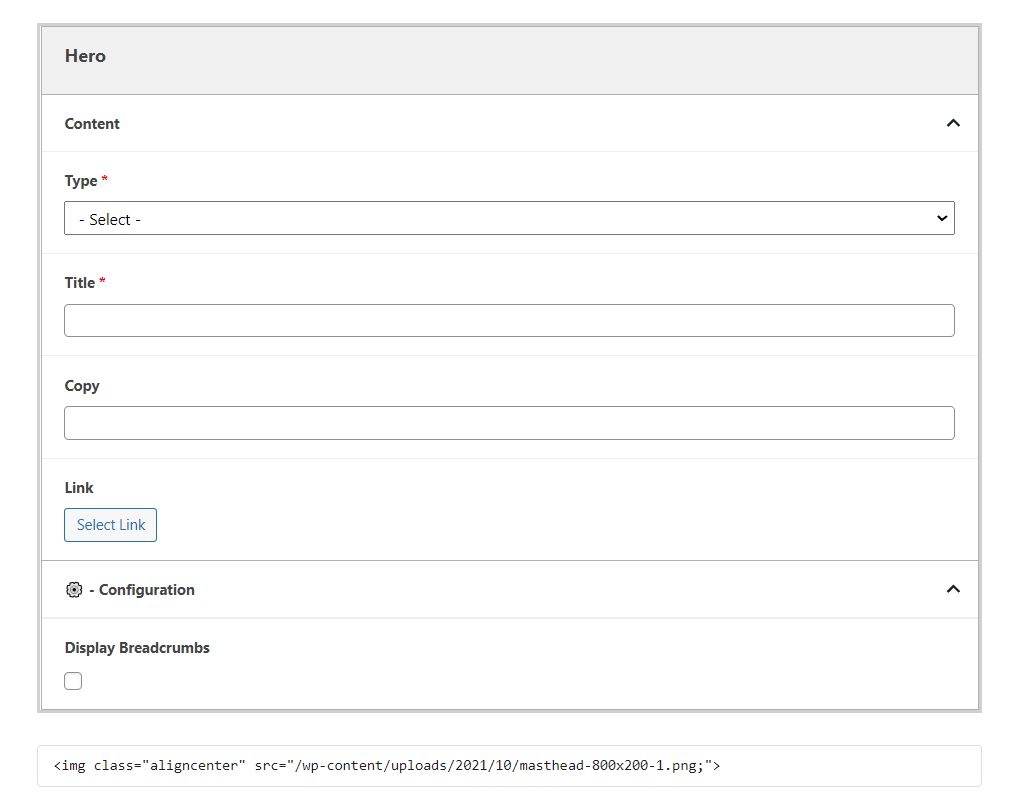
Title
Add the H1 of the page.
Note: Without a Hero, title of the page will display as a black-text H1.
Copy
Add supporting copy to introduce the page.
We typically add copy to parent pages (aka: program landing pages).
Keep copy short, 40 words max.
Link
Add a link to the hero.
Buttons are typically either application links or a link to a form to request more information about a program (aka: RFI).
Enable to display the breadcrumbs for a page.
Some parent pages with no subpages do not need to display breadcrumbs (see Inclusion and About pages for example).
Additional Notes
Even if the hero block doesn't work for a particular page, you may want to add the block with no content and check the "Hide breadcrumbs" option.
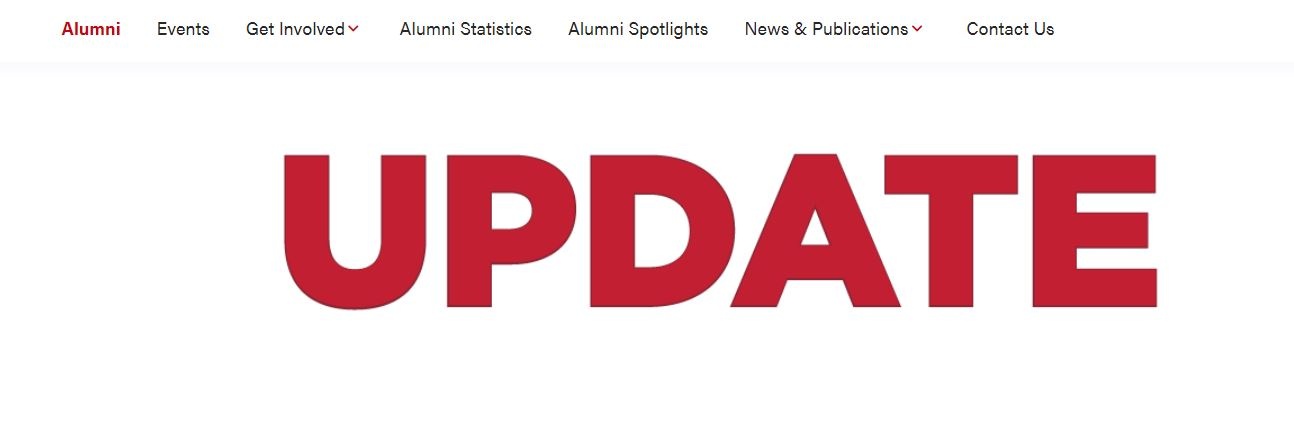
In some cases, such as for Update magazine issue landing pages, the image for the Hero doesn't work within the block. You can add the image before the Hero (in either the WordPress Image block or as HTML with the Custom HTML Wordpress widget), not select a Type, not add any Title or Copy, and disable breadcrumbs.
This will allow you to display an image as the page banner. This will also remove the black-text H1 that appears by default without a Hero on the page. See Update Fall 2020 as an example.