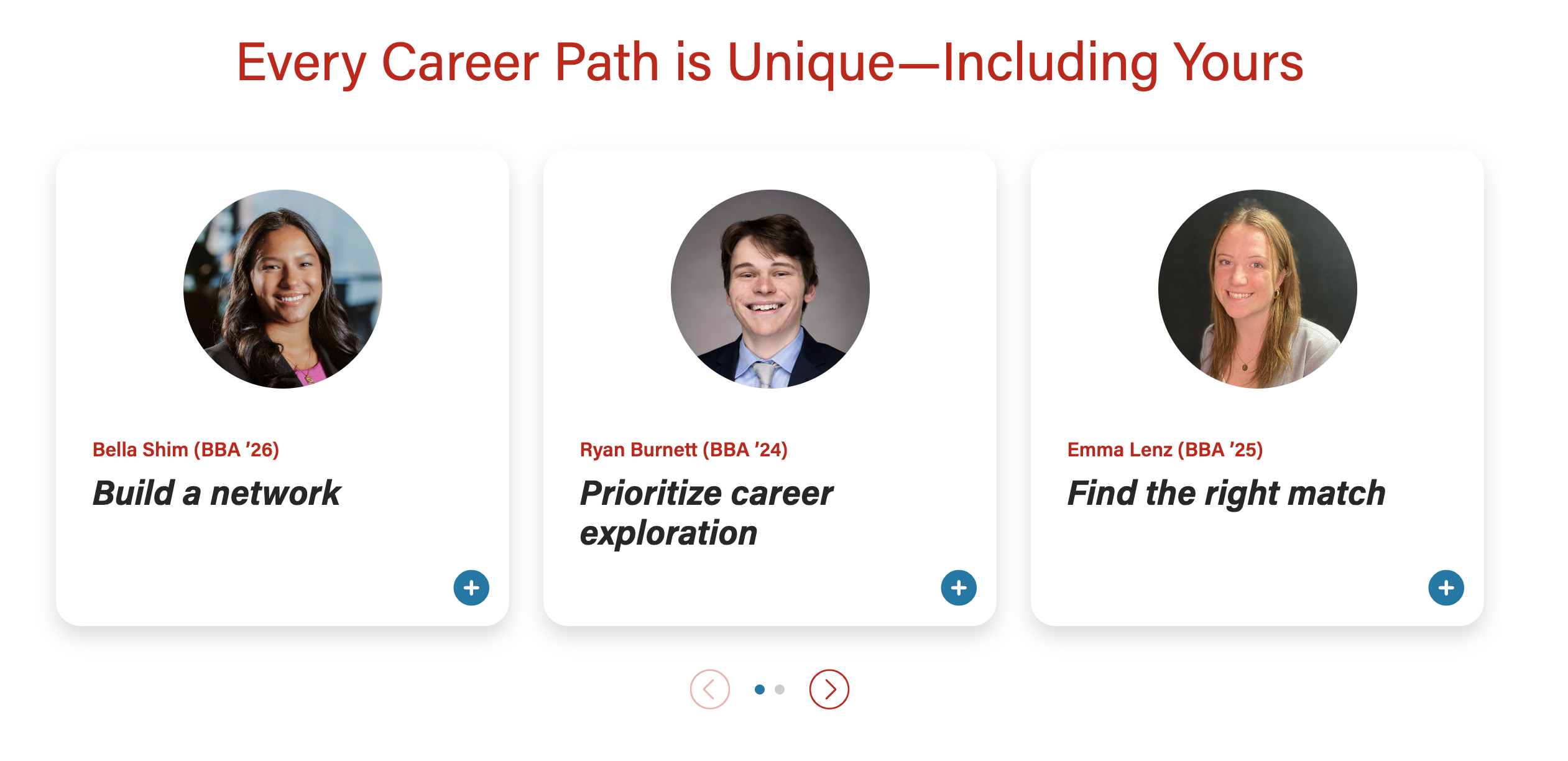
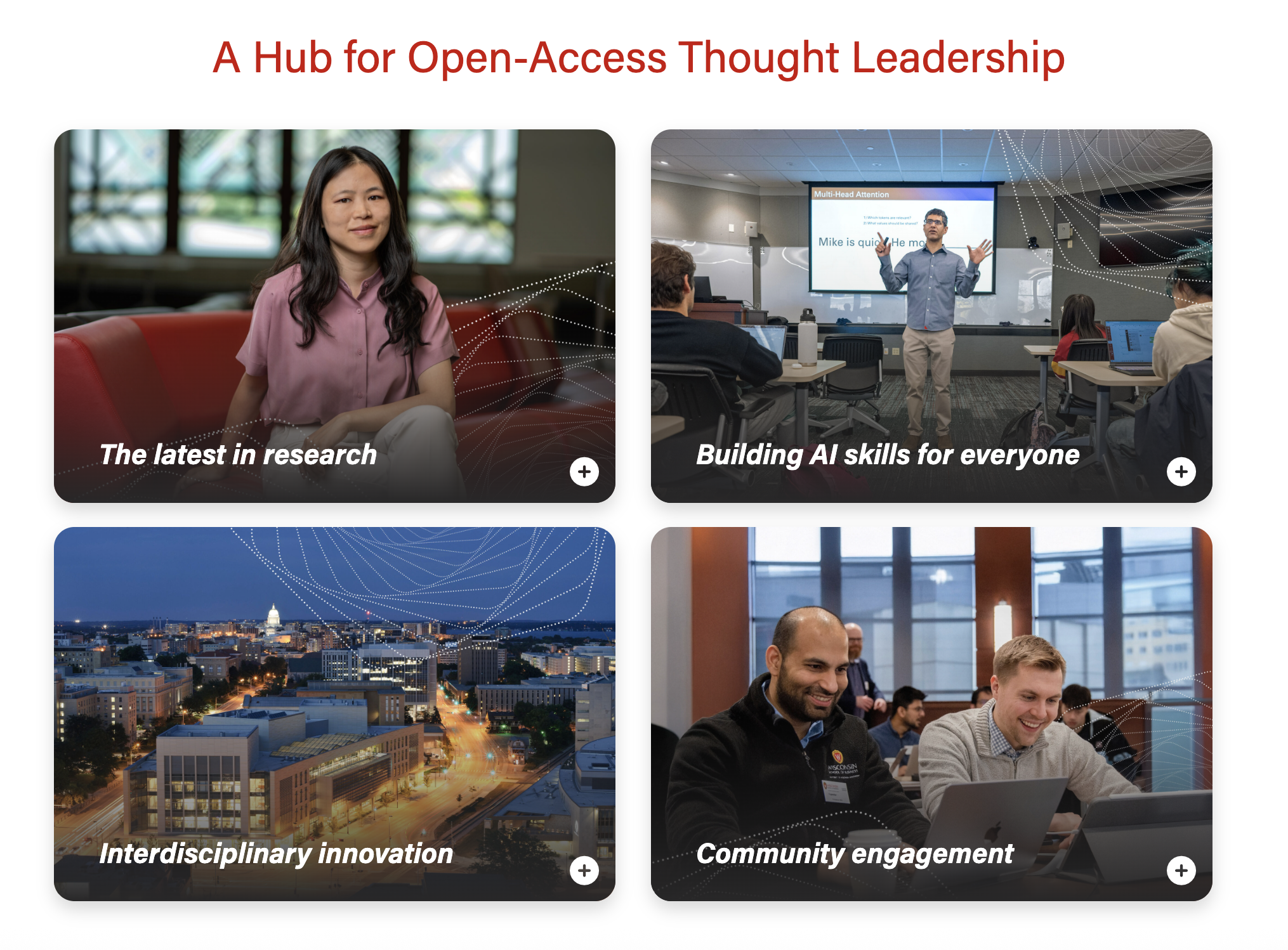
Also known as: card with popup
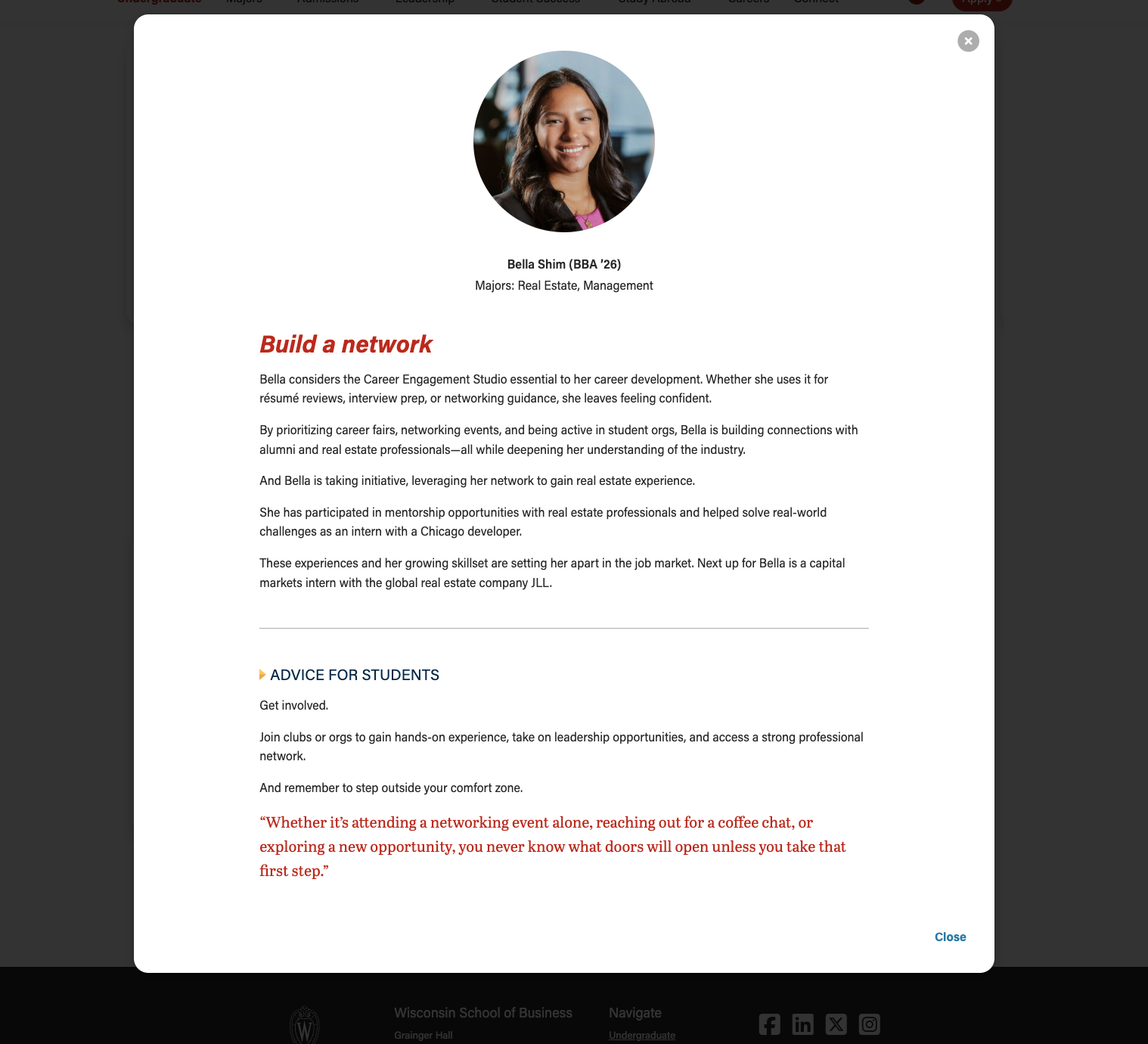
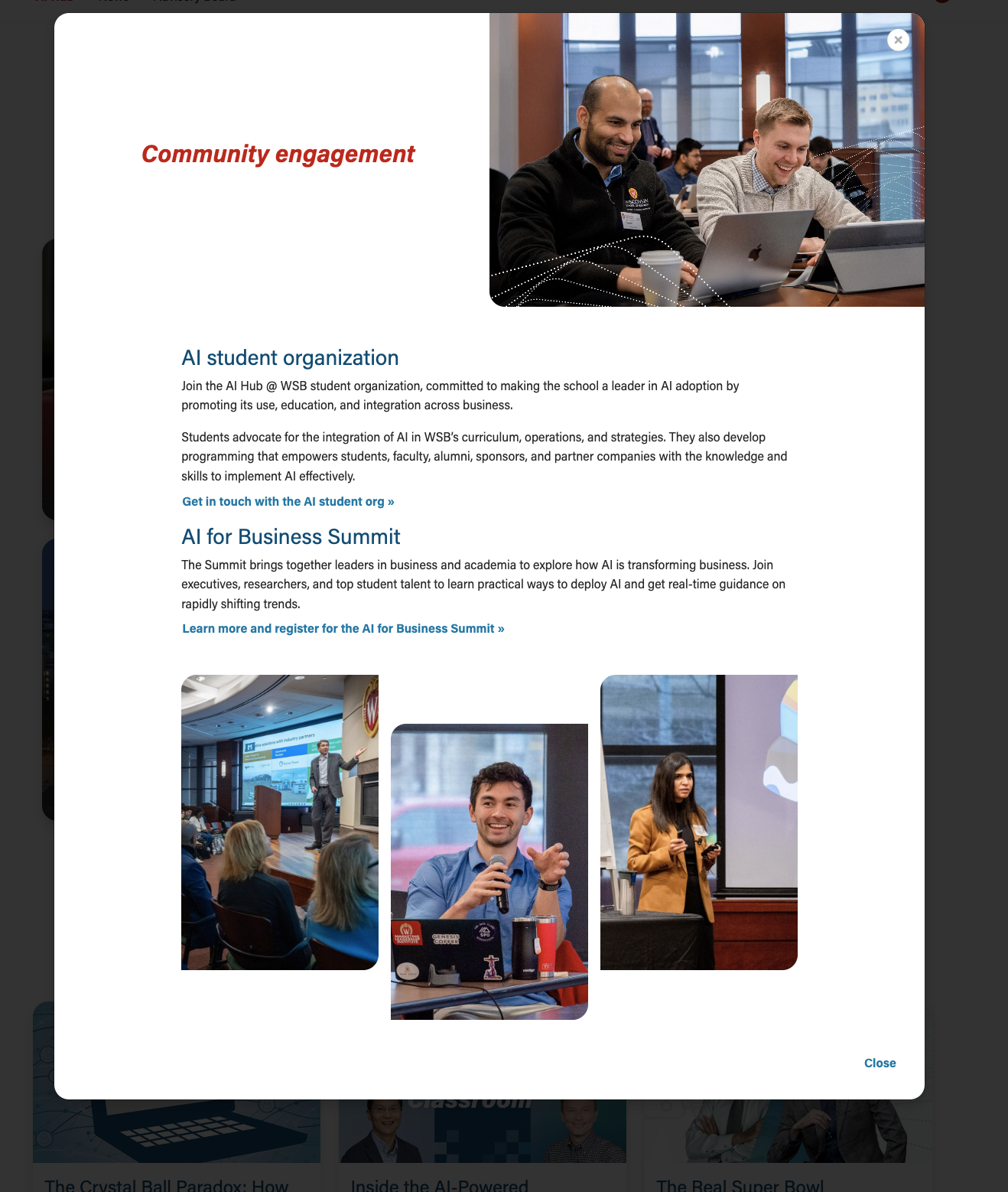
A card displaying a photo and brief teaser copy. When selected, the card opens a modal (popup) with more details about the topic or person.
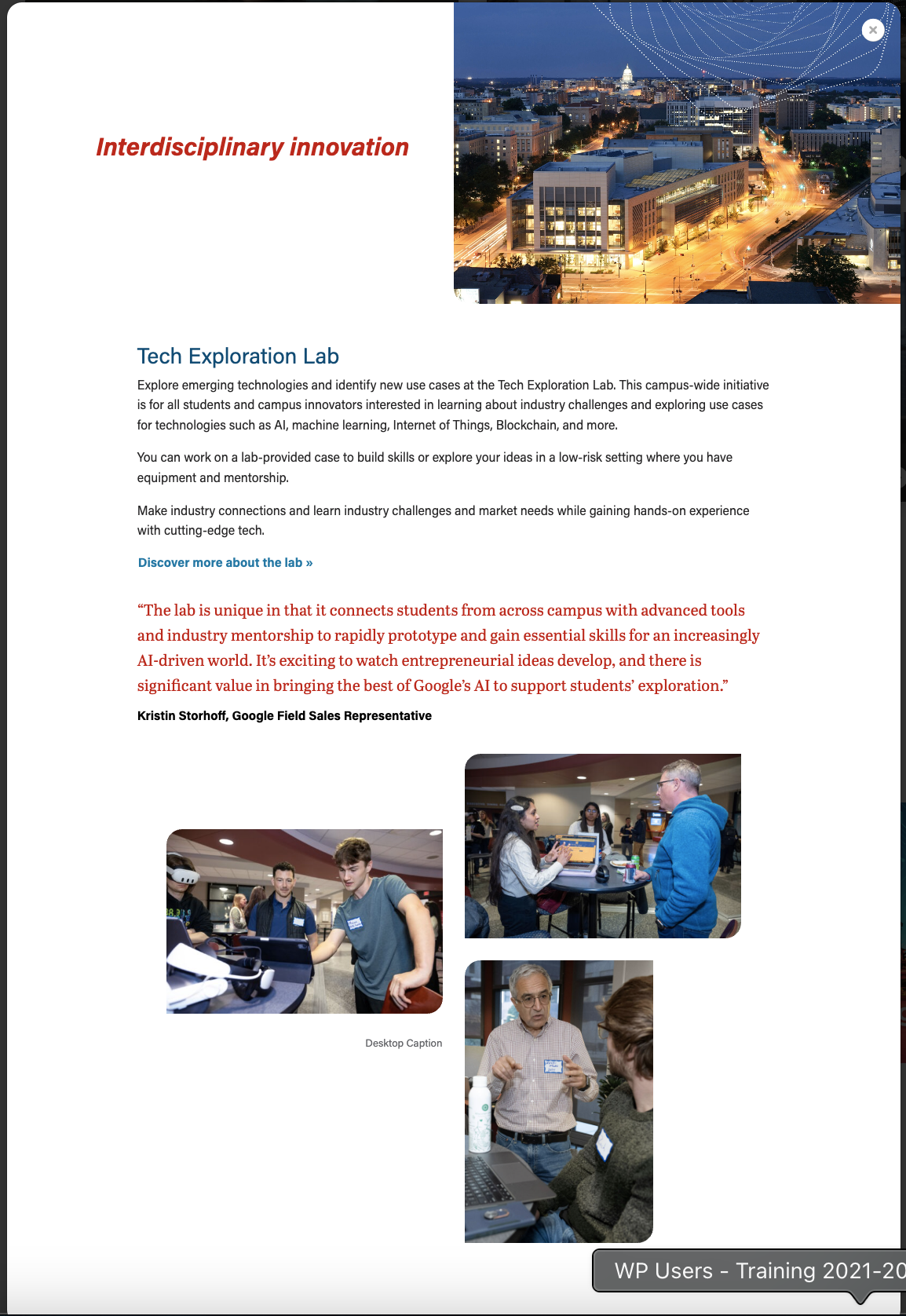
Example 1 - Modal open
| |
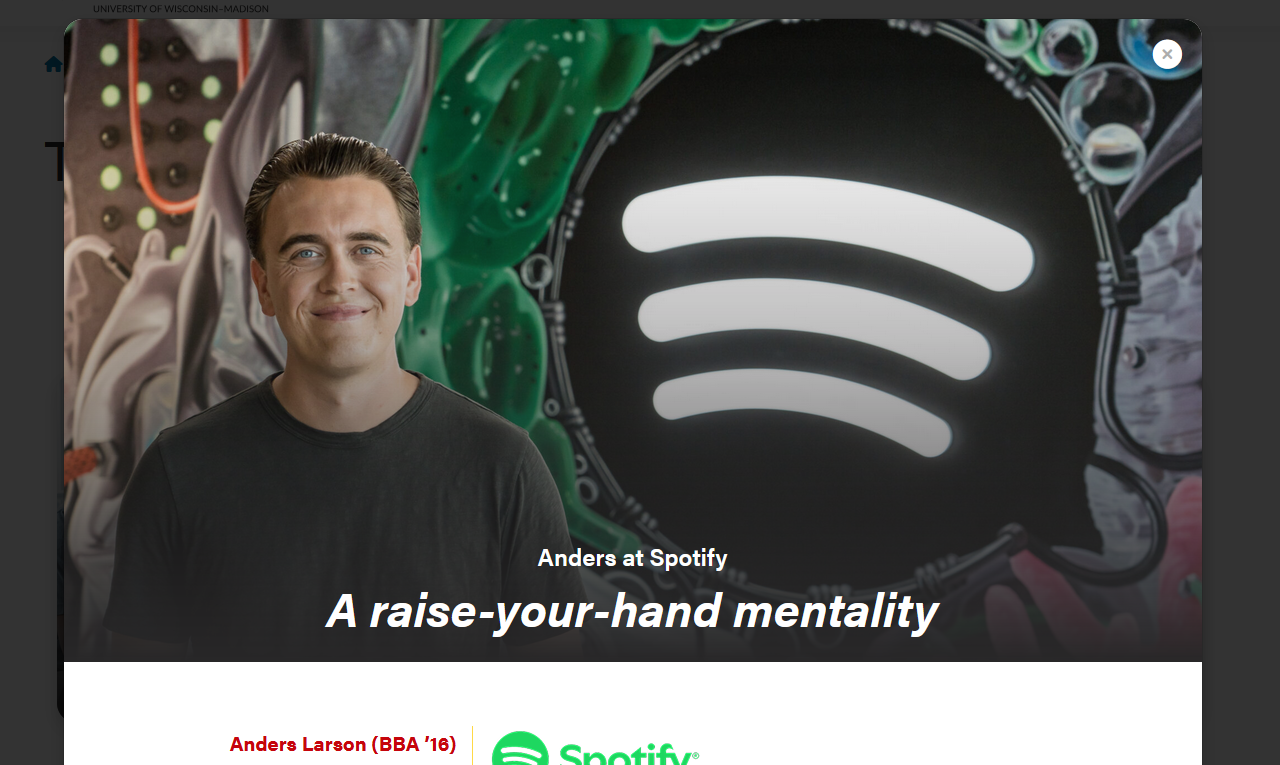
Example 2 - Modal open
|
Limit the amount of copy in the cards, since more detail will be shown in the modals.
Logo displayed next to name, title, and company
Layout created for T2L4

DEV NOTES * Where it says <img />, just use the Add Media button and add whatever photo you need. * You do not need to edit the default classes WordPress adds to the image. * Don't skip the divider element! If you forget it, the image won't appear. CODE <div class="name-title-company"> <div class="text-wrapper"> <p> <span class="name">Name</span> Title/Company Location </p> </div> <div class="divider"></div> <div class="image-wrapper"> <img /> </div> </div> |

DEV NOTES * The "image-right" class can be removed if you want the image on the left instead. * Where it says <img />, just use the Add Media button and add whatever photo you need. * You do not need to edit the default classes WordPress adds to the image. * Make sure to include <p> tags around any text. * Add the "modal-quote" class if you want quote styling like in the photo above: <p class="modal-quote"> CODE <div class="modal-image-text image-right"> <div class="image-wrapper"> <img /> </div> <div class="text-wrapper"> <p>Text Here.</p> <p>Second paragraph.</p> </div> </div> |
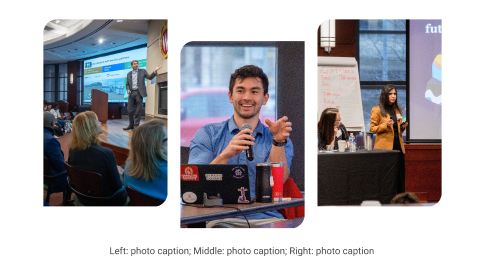
Within modal
|
DEV NOTES
* Images two and three are hidden for mobile screens.
* Can use a single caption for all three images for desktop. The mobile caption should just be for image one, since the others are not visible at that point.

CODE - WITH CAPTION
	<div class="staggered-wrapper mt-5">
		<div class="staggered-image-one image-one">
			<img decoding="async" class="image" src="" alt="" aria-describedby="staggered-collage-caption">
		</div>
		<div class="staggered-image-two image-two">
			<img decoding="async" class="image" src="" alt="" aria-describedby="staggered-collage-caption">
		</div>
		<div class="staggered-image-three image-three">
			<img decoding="async" class="image" src="" alt="" aria-describedby="staggered-collage-caption">
		</div>
		<div class="caption" id="staggered-collage-caption">
      		<p class="mobile-caption mt-0">Mobile Caption</p>
      		<p class="desktop-caption mt-1 text-center">Desktop Caption</p>
   		</div>
 	</div>


CODE - NO CAPTION
	<div class="staggered-wrapper mt-5 mb-0 pb-0">
		<div class="staggered-image-one image-one">
			<img decoding="async" class="image" src="" alt="">
		</div>
		<div class="staggered-image-two image-two">
			<img decoding="async" class="image" src="" alt="">
		</div>
		<div class="staggered-image-three image-three">
			<img decoding="async" class="image" src="" alt="">
		</div>
</div> |
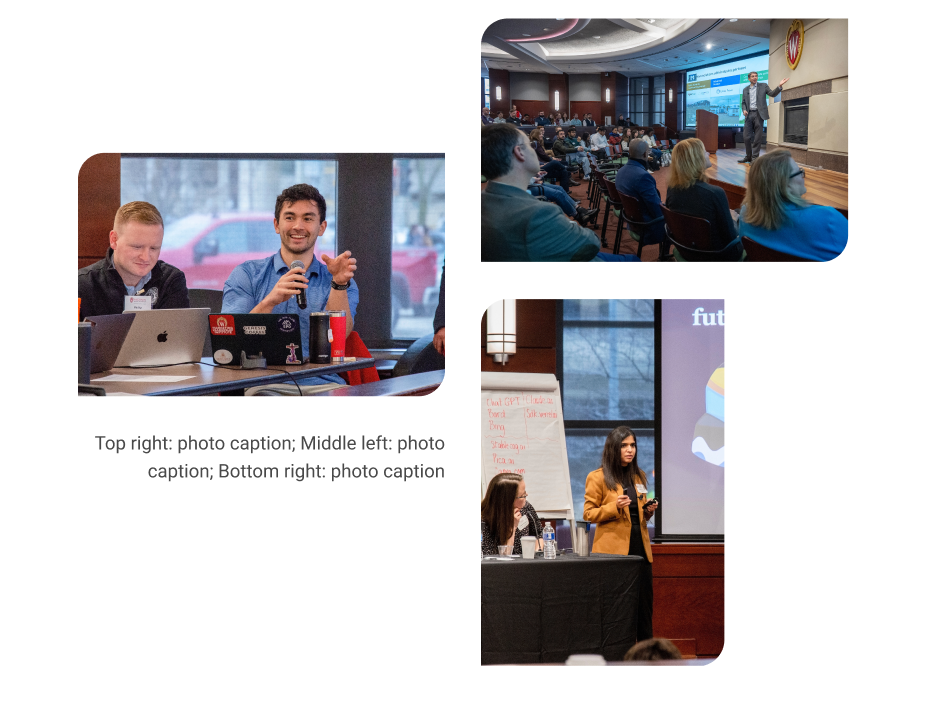
Detailed view
| Within modal
|
DEV NOTES
* Image one and two must be horizontal, image three vertical
* Image two and three are hidden for mobile screens.
* Can use a single caption for all three images for desktop. The mobile caption should just be for image one, since the others are not visible at that point.

CODE - WITH CAPTION
<div class="mixed-layout-collage">
   <div class="image-one">
      <img decoding="async" class="image brand-border-radius" src="" alt="" aria-describedby="mixed-collage-caption">
   </div>
   <div class="image-two">
      <img decoding="async" class="image brand-border-radius" src="" alt="" aria-describedby="mixed-collage-caption">
   </div>
    <div class="caption" id="mixed-collage-caption">
      <p class="mobile-caption pt-2">Mobile Caption</p>
      <p class="desktop-caption text-end">Desktop Caption</p>
   </div>
   <div class="image-three">
      <img decoding="async" class="image brand-border-radius" src="" alt="" aria-describedby="mixed-collage-caption">
   </div>
</div>

CODE - NO CAPTION
<div class="mixed-layout-collage">
   <div class="image-one">
      <img decoding="async" class="image brand-border-radius" src="" alt="">
   </div>
   <div class="image-two">
      <img decoding="async" class="image brand-border-radius" src="" alt="">
   </div>
   <div class="image-three">
      <img decoding="async" class="image brand-border-radius" src="" alt="">
   </div>
</div> |
Stacked
| Swiper
|
50/50 modal header image
| Full-width modal header image – text sits on the image, with a dark gradient overlay for contrast.
|
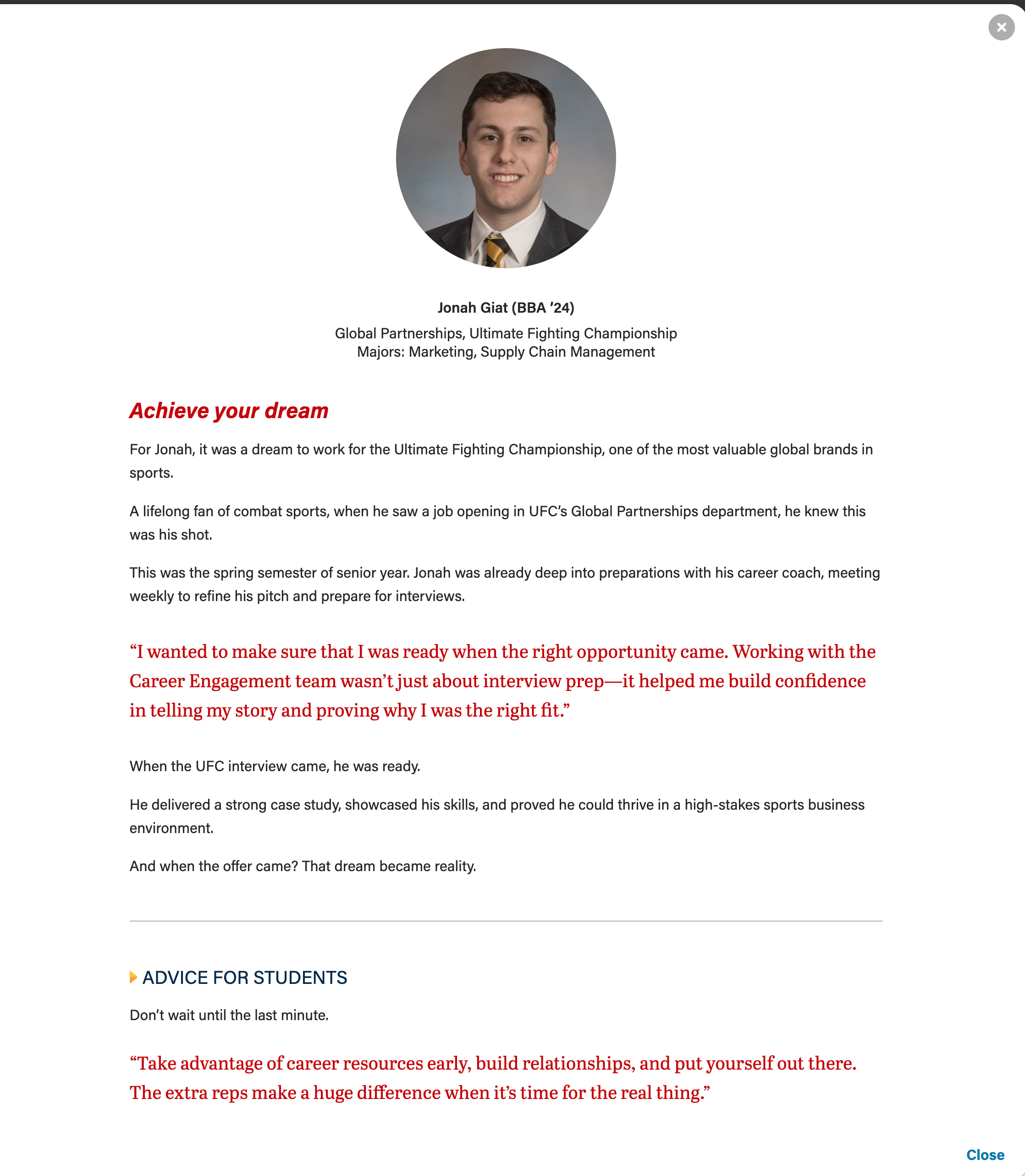
Pullquote
* Can adjust or remove "my-4" class if needed. Author and cite elements are optional.

<figure class="wsb-pullquote mx-0 my-4">
    <p class="quote">add quote here</p>
    <p class="author"><cite> add speaker name here</cite></p>
</figure>


Horizontal rule
* Removing "hr-gray" will make the line yellow instead.

<hr class="hr-gray my-5" />


Microtitle style for subheads (with yellow triangle)
* These styles can be used on any heading level.

<h3 class="microtitle mb-3"><img class="microtitle-arrow" alt="" src="/wp-content/uploads/2024/10/Two-toned-yellow-arrow-digital-100x164-1.png" width="9" height="15" aria-hidden="true" /> Subheading</h3> |
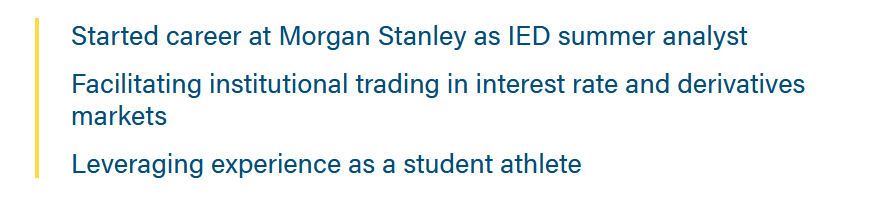
Career Points * Add the "career-points" class to any ul to get this styling. <ul class="career-points"> <li>Point 1</li> <li>Point 2</li> <li>Point 3</li> </ul> |

Lazy Load YT Video
* Requires adding 2 HTML code blocks (one for styles and one for JavaScript) to the page
* To generate the video code to add to the modal WYSIWYG, you will need to add the YT video, video name, cover image (if needed), and any other features to a lazy load YT block on a test page. Then view that page's source (or inspect it) and copy the block's code to paste in the modal.

CSS (place above card modal block, in an HTML block)

<style>
 /***********
  CSS for Video in Card Modal
  ************/
  .wp-block-embed__wrapper {
    position: relative;
  }

  .title-text-youtube-background {
    z-index: 21;
    position: absolute;
    background-image: linear-gradient(rgb(40,39,40),rgba(40,39,40,0.8),rgba(40,39,40,0.6),rgba(40,39,40,0.3),rgba(40,39,40,0.1), transparent);
    top: 0;
    width: 100%;
    height: 20%;
  }

  .title-text-youtube {
    z-index: 22;
    position: absolute;
    top: 7%;
    left: 7%;
    width: 98%;
    color: #fff;
    text-shadow: 0.5px 0.5px #646569;
    transform: translate(-5%,-5%);
  }

  figure {
    cursor: pointer;
  }


  @media only screen and (min-width: 992px) {
    .title-text-youtube {
      font-size: 1.125rem;
    }
  }

  @media only screen and (max-width: 767px) {
    .mobile-img-display-none {
      display: none;
    }
    .title-text-youtube {
      font-size: .8333rem;
      line-height: 1;
      top: 10%;
    }

    .title-text-youtube-background {
      height: 30%;
    }
  }

//adds visible tabbing to the play button instead of the <a> surrounding it.
#videoButton {
  display: block;

  &:focus {
    outline: none;
  }

  &:focus-visible .brand-play-button {
    border: 2px solid #272827;
    border-radius: 1.25rem;
  }
}
  // play buttons
  .brand-play-button {
      z-index: 21;
      position: absolute;
      top: 50%;
      left: 50%;
      width: 30%;
      max-width: 170px;
      transform: translate(-50%, -50%);
      -webkit-transition: -webkit-filter 0.3s ease;
      transition: -webkit-filter 0.3s ease;
      -o-transition: filter 0.3s ease;
      transition: filter 0.3s ease;
      transition: filter 0.3s ease, -webkit-filter 0.3s ease;
      cursor: pointer;

      &:hover {
        -webkit-filter: brightness(.8);
        filter: brightness(.8);
      }
  }

  .lightButton {
    .st0 {
      fill: #fff;
    }
    .st1 {
      fill: #f2f2f2;
    }
    .st2 {
      opacity: 0.3;
      fill: #adadad;
    }
    .st3 {
      fill:none;
      stroke: #fff;
      stroke-width: 11.6965;
      stroke-miterlimit: 10;
    }

    .brand-play-button:hover {
      -webkit-filter: brightness(.85);
      filter: brightness(.85);
    }
  }
</style>


CODE FOR MODAL (place inside card modal WYSIWYG field)

<div class="youtube-lazy-load">
					<figure id="figurejibiBTbpDrQ" class="wp-block-embed is-type-video is-provider-youtube wp-block-embed-youtube wp-embed-aspect-16-9">
						<div class="wp-block-embed__wrapper">
							<div tabindex = "0" id="videojibiBTbpDrQ" class="youtube" data-embed="jibiBTbpDrQ" aria-label="Play video - Bob Batt | Improving Health Care Operations and Outcomes | Wisconsin School of Business">
								<div class="title-text-youtube-background"><p class="title-text-youtube" id="titlejibiBTbpDrQ">Bob Batt | Improving Health Care Operations and Outcomes | Wisconsin School of Business</p></div><svg class="brand-play-button lightButton" alt="play button icon" aria-labelledby="titlejibiBTbpDrQ" version="1.1" id="videoButton" xmlns="http://www.w3.org/2000/svg" xmlns:xlink="http://www.w3.org/1999/xlink" x="0px" y="0px" viewBox="0 0 500 500" xml:space="preserve"><g><circle class="st2" cx="249.9655" cy="249.2184" r="237.931"></circle><g><polygon class="st0" points="190.4828,136.6834 190.4828,249.2184 358.1911,249.2184 "></polygon><polygon class="st1" points="190.4828,361.7533 190.4828,249.2184 358.1911,249.2184 "></polygon></g><circle class="st3" cx="249.9655" cy="249.2184" r="237.931"></circle></g></svg></div></div></figure></div>


JAVASCRIPT (place below card modal block, in an HTML block)
<script>
 // JS for Video in Card Modal
    let modalWithVideo = document.getElementById("Modal-2-block_7faf3c3dfcd424a179de872fc2b1f9fe");

		// loads youtube api
		var tag = document.createElement('script');
		tag.src = "https://www.youtube.com/iframe_api";
		var firstScriptTag = document.getElementsByTagName('script')[0];
		firstScriptTag.parentNode.insertBefore(tag, firstScriptTag);
		let lazyPlayerjibiBTbpDrQ = null;

		var youtube = document.getElementById("videojibiBTbpDrQ")

		//replaces placeholder div with YouTube thumbnail or image override
		var source ="https://business.wisc.edu/wp-content/uploads/2024/08/Bob_T2L3-Thumbnails_Directory.jpg"
		var image = new Image();
		image.src = source;
		image.alt = "Youtube Thumbnail for Bob Batt | Improving Health Care Operations and Outcomes | Wisconsin School of Business"; //Tells screenreaders that the image is labelled by the title of video
		youtube.appendChild( image );

		youtube.addEventListener( "click", replacevideo  );
		youtube.addEventListener( "keyup", replacevideo  );
		function replacevideo(e) {
			if (e.type == "click" || e.key === 'Enter' || e.key === ' ') {
				// Added to remove extra space above video
				var element = document.getElementById("figurejibiBTbpDrQ");
				element.classList.add("wp-has-aspect-ratio");

				//creates iframe
				var iframe = document.createElement( "iframe" );
				iframe.setAttribute( "frameborder", "0" );
				iframe.setAttribute( "allowfullscreen", "" );
				iframe.setAttribute( "src", "https://www.youtube.com/embed/"+ this.dataset.embed +"?rel=0&showinfo=0&autoplay=1" );
				var dataEmbed= this.dataset.embed;
				this.innerHTML = "";
				this.appendChild( iframe );


				var videoId=this.id;
				var player = new YT.Player(videoId, {
					height: '390',
					width: '640',
					videoId: dataEmbed,
					playerVars: {
						'playsinline': 1,
						'rel': 0  // related videos are from same YT channel
					},
					events: {
						'onReady': onLazyPlayerReady,
					}
				});

			}
		}

		function onLazyPlayerReady(event) {
		//plays video upon load
			lazyPlayerjibiBTbpDrQ = event.target;
			lazyPlayerjibiBTbpDrQ.playVideo();
		}

modalWithVideo.addEventListener('hidden.bs.modal', function (event) {
      lazyPlayerjibiBTbpDrQ.pauseVideo();
});

</script>
|
Remind writer/strategist to limit the amount of copy in the cards, since more detail can be shown in the modal. This is especially true for the full-width photo layout, since we don't want the copy to wrap and be so tall it covers faces in the card photos.