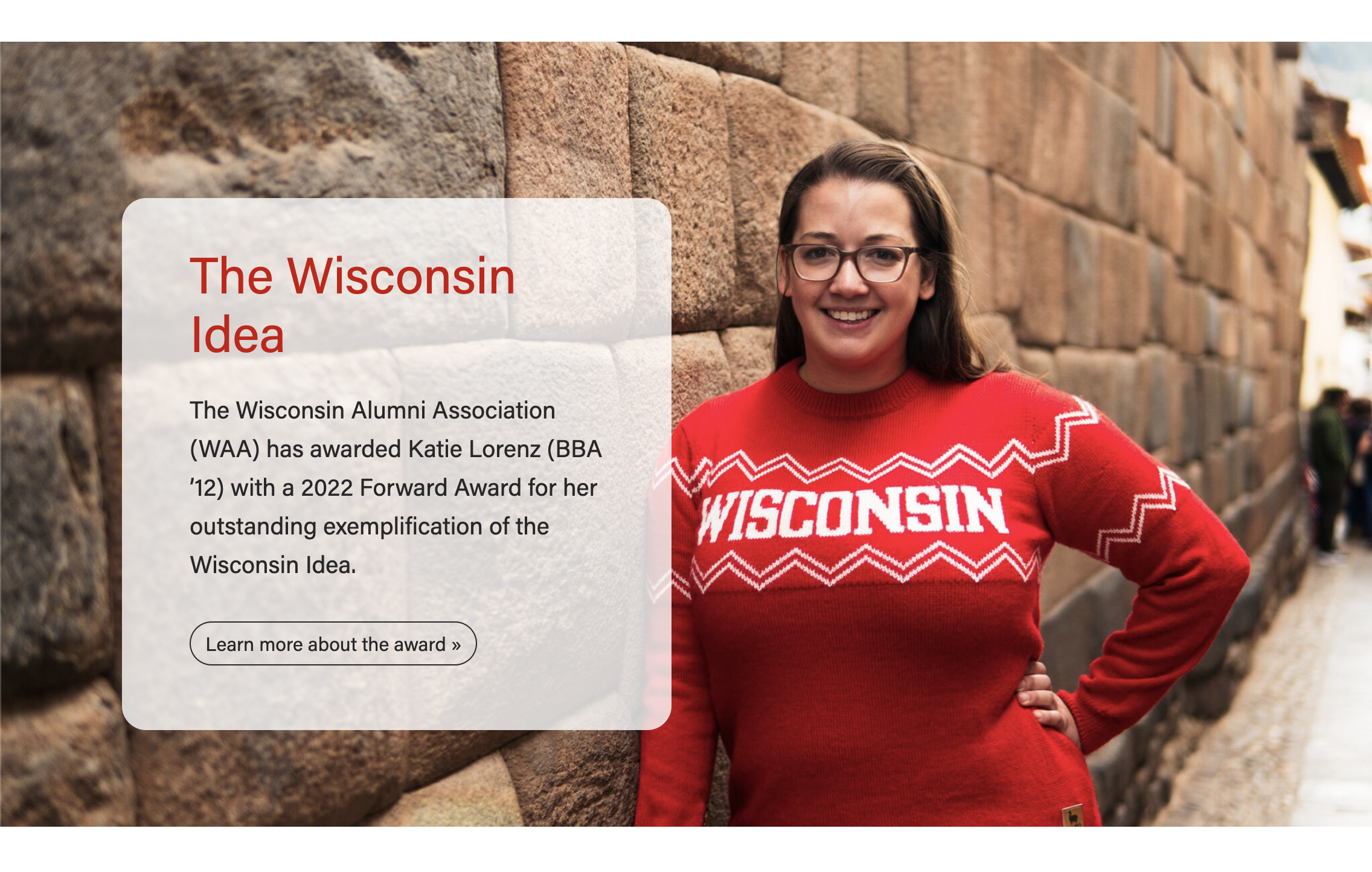
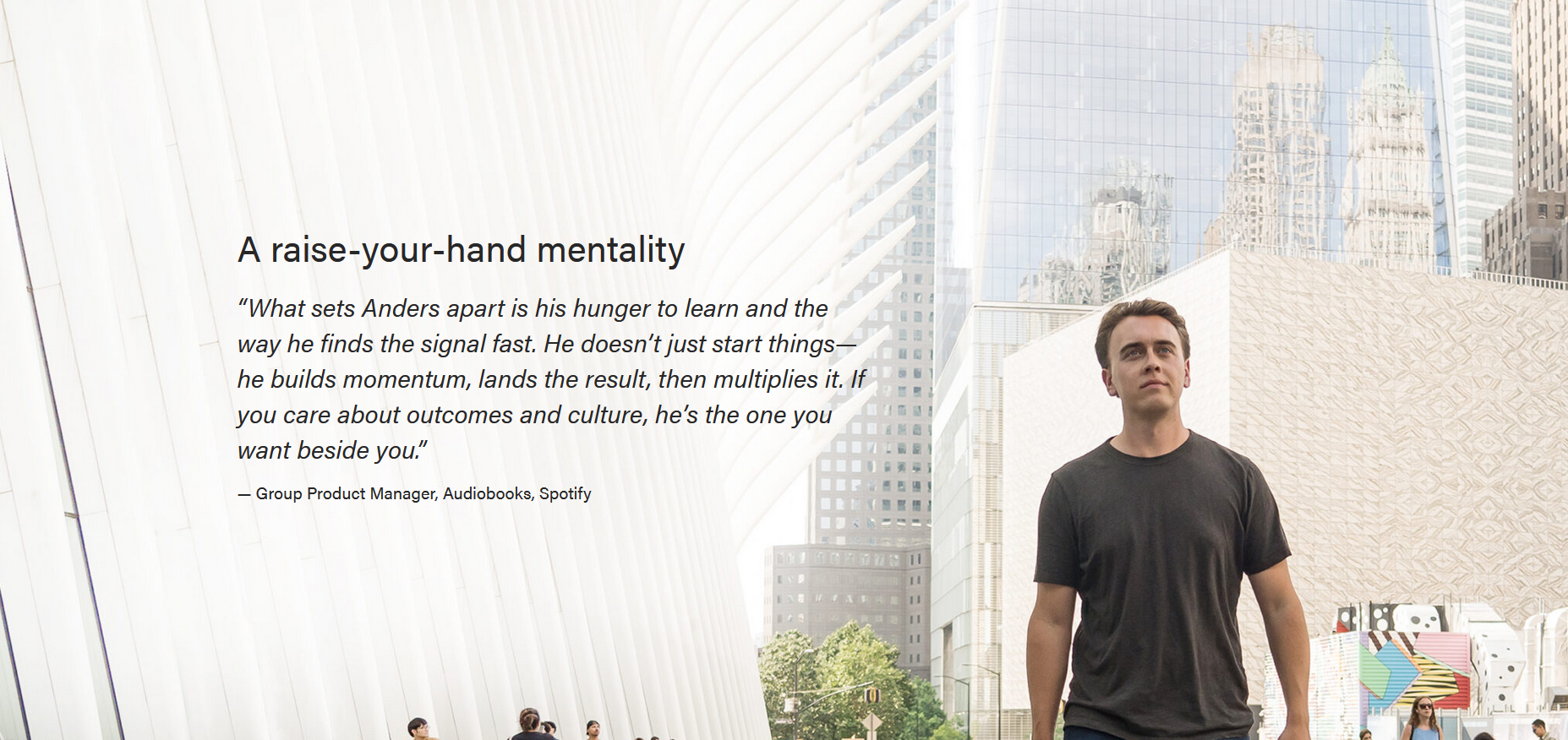
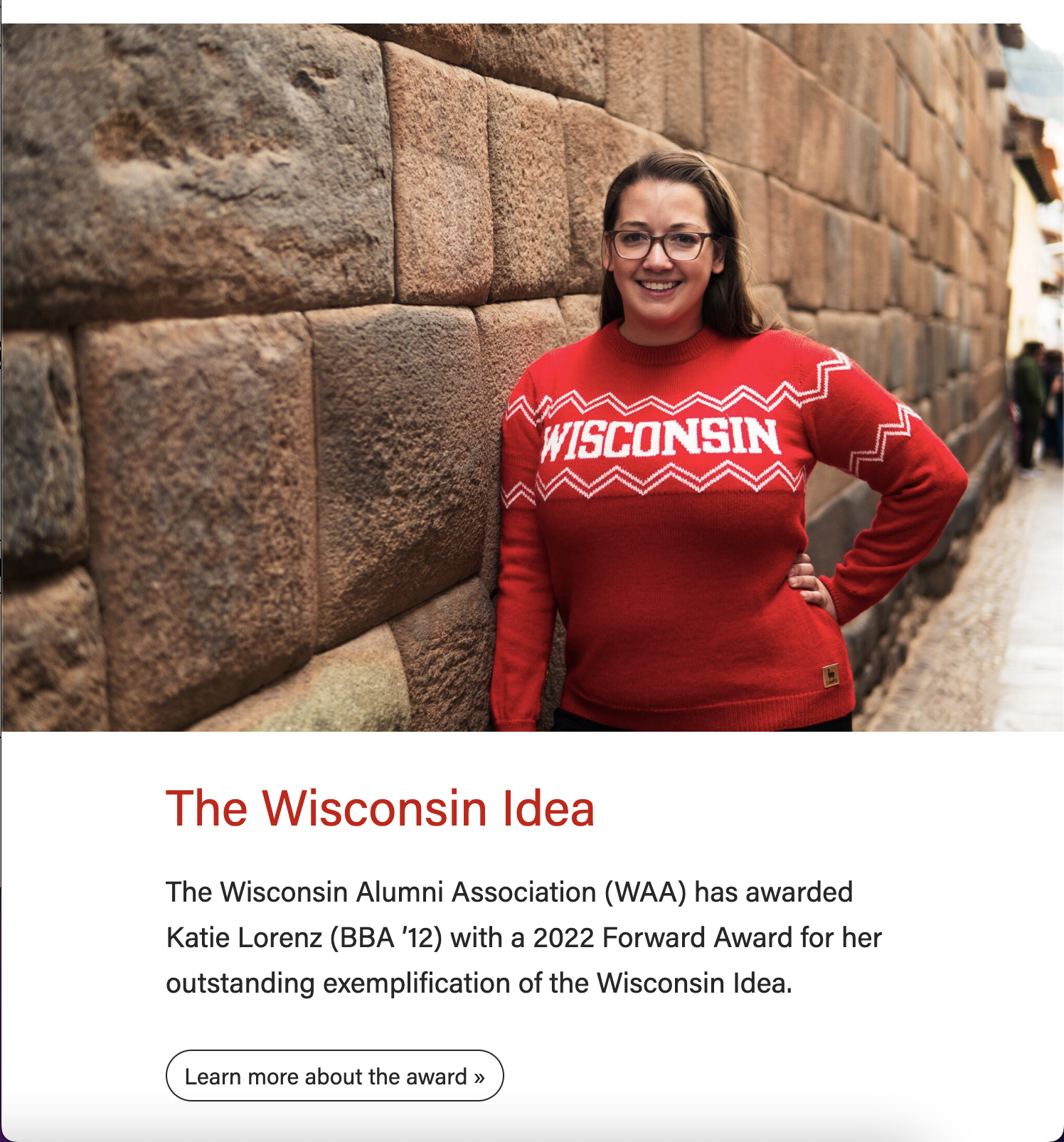
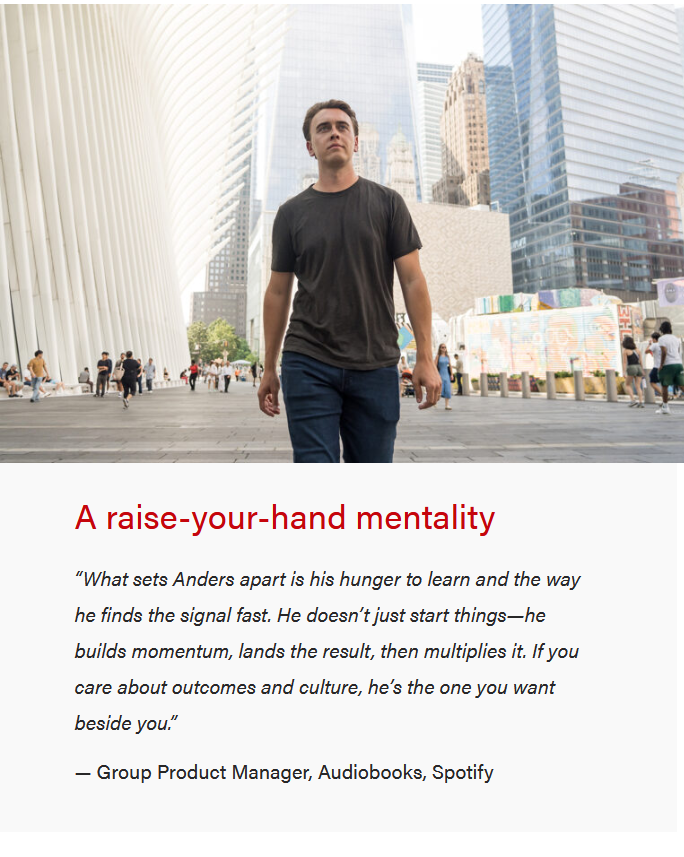
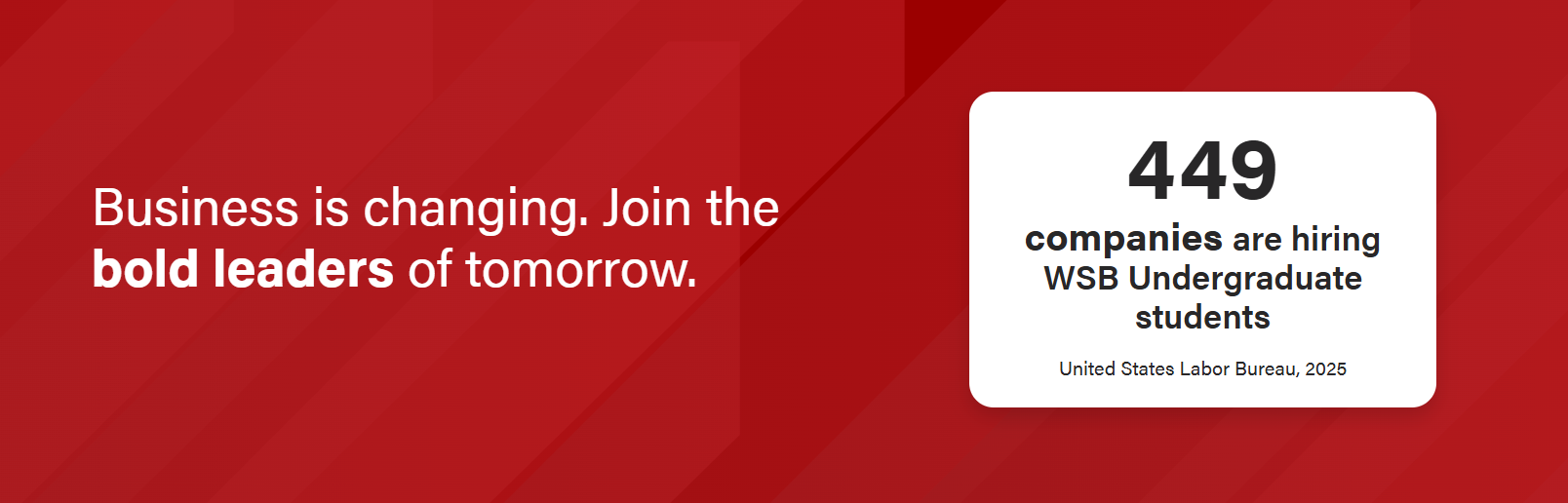
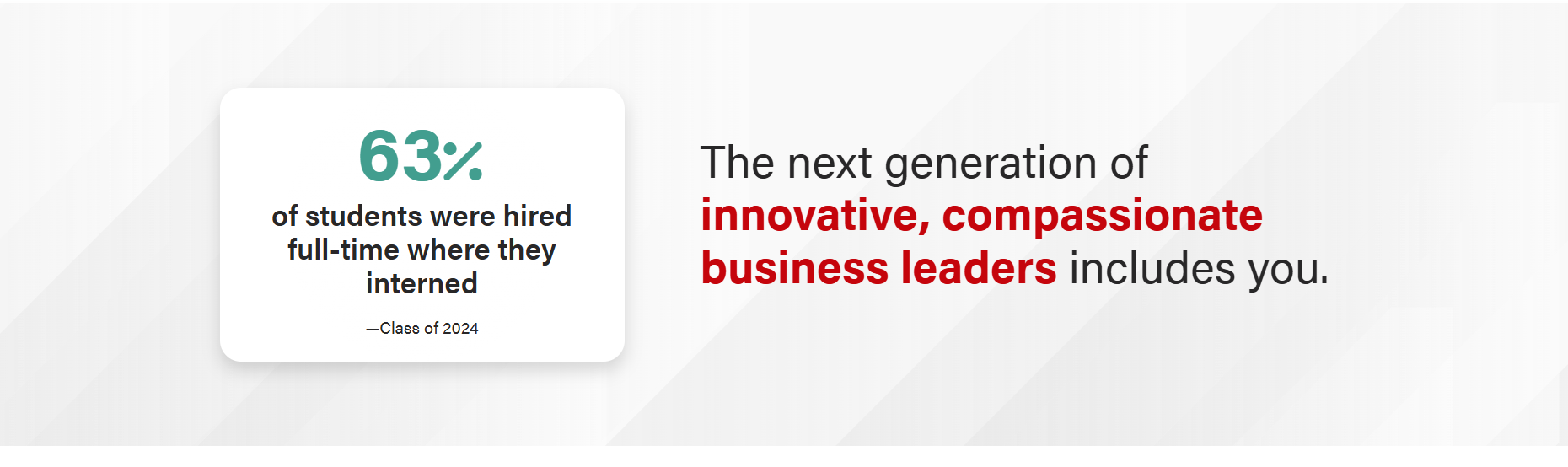
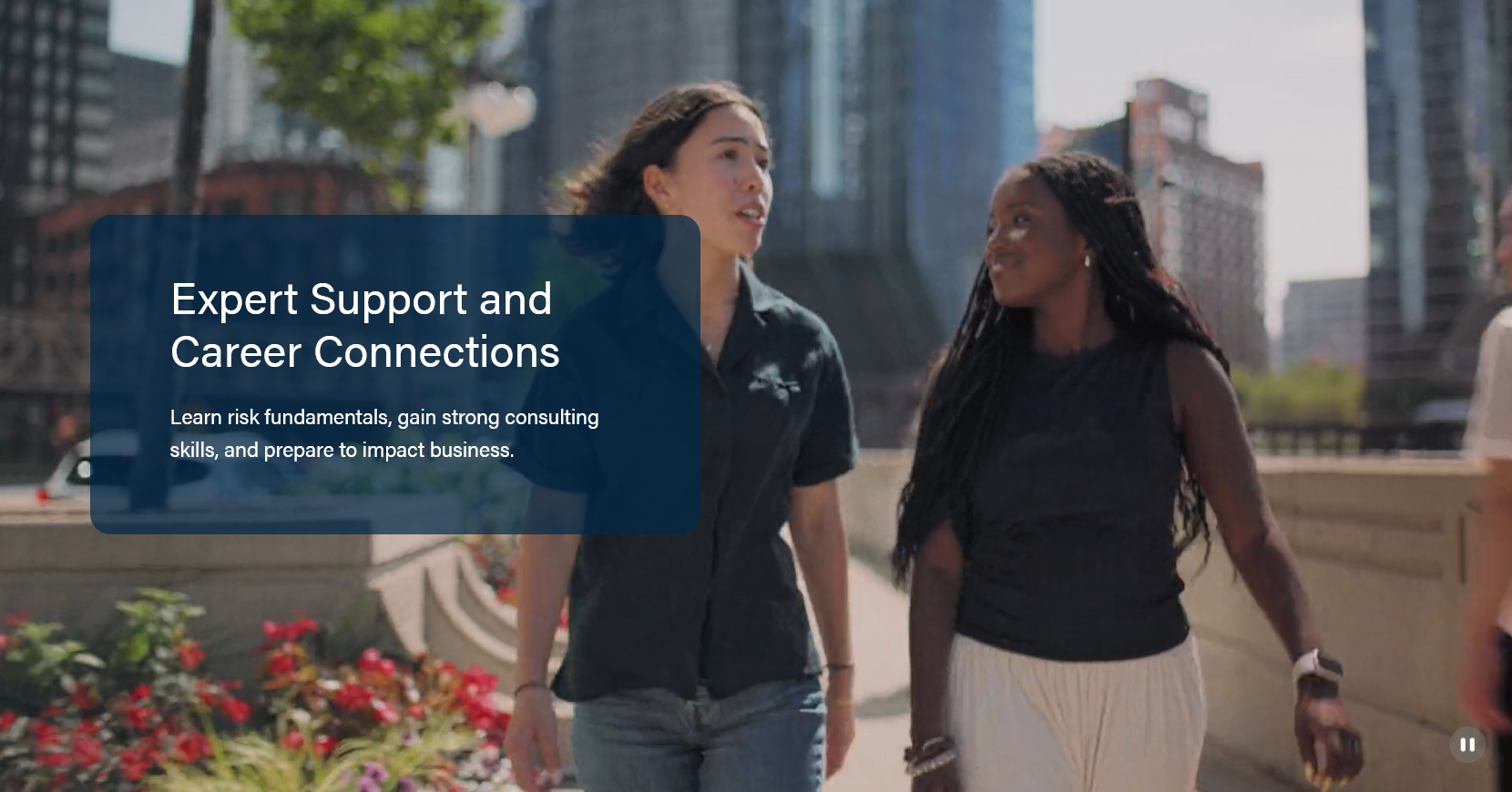
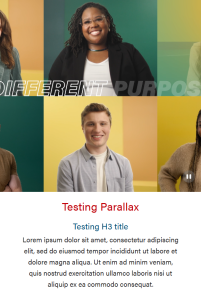
This block displays a high-quality, full-width image (photo, video, or background pattern) that captures the user’s attention while setting the visual tone of the page. A small amount of overlaid text provides essential context or a key message. The text could be a quote or a short sentence. Avoid using multiple heading and text styles in the text content.
Statement text: 80 characters or fewer (shorter is better)
Stat: 52 characters or fewer if stat source is just one line; 22 characters or fewer if stat source is two lines
For video layout
No copy or as little copy as possible since a video will be playing under it
Needs from Designer
For background image layout
Need background image
For video layout
Need video
Need poster image (a still of the first frame of the video)
Use Cases
Use to showcase a high quality image on a Page or Post.
Use in a featured/high profile News post.
Use in Update magazine posts.
Fields
Choose Photo or one of the Pattern options. Do not use photo with Stat Layout.
For Photo type:
Background image
Make sure the image is high-quality and at least 2400px wide.
The subject should be vertically centered in the image to avoid important features getting cropped out. You may need to request a different crop of the image from a designer.
The content will display on top of the image for desktop and tablet screens, but will drop below the image for mobile. (see screenshots above)
Display a different image for mobile? Toggle to Yes if you want to select a different image to display for mobile screens
See example of a full-width background block that displays a different image on mobile.
Hide image for mobile? Toggle to Yes if you prefer to hide the image for mobile
See example of a full-width background block that hides the image on mobile.
For Pattern types:
Choose between a Gray, Blue or Red background.
The content will display on top of the pattern for all screen sizes. (see screenshots above)
For Video type:
Video should be short, 16:9 video, and center the most important content.
Ideally, the video should be around 6-8 seconds.
Pause/Play button on the right bottom of the component
Poster image
Make sure the image is high-quality and at least 2400px wide.
See Background image for Photo type for more information.
Add parallax effect?
Creates a special type of scrolling effect, where the background image moves slower than the foreground objects.
Note: This effect will not work for video, so it's hidden when video type is selected.
Stat Layout
Changes the fields to support a ranking/statistic layout
Text Content (Non-stat layout)
Title
Add your text
Conditional fields:
Title heading size – select the desired heading size (h2, h3, h4, h5)
Subtitle – add your text; this heading level will automatically be set to the title heading size +1
Link
Add a link and button copy
The button style will either be .btn-outline-light or .btn-outline-dark, depending on the background pattern or text color chosen.
Note: If you also add Custom Content in the next field, this button will appear below that content.
Custom Content
A WYSIWYG field for adding paragraph text or other custom content
Keep copy short, up to 50 words
This content will be placed in a <div> with the "lead" class. This class will only affect paragraph elements (it will make the font size larger to ensure content is legible)
Note: Be sure to use semantic HTML tags around all content
Text Content (Stat layout)
Title
Add your text.
You can add <b> </b> tags around the portion of the title you'd like bolded, and it will style automatically.
Conditional fields:
Title heading size – select the desired heading size (h2, h3, h4, h5)
No subtitle.
Link
Add a link and button copy
The button style will either be .btn-outline-light or .btn-outline-dark, depending on the background pattern or text color chosen.
Stat Layout specific items:
Stat Alignment: Left/Right. Where the stat sits relative to the heading
Add card aroundstat? Adds traditional card styling around the ranking/stat
Icon Image: displays a 150px wide image that shows above the stat information. Use a transparent png or svg. Optional, but if you use it the ranking number will display smaller.
Number Prefix: Dropdown with same choices as rankings block, plus the + sign. Displays using font awesome solid, at 3rem.
Statistic: The number for the stat. Displays at 4.5rem Acumin Pro Black on all screen sizes. Do not use long numbers or words, since it's so massive (use the Bolded stat text field instead).
Number Suffix: Dropdown with same choices as rankings block. Displays using font awesome solid, at 3rem.
The copy will remain on the photo/video on smaller screen sizes
Animation: add text fade-in?
This animation is triggered when the user scrolls to the block on the page. The heading moves in from the left or right on desktop (whichever side the heading is on), or from the bottom on mobile. The ranking number (or icon image, if there is one) zooms in.
Note: This effect is minimized for users who have turned on an OS setting to reduce motion. The fade-in effect occurs with no movement.