Also known as: sound bite, audio clip, podcast player, media player
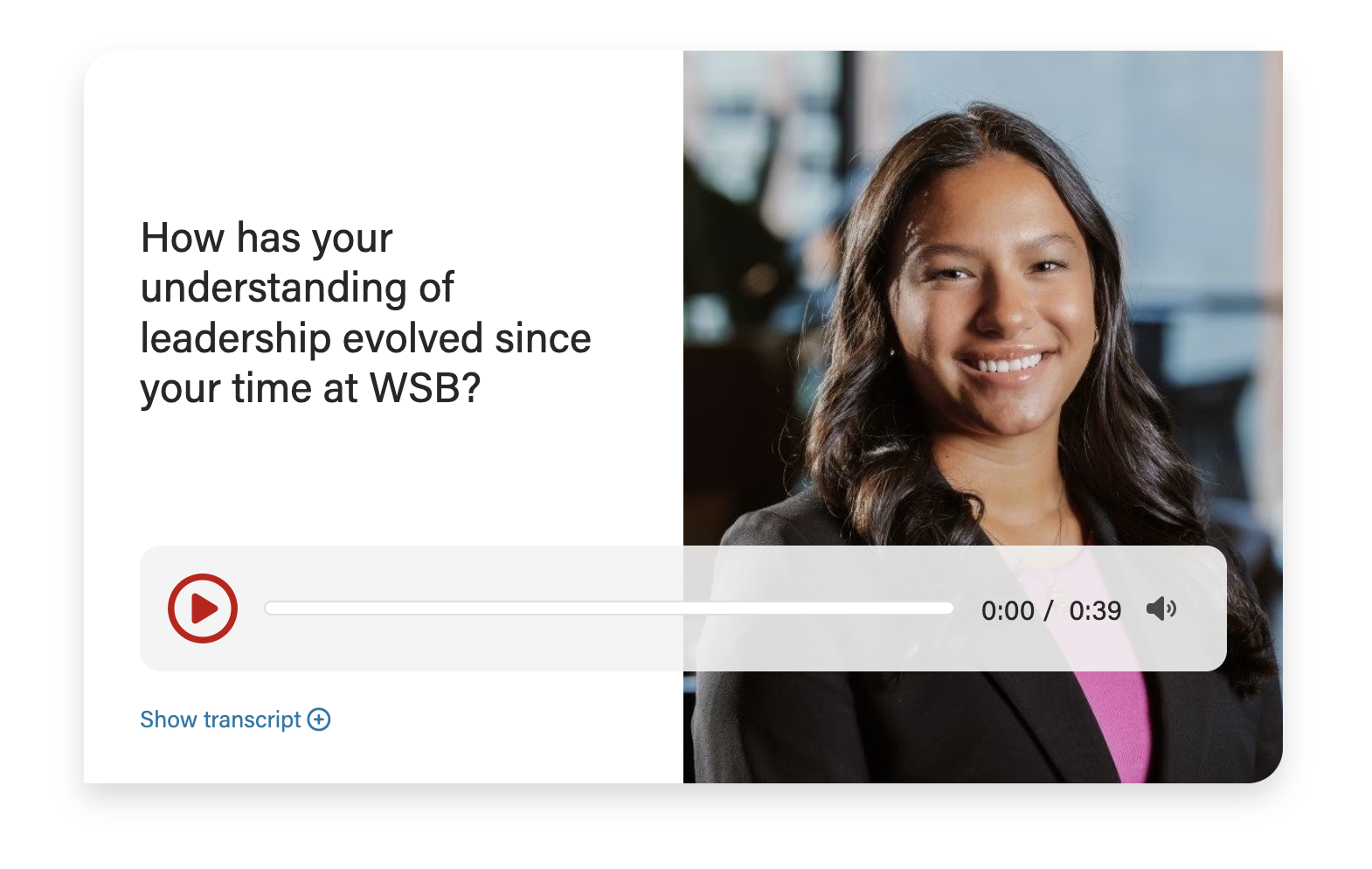
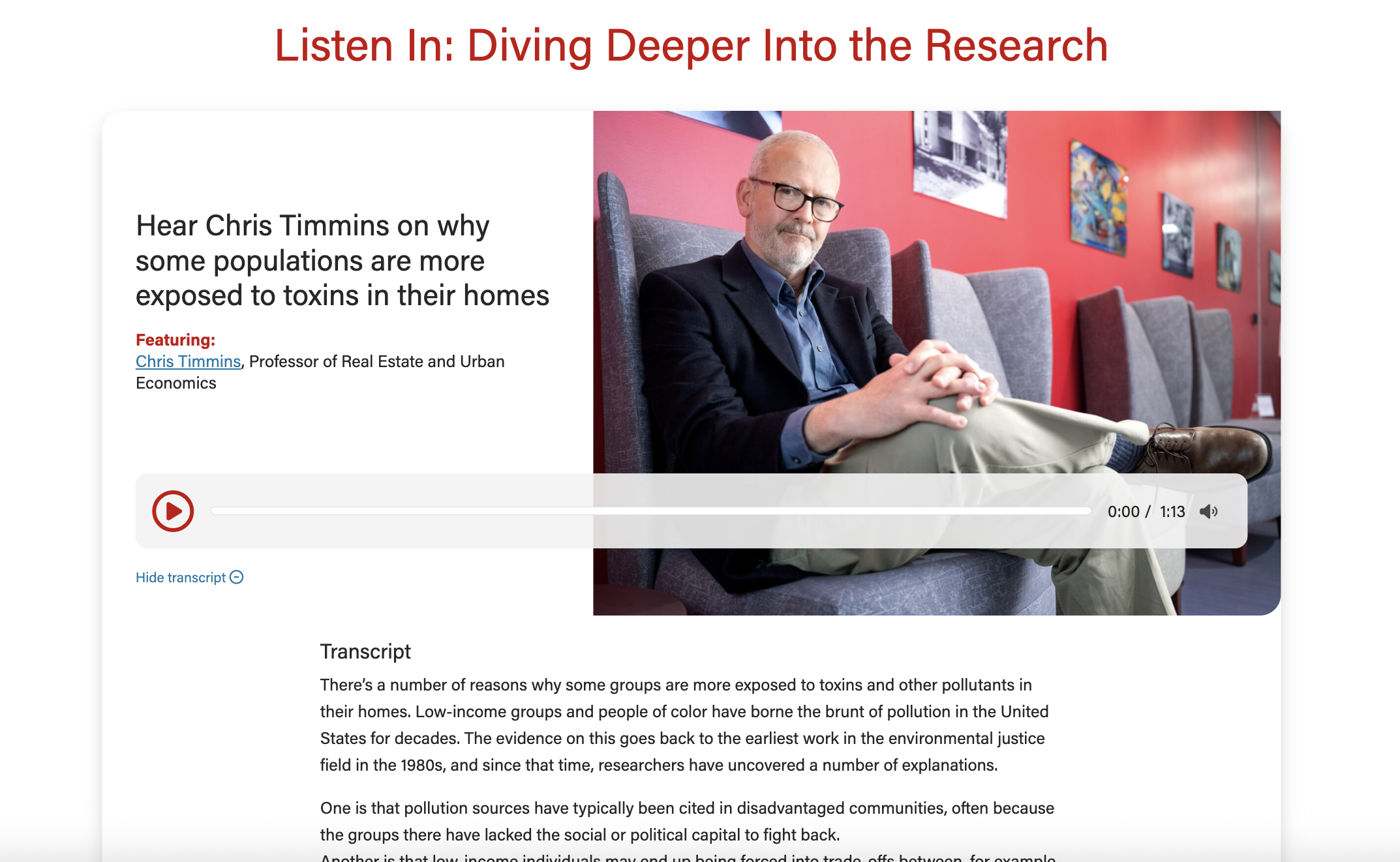
Plays an audio clip, or multiple audio clips, while also displaying supporting content, a transcript, and an optional photo for each clip.
|
Follow our general Web Copy General Guidelines in addition to the following:
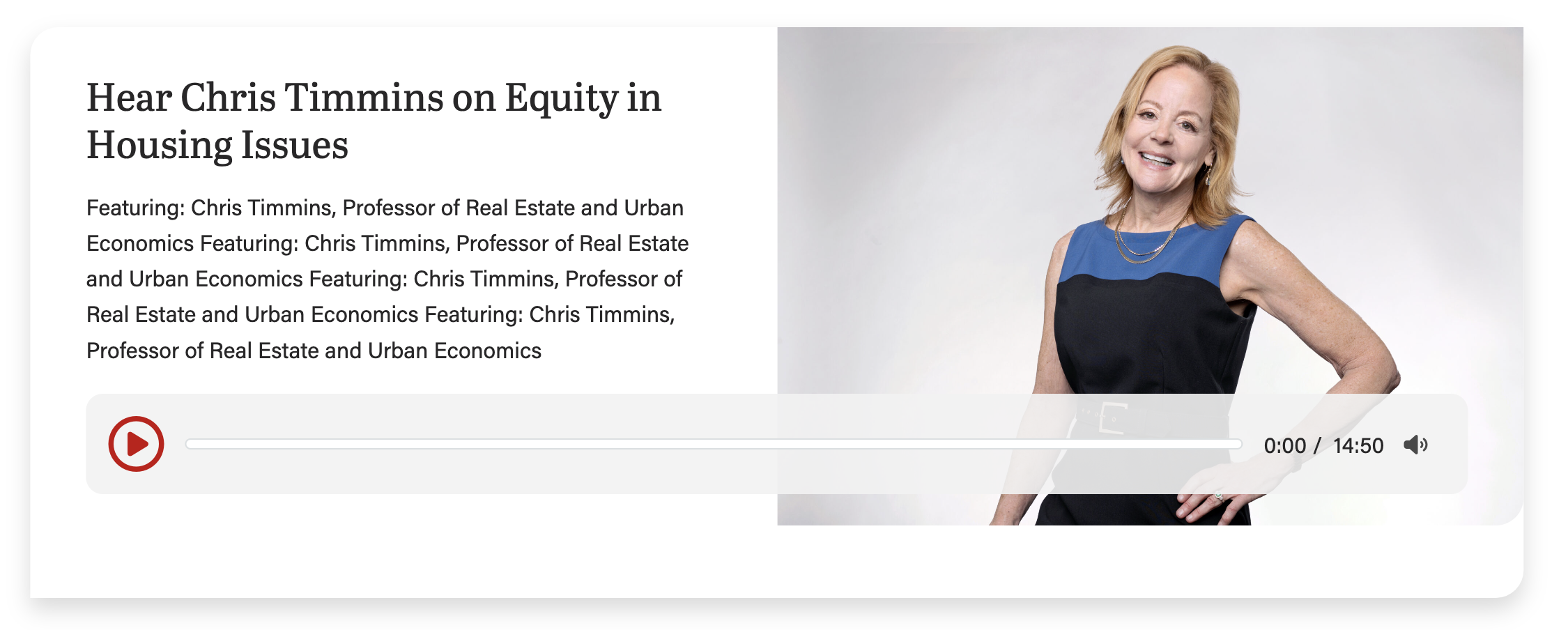
Keep copy short inside the card when using an image for this block. Too much copy will break the layout (the card will extend below the image), so test the block with the content in it at every breakpoint. This screenshot shows the card with too much copy, causing the layout to break:
|
This layout can be used anytime you need an image next to copy.
To use this layout, choose 58% for Image column width field, under Configuration.
This layout can be used anytime you need an image next to copy. You can use this layout when the image is not as important or does not have small details that are important to see.
This is the default layout of the block.
Only use this layout when you have a very small amount of copy (< 250 characters total).
To use this layout, choose 66% for Image column width field, under Configuration.
Upload or use an audio file from the media library. Only MP3, WAV, and OGG files are supported.
The card title.
You can select H2 - H4 heading sizes.
The card subtitle.
Use large, high-quality images that are 2400 x 1600px. Using a shorter image may break the layout by causing the card to extend below the image (see callout above).
The card micro title.
The supporting copy. This should not be more than 1 sentence. Make sure the amount of copy in the card looks good. If not, cut some of it or ask a writer to cut some of it.
The audio transcript. Required for accessibility. Causes a "Show transcript" link to appear at base of the card.
The URL. Use sparingly as it will distract users from the primary action for this block, which is to play the audio snippet.
You can pick text link or different CTA styles for the link.
Default is 50%. Can also choose 58% or 66% for image width.
If you have multiple cards in one block, you can choose between using a swiper or stacking the cards on the page.