
List of text
The default style for bulleted lists has traditional round bullets. Use this style in most cases. No special code or styling required-- it's the default.
There are times when we may want to use our fancy style to add visual interest. Fancy style contains two optional flourishes: a horizontal rule between list items and the WSB yellow triangle for the bullet. Use these sparingly, and only when there are 3 or fewer list items.
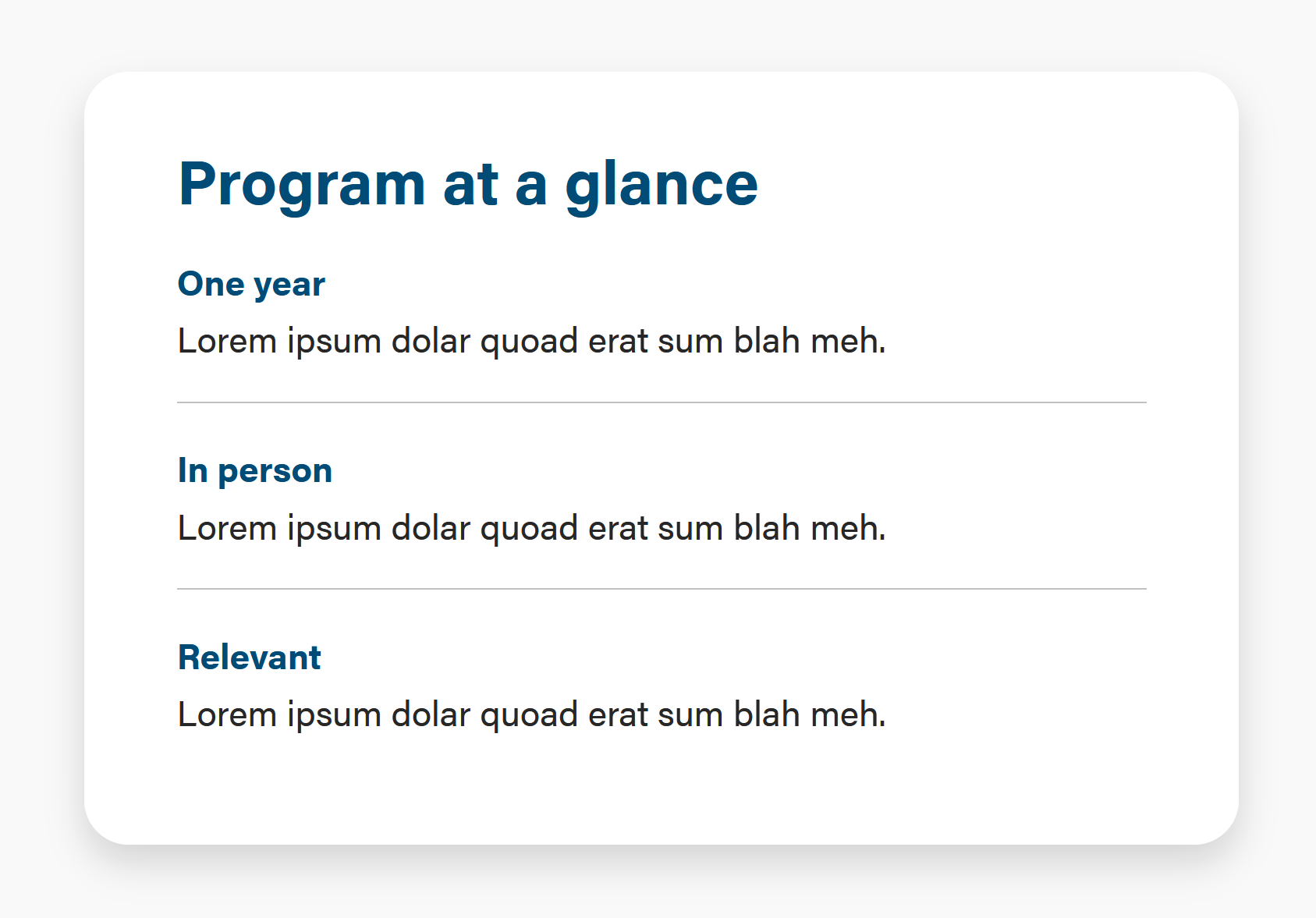
Implementation:
To the <ul> element, add Bootstrap class="list-unstyled;"
Add an <hr class="hr-gray"> after each list item, except for the last list item.
To achieve the font styles like the screenshot, apply them in the wysiwyg. Use <br>s to create line breaks if needed.
<ul class="list-unstyled"> <li><b class="text-blue">One year </b><br>Lorem ipsum dolar quoad erat sum blah meh.</li><hr class="hr-gray"> <li><b class="text-blue">In person </b><br>Lorem ipsum dolar quoad erat sum blah meh.</li><hr class="hr-gray"> <li><b class="text-blue">Relevant </b><br>Lorem ipsum dolar quoad erat sum blah meh.</li> </ul> |
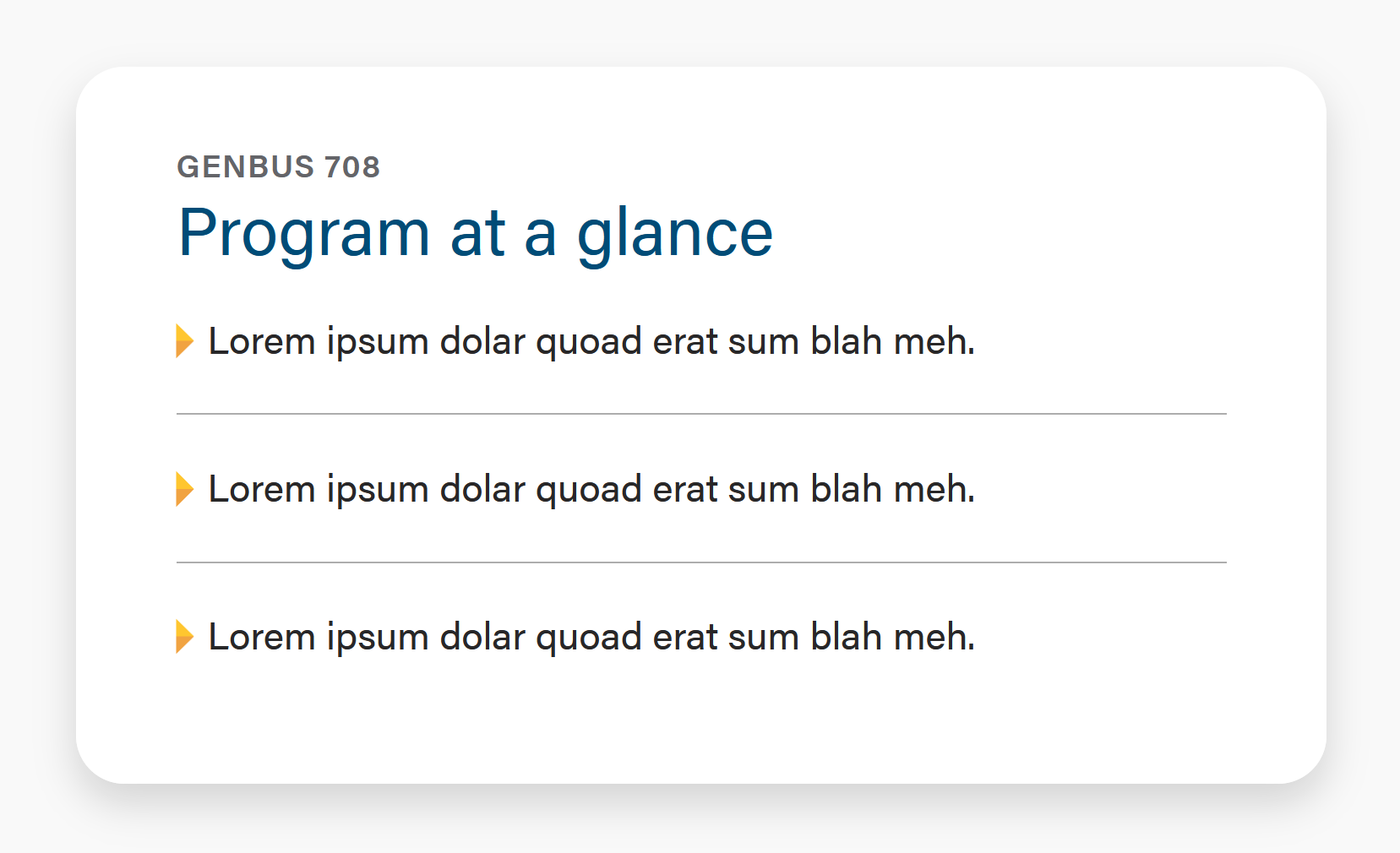
Implementation:
OK to have up to 4 items.
To the <ul> element, add Bootstrap class="list-unstyled;"
To each <li> element, add WSB class="wsb-triangle"
Add an <hr class="hr-gray"> after each list item, except for the last list item.
<ul class="list-unstyled"> <li class="wsb-triangle">Lorem ipsum dolar quoad erat sum blah meh.</li> <hr class="hr-gray"> <li class="wsb-triangle">Lorem ipsum dolar quoad erat sum blah meh.</li> <hr class="hr-gray"> <li class="wsb-triangle">Lorem ipsum dolar quoad erat sum blah meh.</li> </ul> |
Lists are a great way to make text more scannable and digestible. Instead of paragraphs, use lists when possible.