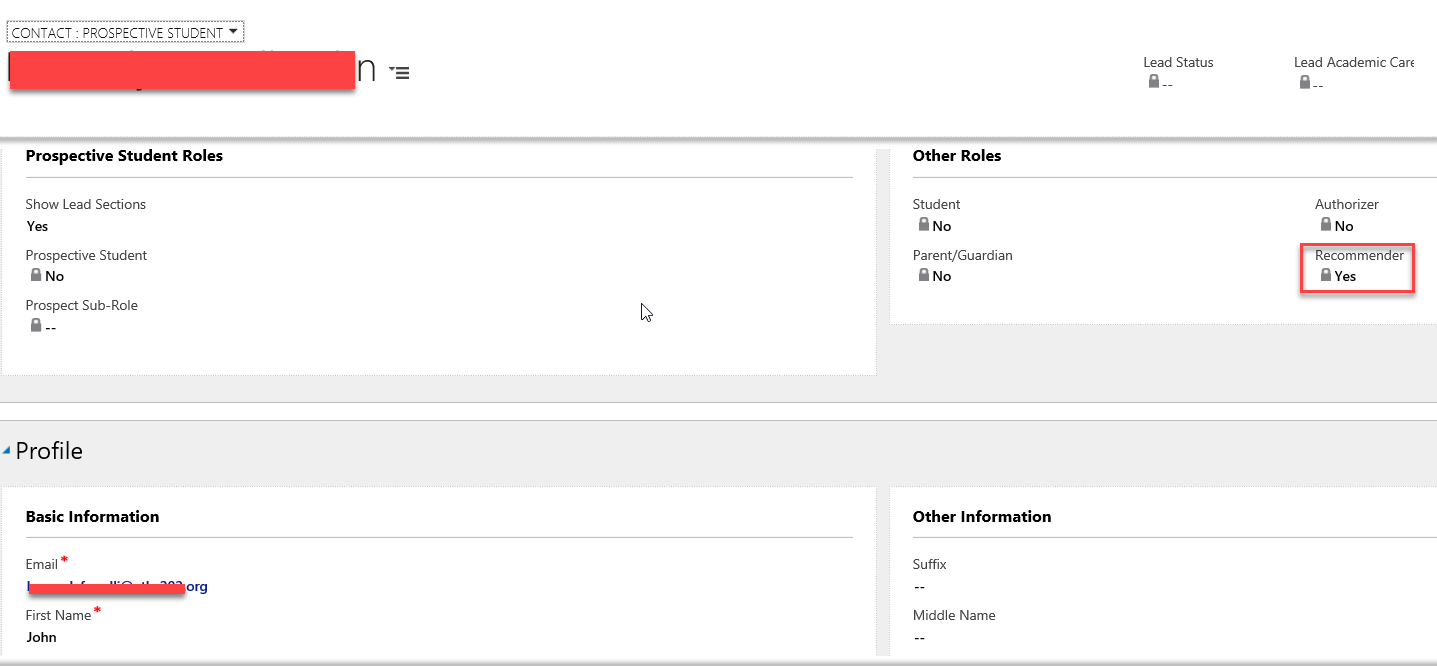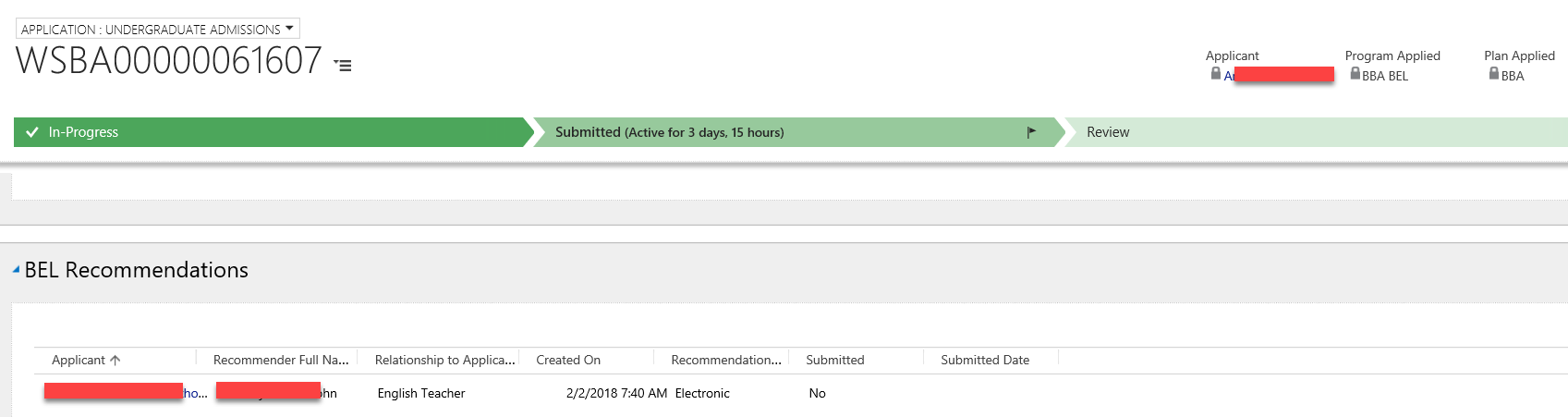
- Clicking on the Rcommendation record will open
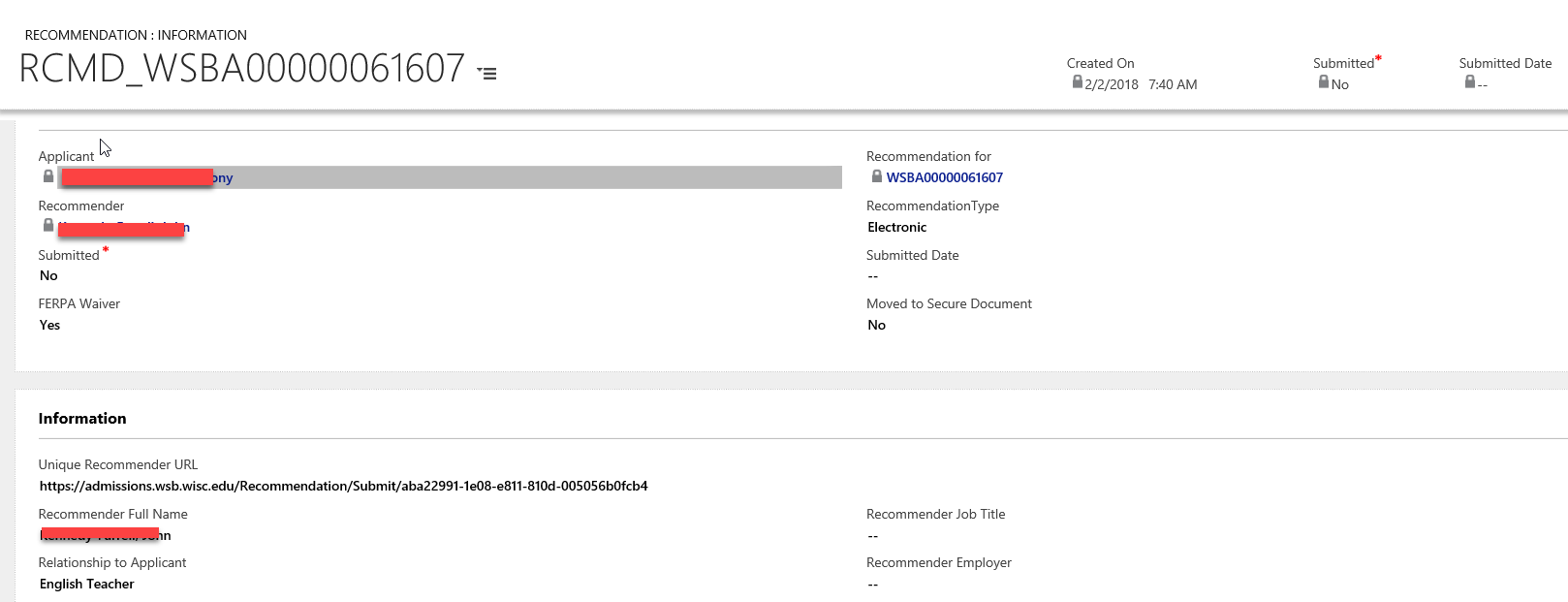
- This record tells us what 'Recommendation Type' the applicant selected
- Mail (not electronic): the applicant is directed to download a PDF form and submit it to the Program office. No email is sent to the recommender.
- Electronic: the applicant is directed to provide an email address. An email is sent to the recommender.
- BEL: If the applicant does not supply a valid email address or uses the same email address as they used to create their application, the electronic option is not available.
- The email is sent immediately on page save, and not upon completion of the application.
- This record also tells us when the recommendation record was created, which should correspond closely with when the email was receive