
...
Additional Features
- Aside callouts
- Click the plus sign button or type a forward slash and search for "aside".
- Select the aside callout block.
- Select which type of aside block you need. When you change the type of aside, different fields will pop up, so be sure to choose the type first.
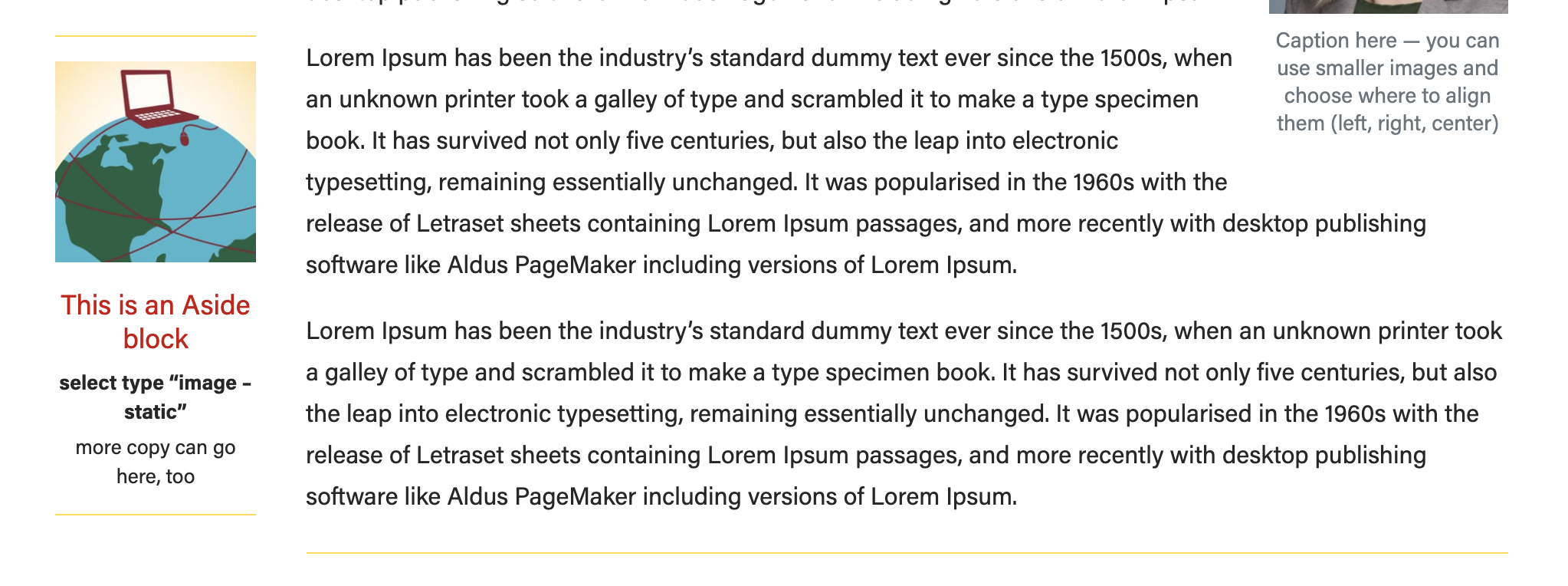
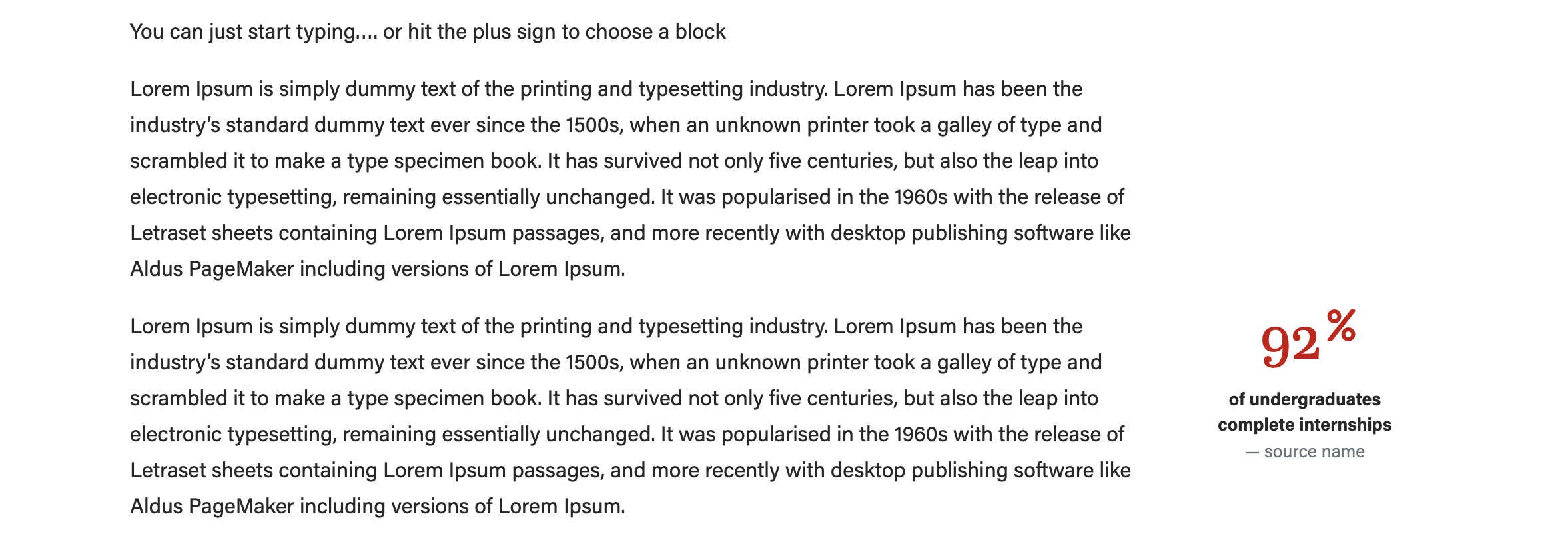
- Image - statistic
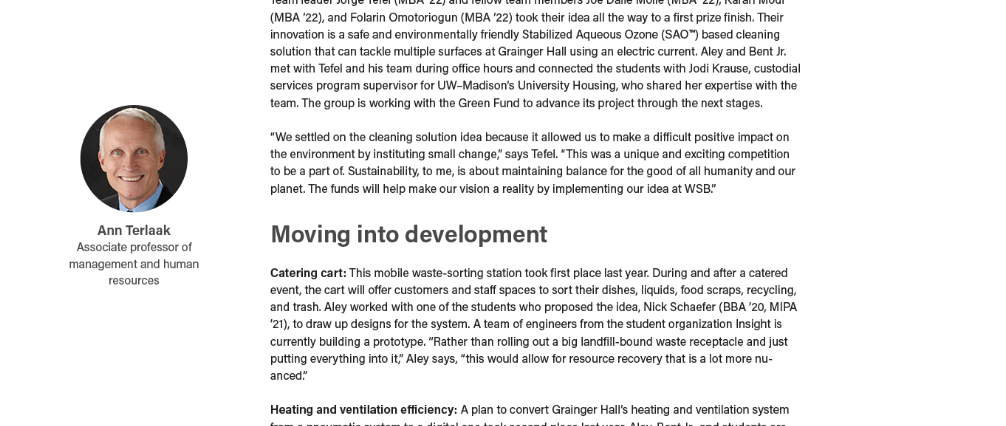
- Image - person
- Ranking (no image)
- Image - statistic
- Add the image (if applicable) and copy. We recommend using a square image for this block. The "image - person" layout will crop your image to a circle for you.
- Be sure to preview your content to make sure the aside is not overlapping with footer content on the page
- Click Preview > Preview in a new tab
- If the aside is overlapping other content, move the aside block up higher on the page.
Meta - Center's Post
These are all optional fields.
...