...
- (advanced) In case you mess up the formatting, you can edit it in the button properties in the left sidebar
- Button Color: #C5050C
- Corner Radius: 30
- Width: Fit to text
- Alignment: Centered
- Button Padding: top, bottom: 10. Left, right: 25
- (called out button only) Background color: #F9F9F9
Articles
Each article includes a photo, a Header 3 for the title, a paragraph, and a link. There are a few formats for articles:
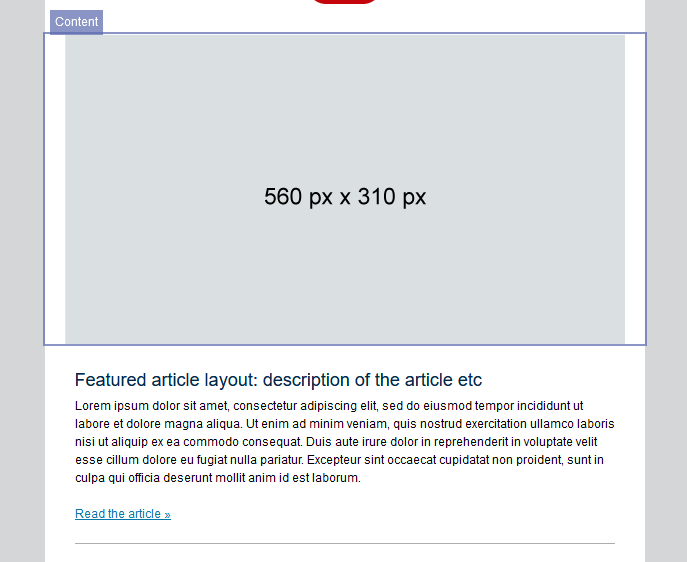
Featured Article
This should only be used for the first article in your email, if at all, with the rest of the articles in the formats below. The width of the featured photo should be at least 560px, but can be wider (the photo will auto resize).
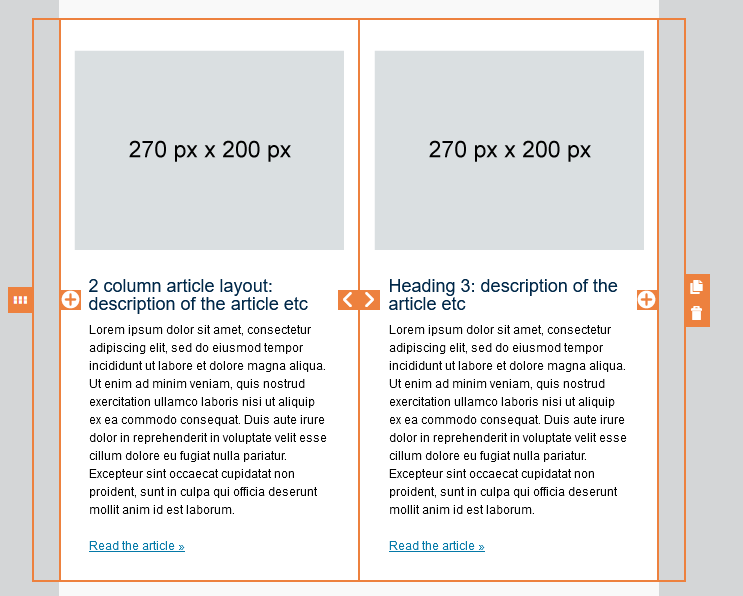
2 column article layout
Should only be used if you have an even number of articles (not including the featured article, if you choose to use it). Make sure the images you use for these are the same size if they're in the same row (270px by 200px is suggested, but just an approximation). To add more articles to your email, select the entire row ("layout") and click the copy icon.
It works best with shorter paragraph text (a couple sentences, for example)
Do not combine with the horizontal article layout, use one or the other.
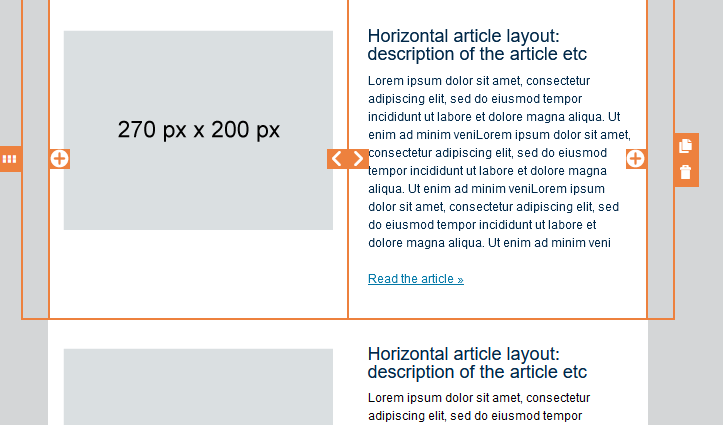
Horizontal article layout
Can be used with any number of articles.
It works best with longer paragraph text, to match the photo next to it. Of course, you can opt for a shorter (in height) image to better match the size. To add more articles to your email, select the entire row ("layout") and click the copy icon.
Do not combine with the 2 column article layout, use one or the other.