
...
Background Image - desktop 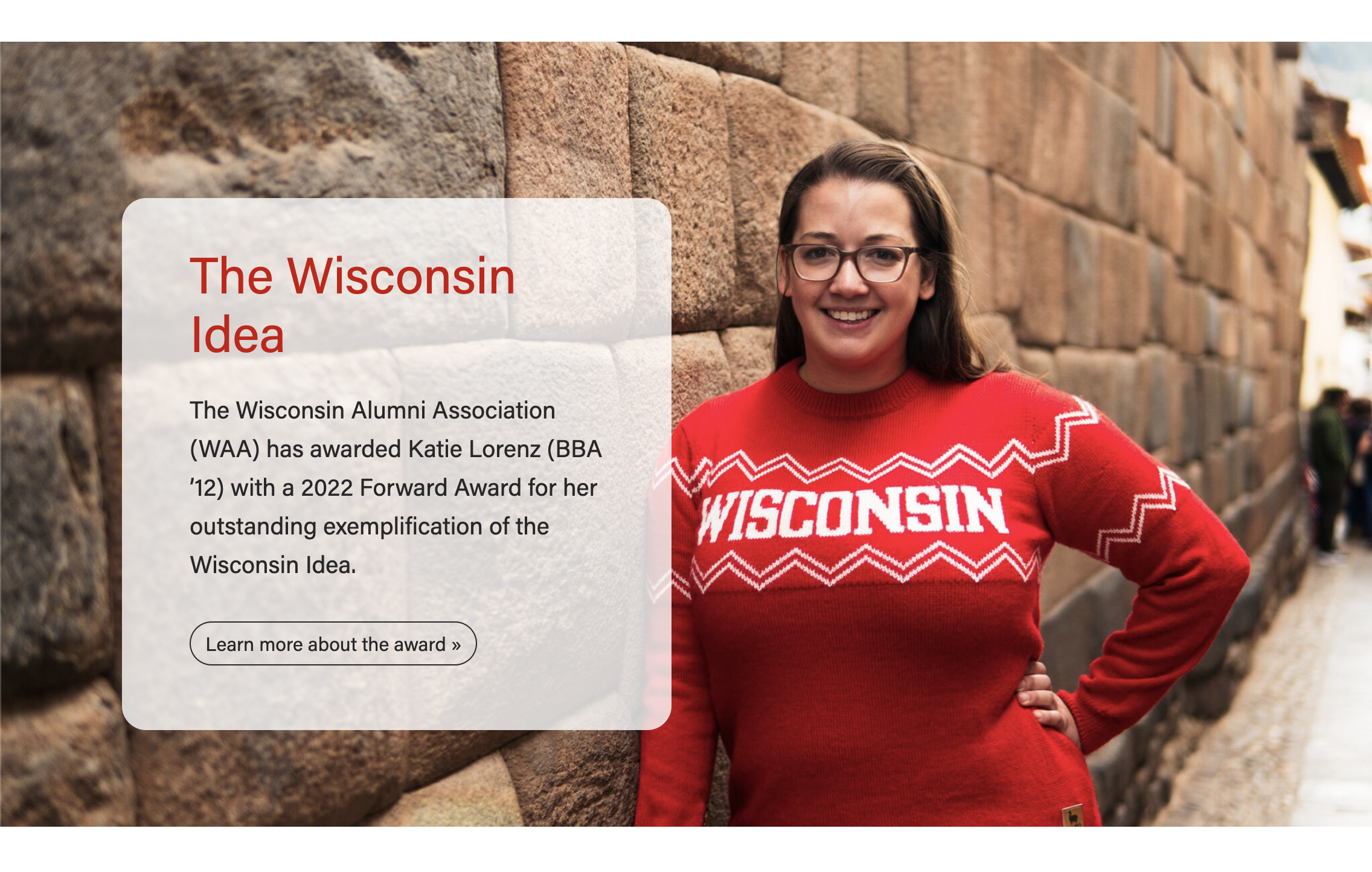 | Background Image - mobile
|
|---|

Gray Pattern - desktop
| Gray Pattern - mobile
|
|---|


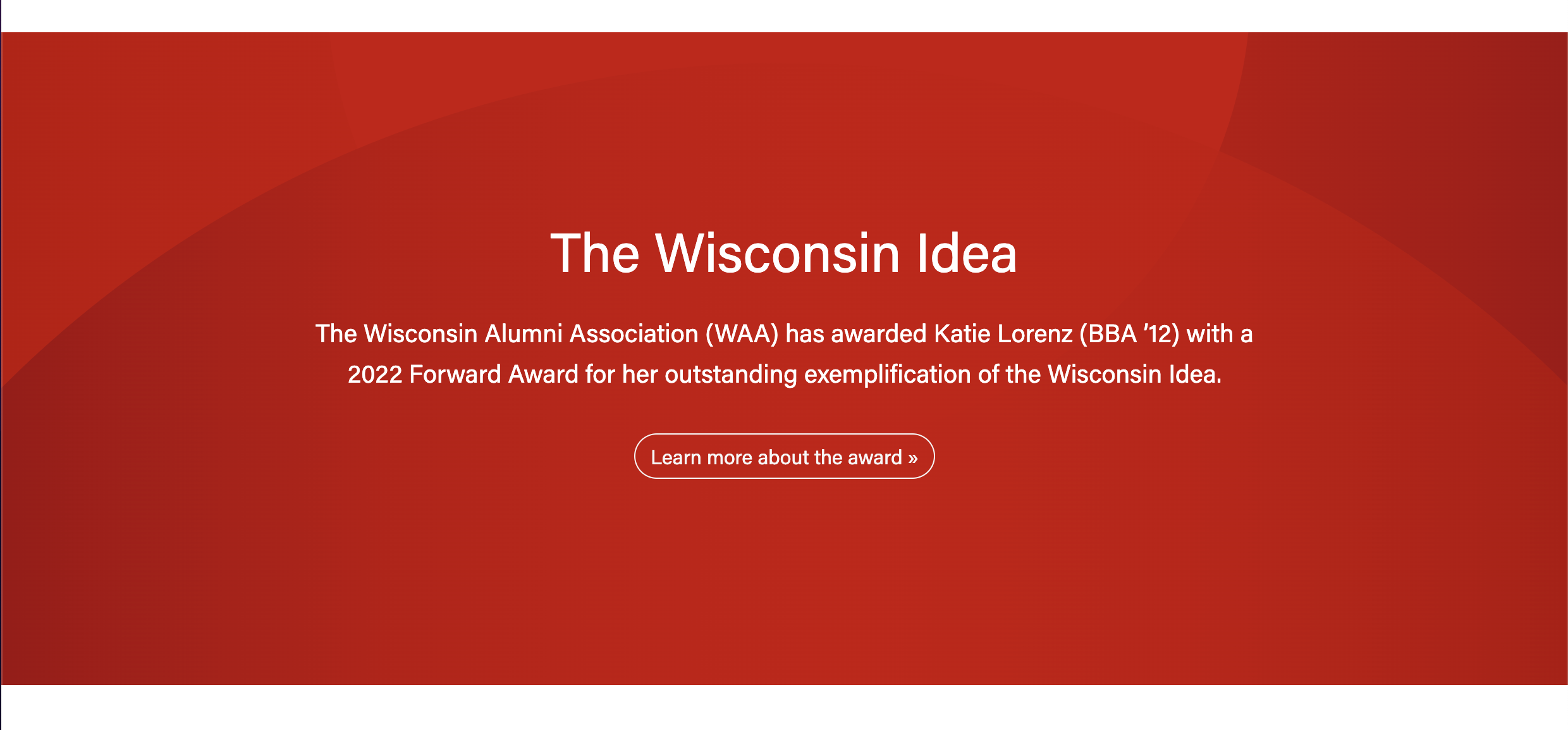
Red Pattern
| Blue Pattern
|
|---|

Use Cases
...
- Choose Photo or one of the Pattern options.
- For Photo type:
- Make sure the image is high-quality and at least 2400px wide.
- The subject should be vertically centered in the image to avoid important features getting cropped out. You may need to request a different crop of the image from a designer.
- The content will display on top of the image for desktop and tablet screens, but will drop below the image for mobile. (see screenshots above)
- For Patterns: CPattern types:
- Choose between a Gray, Blue or Red background.
- The content will display on top of the pattern for all screen sizes. (see screenshots above)
- For Photo type:
Title
- Add your text
- Conditional fields:
- Title heading size – select the desired heading size (h2, h3, h4, h5)
- Subtitle – add your text; this heading level will automatically be set to the title heading size +1
...