
...
See detailed directions for editing blog posts - the information below only pertains to Newsroom articles.
Add Your Text Content
When pasting text from your original document to WordPress, be sure to paste as plain text. This ensures no random formatting code gets copied into WordPress.
Keyboard shortcuts:
- For Windows - Ctrl+Shift+V
- For Macs - Option+Cmd+Shift+V
Adding Blocks
Tip: Click the + sign on your post, then use the keyword "newsroom" to pull up the best blocks for News posts.
Aside Callout
- coming soon
Callout Box
- coming soon
Full-width Background
- coming soon
Horizontal Image Text
- coming soon
Image Collage
- coming soon
Lazy load Youtube Video
- coming soon
Categories
- In the right menu, uncheck Uncategorized and pick the one category this article falls under
- Category options: School News, Faculty Insights, Alumni in Action, Student Experience, Dean's Corner, Press Releases
- Note: we have a standard set of News categories. Do not add a new category unless you have prior approval to do so.
...
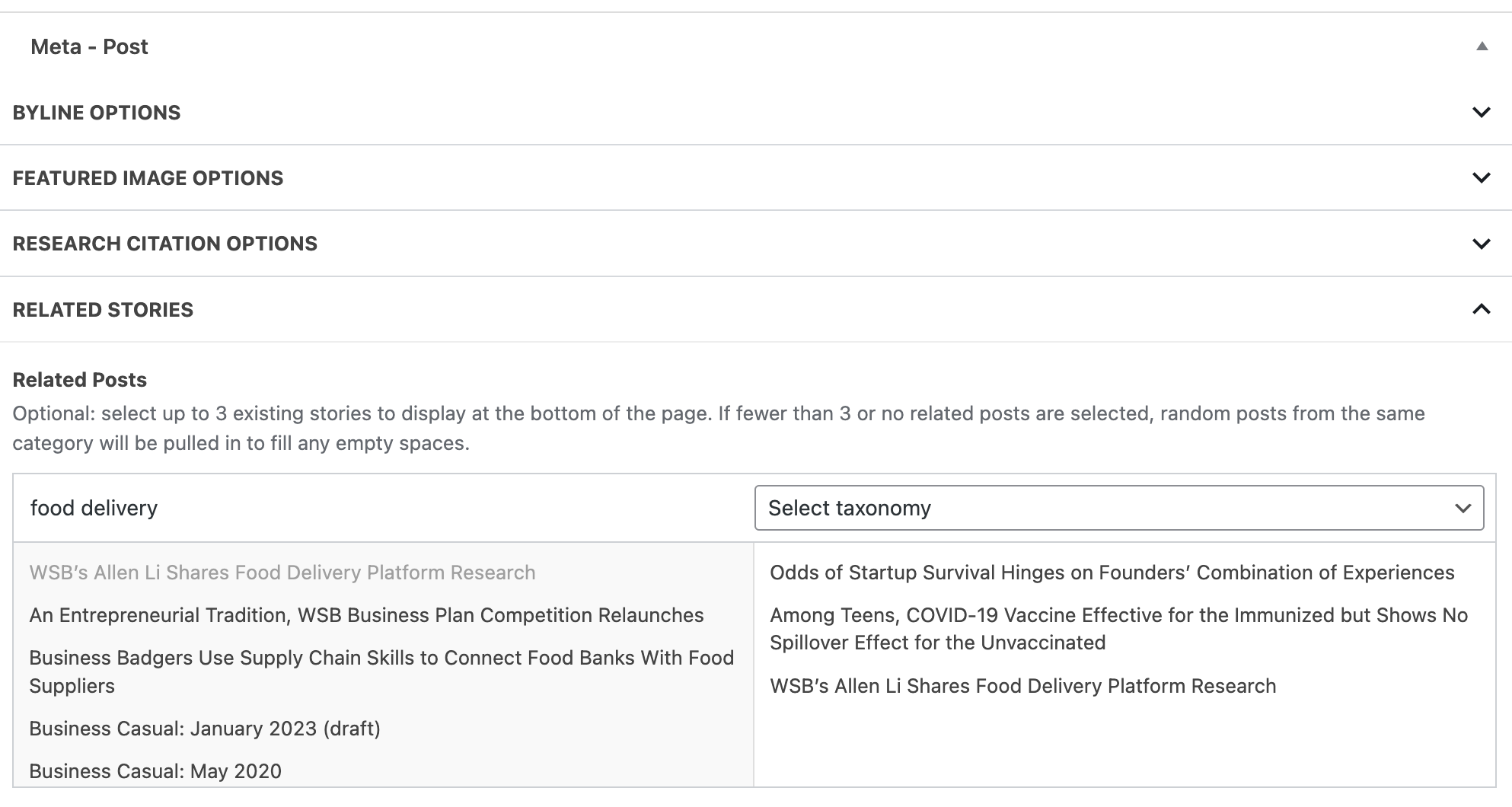
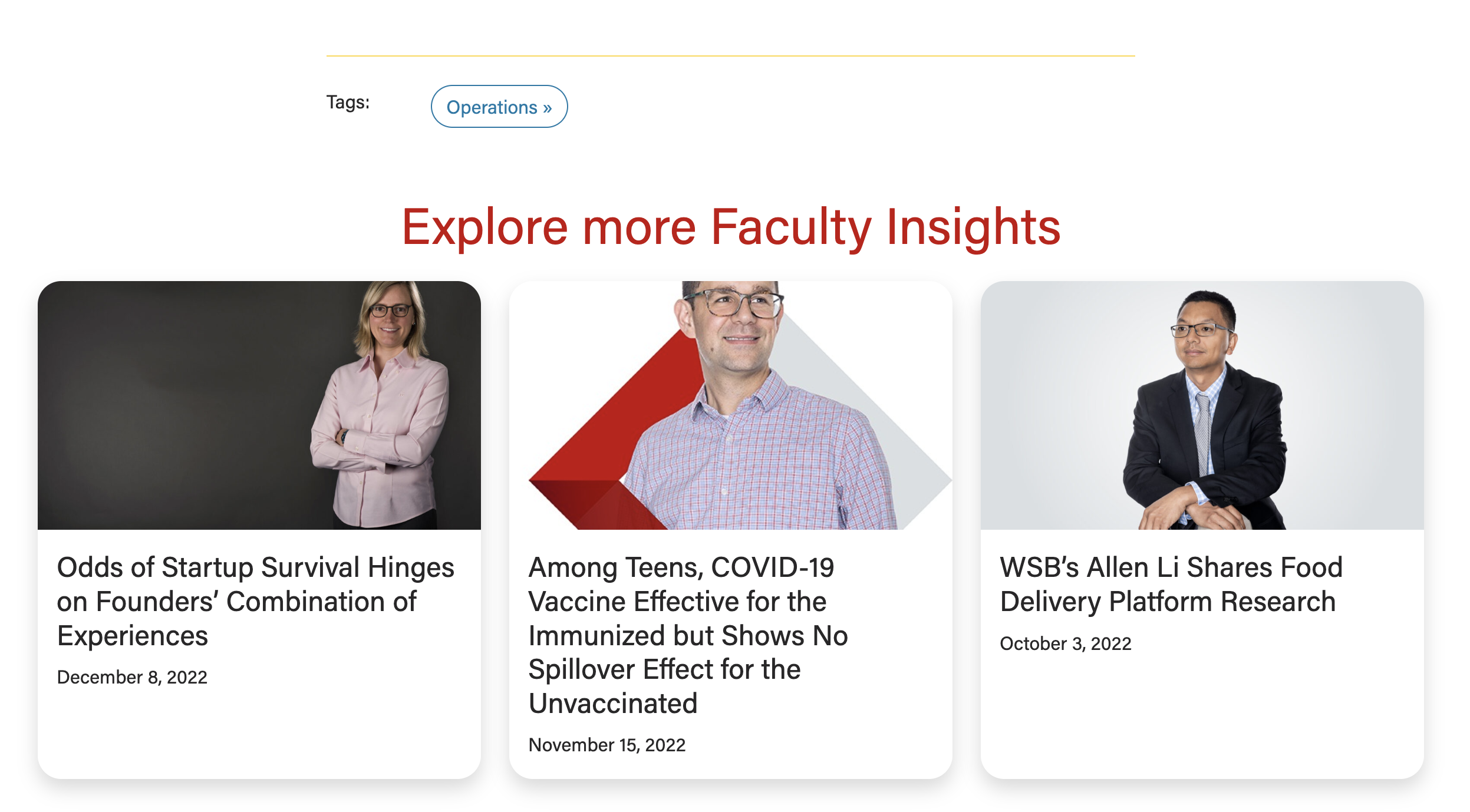
- Under Related Posts, you can search for and manually select three posts to display under "Explore More Stories", below the article.
- The posts you have selected will appear to the right of the list of posts
- Tip: Select taxonomy drop-down allows you to search for posts with a specific category or tag.
- If you don't select any posts, WP will automatically choose 3 recent posts with similar categories/tags.
Example - Related Stories
| Post appearance
|
|---|
SEO
SEO stands for Search Engine Optimization
...