
...
Tip: Click the + sign on your post, then use the keyword "newsroom" to view the best blocks for News posts.
Where is the + sign? Hover your cursor between paragraphs or to the right side, below the last content in your post to make this button appear.
Aside Callout
- How to edit/use asides in your article
- Guidelines:
- Aside blocks are meant to be used with a very small amount of copy. (~100 characters or fewer)
- Asides should be used sparingly in a single article – use 3 asides max.
- If using more than one aside, they should be separated by at least one paragraph.
- The aside block cannot be the last item in your post (this will push it down to overlap the footer content and mess up formatting on the page)
- Move it above some of the copy to fix this issue
|
|---|
Callout Box
- Guidelines:
- Use a single callout box at the end of an article to display sidebar/endbar content
- Content should not exceed the length of a paragraph.
- Options:
- background color
- image + alignment
- crop the image to a circle
- heading + alignment
|
|---|
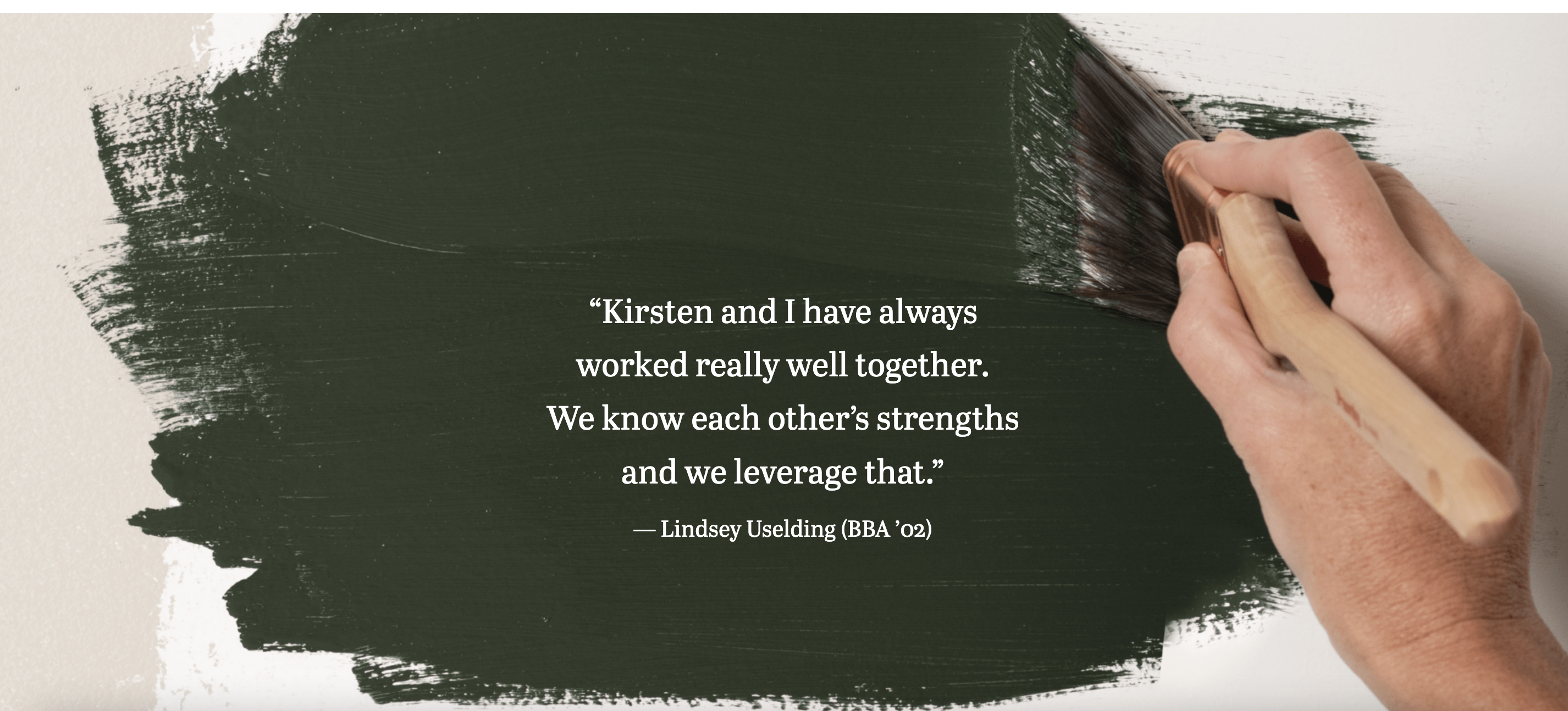
Full-width Background
- Please reach out to a designer or web developer for assistance implementing this block.
- A designer can help with appropriate image choices
- A web developer can help ensure the content works with this block and that web accessibility standards are met (e.g. text color contrasts with the background and is readable)
- Guidelines:
- Use this block sparingly (i.e. don't use it in most articles you write)
- This block doesn't work with all images; it works best with large images with a subtle focus or subject.
- Limit the amount of copy in this block – think pull quote length, rather than a full paragraph or more.
- Options:
Horizontal Image Text
- coming soon
|
|---|
Image Collage
- coming soon
|
|---|
Lazy load Youtube Video
- coming soon
|
|---|
Meta fields
Find these under the post content, within Meta - post field group
...