
...
| Info | ||
|---|---|---|
| ||
Click the + sign in your post, then use the keyword "newsroom" to view most of the best blocks for News posts. Where is the + sign? Hover your cursor between paragraphs or to the right side, below the last content in your post, to make this button appear. |
Aside Callout
- Guidelines:
- Use to display a small amount of copy and an optional, small image (a headshot or icon) next to the post content.
- Use the top-most text fields
- Top level text goes in the "headline" field, even if it isn't a heading (e.g. person's name can go here)
- If you have 2 levels of content, use the top two fields (headline and subtitle). Only use the 3rd field if you have already filled in the first two levels.
- How to edit/use asides in your article
- Guidelines:
- Aside blocks are meant to be used with a very small amount of copy. (, ~100 characters or fewer).
- Asides should be used sparingly in a single article – use 3 asides max.
- If using more than one aside, they should be separated by at least one paragraph.
- The aside block cannot be the last item in your post (this will push it down to overlap the footer content and mess up formatting on the page)
- Move it above some of the copy to fix this issue
- Be sure to preview your article to make sure there are no formatting issues
- How to edit/use asides in your article
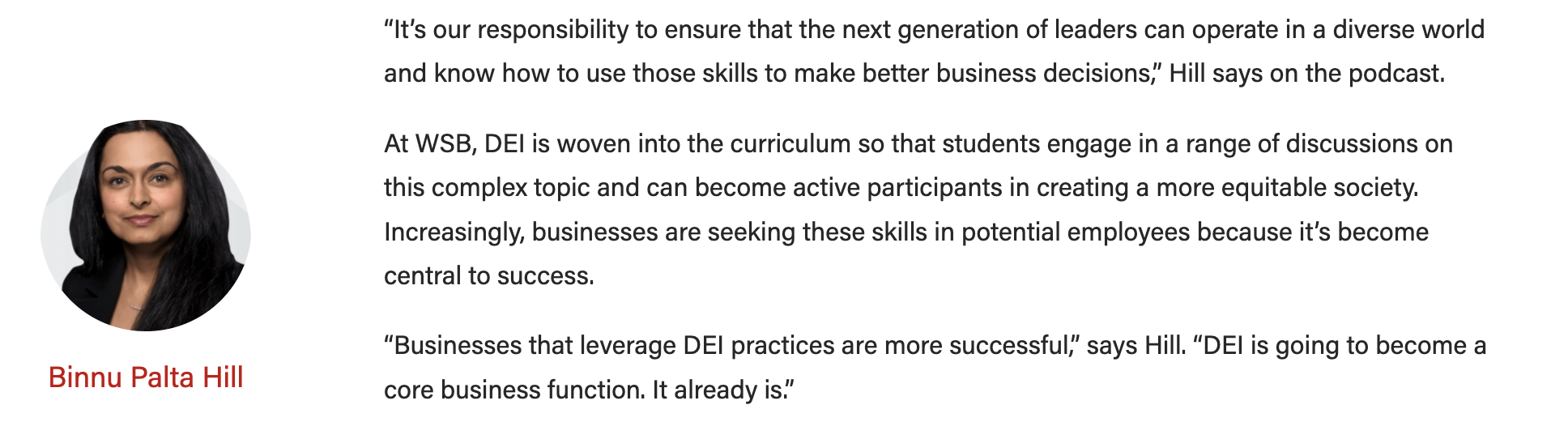
Callout Box
- Guidelines:
- Use a single callout box at the end of an article to display sidebar/endbar content
- Content should not exceed 125 words.
- Options:
- background color
- image + alignment
- crop the image to a circle
- heading + alignment
- button + alignment
|
|---|

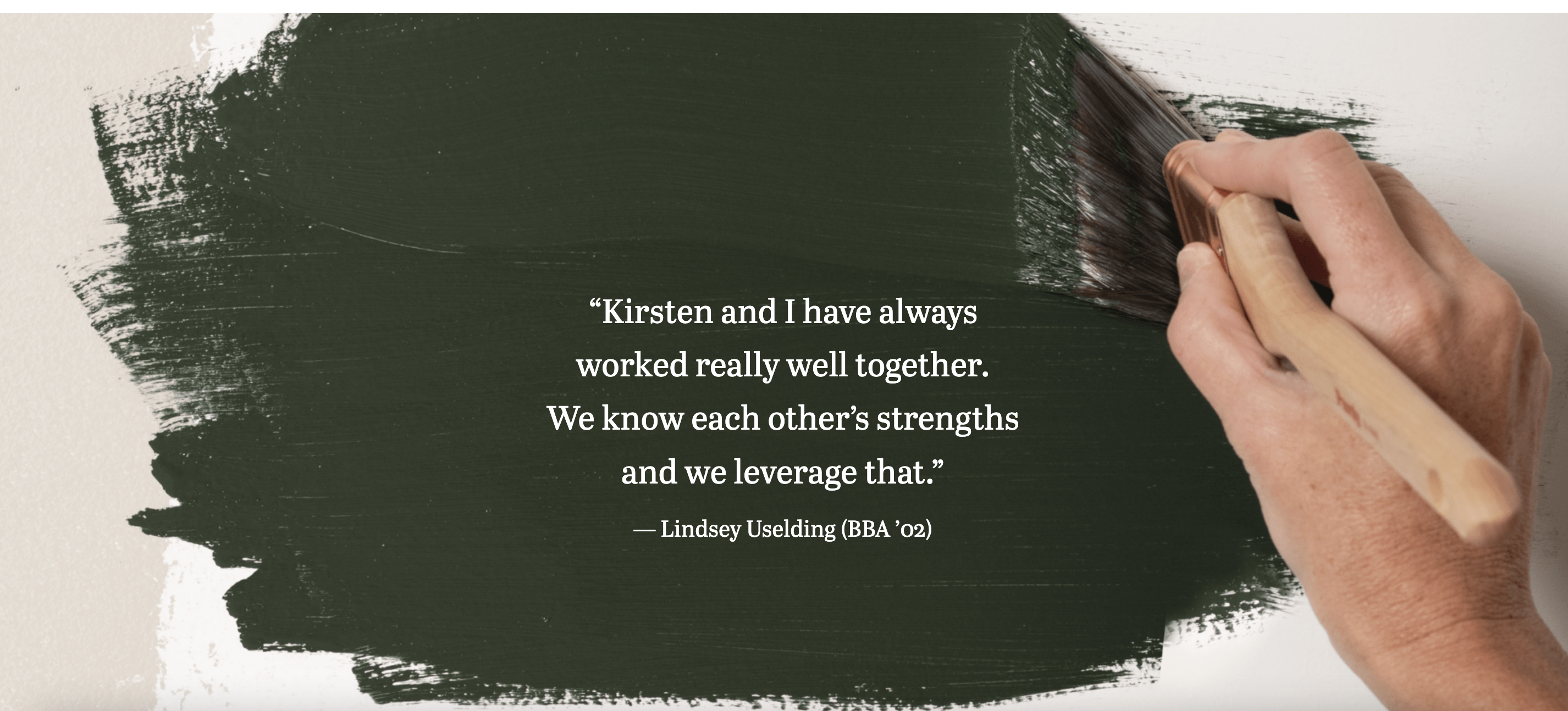
Full-width Background
- Please reach out to a designer or web developer for assistance implementing this block.
- A designer can help with appropriate image choices
- A web developer can help ensure the content you have works with this block and that web accessibility standards are met (e.g. text color contrasts with the background and is readable)
- Guidelines:
- Use this block sparingly (i.e. don't use it in most articles you write)
- This block doesn't work with all images; it works best with large images with a subtle focus or subject (see example below).
- Limit the amount of copy in this block – think pull quote length, rather than a full paragraph or more.
- Options:
- background can be a color pattern or an image
source: |
|---|
...
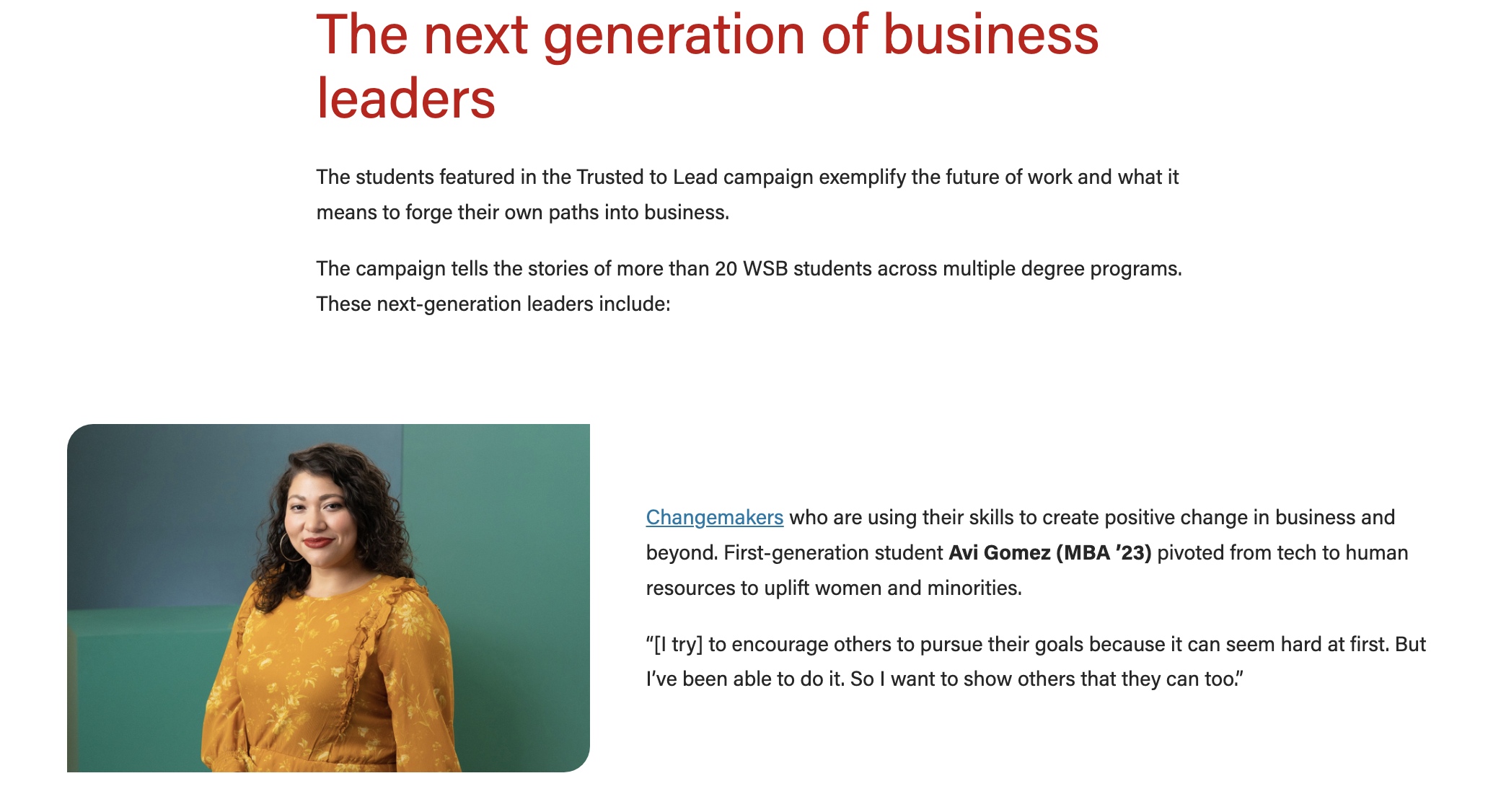
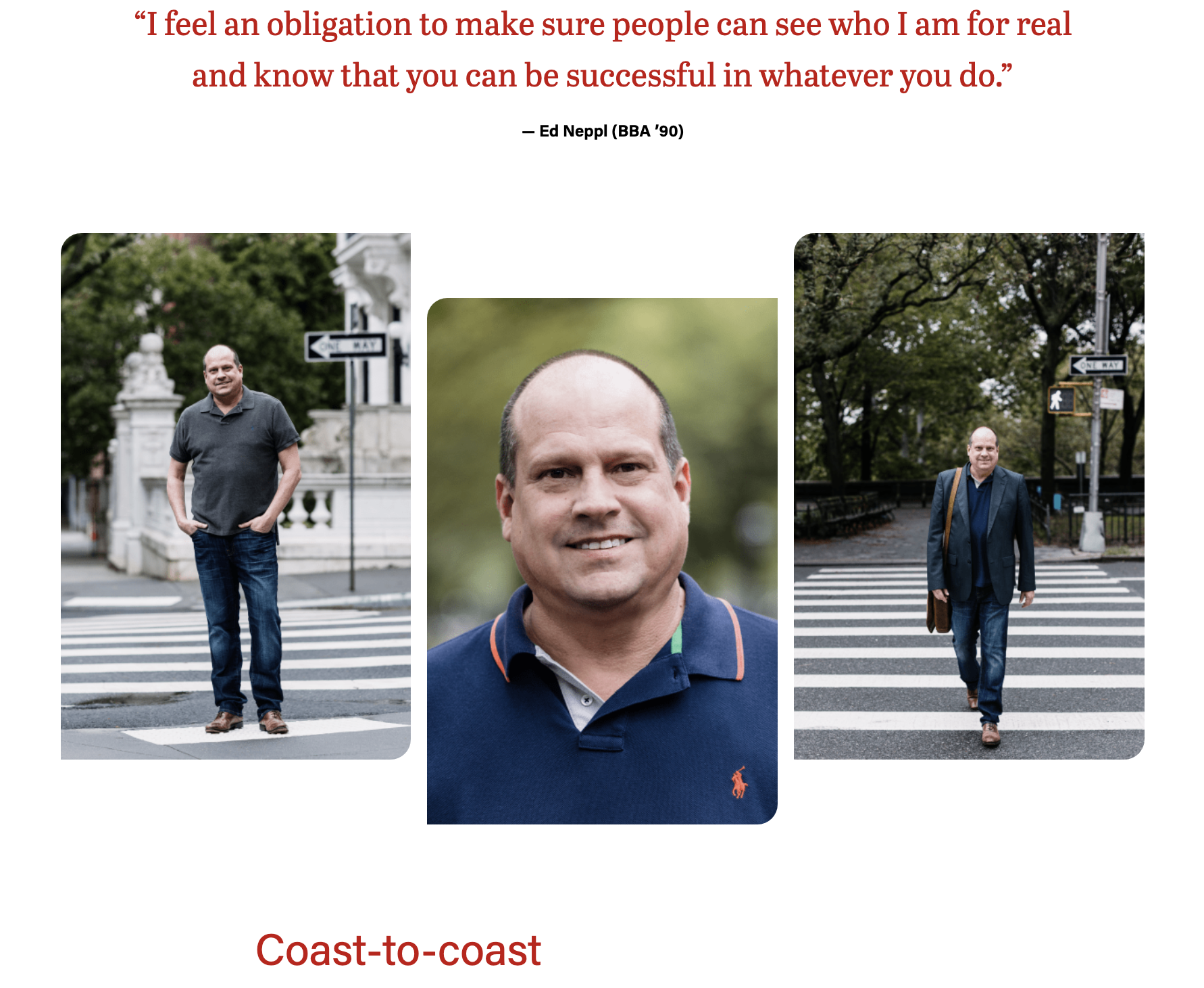
Image Collage
- Guidelines:
- Use for 2 or 3 images you want to display next to each other.
- Options:
- Layout
- For 2 images use the side-by-side layout
- For 3 images choose the staggered or stacked layout
- Layout
|
|---|
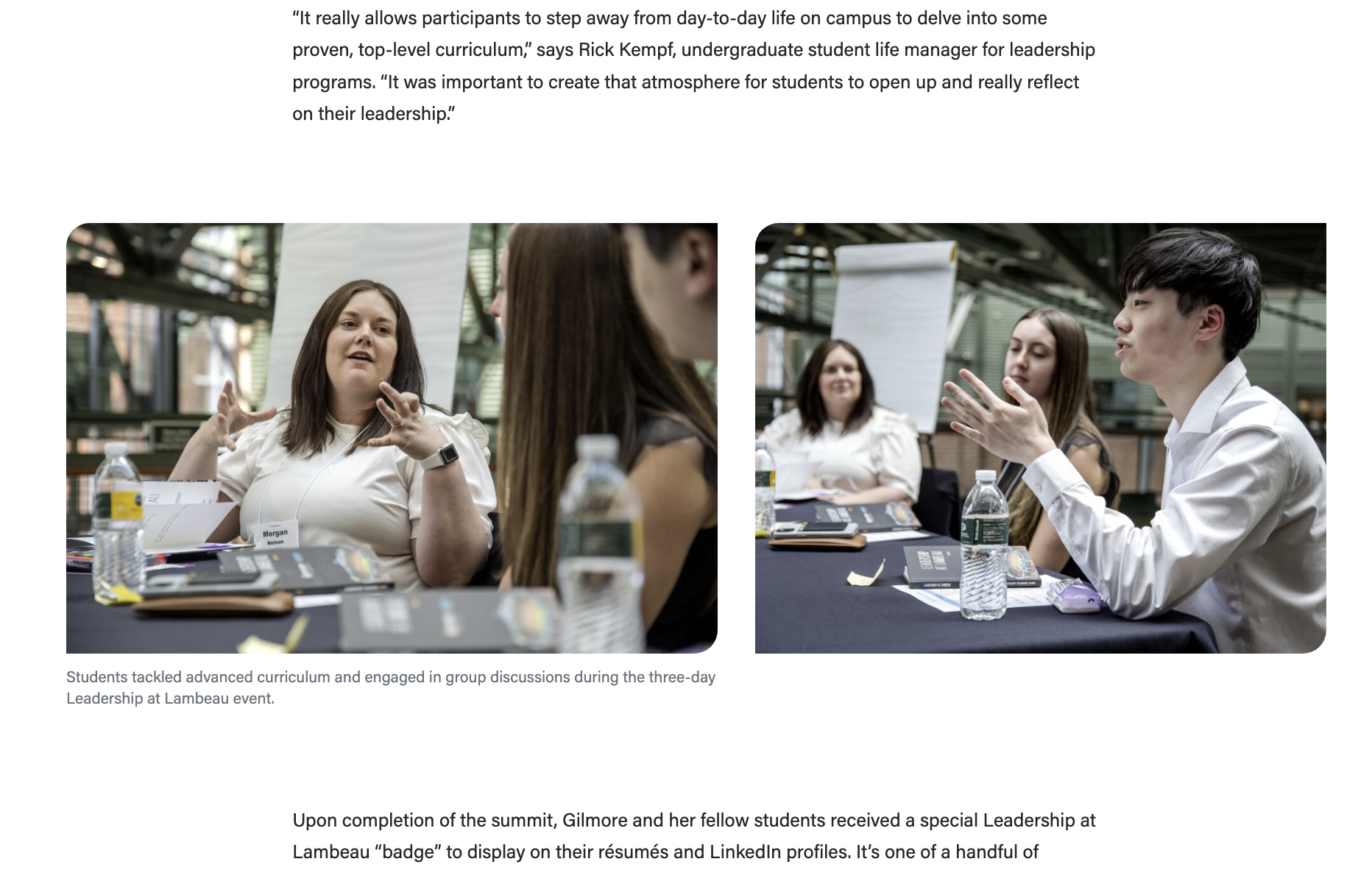
Image
- Guidelines:
- Use to display 1 image in your post
- How to add an image block

Lazy Load Youtube Video
- How to embed YouTube videos in your article
- Guidelines:
- Use this block anytime you want to embed a Youtube video in your post.
- Do not use the "Youtube" block – that block displays videos at a much smaller size and they take longer to load on the page, which could create problems for the user.
- Use this block anytime you want to embed a Youtube video in your post.
- How to embed YouTube videos in your article

...
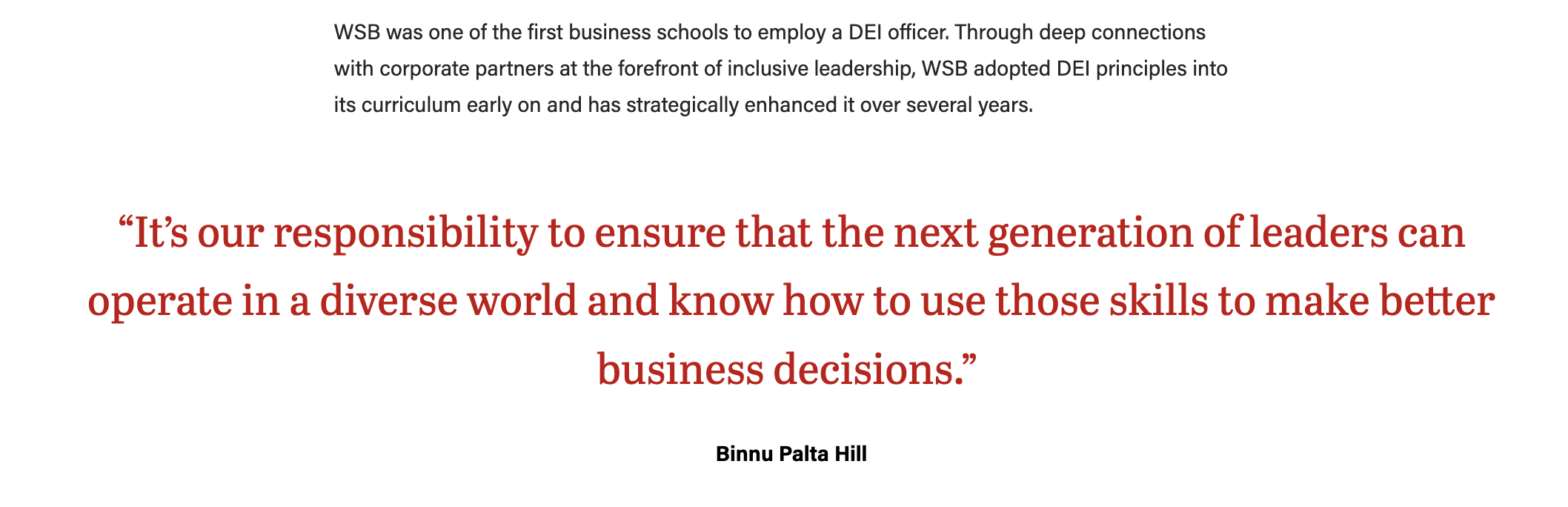
- Guidelines:
- Use this block to display a quote.
- The quote text will be large and red – do not change the formatting or color of the text.
- Quote will be centered and it will be wider than the post content above and below it (unless it is a short quote).
Meta fields
Find these under the post content, within Meta - post field group
...