
...
- Adding/editing asides:
- Click the plus sign button or type a forward slash and search for "aside".
- Select the aside callout block.
- Select which type of aside block you need. When you change the type of aside, different fields will pop up, so be sure to choose the type first, before you fill in the fields.
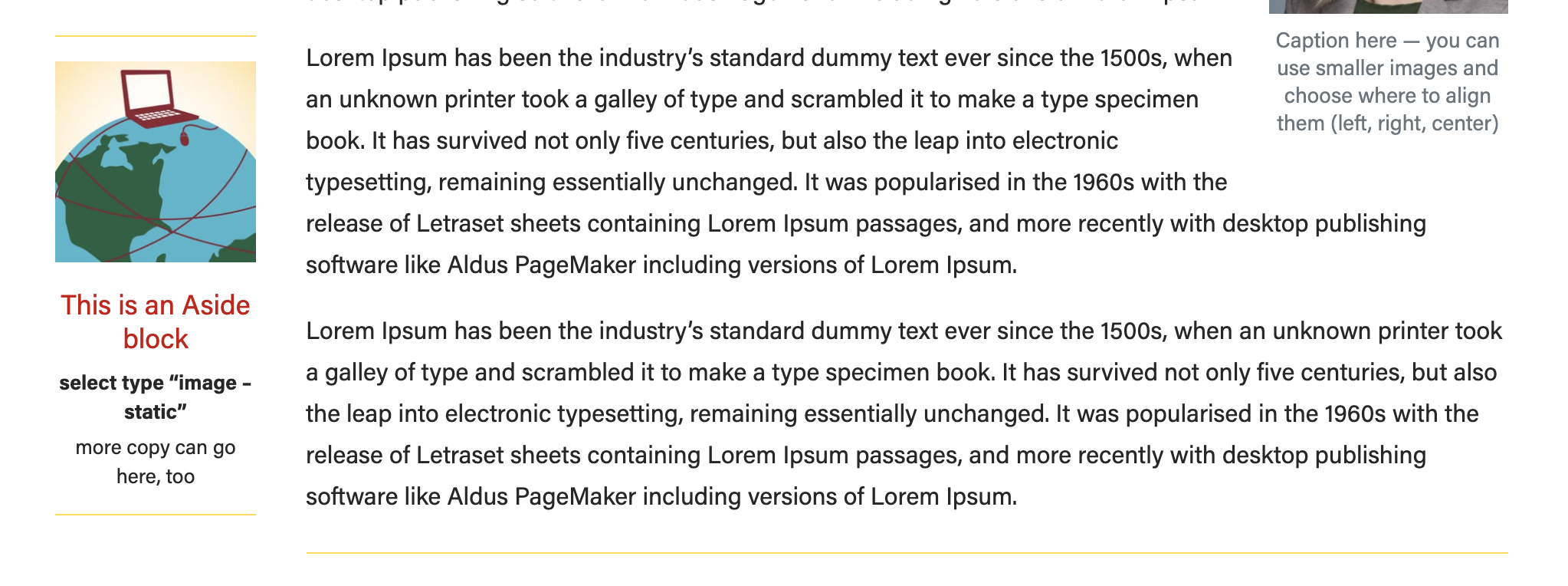
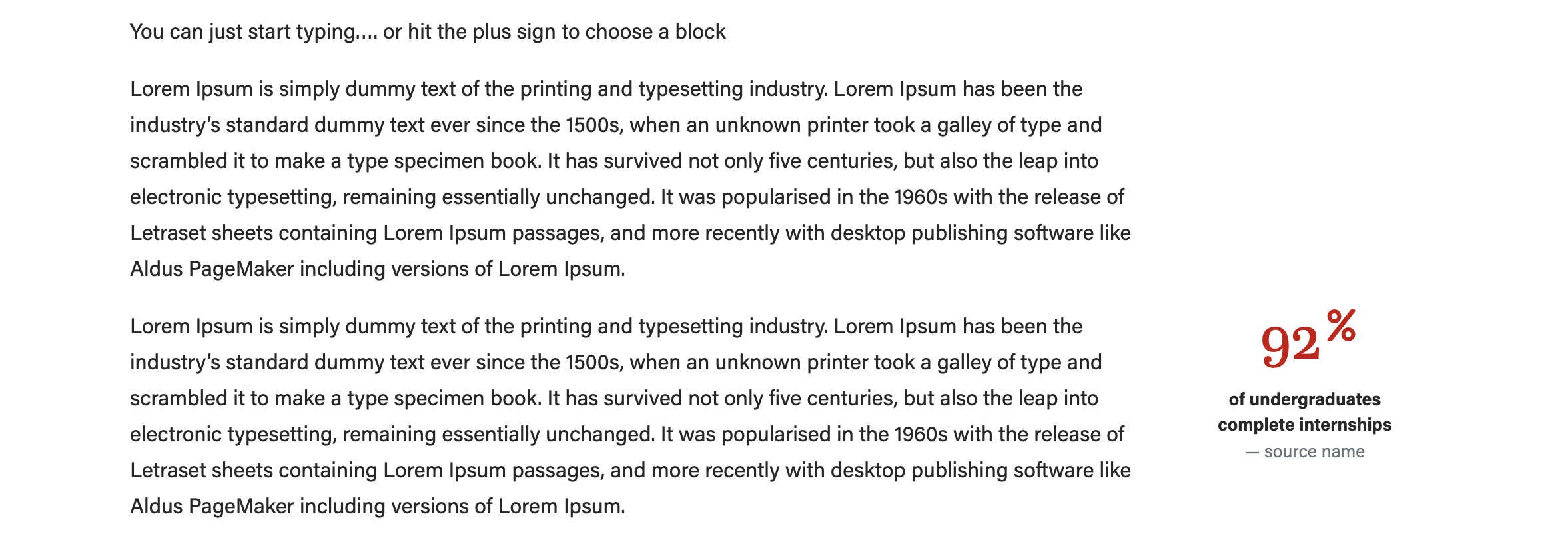
- Image - statistic (use with an a square icon or photo, or no image)
...
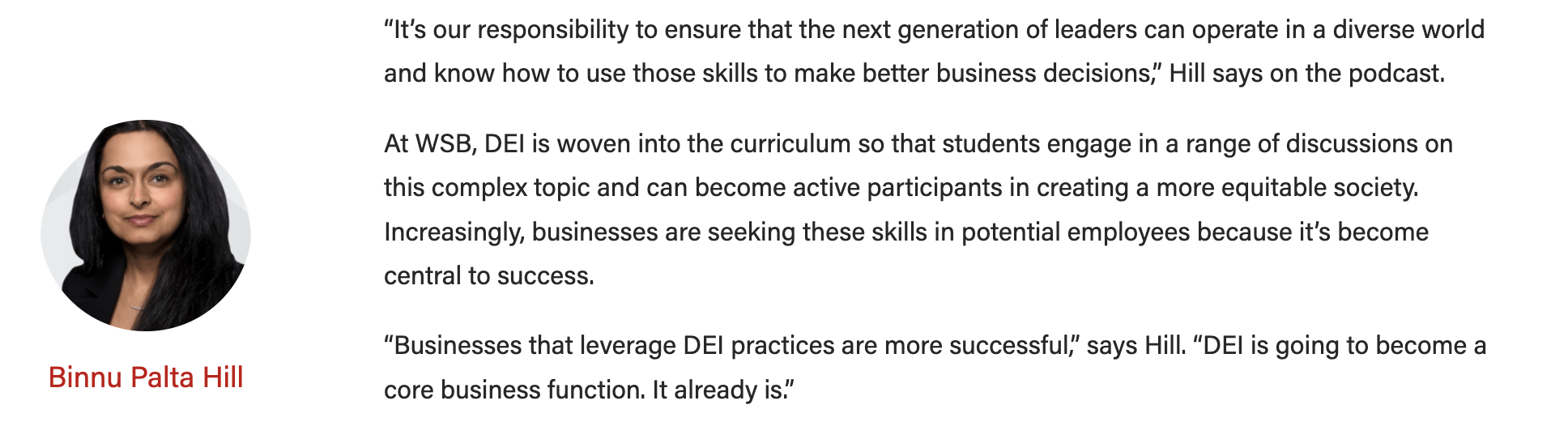
- Image - person (use with a square headshot - the block will crop the image to a circle)
- Ranking (no image)
- Image - person (use with a square headshot - the block will crop the image to a circle)
...