
...
To create this layout, open the card configuration accordion and select 33/66 under Image Width. NOTE: Do not toggle "overlap text" to the ON position when using this layout.
50/50 layout (use often)
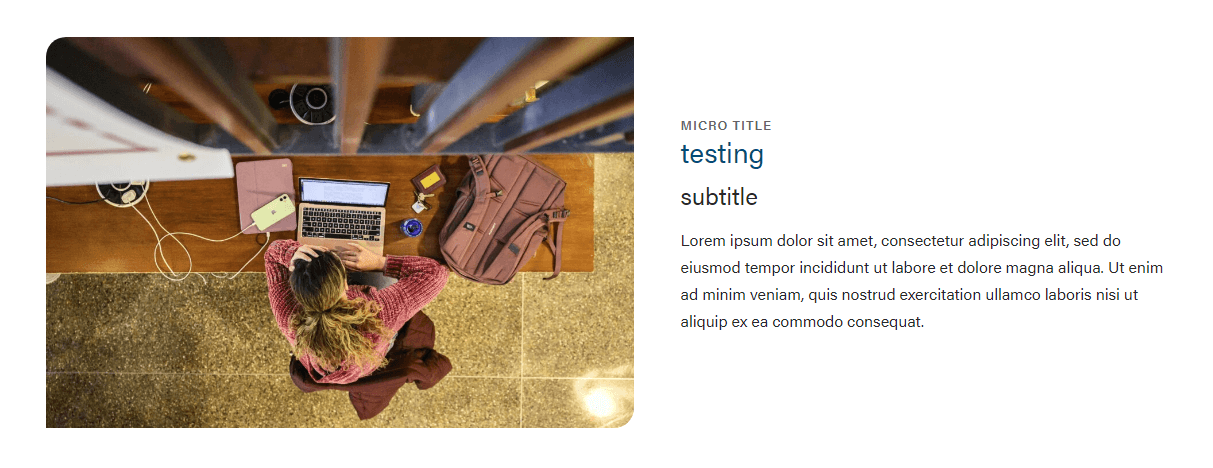
This layout can be used anytime you need an image next to copy. This is the default layout of the block.
...
The card title. You can select the heading size in the card configuration.
Heading Size
You can select H2 - H4 heading sizes.
Subtitle
The card subtitle.
...
Use large, high-quality images that are 2400 x 1600 or smaller.
Image Alignment
The image can be on the left or right side of the page.
Micro title
The card micro title.
...
The supporting copy. This should not be more than 1 paragraph or 4 sentences. Make sure the amount of copy in the card looks good. If not, cut some of it or ask a writer to cut some of it.
Link
The URL.
CTA Styles
You can pick text link or different CTA styles for the link.
Block-level Fields
Stretch Link
...
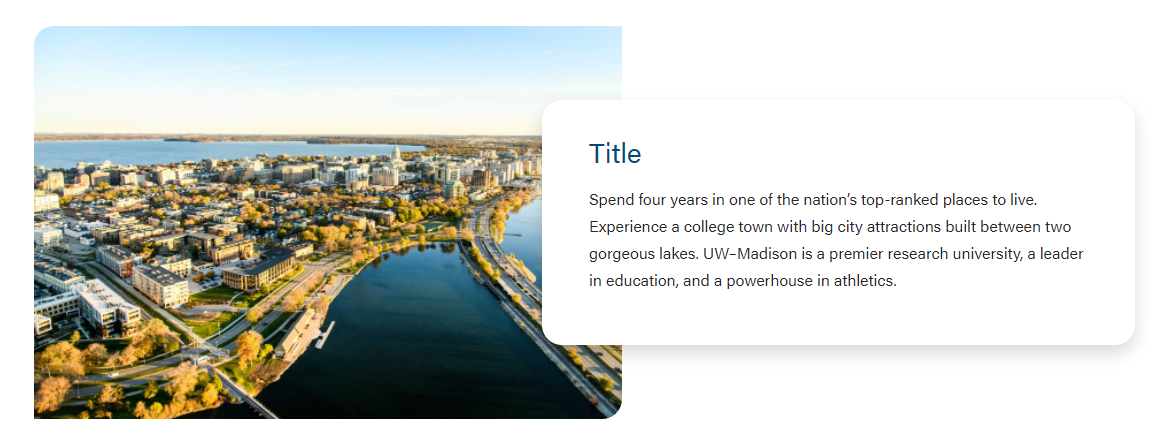
Image Width
You can select the following sizes.
33/66

50/50
Enable Swiper
If you have multiple cards in one block, you can choose between using a swiper or stacked the cards on the page.