
...
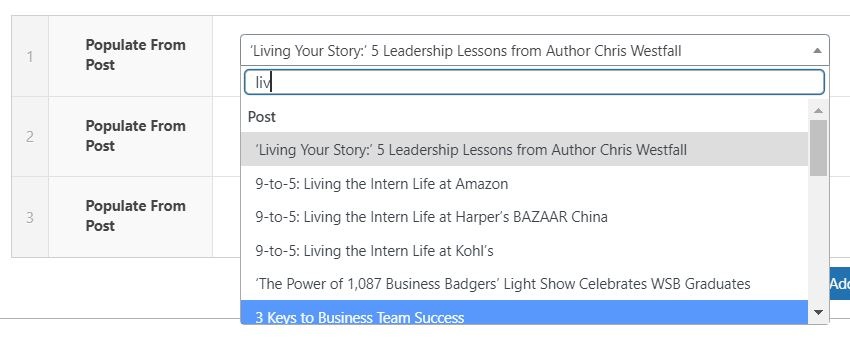
- You can manually select a post from the dropdown. Note: Since Since the dropdown pulls all posts, you can type the title of a post to filter through them.
...
- Note: When pulling a post, a CTA is automatically created. The CTA text is "Read full article", with an aria-label on the link that says "Read full article: {Article Title]"
- Check the "Stretch Link" and "Remove CTA" checkboxes in Configuration for better accessibility/less redundancy when using Populate From Post.
 and you can select the style of the CTA.
Title
- Add the title of the card.
- Note: The class of the title depends on the Title Heading Size under Introduction. For example, if Title Heading Size is h2, the card title will be h3.
- Note: If you check "Remove CTA" in the Configuration, you must have something in this field for the link to work.
...
Enable Card Shadows
- Adds shadow around cards
Coding Notes
02/2024 Changes:
- Added "Remove CTA" functionality
- Fixed "Populate From Post" link
- Removed aria-role=button from CTA