
...
Text content and one column layout with badges
| Text content and two column layout
|
|---|---|
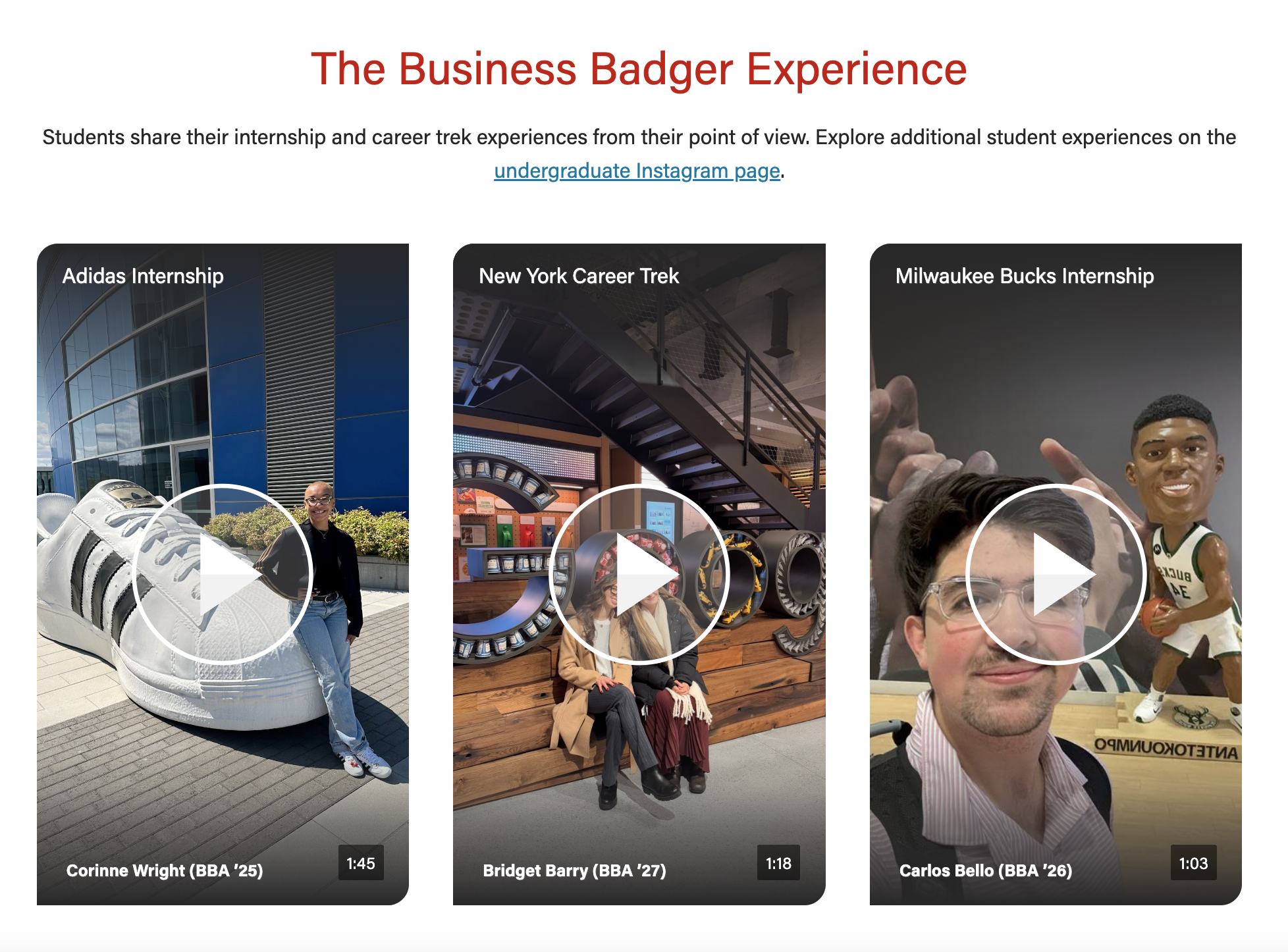
Video content with badges and supporting text
| Video content with badges and no supporting text
|
Social video (video content + mobile video)
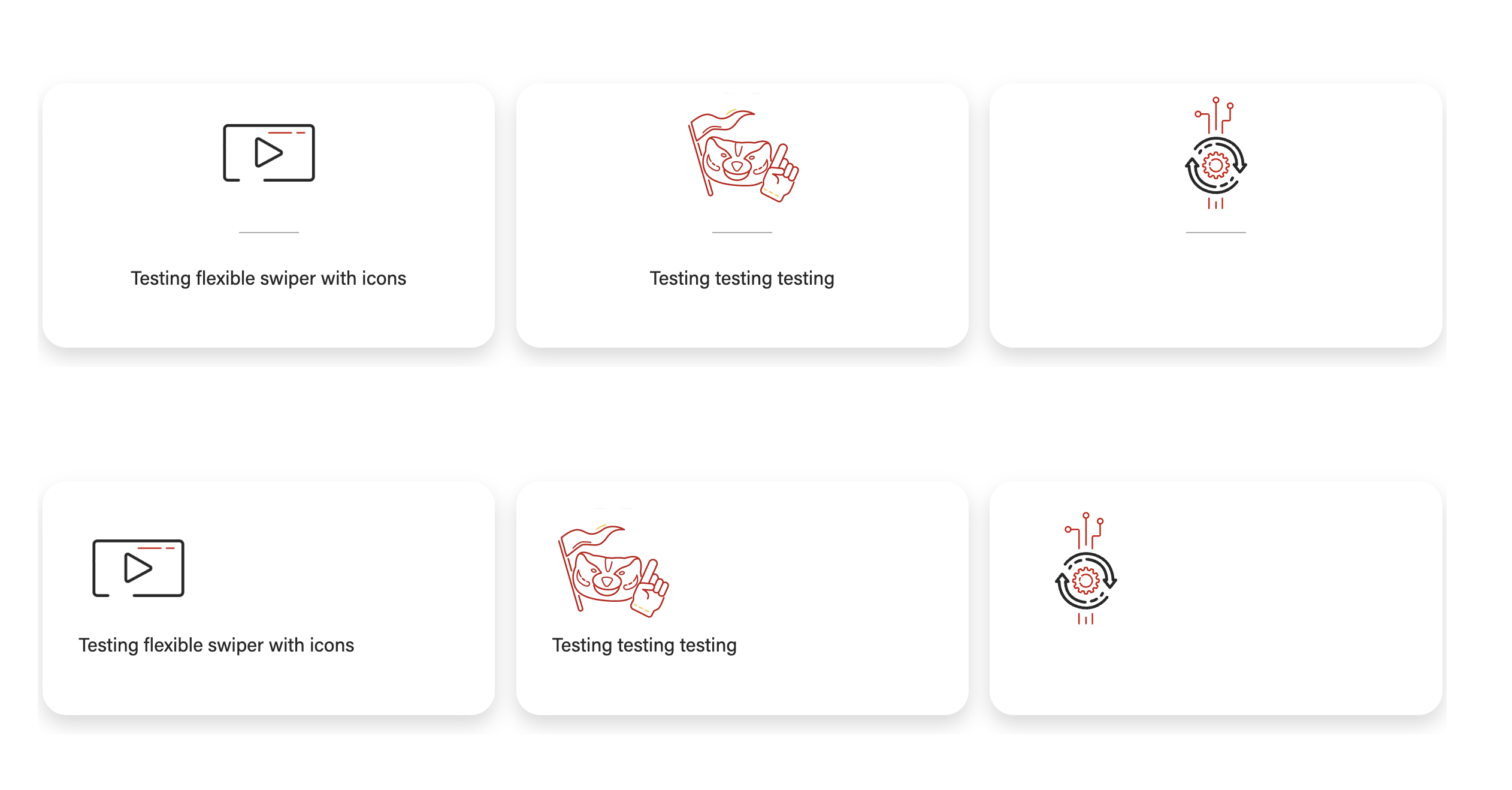
| Text/image content with icons (top - icons centered, bottom - icons not centered)
|
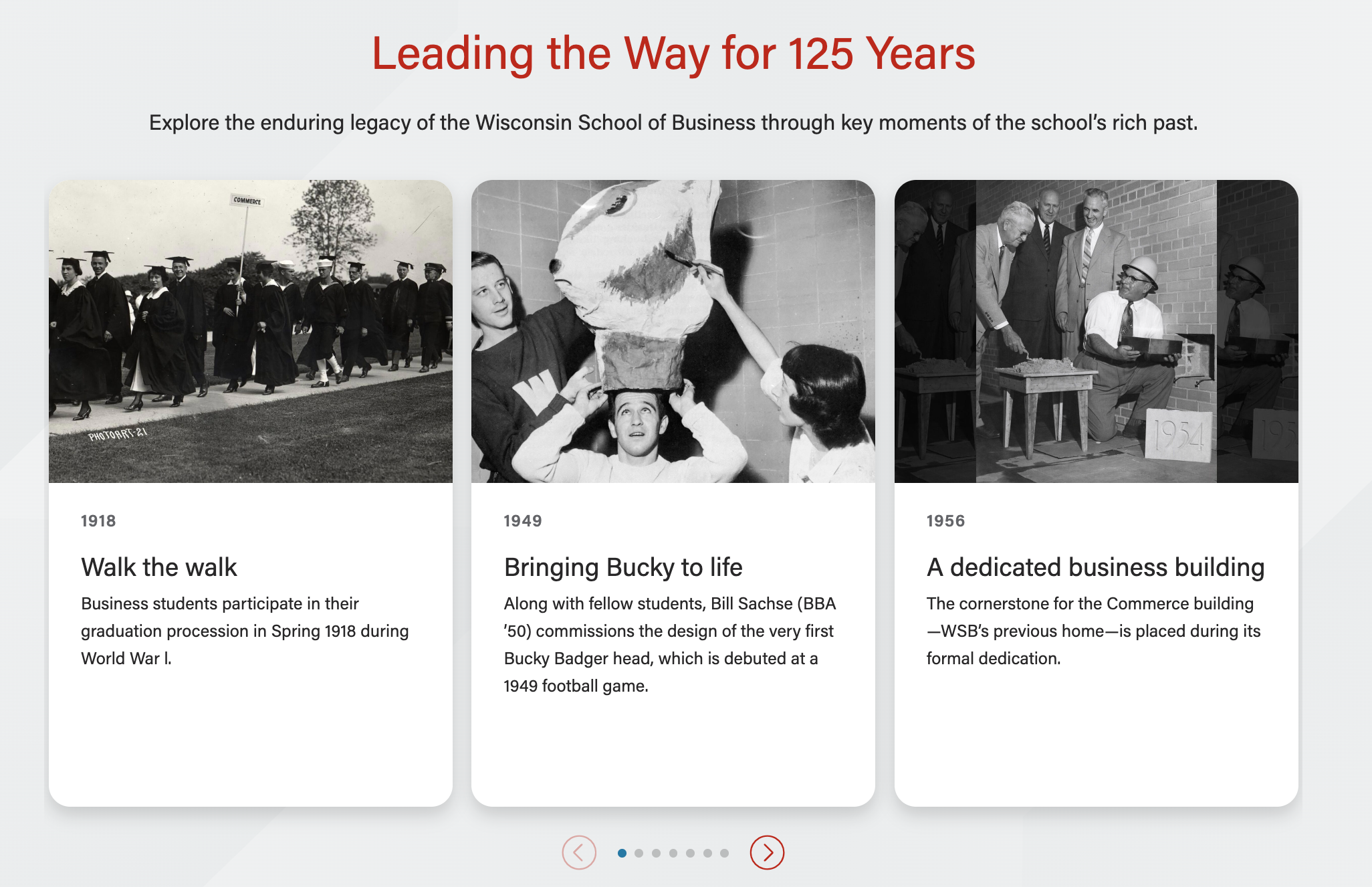
Text/image content with photos
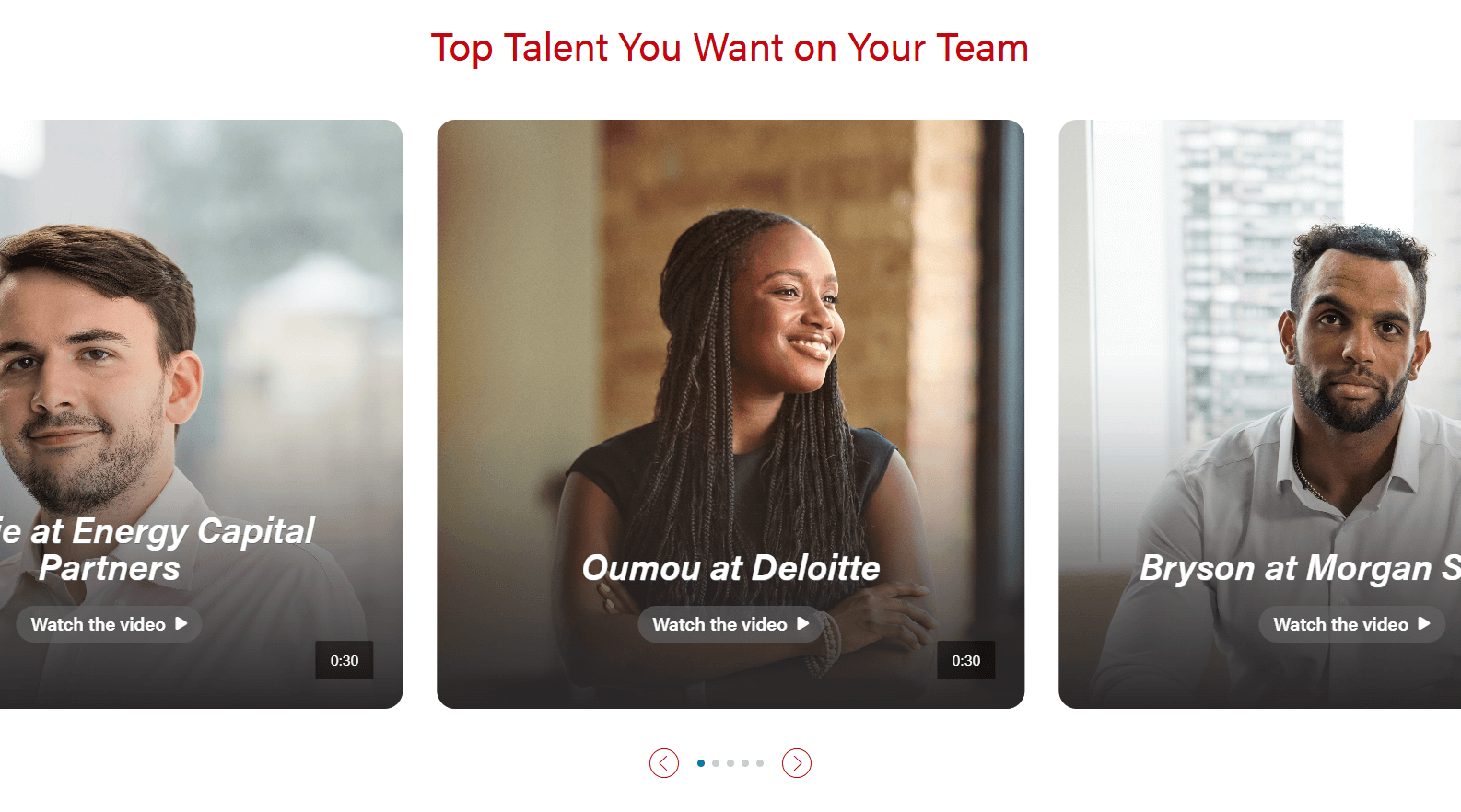
| Overflow images with modal videos
|
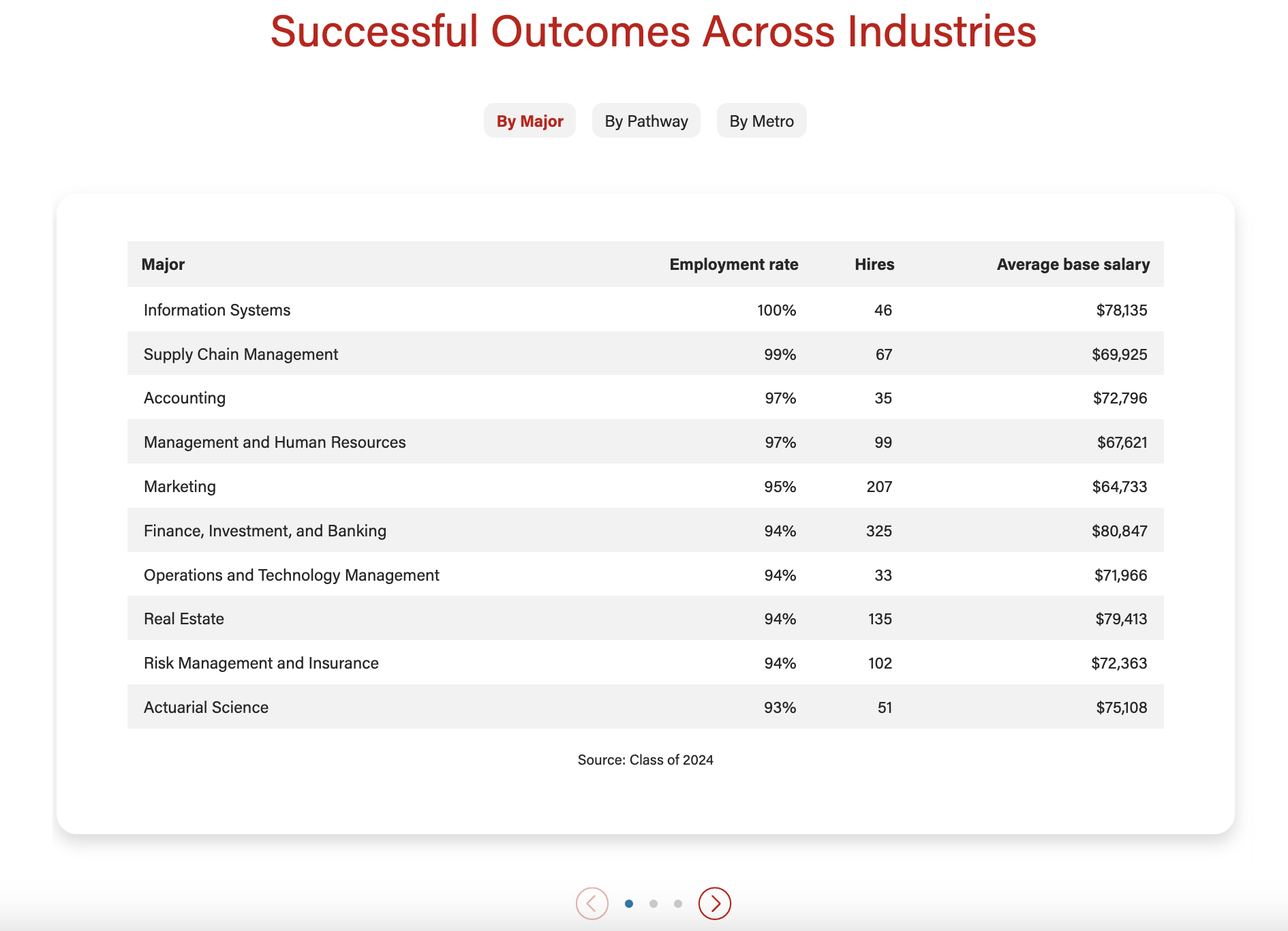
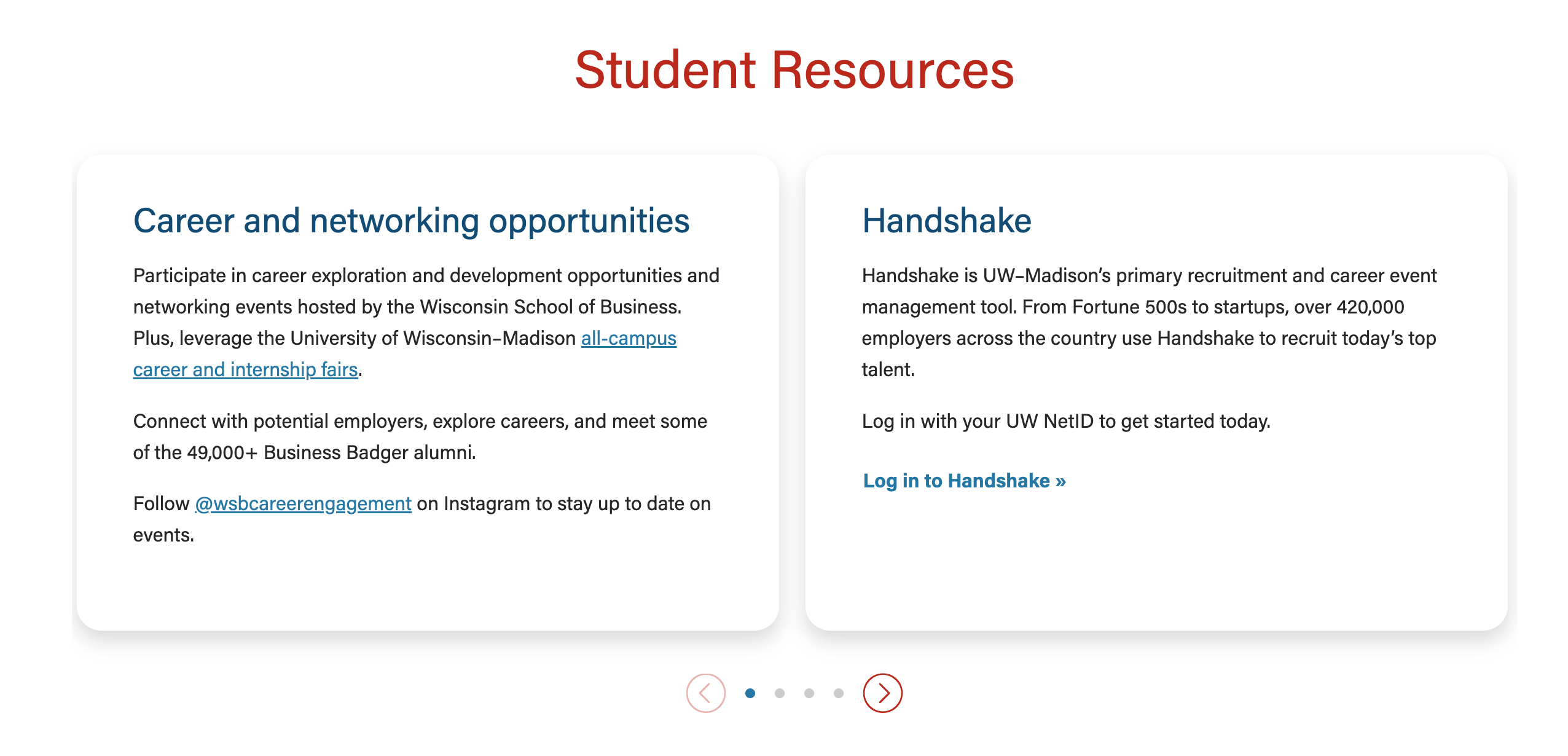
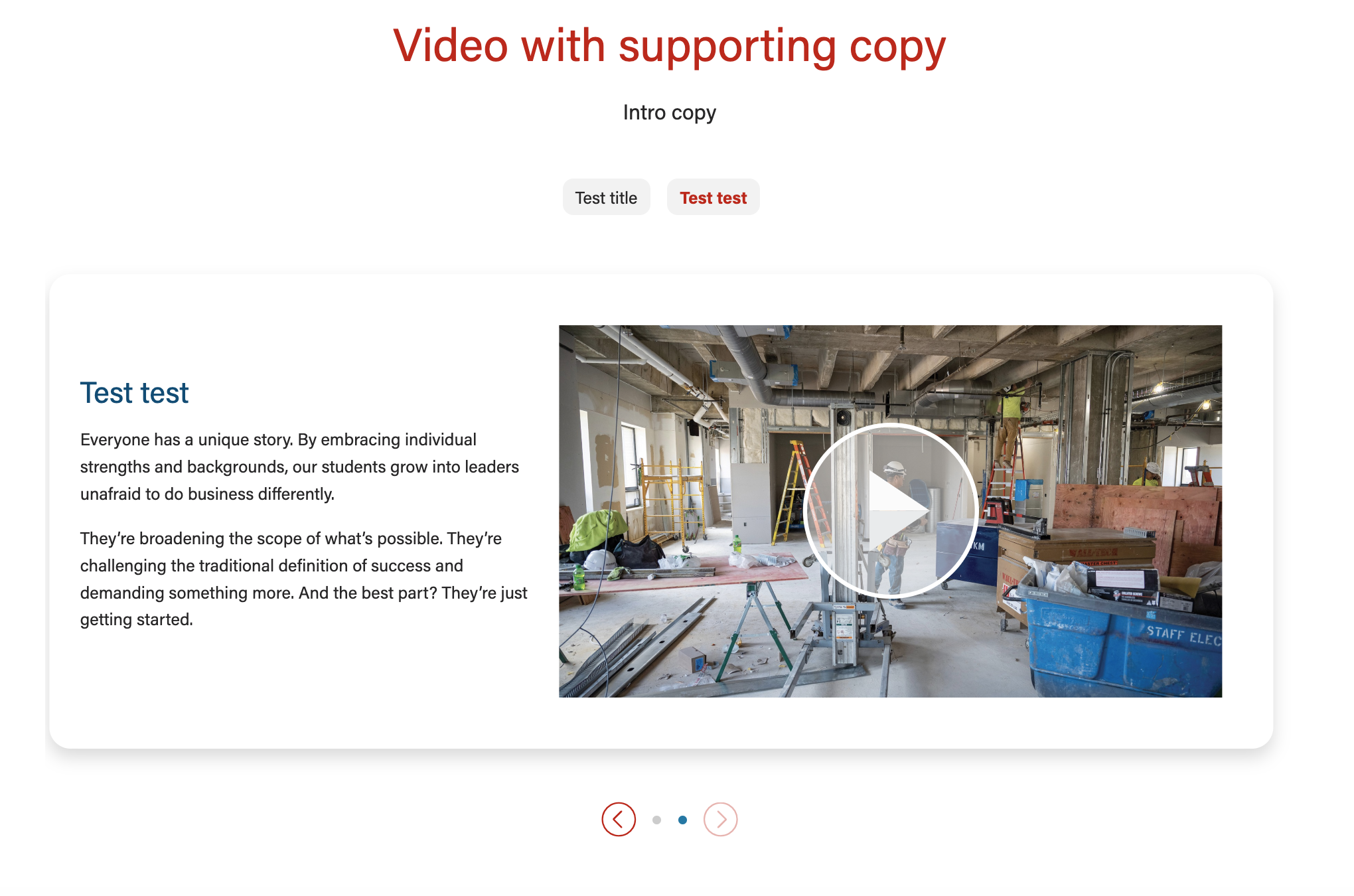
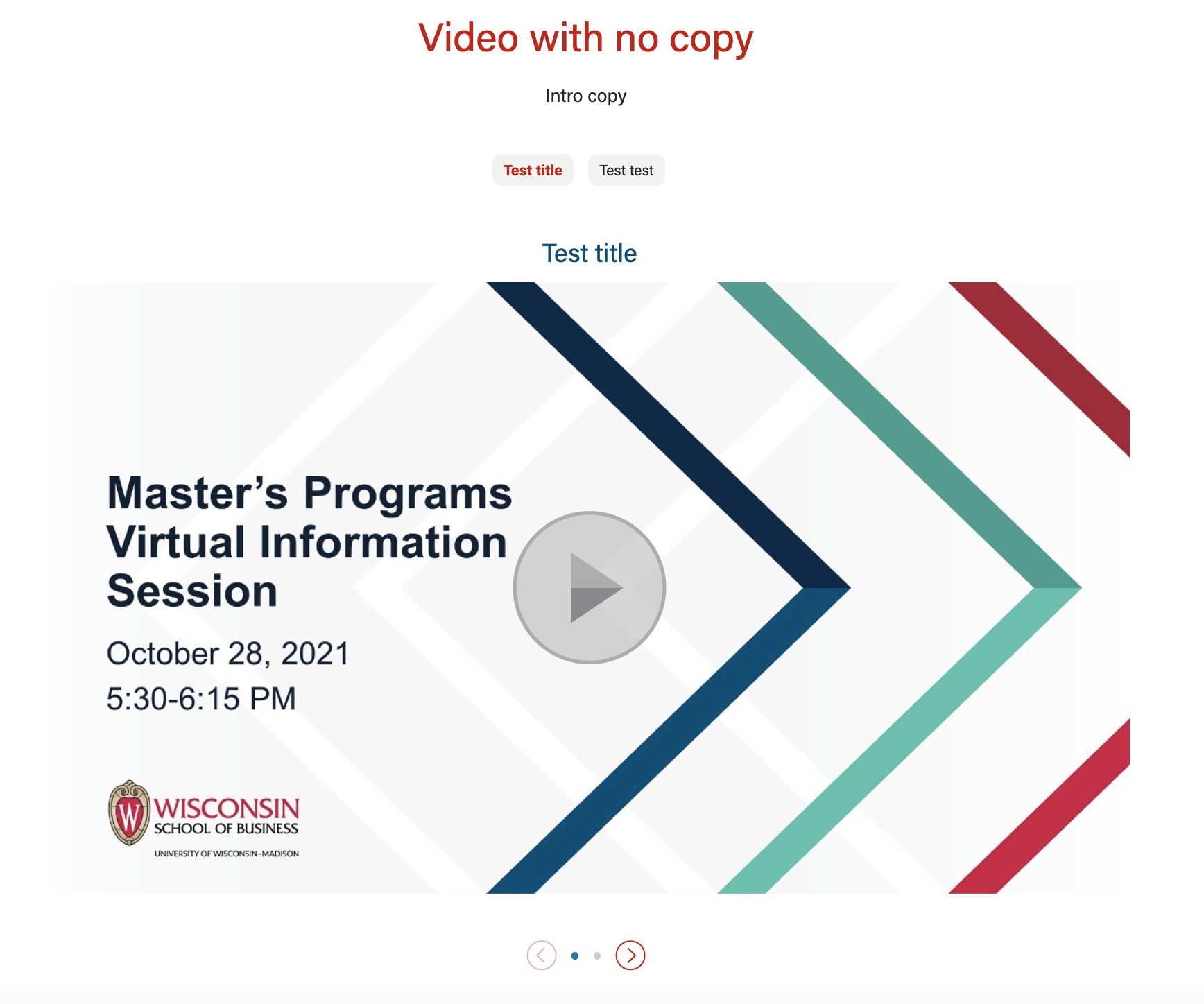
Use Cases
Use Case 1
Use the text/image content option to display multiple html tables in a swiper. Example: https://business.wisc.edu/undergraduate/careers/#data
...
Use the text/image content option to display multiple cards (with or without images) in a single row with the swiper. Example: https://business.wisc.edu/undergraduate/careers/#resources
- Add a grid of logos inside the cards, too - example: https://business.wisc.edu/undergraduate/recruit-hire#partnership
Use Case 3
Use the video content option to display multiple videos in a swiper, with or without supporting copy for each video.
...
- Doesn't currently work with landscape videos!
- Only appears with Video content type selected
- Sets video to a lazy load instead of a modal view.
Show Overflow
- Video columns expand the width of the page, with parts of the left and right cards will be partially off the page
- Randomize Order? - only available when Show Overflow is toggled to yes.
- When checked, the order of the videos will be randomized.
- Adaptive autoheight is not necessary as the override images should always be the same size.
Add/Edit Cards
- Card details - (accordion)
...
- Text field
- Text that displays inside badges (if shown) and title for the card
- For badges layout: this content will go inside the badge, so keep this as short as possible; recommend no more than 30 characters.
- For show overflow: the title is toward the bottom of the card
Hide title in card?
- Yes or no
- This field is only visible if Display badges? is checked
- Allows the title field to show in the badge only, so you can have a different title or no title in the card.
...
- Tooltip: Image will override YouTube thumbnail. Make sure video image dimensions are the same for all testimonials in the block. Youtube thumbnails are 1176x662px
- TIP: Recommend using an image with 4:3 aspect ratio if there is a lot of text content next to the video. Dimensions of 1024px by 768px have worked well before.
- Image (Array)
- If Show Overflow is toggled yes, make sure all the images are the same size.
- The images can be vertical or horizontal
Image Alt text
- Tooltip: Describe what’s in the youtube thumbnail image. Not necessary if you use the Image Override.
- Text field
...
- Tooltip: Red Button is only used for low contrast, grayscale images where light and dark buttons won't work.
- Select: dark, light, or red
- Play buttons won't work when Show Overflow is toggled to yes
- The play button says "Watch the video" with an arrow
Play Button Alt Text
- Tooltip: Aria-label for the play button. Defaults to “play video”. Examples include: “Watch Sennai’s video”
- Text field
...
Adaptive autoheight?
- Yes or no
- Default is Yes
- Toggle to no if Show Overflow is toggled yes
Card image ratio
- If adding an image to any cards, select an appropriate aspect ratio
- Default - 16x9
- Options:
- icon
- 16x9
- 21x9
- 4x3
- 1x1
...