
| Info | ||
|---|---|---|
| ||
As of December 2025, basic Eloqua training will be done through UW-Madison's Eloqua Canvas course. All new users will automatically gain access to the course. If you are an existing user and would like access to the Canvas course training, please fill out the Redwood Canvas Access Form. The training document below will outline WSB-specific Eloqua training. It is currently in progress, so apologies for any confusion. |
This training documentation is a substitution for a 3-4 hour long training session. Please review it thoroughly prior to creating emails.
- General Eloqua documentation (UW-Madison wide)
...
- Open up the Firefox browser (you may need to download the most recent version). Eloqua is buggy with other browsers.
- Go to login.eloqua.com
- Ignore the sign in fields and select "Sign in with SSO or another account"
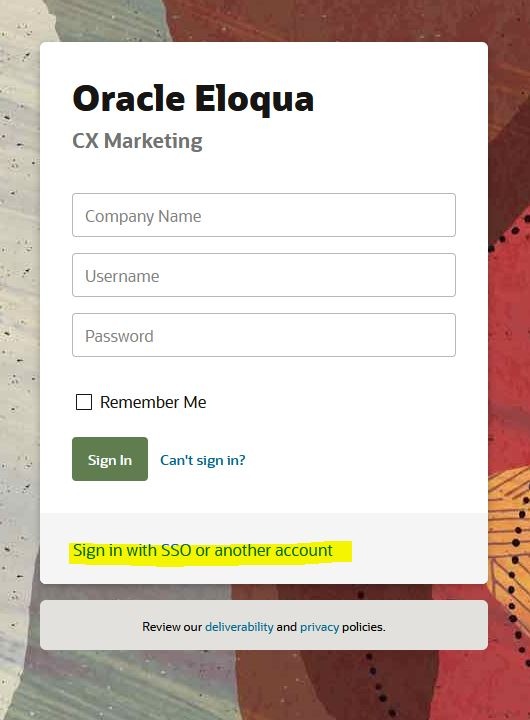
- In the "Company Name" field, type in "uwmadison" (not case sensitive) and click "Sign in"
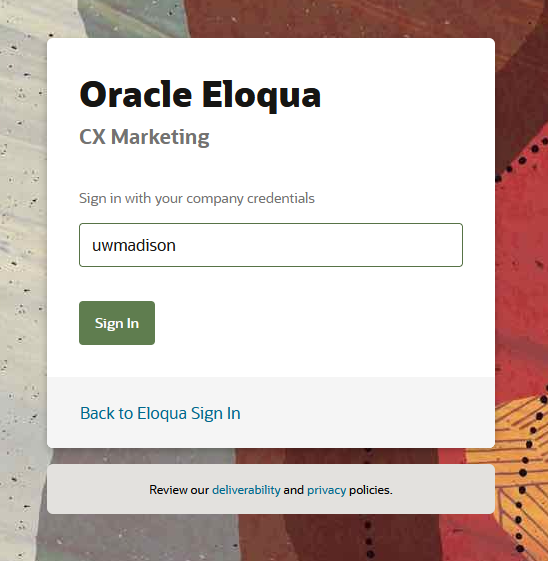
- It will redirect you to your typical wisc.edu login, where you can login as usual.
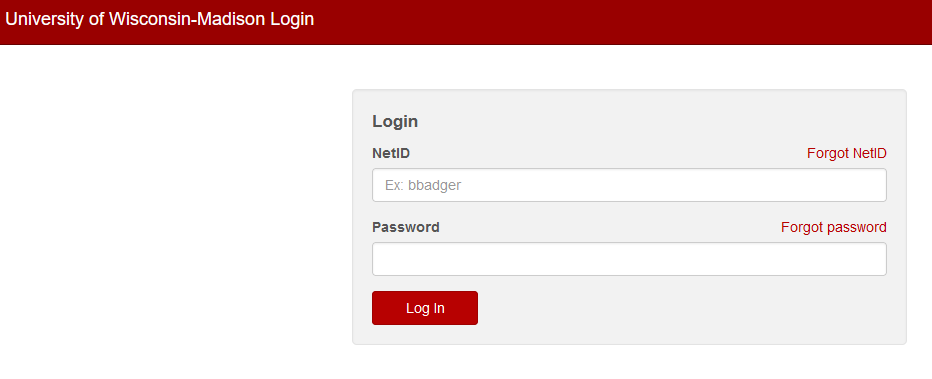
- If you get an error, you probably need to request Eloqua access
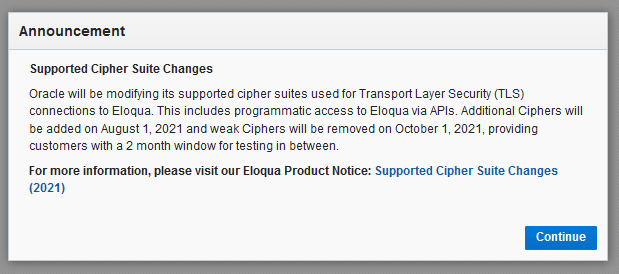
- You may see an Announcement page, you can ignore this and click "Continue"
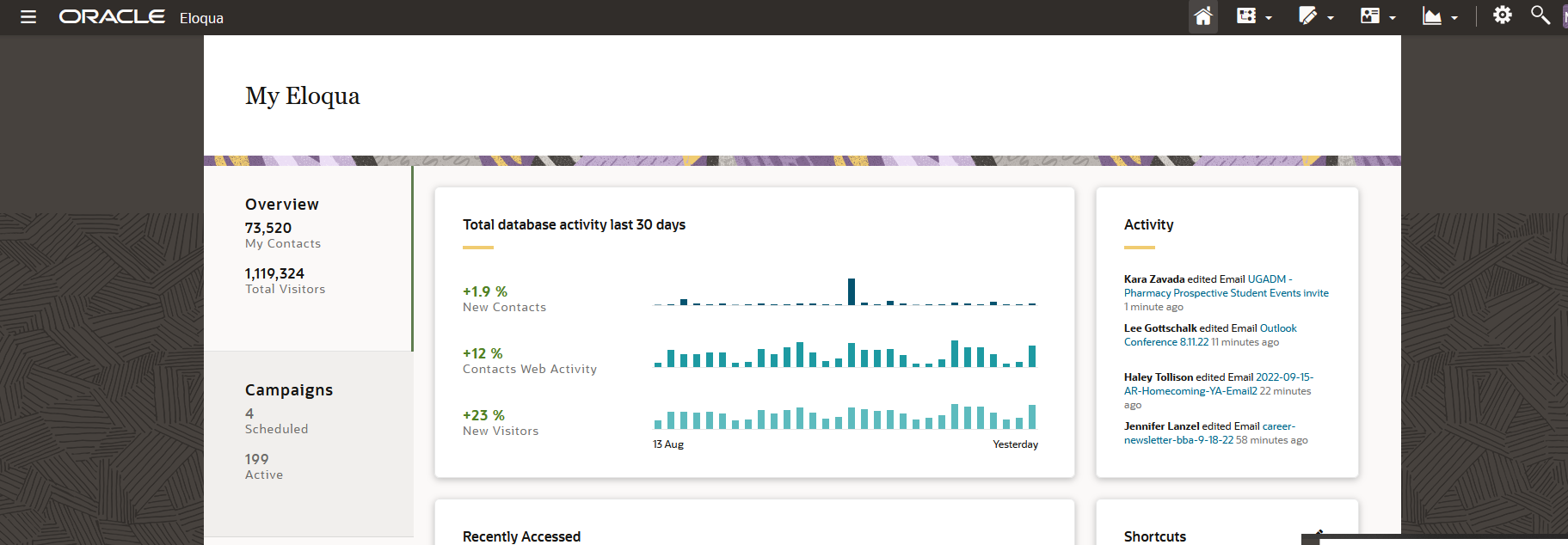
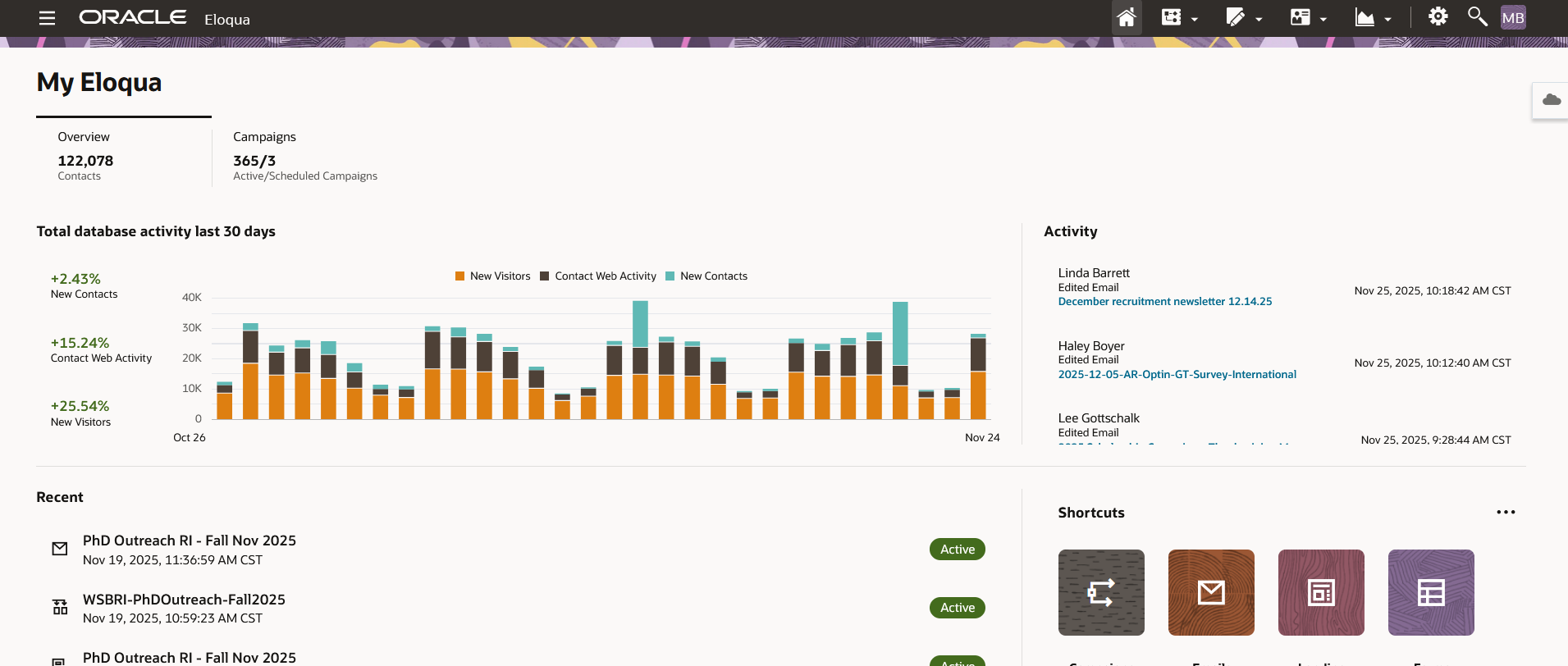
- Otherwise, you will be brought to the main Eloqua page. It will look something like this.
| Anchor | ||||
|---|---|---|---|---|
|
...