- Open up the Firefox browser (you may need to download the most recent version). Eloqua is buggy with other browsers.
- Go to login.eloqua.com
- Ignore the sign in fields and select "Sign in with SSO or another account"
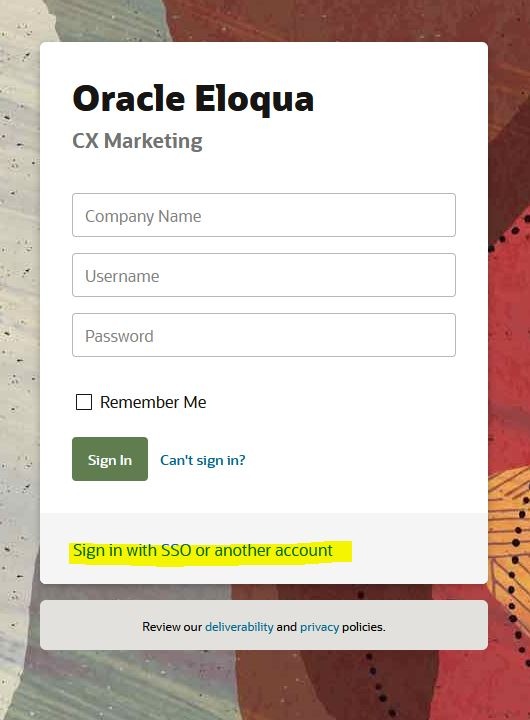 Image Added Image Added - In the "Company Name" field, type in "uwmadison" (not case sensitive) and click "Sign in"
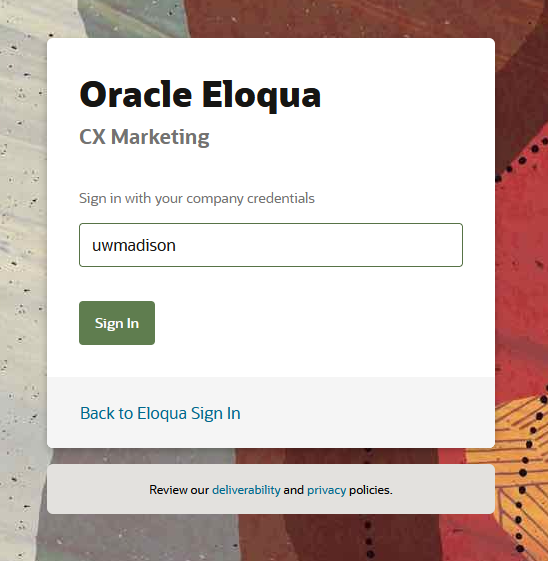 Image Added Image Added - It will redirect you to your typical wisc.edu login, where you can login as usual.
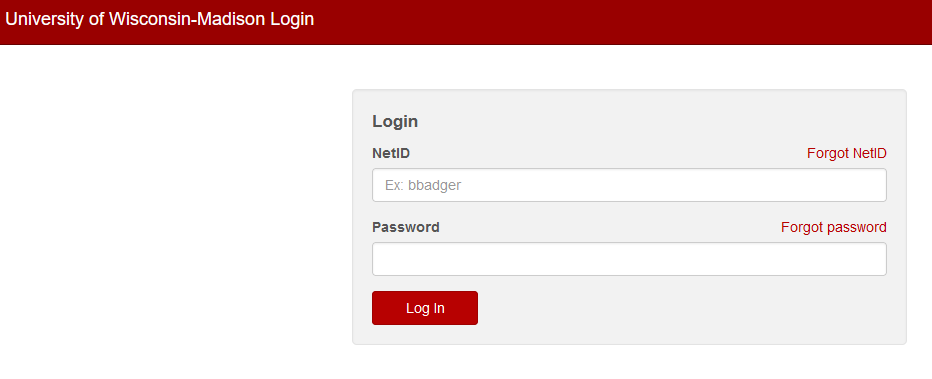 Image Added Image Added- If you get an error, you probably need to request Eloqua access
- You may see an Announcement page, you can ignore this and click "Continue"
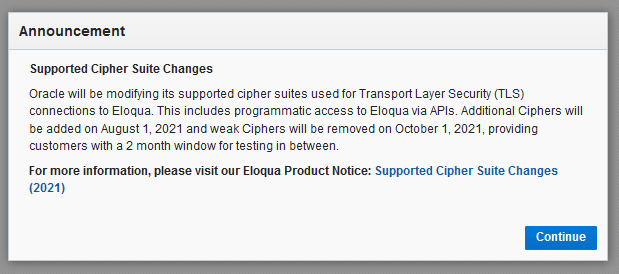 Image Added Image Added
- Otherwise, you will be brought to the main Eloqua page. It will look something like this.
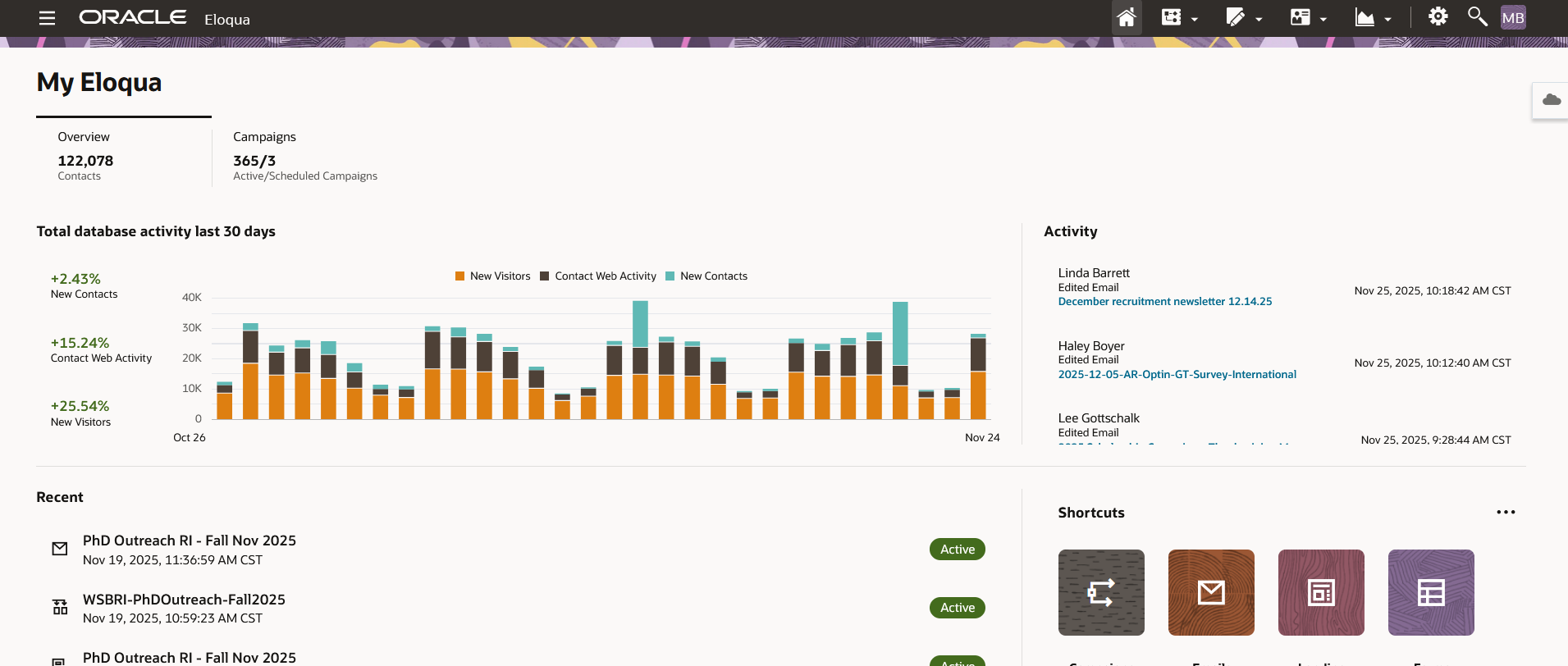 Image Added Image Added
|
