...
How to Login to Eloqua:
...
- Open up the Firefox browser (you may need to download the most recent version). Eloqua is buggy with other browsers.
- Go to login.eloqua.com
- Ignore the sign in fields and select "Sign in with SSO or another account"
...
- In the "Company Name" field, type in "uwmadison" (not case sensitive) and click "Sign in"
...
- It will redirect you to your typical wisc.edu login, where you can login as usual.
| Expand |
|---|
| title | View detailed login instructions (with screenshots) |
|---|
| 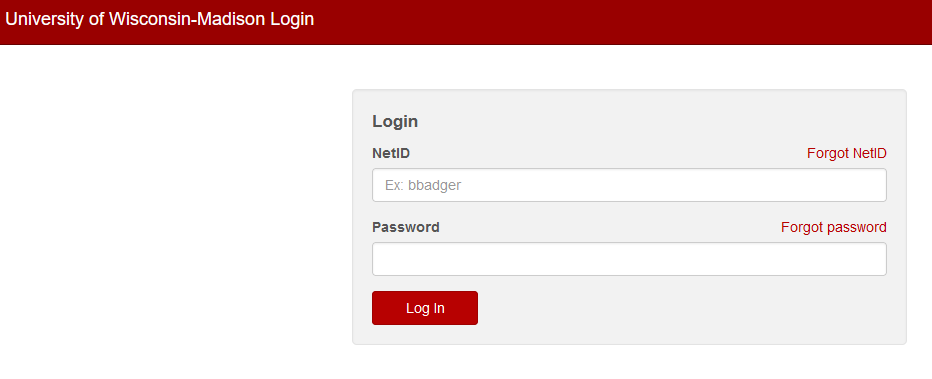 Image Removed
- If you get an error, you probably need to request Eloqua access
- You may see an Announcement page, you can ignore this and click "Continue"
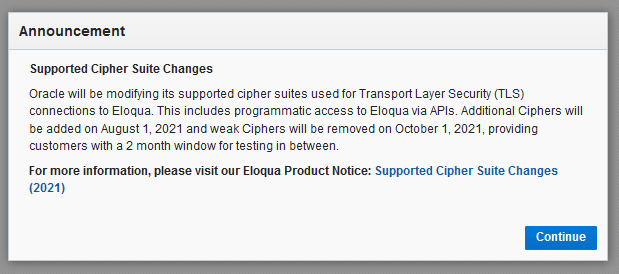 Image Removed
Otherwise, you will be brought to the main Eloqua page. It will look something like this.
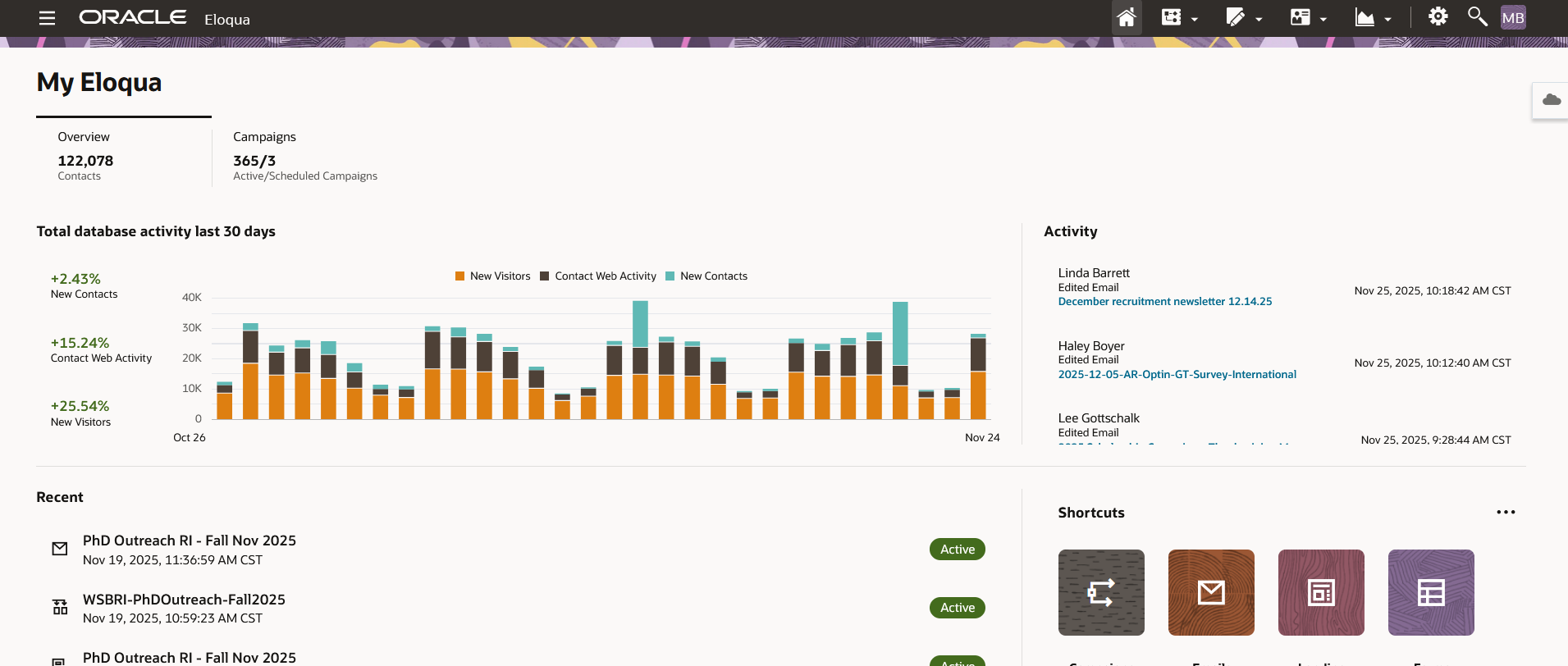 Image Removed
 |
- Open up the Firefox browser (you may need to download the most recent version). Eloqua is buggy with other browsers.
- Go to login.eloqua.com
- Ignore the sign in fields and select "Sign in with SSO or another account"
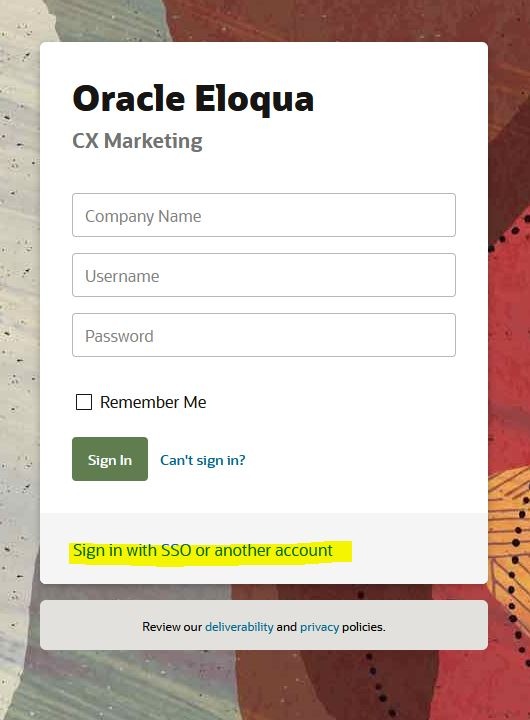 Image Modified Image Modified - In the "Company Name" field, type in "uwmadison" (not case sensitive) and click "Sign in"
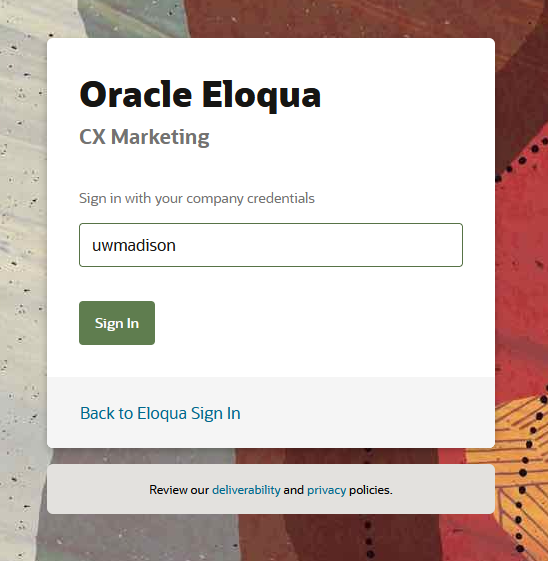 Image Modified Image Modified - It will redirect you to your typical wisc.edu login, where you can login as usual.
Image Modified- If you get an error, you probably need to request Eloqua access
- You may see an Announcement page, you can ignore this and click "Continue"
Image Modified
- Otherwise, you will be brought to the main Eloqua page. It will look something like this.
Image Modified
|
Using WSB Email Templates
...
