
...
| Expand | ||||
|---|---|---|---|---|
| ||||
|
Examples
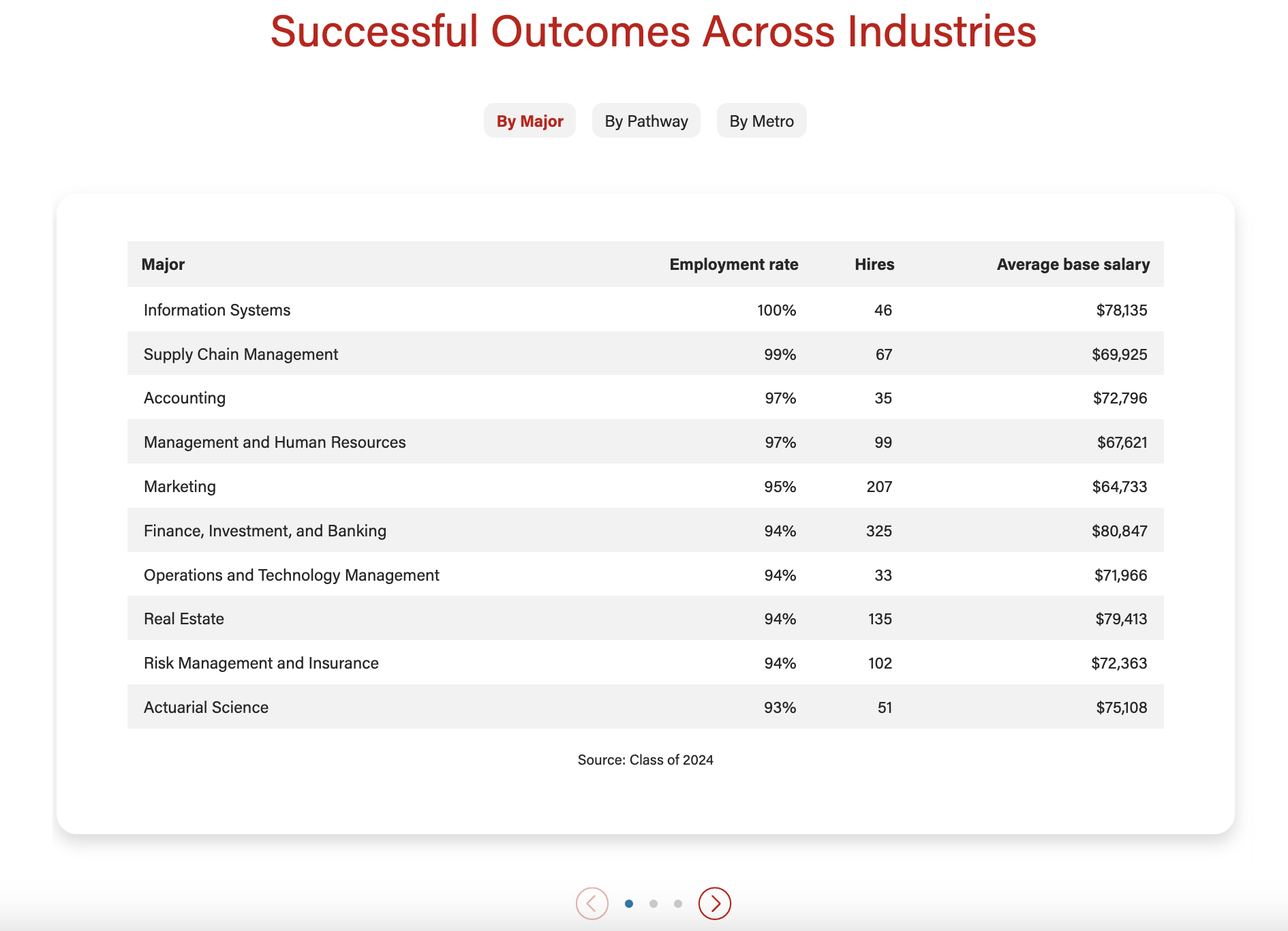
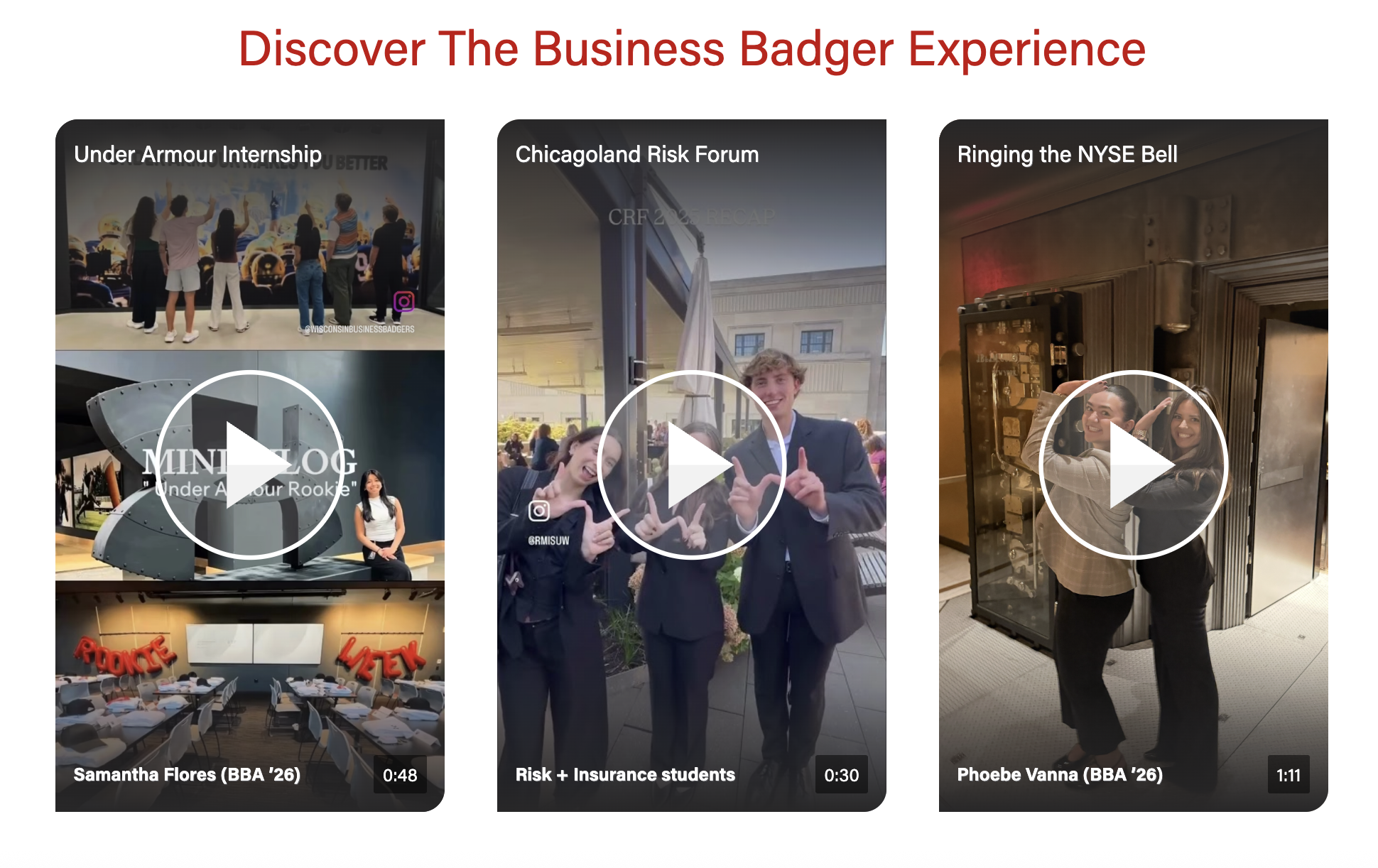
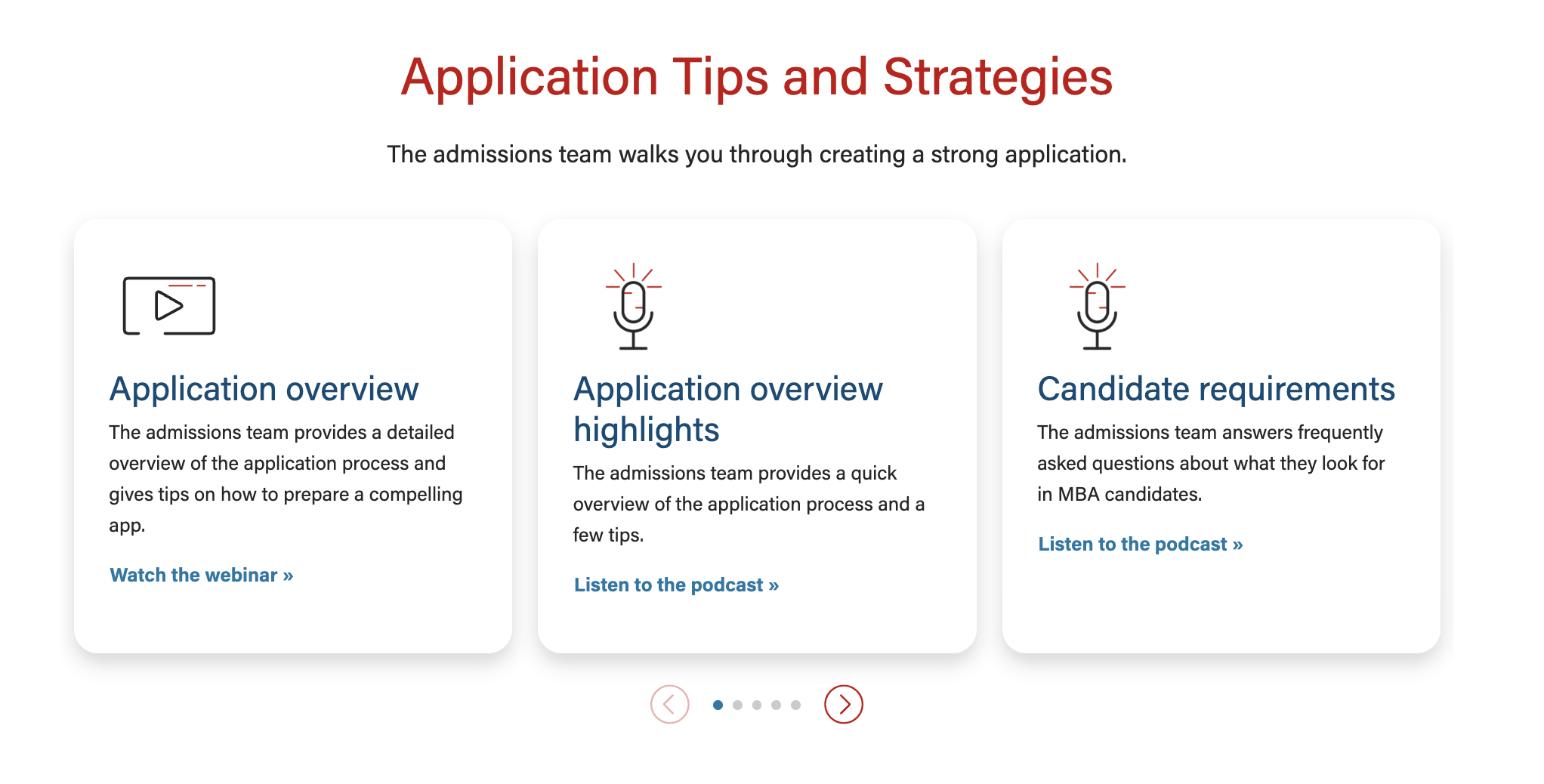

Documentation updates in progress
Use When
- Start bullets with gerunds for consistency; the bullet should complete the phrase starting with "Use when..."
- Example: "Displaying a small amount of copy with a photo"
- (optional) Include a “Do Not Use When” subhead when needed
Editorial Guidelines
- Character limits for each feature with copy
- Notes about copy fields that should or should not be used together
- Tips for writing these guidelines
- Use bulleted lists
- Use affirmative language
- Limit to two sentences or less
- Edit and use fewer words!
Design
Images
Photo A (required/optional)
- Dimensions:
- Other details to note (e.g. keep faces vertically centered)
Photo B (required/optional)
- Dimensions:
- Other details
Variations
- Show additional variations of the block that are not in Examples above (more screenshots showing additional features)
- Should be an orderly progression, not an attempt to show every possible combination
Implementation
ACF Fields
Other technical details we include in existing docs
Resources
- Figma mockup (link)
Design
- A flexible block that displays multiple cards/panels in a swiper.
- The block displays swiper arrows and creates swiping functionality when the content requires them. (move to implementation)
- There is also an option to display navigation badges above the cards.
- Currently, this block can display text with an optional image or a video with optional text.
- Click and drag swiping is disabled for video content on desktop. (move to implementation
...