
...
...
Follow our general Web Copy General Guidelines in addition to the following:
For text/image cards
- Badges (optional)
- Small navigational buttons displayed above the cards that feature a word or two to indicate the topic of each card in the swiper
- Character limit: 30 characters
- Cards must have similar amounts of copy
- Images are optional, but if one card has a photo, they all need to have a photo
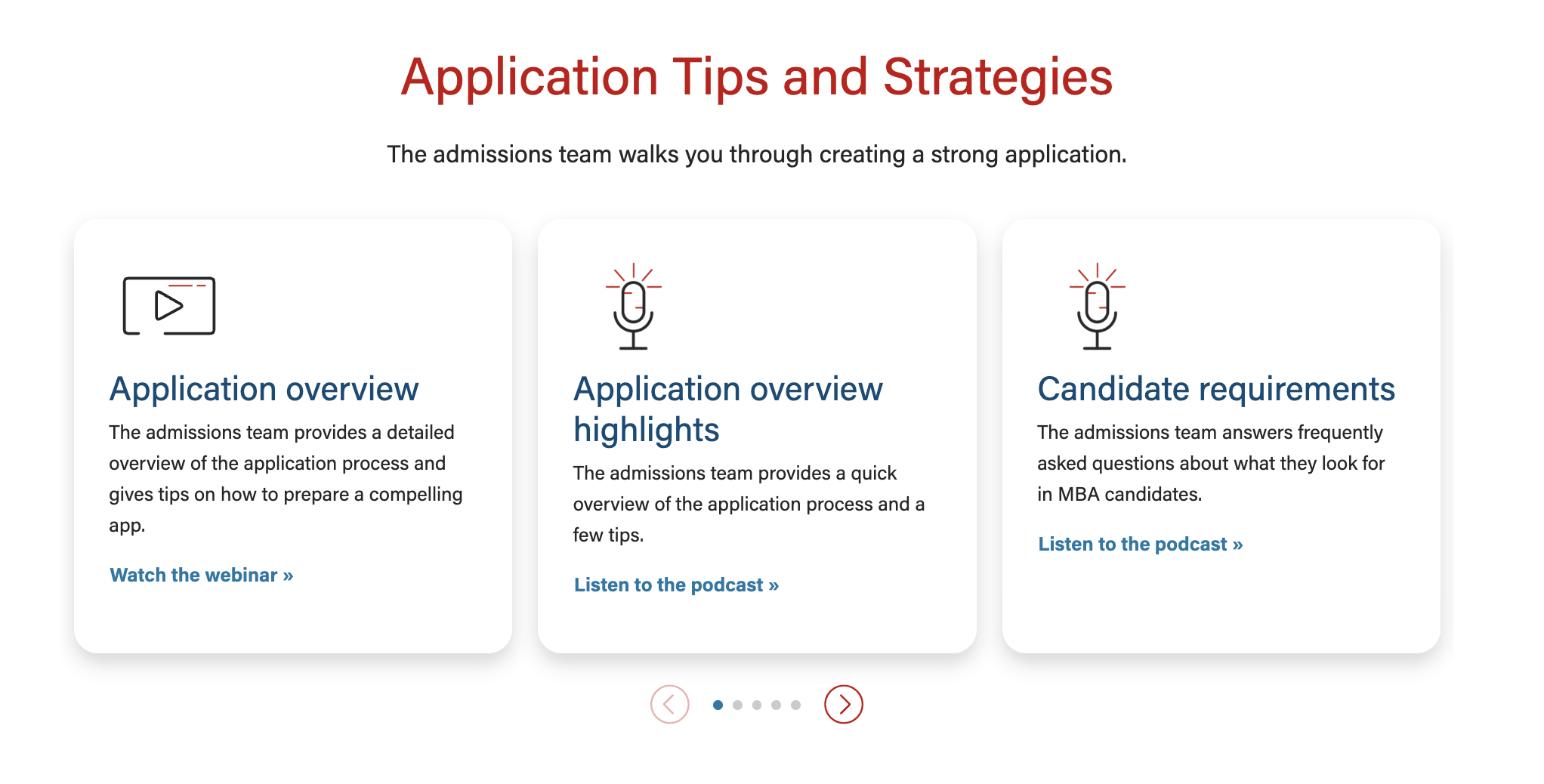
- Card title (recommended)
- If using badges, the card title should match or contain the badge copy for continuity
- Card content
- Ideal length is one or two short phrases or 3-4 bullet points
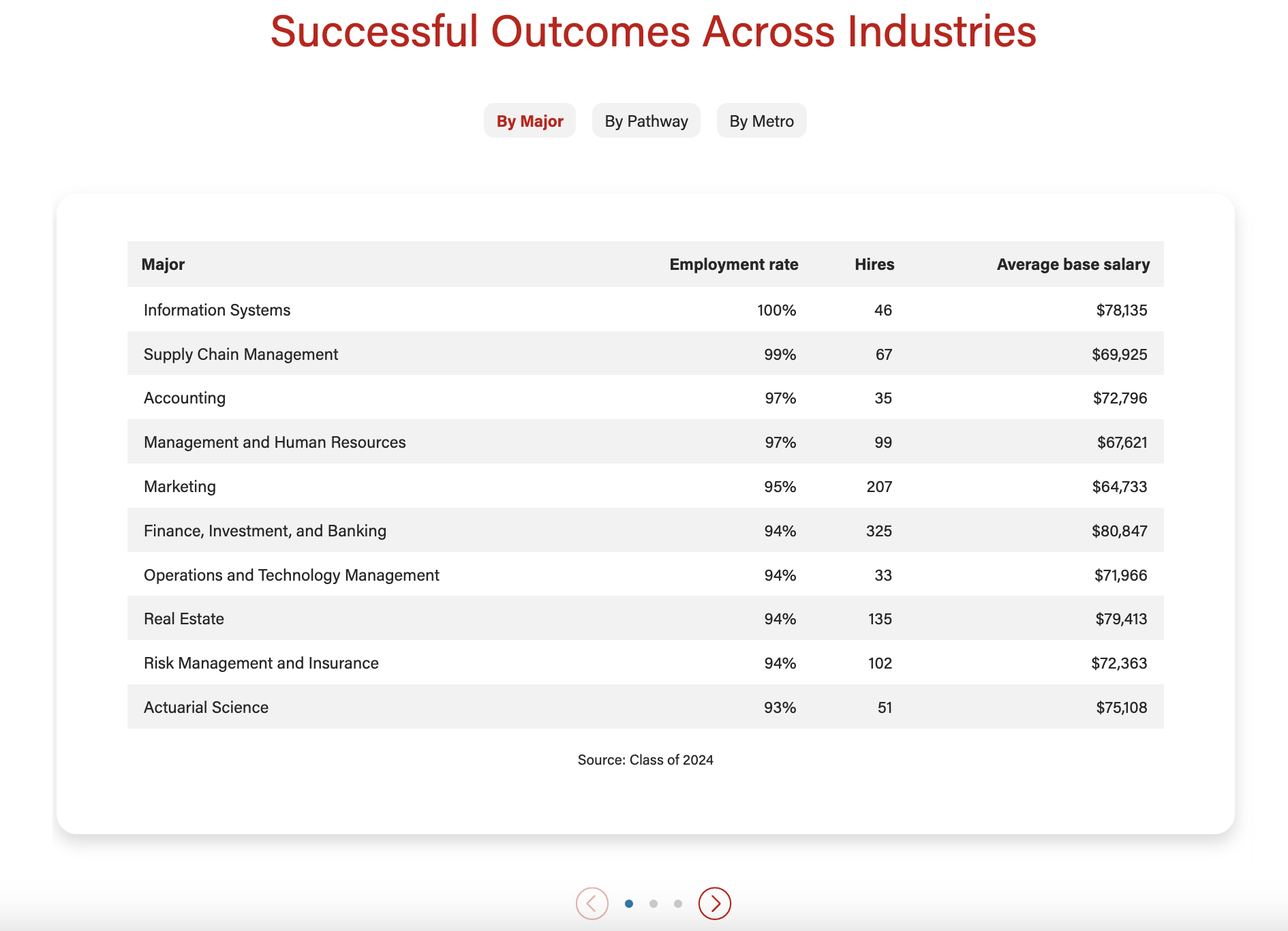
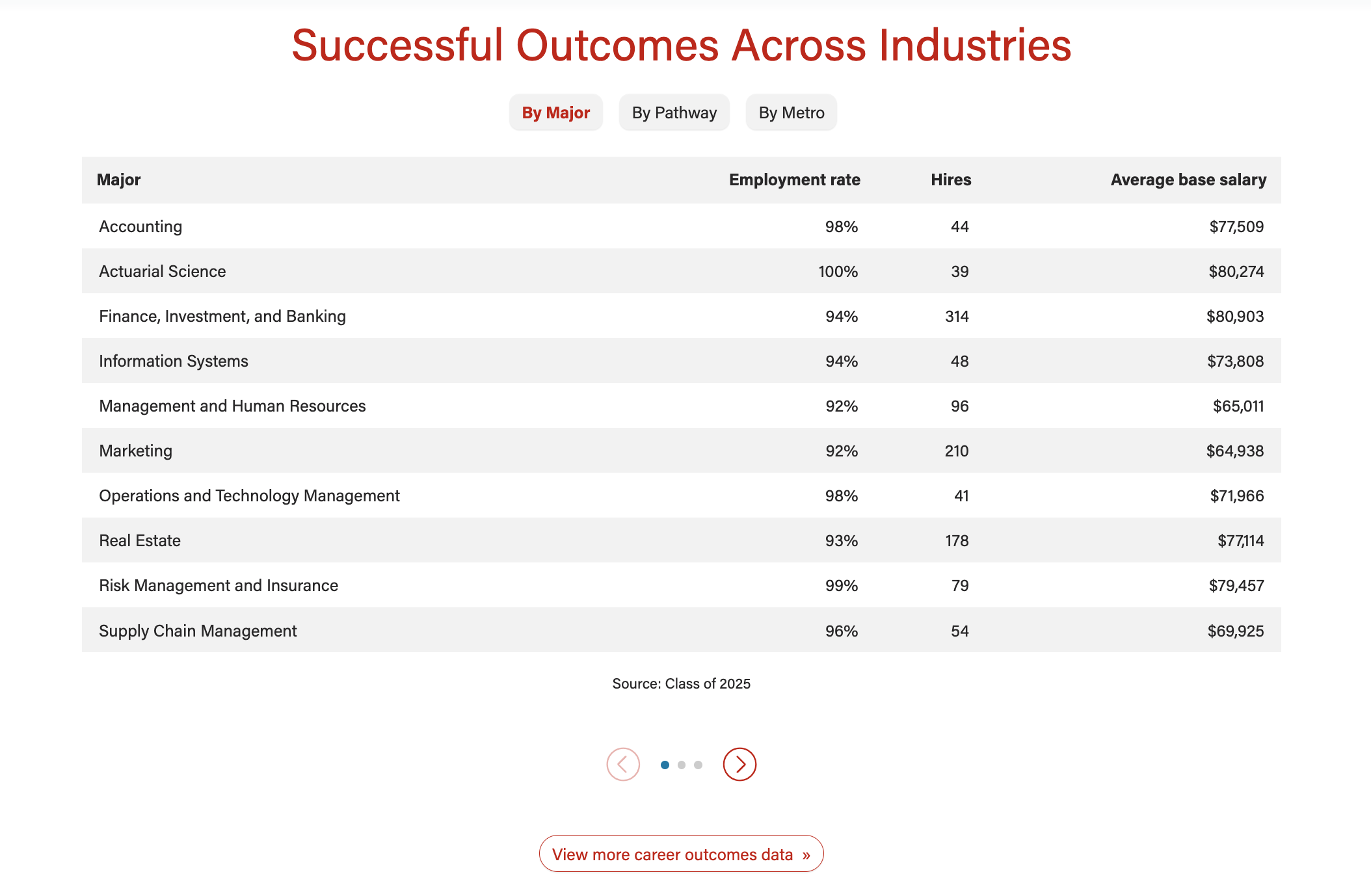
- For data tables, limit number of rows to ~10
- Card button/link (optional)
- Link text should be specific to each topic/card
...
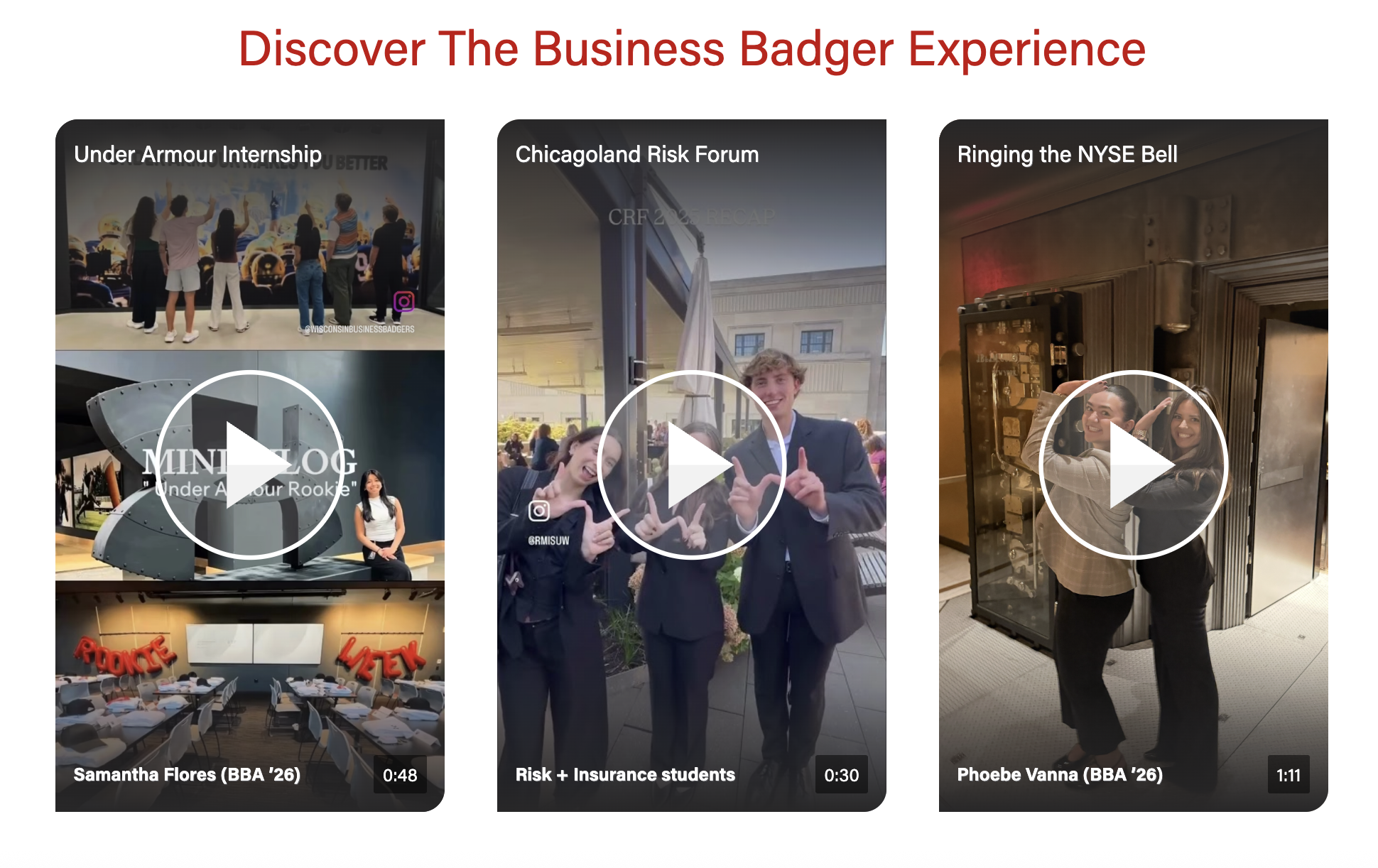
- Videos must be uploaded to YouTube and captioned accurately. Share the YT link with the web developer when ready.
- Badges (optional)
- Small navigational buttons displayed above the videos that feature a word or two to indicate the topic of each video in the swiper
- Character limit: 30 characters
Traditional Videos (landscape)
- Video title (required for all videos)
- Character limit: 30 characters
- Recommend matching (or shortening) the title of the video on Youtube
- When you want the video to appear next to some copy
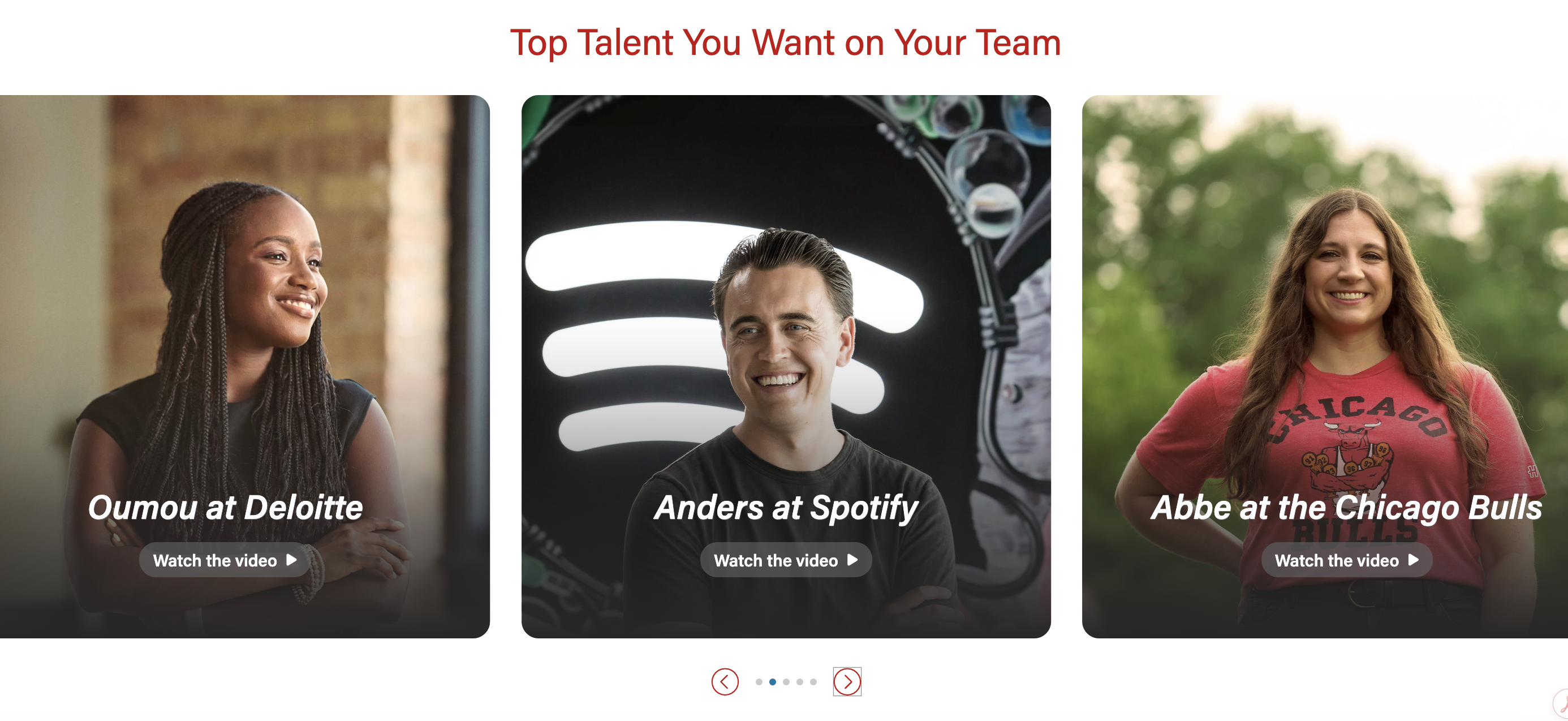
- Card title (required)
- If using badges, the card title should match or contain the badge copy for continuity
- Card content (optional)
- Ideal length is one or two short phrases or 3-4 bullet points
- Give users a few highlights from the video
- Card button/link (optional)
- Card title (required)
...
- Choose to display 1, 2, 3, or 4 columns for desktop
Badges
- Show users a teaser for each card in the swiper
- Badges are like small navigational buttons displayed above the swiper cards and feature a word or two
- Available for the single column layout only
- For mobile, badges can be listed out or collapsed into a dropdown
*Add screenshot
Text/image
- Display or hide card shadow
...