
...
Background Image - desktop
| MobileBackground Image - mobile
|
|---|
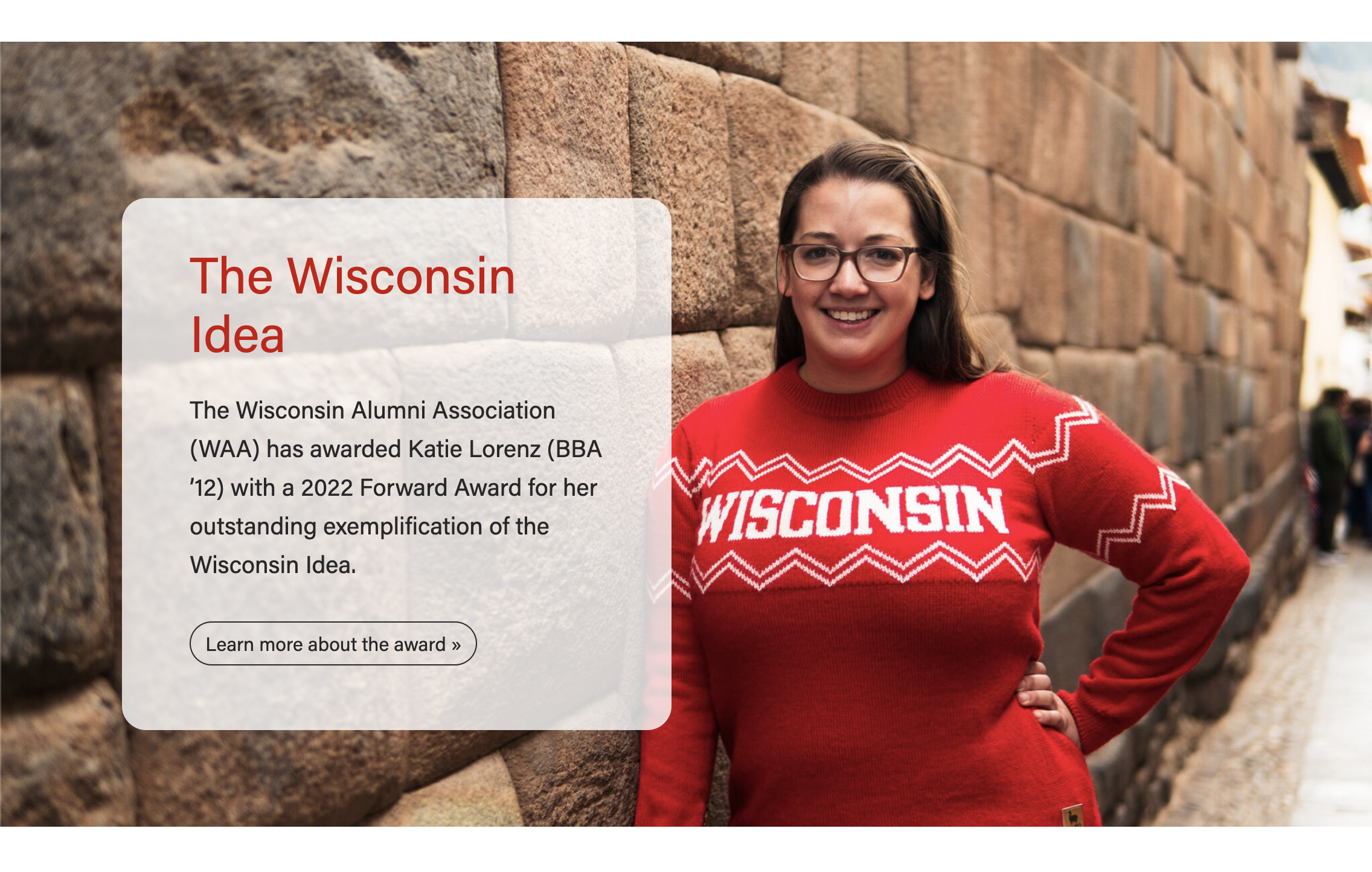
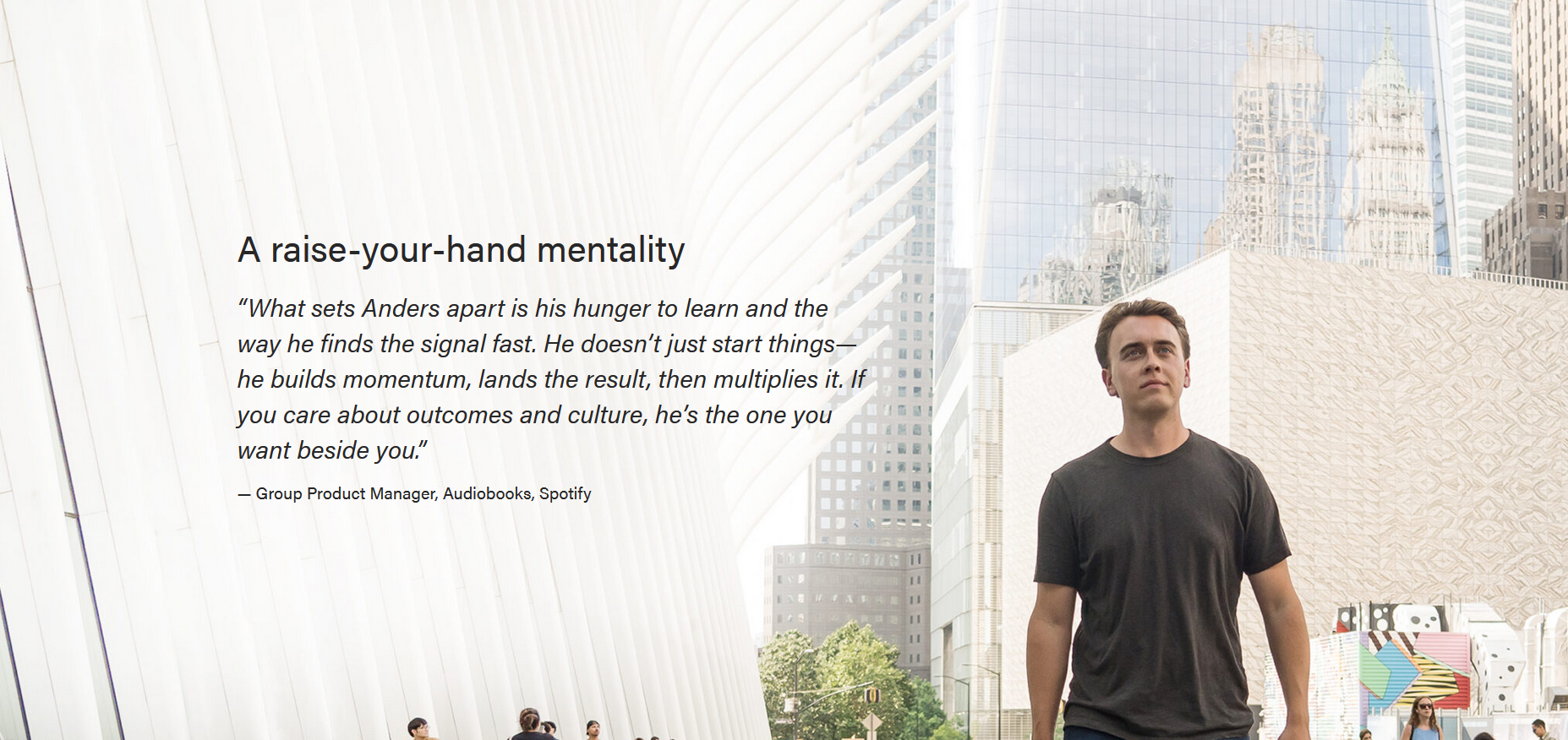

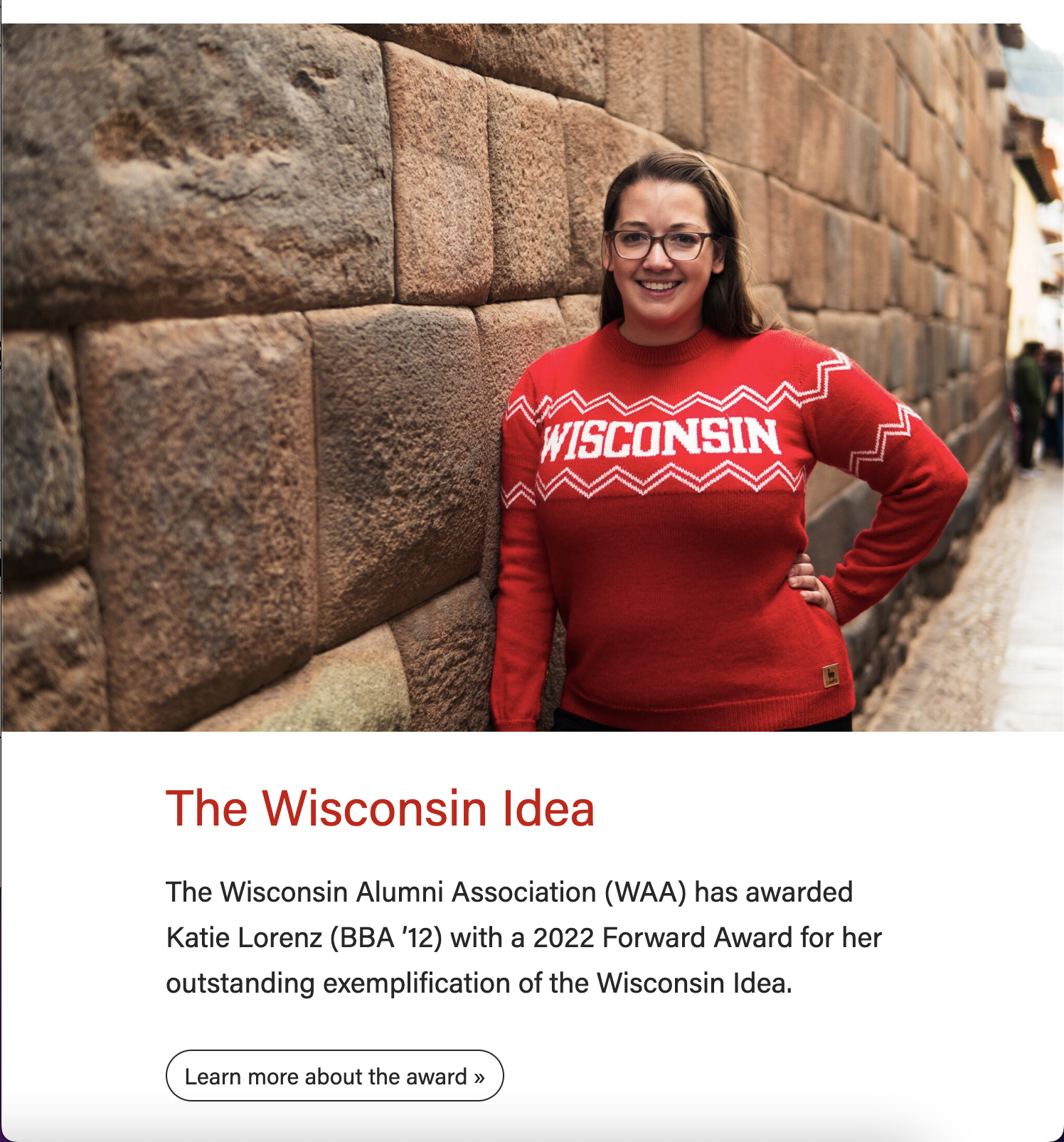
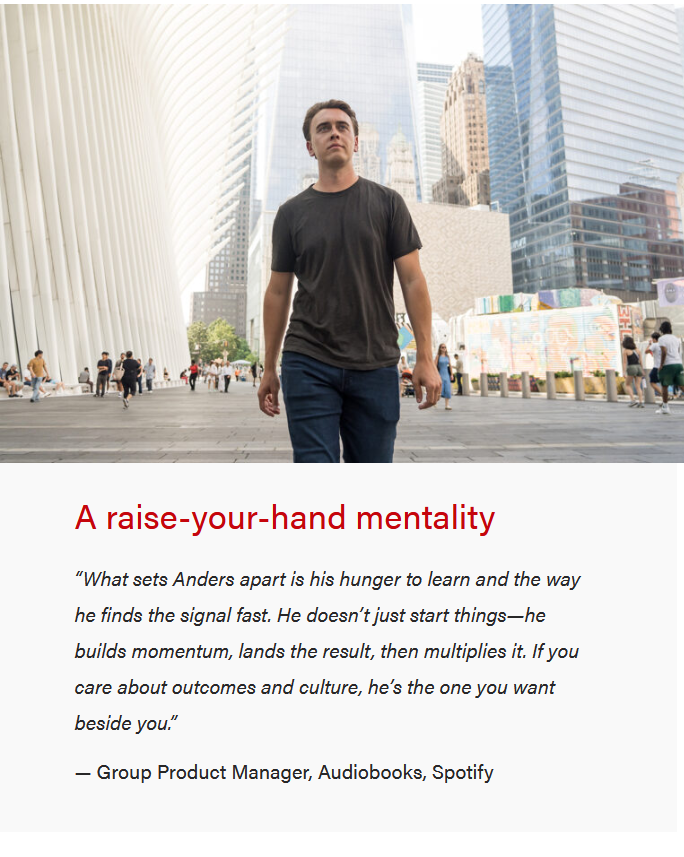
Background patterns (gray, blue, or red options) - desktopDesktop
| MobileBackground patterns - mobile
|
|---|
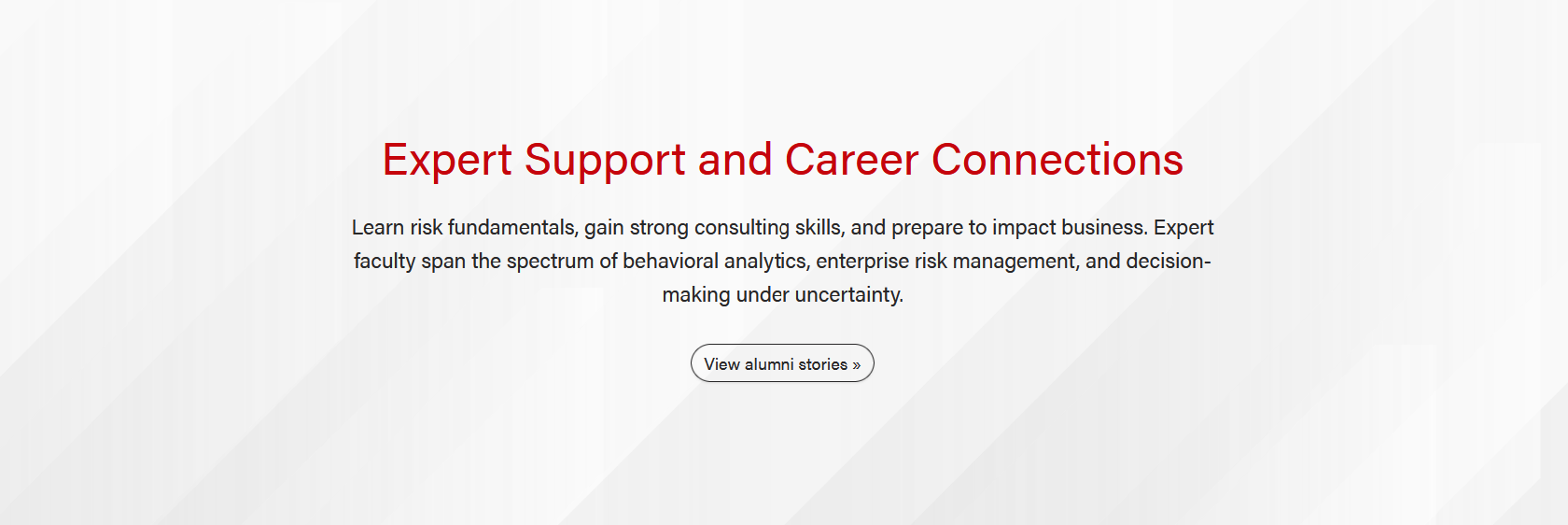






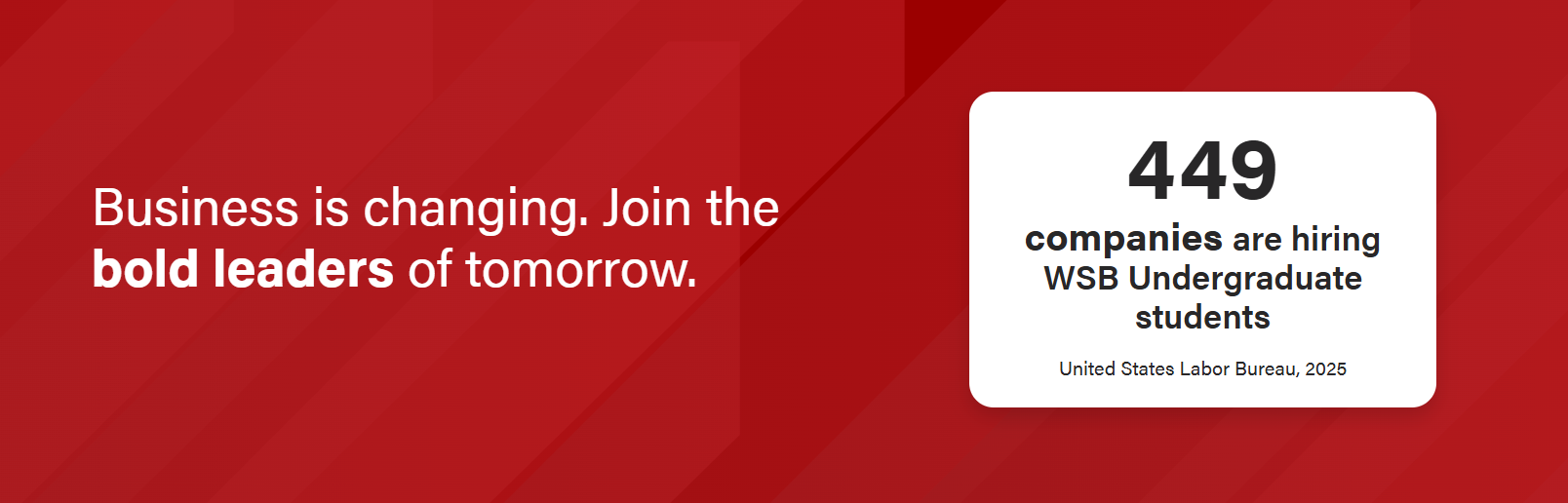
Stat Layout - Big stat/call-out box option (blue, gray, or red background patterns)
| Mobile
|
|---|
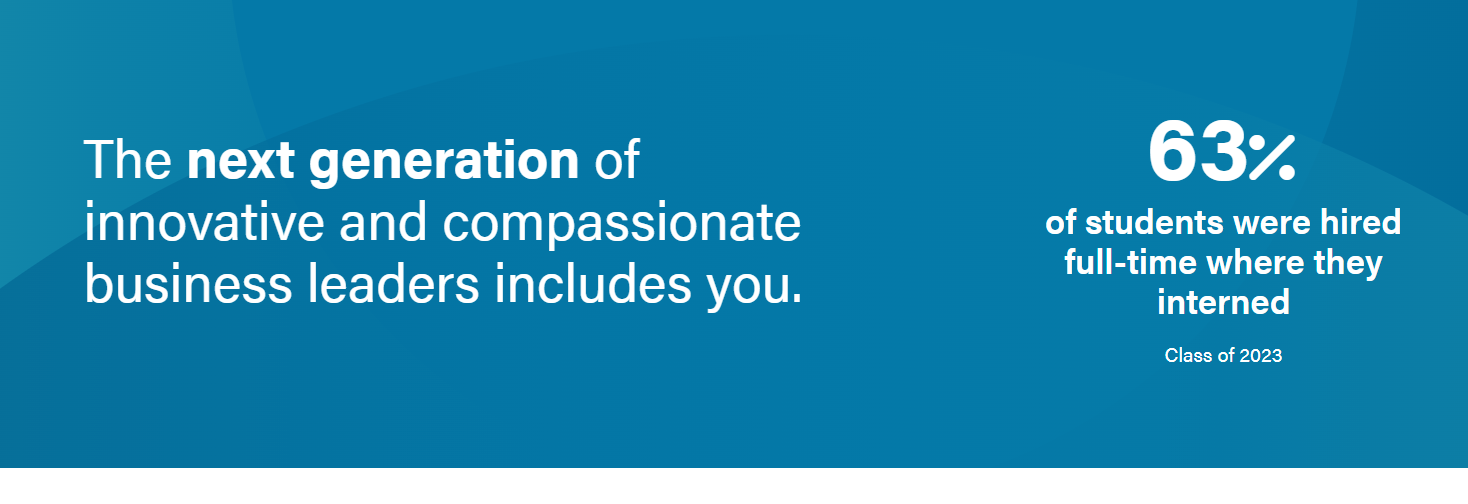
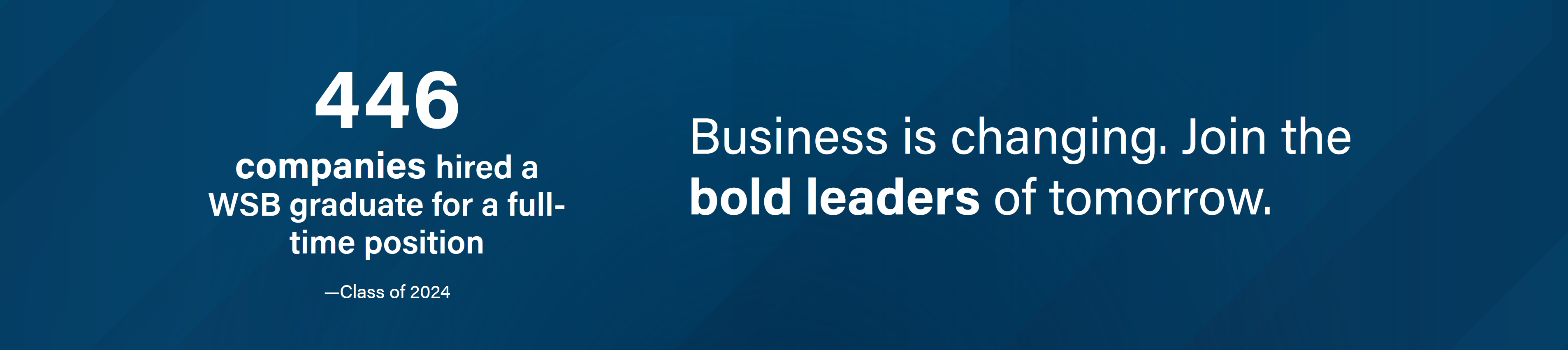
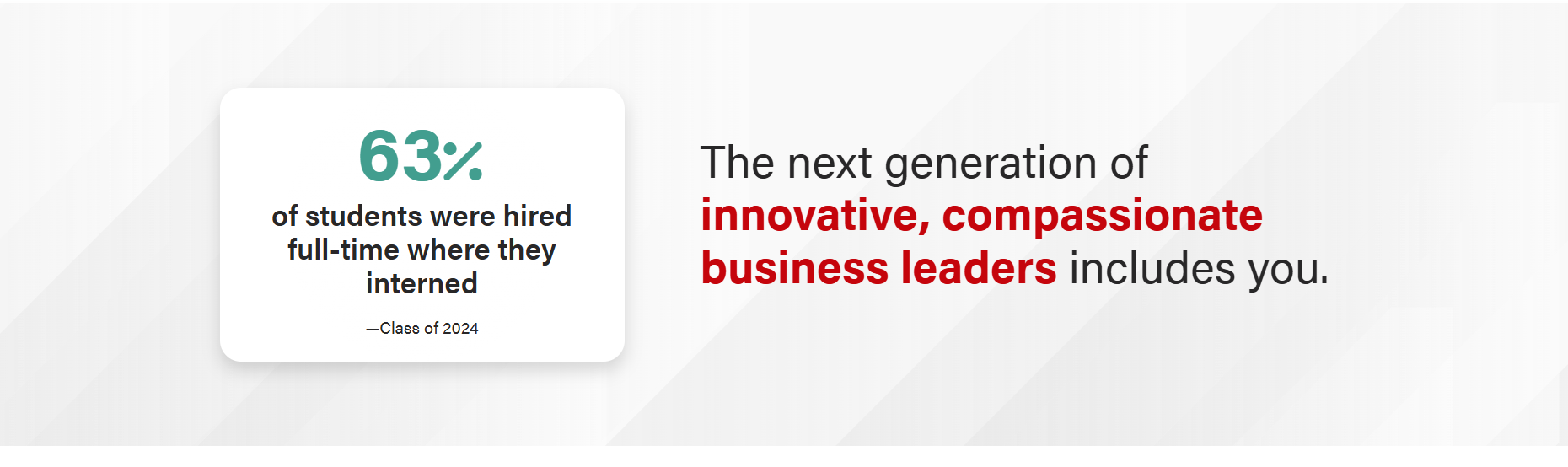
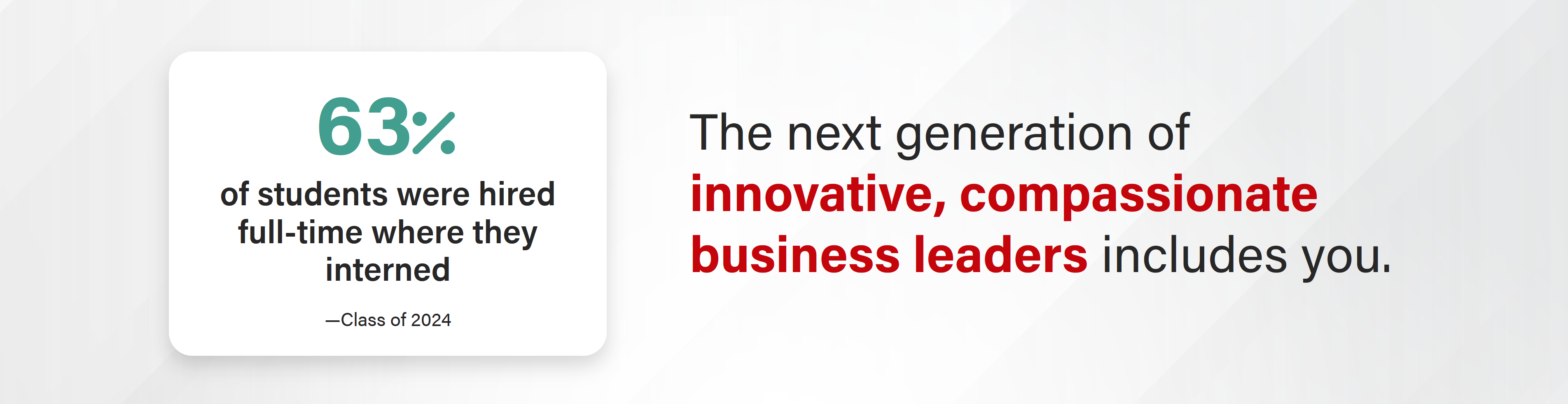
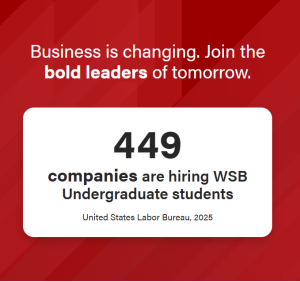
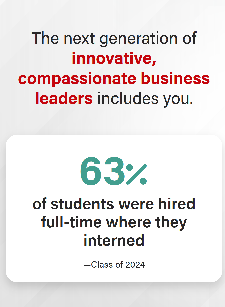
Stat Layout - Icon option
| Mobile
|
|---|


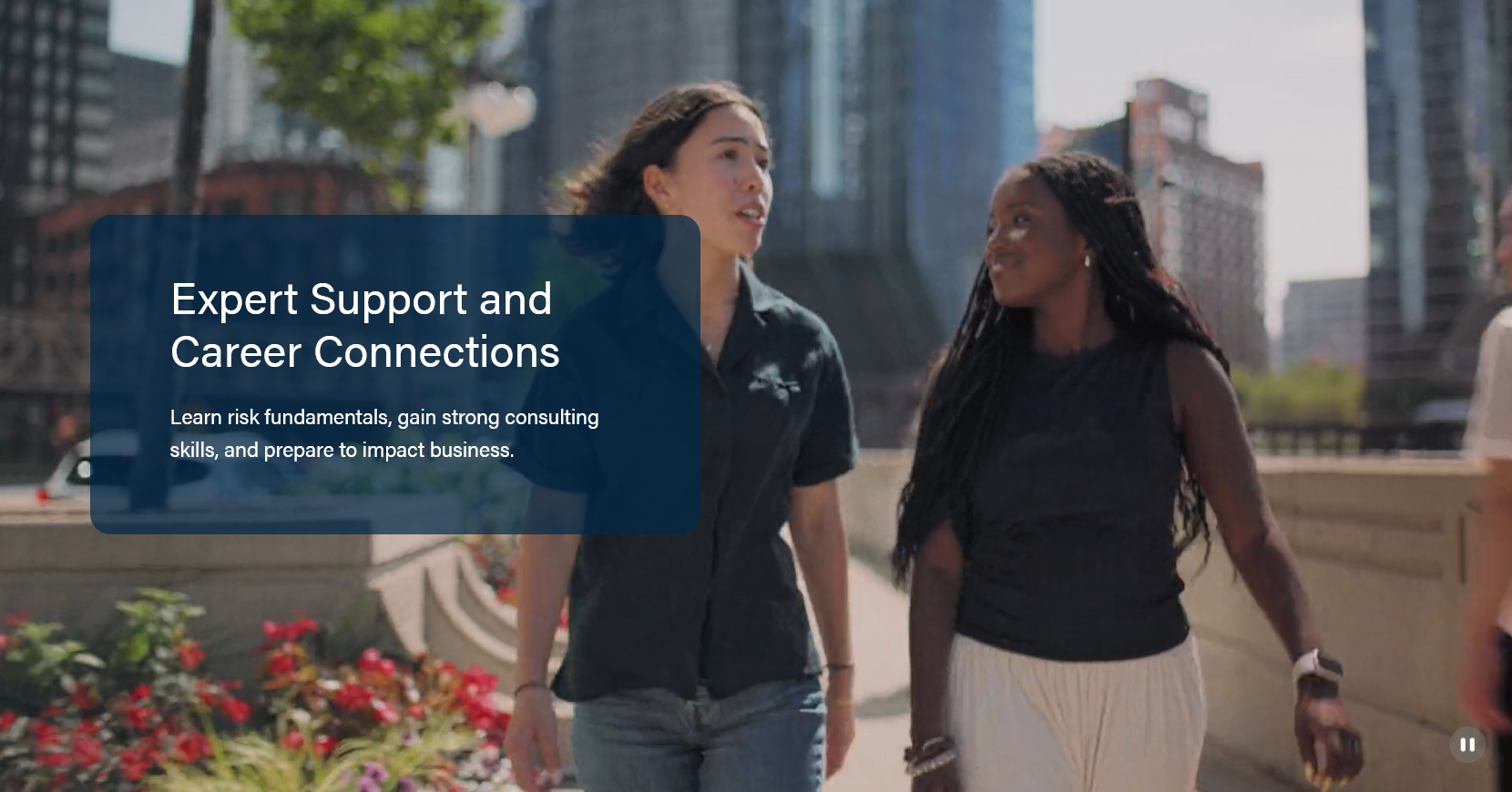
Video background - desktop
|
|---|
Mobile video with option to keep copy on top of video
Mobile video with copy below video
|


...
For background photo option
Not all photos will work. The photo shouldn't be too busy and avoid using a photo of multiple people as they could get covered by the copy or cropped out. If not using a card to hold copy, make sure the photo will allow proper contrast with the text on top of it. May have to put a dark gradient over photo so that copy is properly contrasted (Example: Bob Batt photo on OIM page has dark gradient on left so white text is properly contrasted.)
Required photo asset
1 high quality photo (taken by WSB photographer or other professional).
Specs
- At least 2400px wide.
- The subject should be vertically centered in the image to avoid important features getting cropped out.
- If using an environmental portrait, the subject should be horizontally on the right or the left to accommodate copy on the other side. Need background image
For background video option
The content in the video should be subtle, background style or "B-roll" footage.
Assets neededRequired video assets
- 1 mobile video
- 1 desktop video
- 1 poster image (a still of the first frame of the video)
...