
...
Background Image - desktop
| Mobile
|
|---|
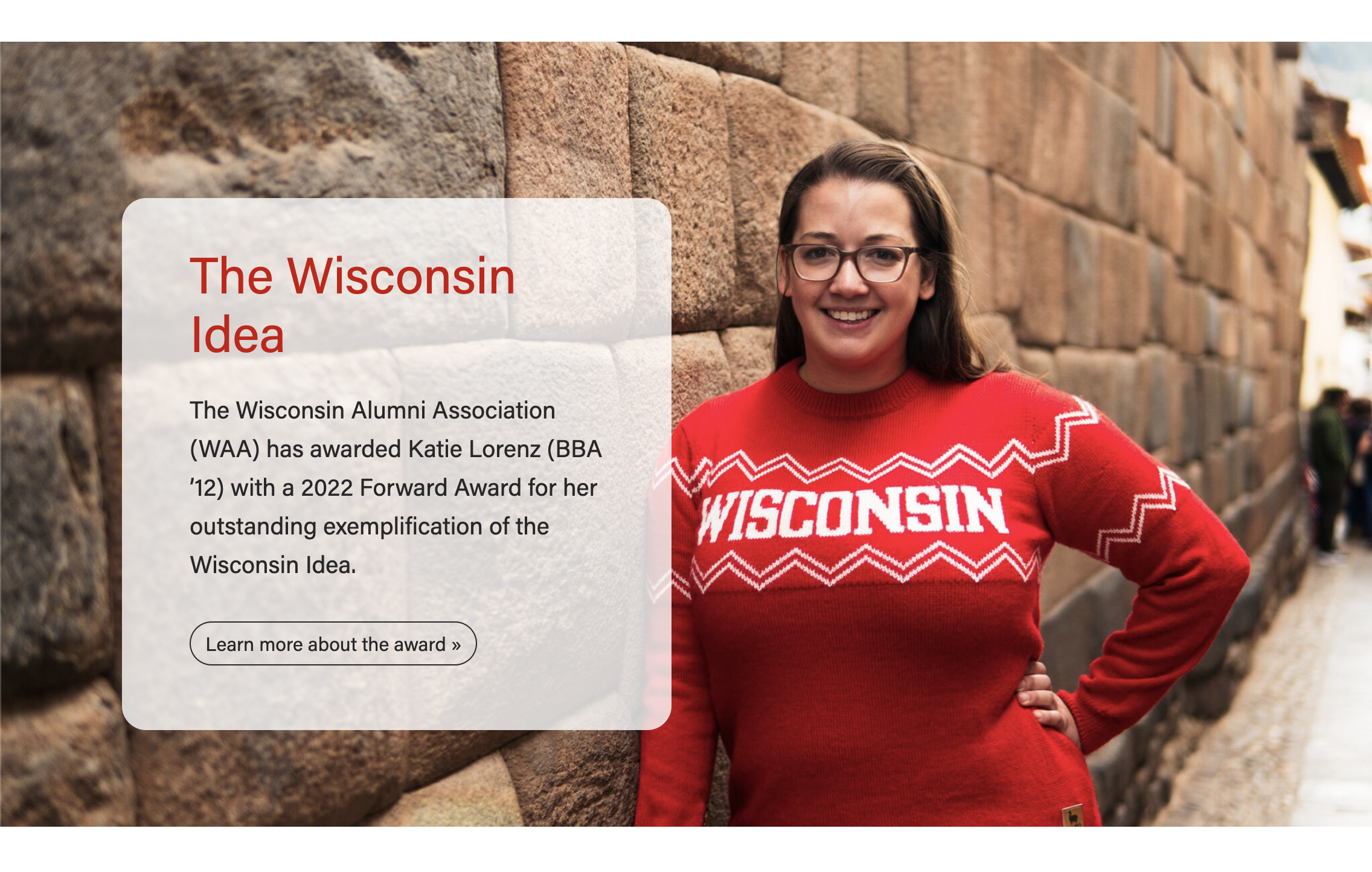
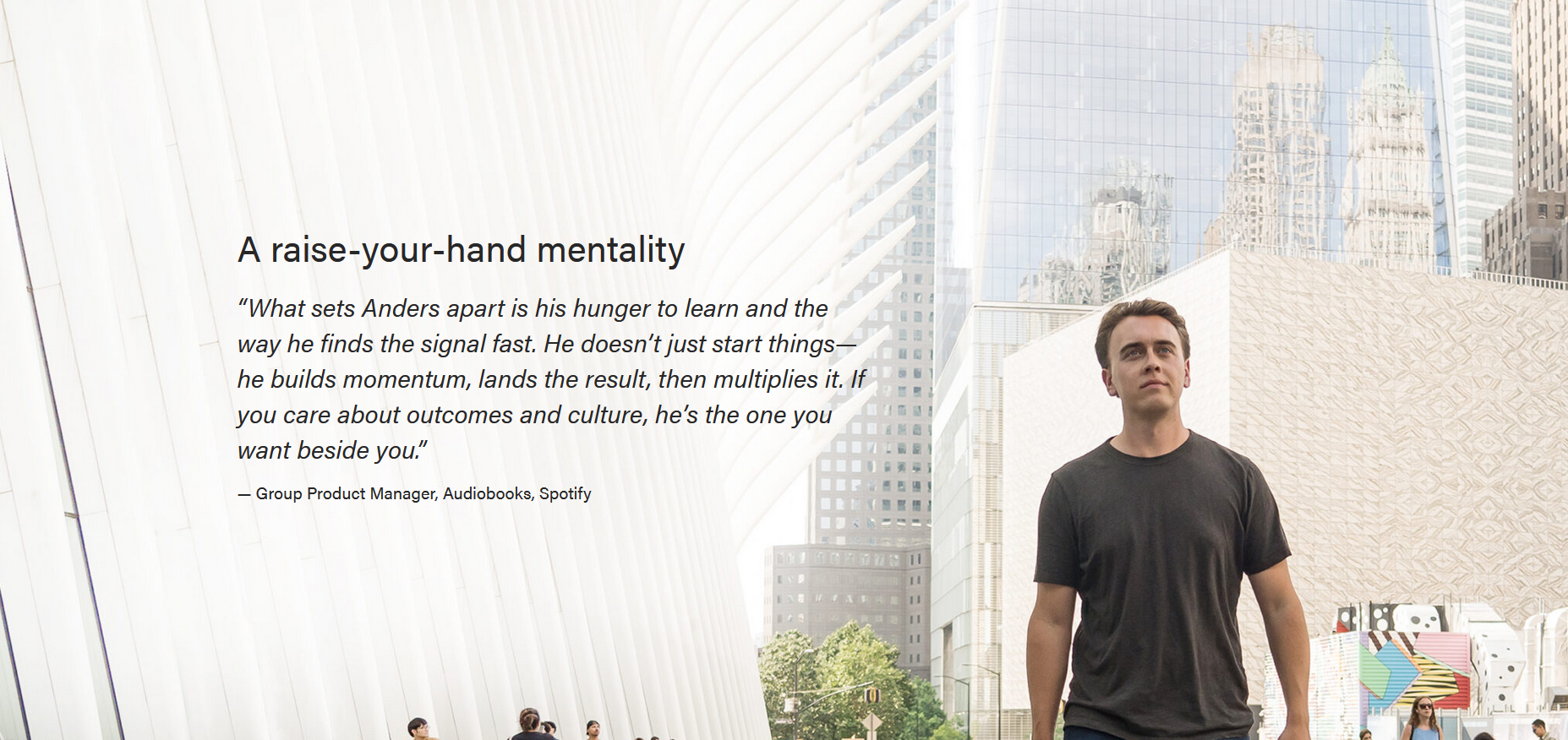

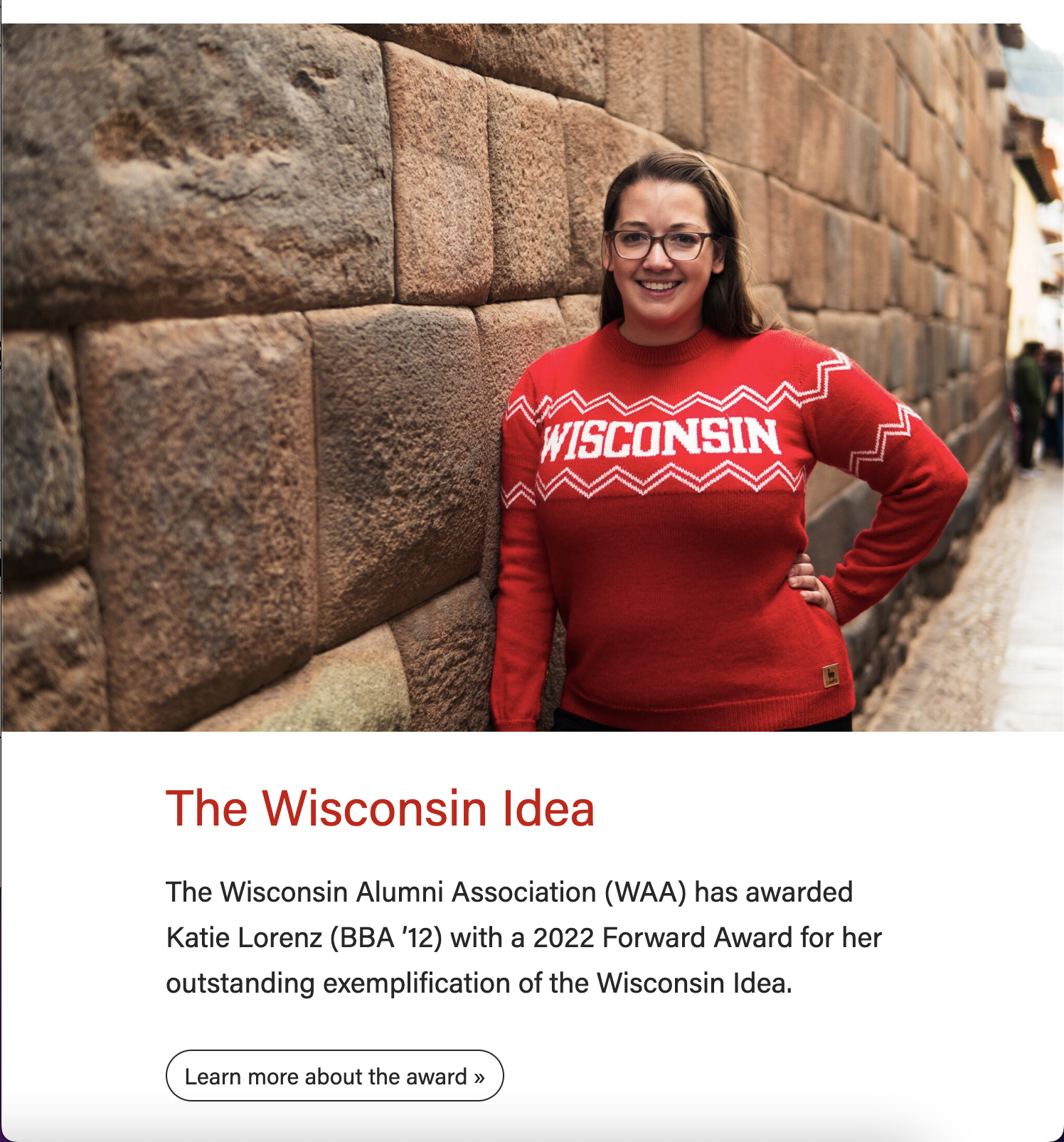
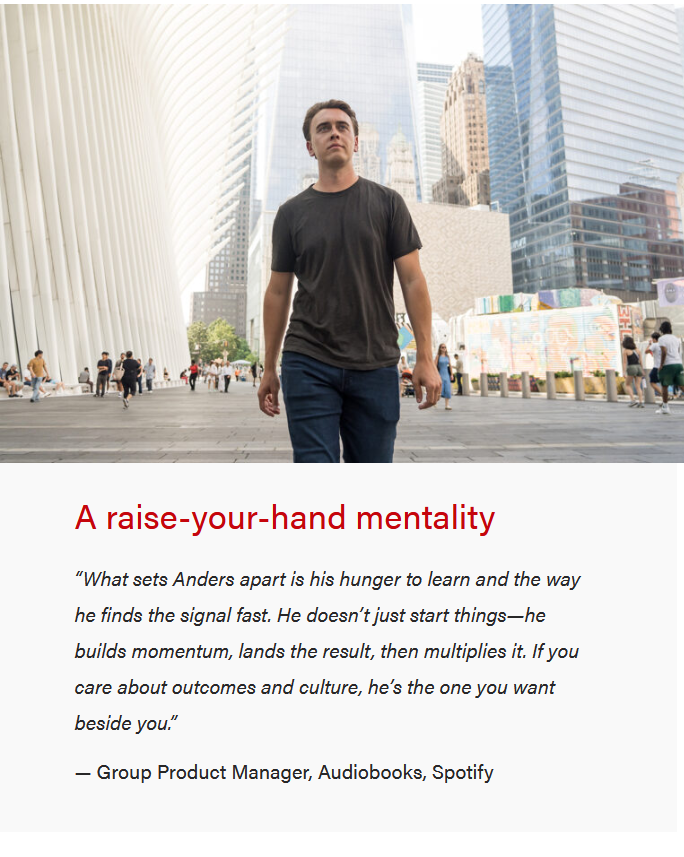
Background patterns (gray, blue, or red) - Desktop
| Mobile
|
|---|





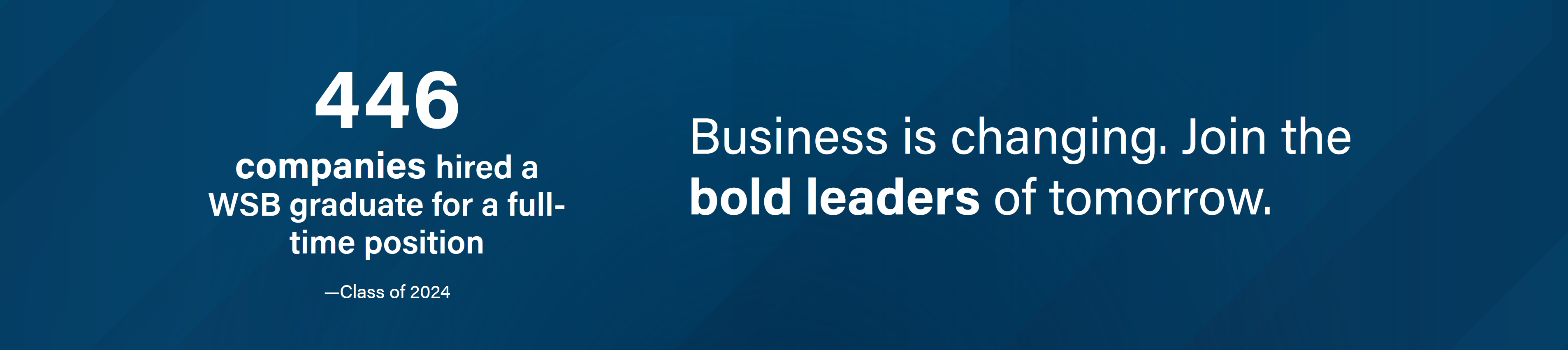
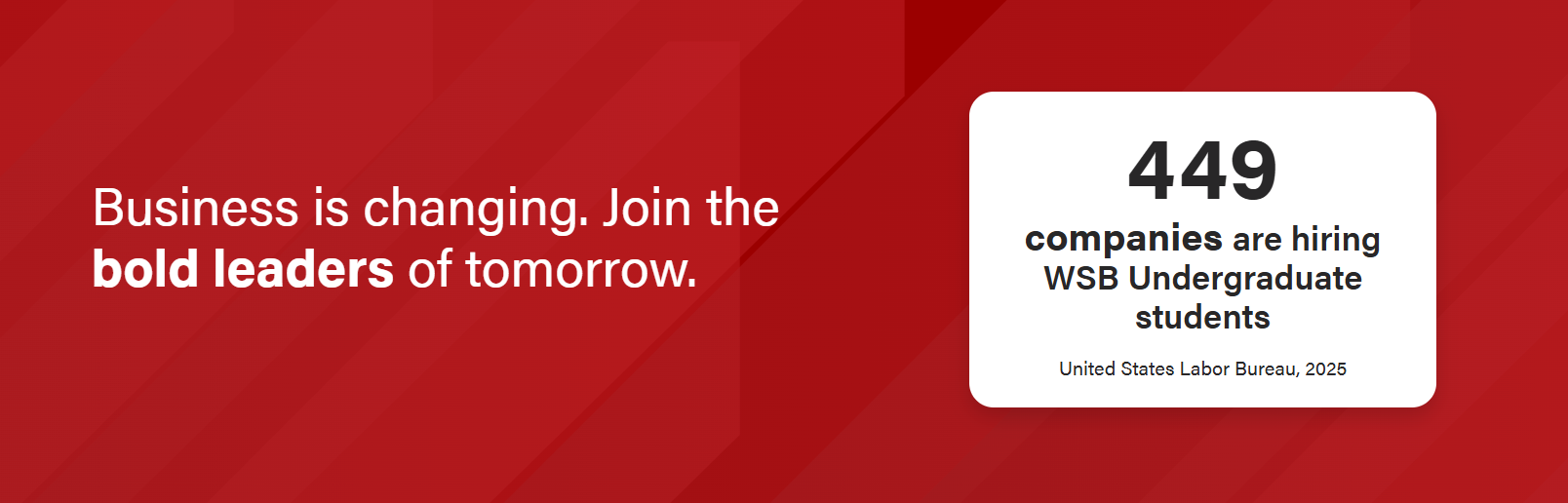
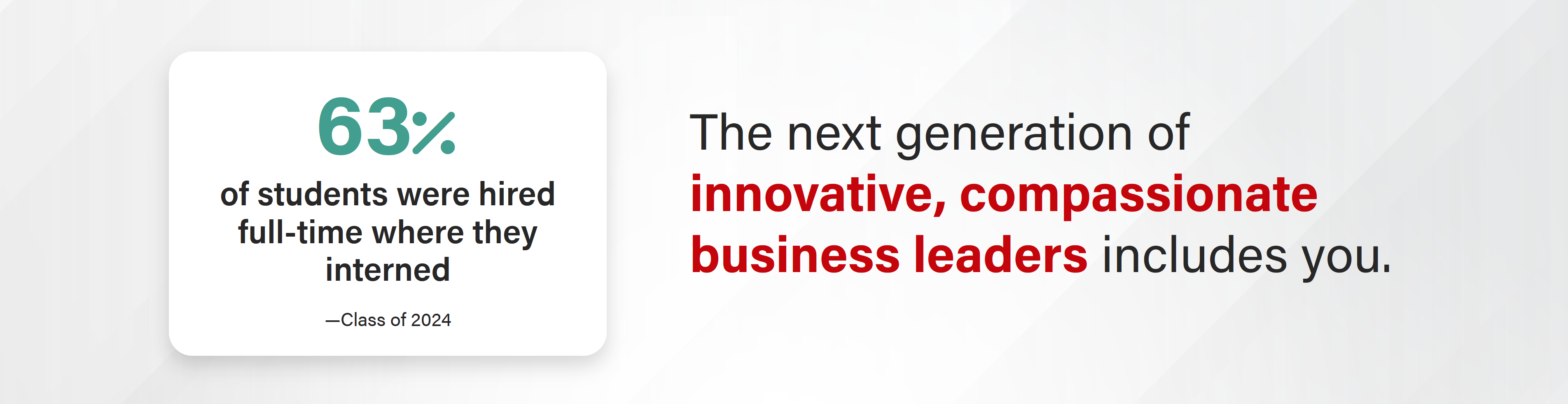
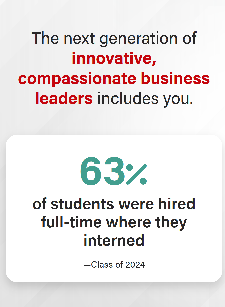
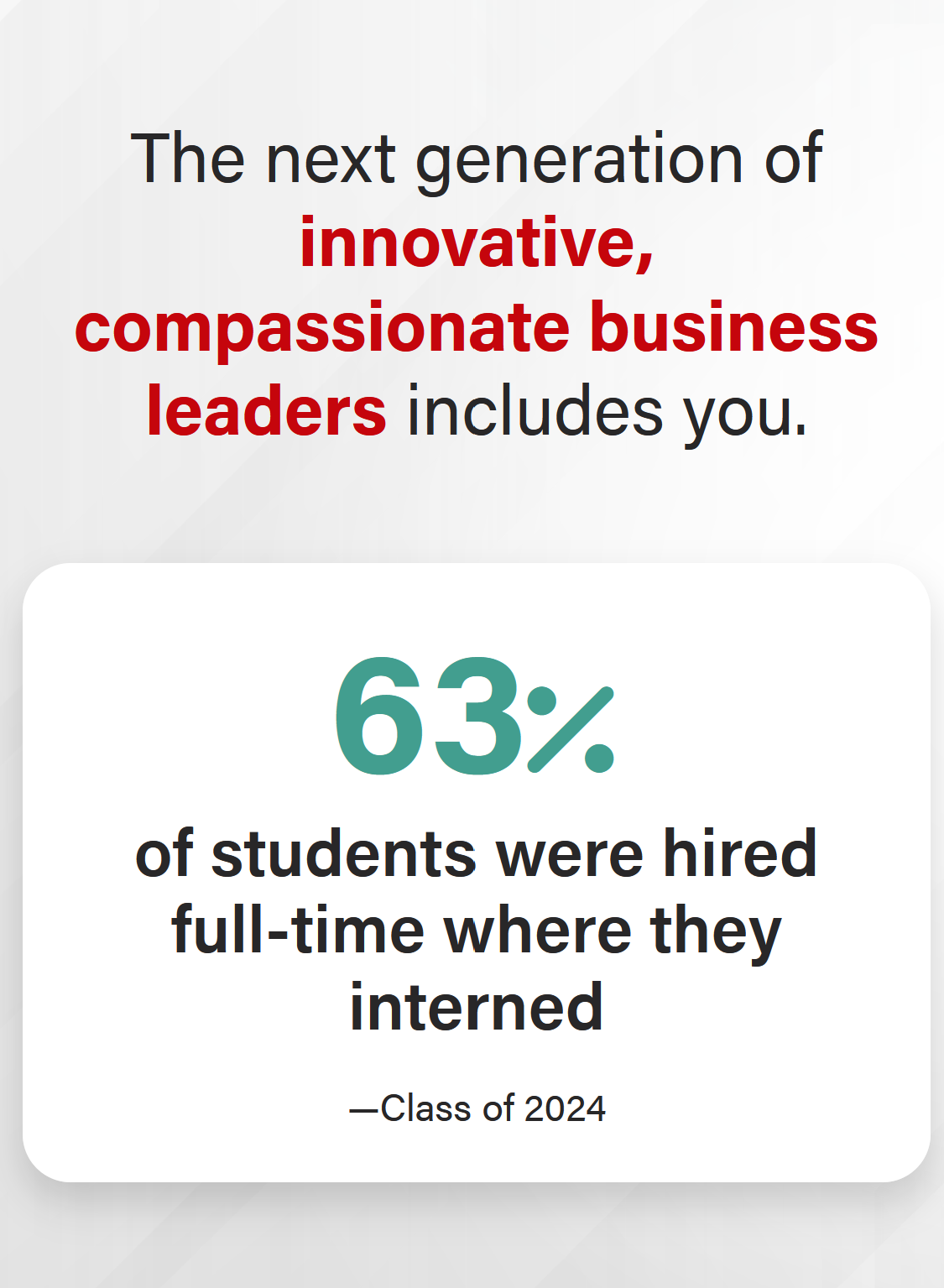
Stat Layout - Big stat/call-out box option (blue, gray, or red background patterns)
| Mobile
|
|---|
Stat Layout - Icon option
| Mobile
|
|---|


Video background - desktop
| Mobile video with copy on top of video |
|---|


Mobile video with copy below video |
|---|


|
|---|

...
Use When
Used to showcase Use to capture user attention with a bold claim or a high quality image and capture user attentionor video. Works well on high level Pages, Newsroom Posts, and Update Magazine posts.
...
For stat layout
- Stat number: A Only a few characters max, such as a number "449", a percentage "98%", or a ranking "#9".
- Stat text (the larger, bolder text that provides context to the stat number): 52 characters or fewer. Keep it as short as possible. Example: "of students agree their next steps align with their career goals" provides context to the stat "98%".
- Source text:
- Generally 20 characters or fewer, e.g. "Class of 2025".
- Long source text option: Can provide more context and go up to ~80 characters for a long source. Example: "— Carnegie, 2024 R1 universities are top-tier research institutions."
- Do not use stat text (or use max of 10 character stat text) if have long source text.
- Statement text: 80 characters or fewer. Shorter is better.
- Note for dev: The field for the statement text is "Title".
...