
Also known as: borderless card, bare card, plain card, minimal card, shadowless card, sections with separators/dividers
Description
A block that groups short content into sections like cards, with no card outline or shadow. Used often at the top of program pages to introduce three important claims or differentiators.
| Expand | ||||
|---|---|---|---|---|
| ||||
|
Design




Use when
- Displaying multiple chunks of content with no supporting images. Common uses include:
- At the top of program pages to display 3 claims or differentiators
- At the bottom of a dept./center page to display "Contact Us" content or other CTA content
- A page already has lots of cards with outlines and shadows, to add visual interest
- Adding visual interest to a news story or Update magazine article
Editorial guidelines
Design Assets Needed
Implementation
Design
Component Library
Link to figma doc with component if it exists
Screenshot
Example of 3 columns in desktop and tablet. Background options include no background, red pattern, blue pattern, gray pattern, and image. You can also select to display a yellow divider line between the cards.
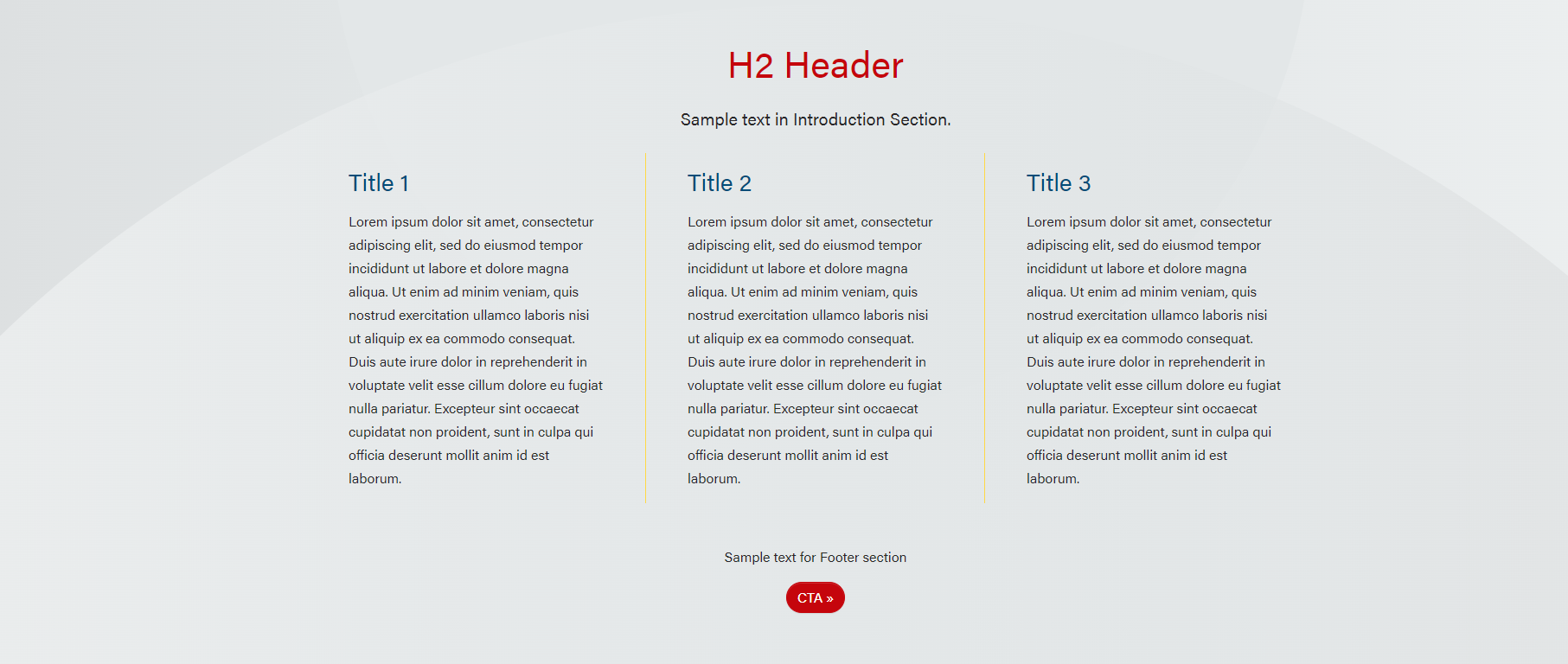
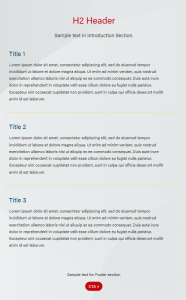
Note: There is too much text in cards in these screenshots. Keep it short! Users don't read on the web.
Use Cases
...
Use this block when multiple columns are needed for copy. Reminder, keep copy short.
Use Case 2
The block can be used at the bottom of a page for Contact Us or other CTA
In brief, it's a simple card with Section Title, one card with this html/copy in it: <p class="text-center" style="max-width: 700px; margin:auto;">Sign up to get the latest information</p>, and then the button in the Footer.
...
The block can be used in Update post pages. The Restrict Width checkbox in Configuration needs to be checked. The xl column needs to be set to 0 if there is 1 card.
...