
Also known as: collapsible content, expandable rows, open and close
Description
A block with stacked sections that each expand to reveal more detail about a topic.
| Expand | ||||
|---|---|---|---|---|
| ||||
|
Design
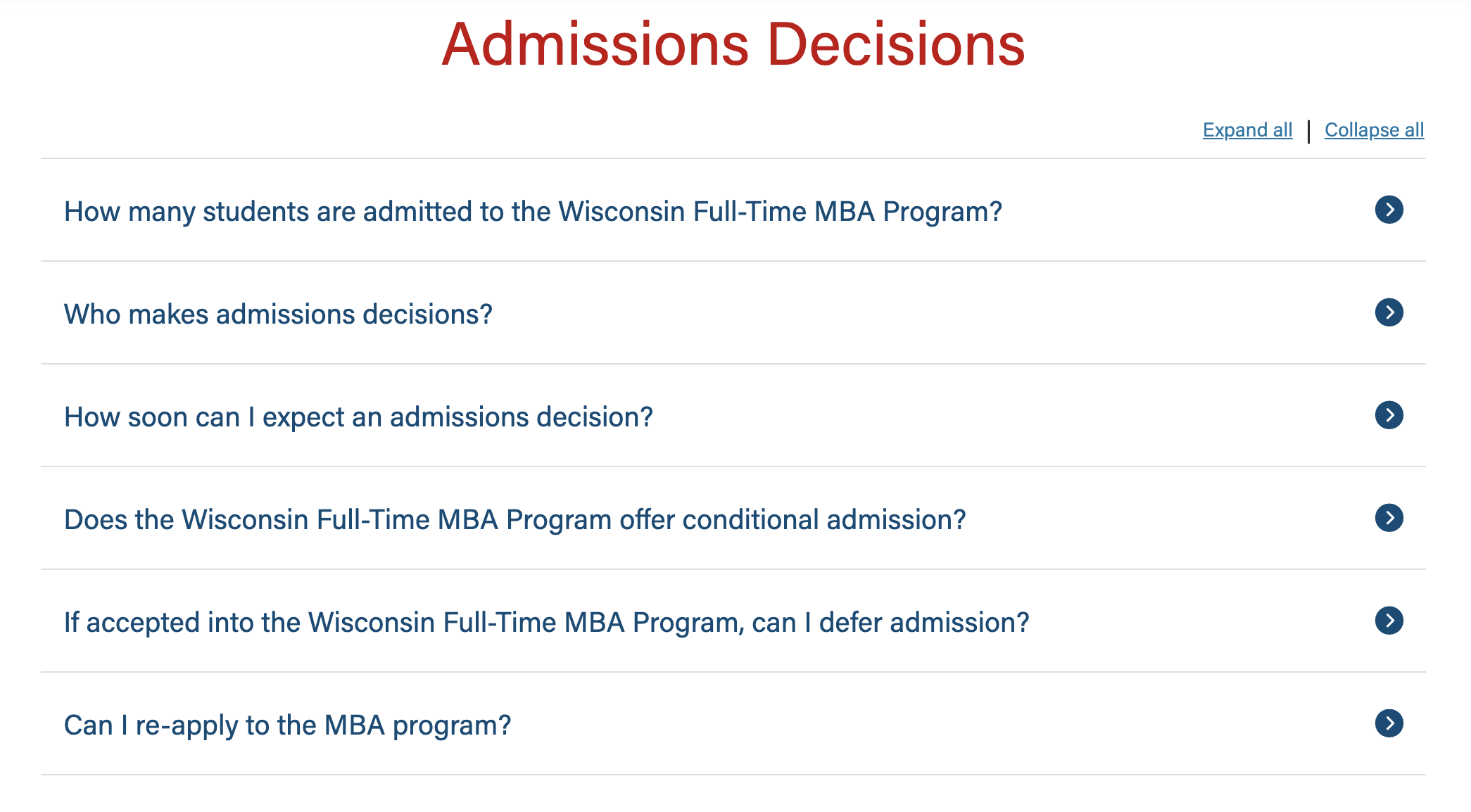
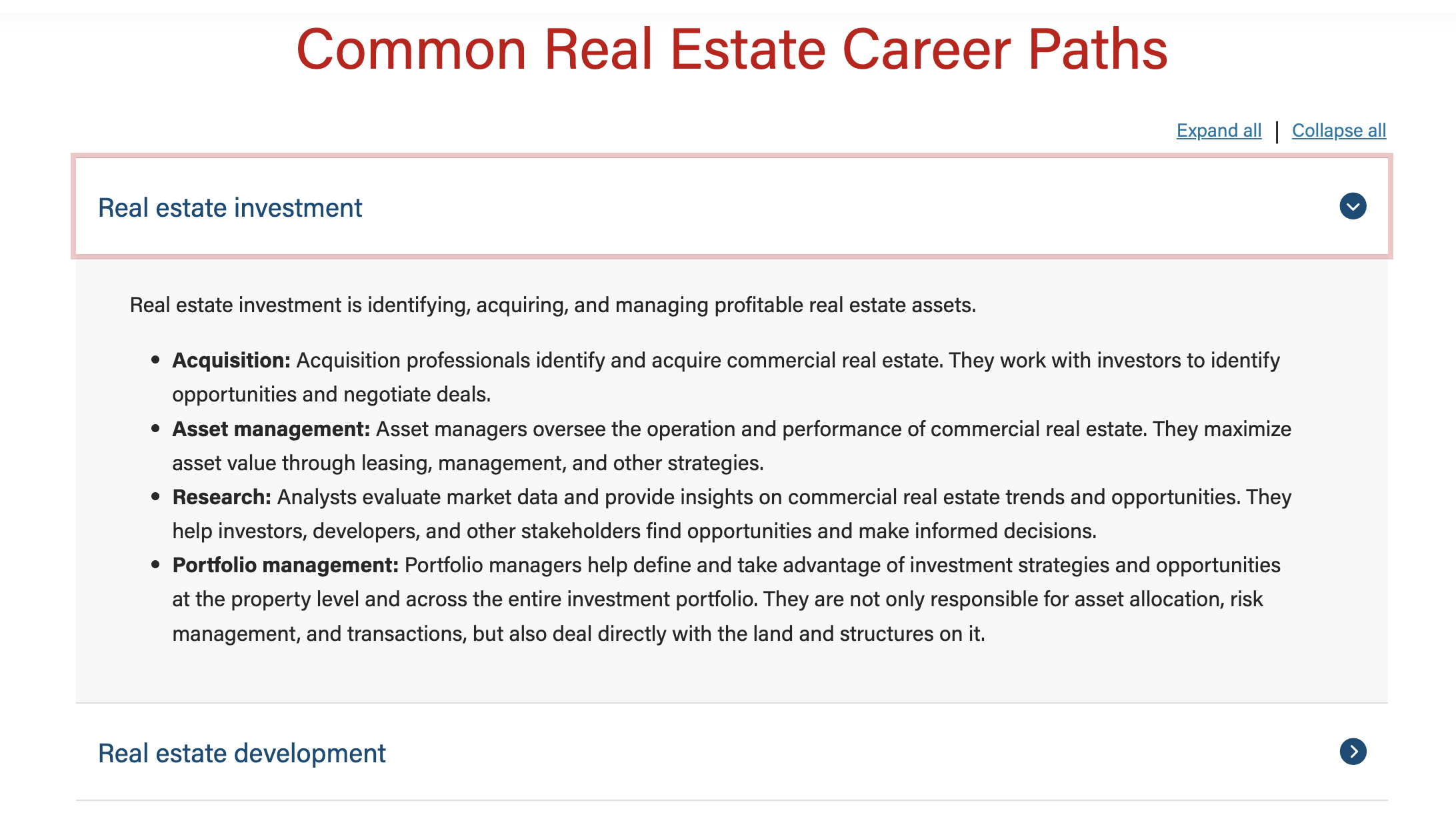
Use When
- Displaying multiple topics (3+) with varying amounts of detail
- Displaying certain types of content:
- frequently asked questions (FAQs)
- technical or logistical information with a lot of detail
- career pathway or program pathway options/details
- expanding on curriculum, tuition, or other program details that may be summarized elsewhere on the page or website
(documentation updates in progress below)
Editorial Guidelines
Follow our general Web Copy General Guidelines in addition to the following:
- Title (required)
- aka: topic, subhead, or FAQ question
- Character limit: 80 characters ideal max; 95 characters absolute max
- Copy (required)
- aka: details or FAQ answer
- Character limit: no specific limit
- Ensure copy is written in plain language and chunked for scannability (use short paragraphs and bulleted lists)
- Can add subheadings within this content
- Consider occasionally bolding key words that users may be looking for (e.g. bold career pathway names on the major pages)
Design Assets Needed
- None - typically no assets are needed for this block
Implementation
ACF Fields
Card title (required)
Copy (required)
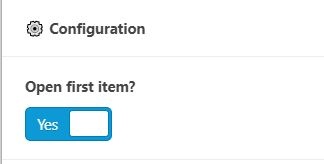
Open first item?
- If checked, opens the first panel to reveal the copy/supporting details
Design
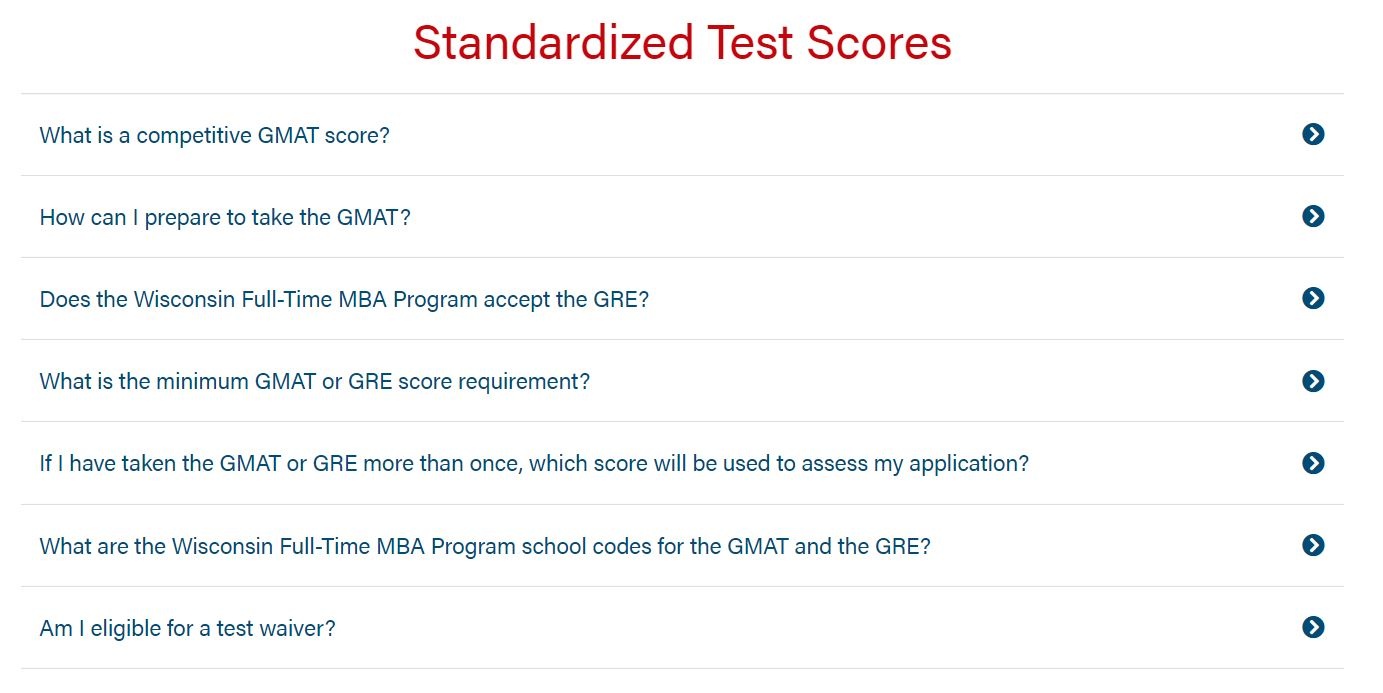
Use Cases
Use this block when listing content.
Best to use when listing FAQ content.
Fields
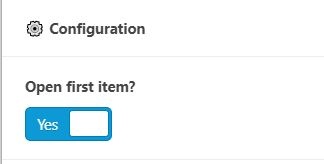
Open first item?
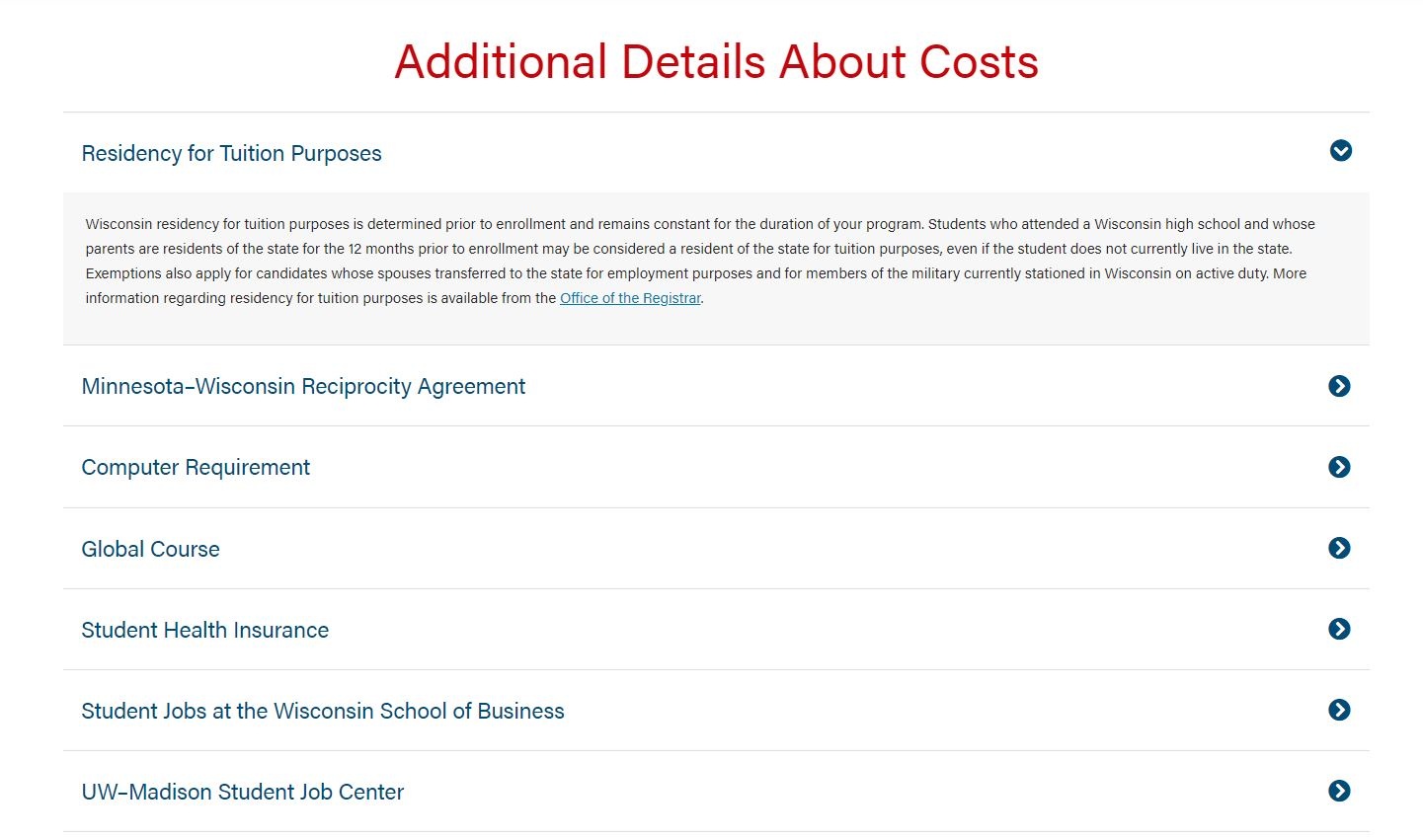
- Displays the copy of the first card.
- Rarely do we want to display show the first card's copy. This field automatically defaults to No under Open First Item? No
Additional Notes
Spacing
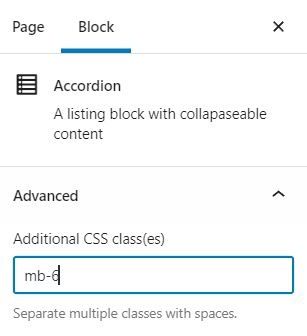
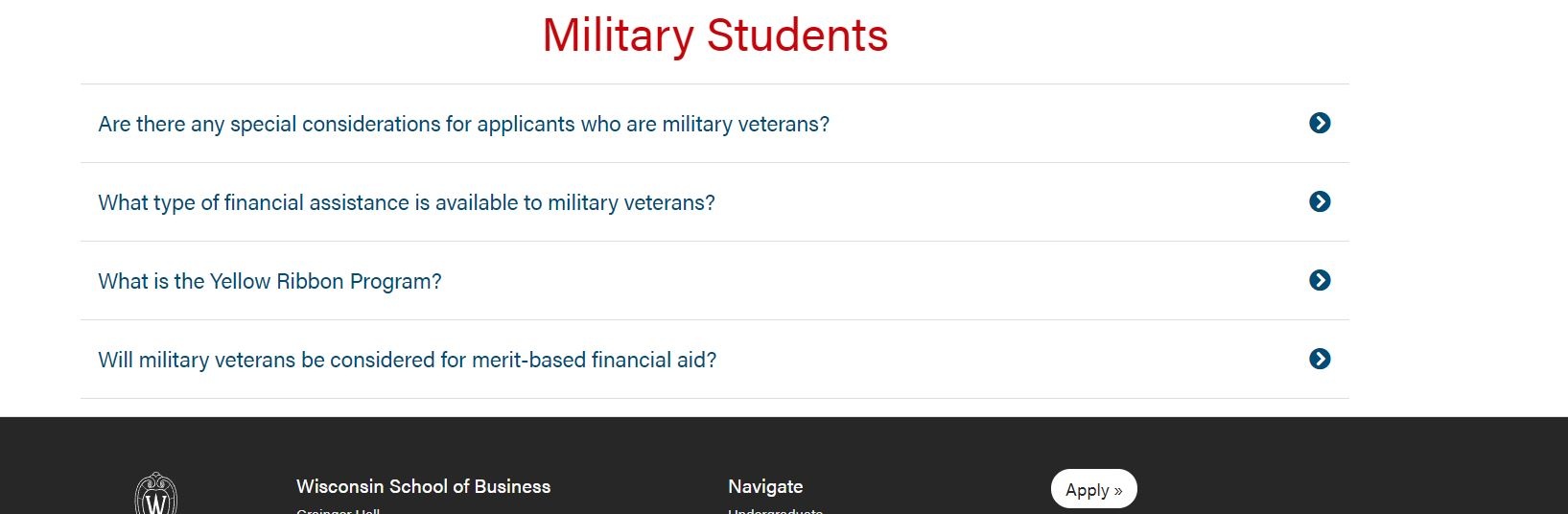
You'll have to add a bottom-space class for this block if it's the last block on the page under the page
- Add the "mb-6" class to the block under Additional CSS class(es).
- Recommended class: mb-6
No space |
|---|
class added:
| With mb-6 class:
|
|---|
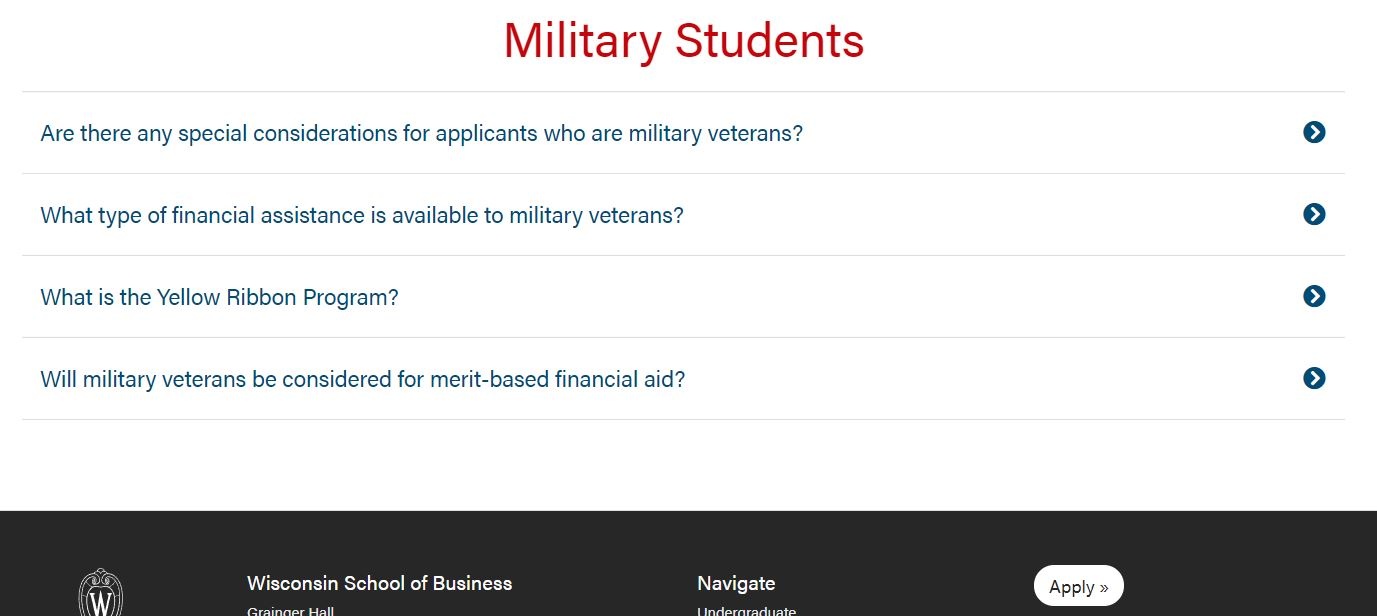
Other places accordions are used in our code
If you update the functionality or styling of the accordion block, also consider if the following need to be updated to match:
- On some directory profile pages, typically just for faculty and PhD candidates, to show their body of work (research, teaching, etc.)
- As the mobile layout for tabbed content/vertical tabbed block.
Custom accordion styling
- It is not recommended to add custom styling directly to a web page like this. Including this example for awareness.
- The BBA Career Pathways page uses custom styling to add visual interest to the accordions.