
Also known as: stat callout, background photo, full-width photo, animated stat, full-width pattern
| Expand | ||||
|---|---|---|---|---|
| ||||
|
Description
, background video, full-width video
Description
Displays This block displays a high-quality, full-width image asset (photo, video, or background pattern) that captures to capture the user’s attention while setting the visual tone of the page. A small amount of overlaid text provides essential context, a quote, or a key message. The text could be a quote or a short sentence. Avoid using multiple heading and text styles in the text content.
| Expand | ||||
|---|---|---|---|---|
| ||||
|
Design
Background Image - desktop
| Mobile
|
|---|
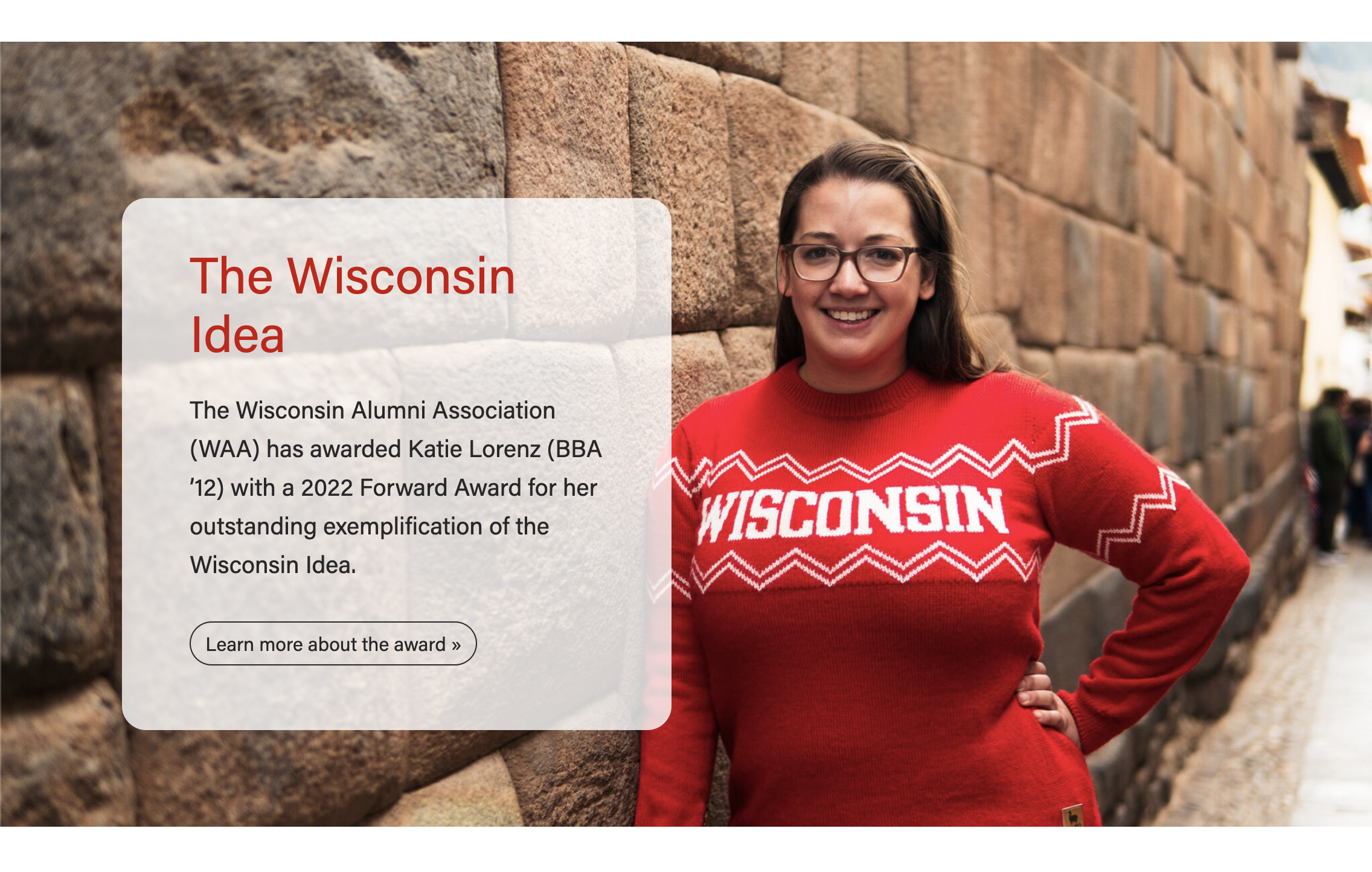
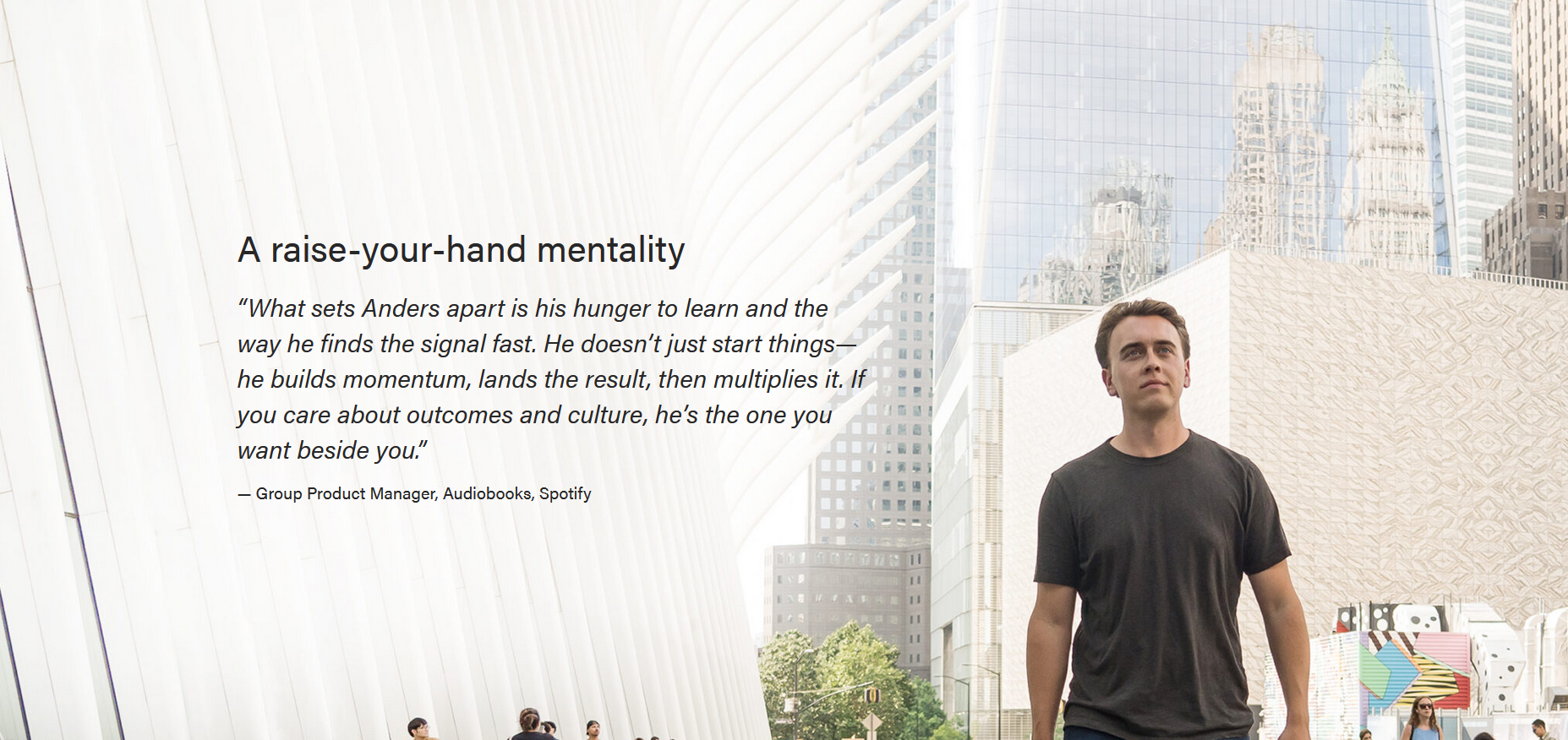


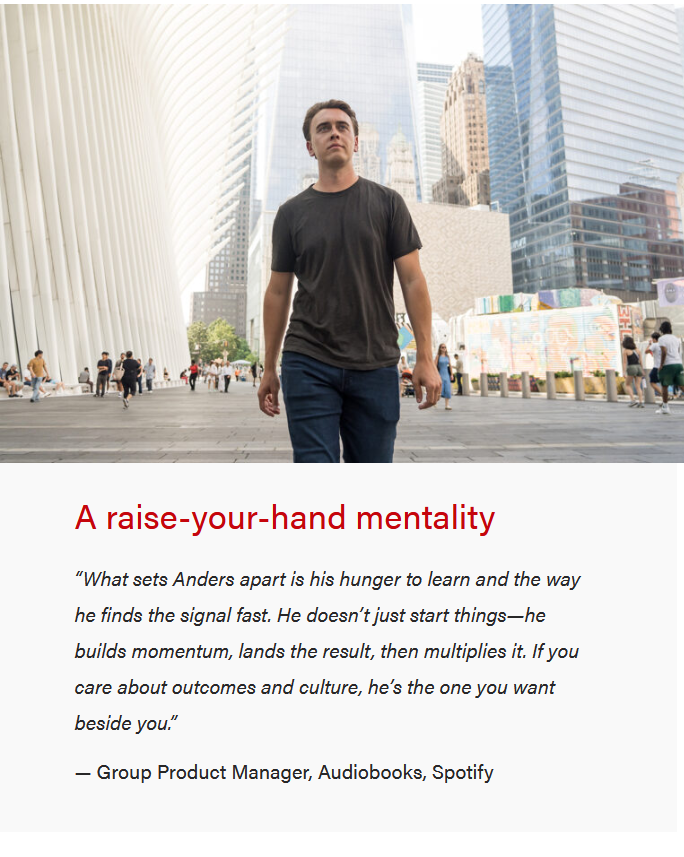
Background patterns (gray, blue, or red) - Desktop
| Mobile
|
|---|





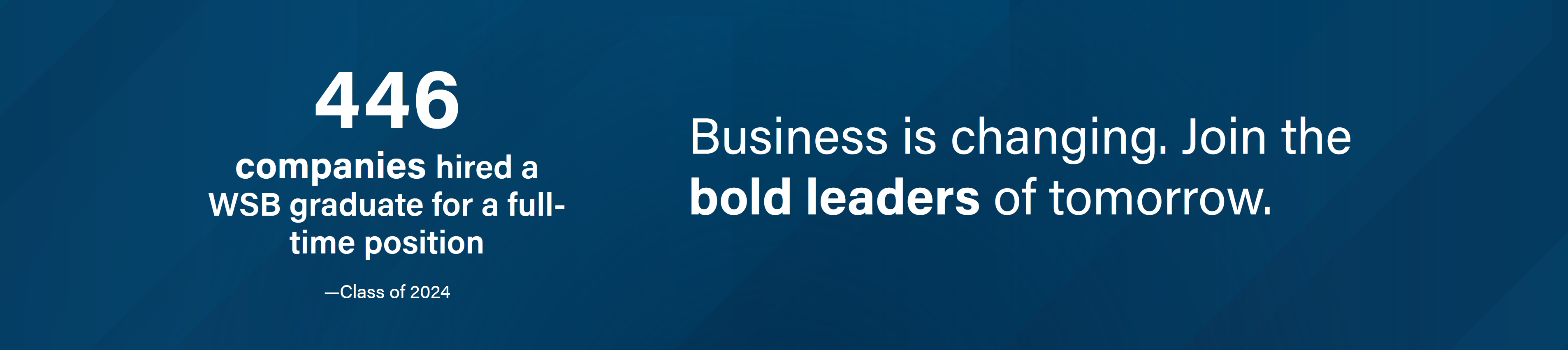
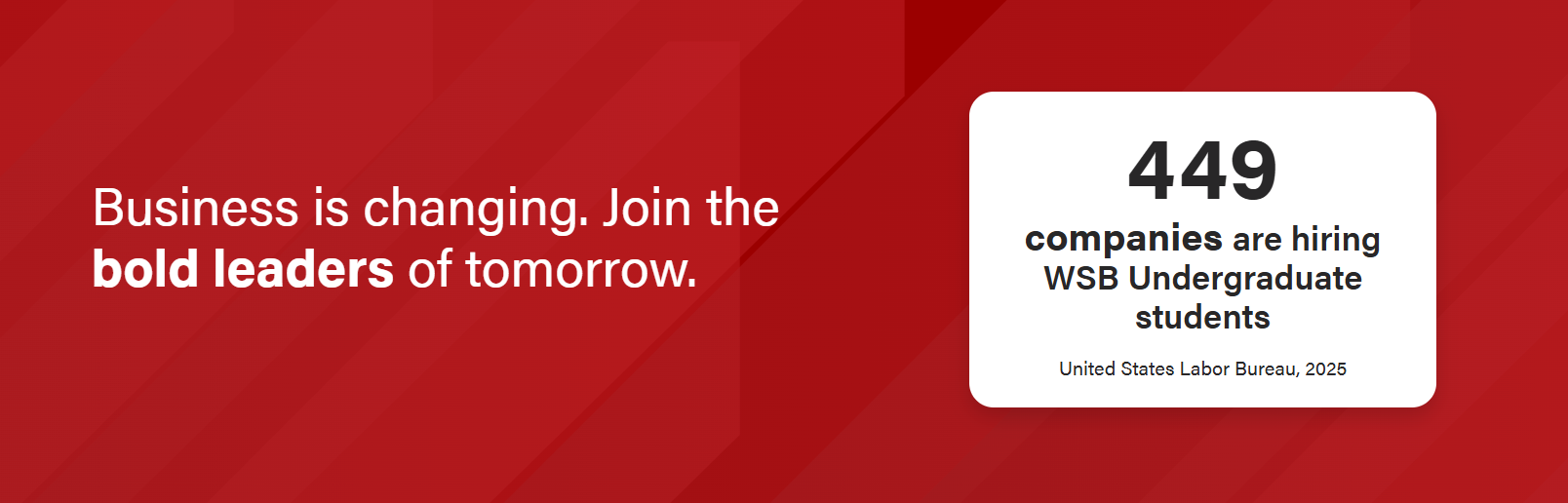
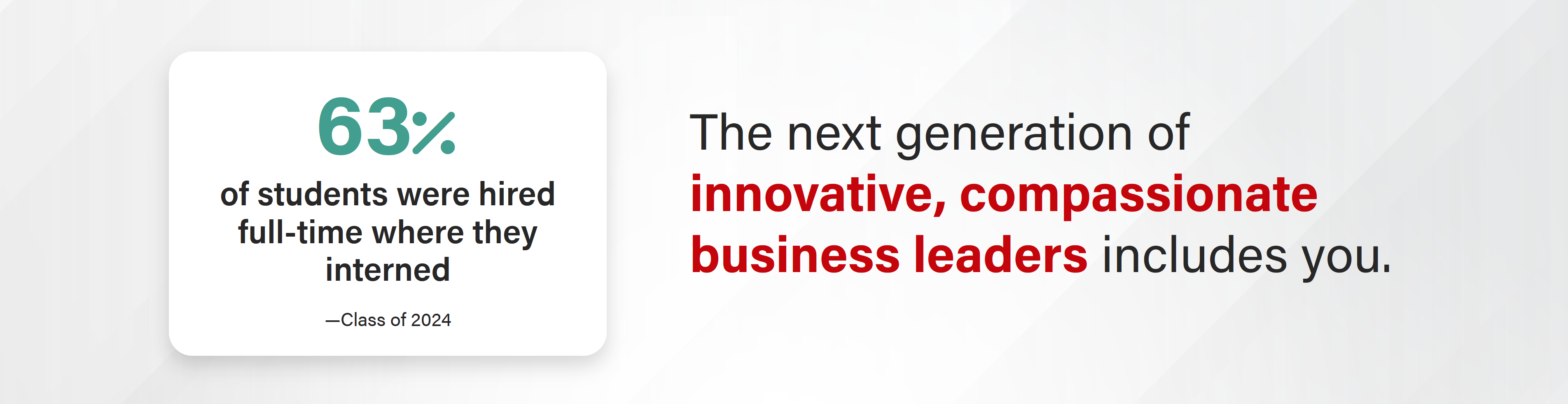
Stat Layout - Big stat/call-out box option (blue, gray, or red background patterns)
| Mobile
|
|---|


Stat Layout - Icon option
| Mobile
|
|---|


Video background - desktop
| Mobile video with copy on top of video |
|---|
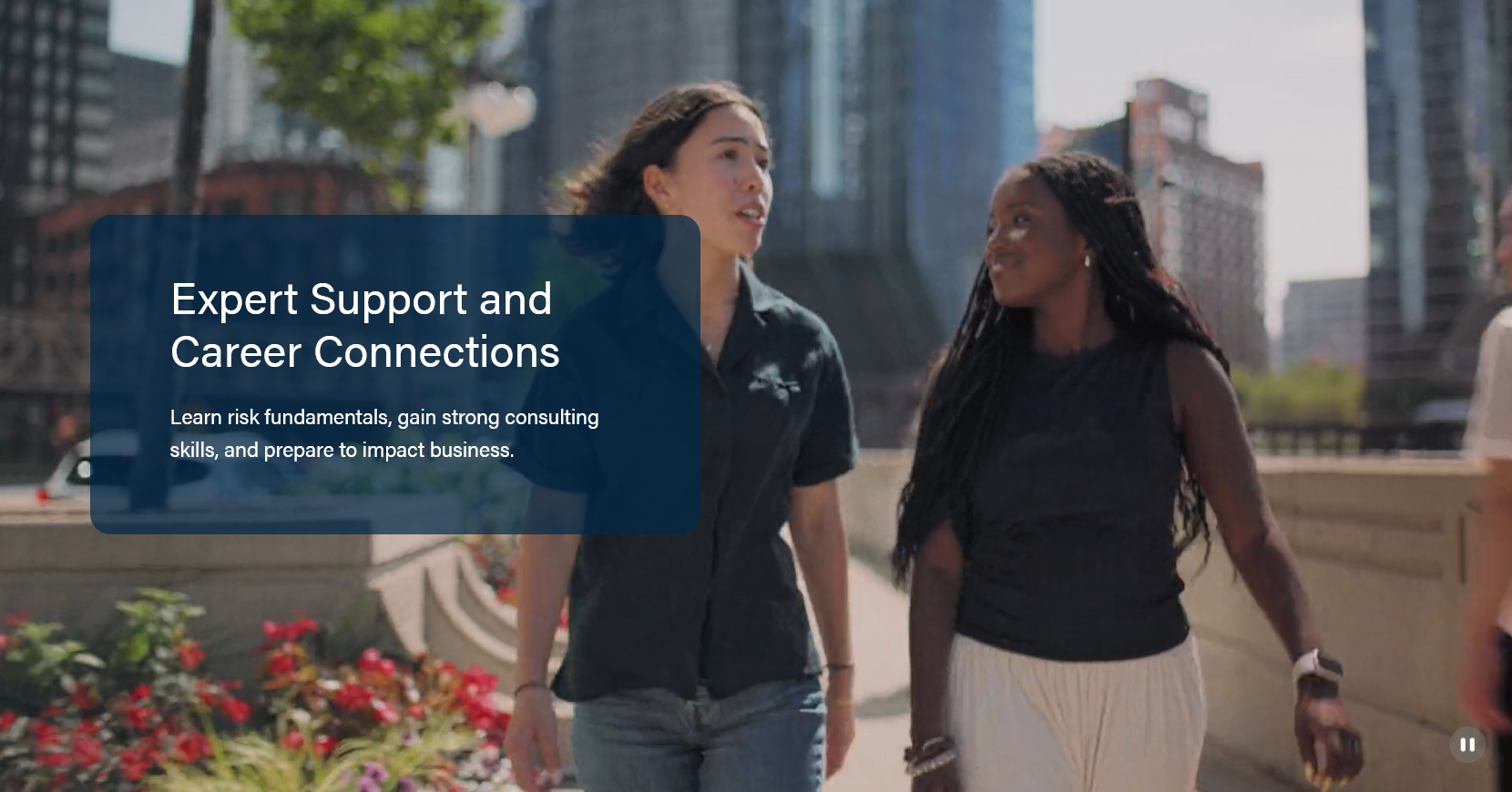

Mobile video with copy below video |
|---|


|
|---|

...
Use When
Used to showcase Use to capture user attention with a bold claim or a high quality image and capture user attentionor video. Works well on high level Pages, Newsroom Posts, and Update Magazine posts.
...
- Follow MSC's Web Copy General Guidelines.
- Avoid using multiple heading and text styles in the text content. Stick to 1-2 types of content (e.g. heading and supporting copy, quote and author)
For stat layout
- Stat number: A Only a few characters max, such as a number "449", a percentage "98%", or a ranking "#9".
- Stat text (the larger, bolder text that provides context to the stat number): 52 characters or fewer. Keep it as short as possible. Example: "of students agree their next steps align with their career goals" provides context to the stat "98%".
- Source text:
- Generally 20 characters or fewer, e.g. "Class of 2025".
- Long source text option: Can provide more context and go up to ~80 characters for a long source. Example: "— Carnegie, 2024 R1 universities are top-tier research institutions."
- Do not use stat text (or use max of 10 character stat text) if have long source text.
- Statement text: 80 characters or fewer. Shorter is better.
- Note for dev: The field for the statement text is "Title".
...
- The ideal video file size is 5MB or less for both desktop and mobile. Optimize the video as much as possible to help keep the file size down as much as possible.
- Mobile video must be 5MB or less.
- Remove the audio from the video (removing the audio from the video file will also help keep the file size low).
- Ideal resolution is 1920x1080 (Full HD) for desktop and 1280x720 (HD) for mobile video.
- Ideal format - mp4
- Aspect ratio is 16:9
- Ideal video length is around 6-7 seconds. It will play in a loop. Note that the higher the quality of the video, the shorter the video length will need to be.
Styles
Font-styes for quote on photo background:
Implementation
ACF Fields:
...