
Also known as: video swiper, card swiper, social videos
Description
A multi-purpose
Design
...
block that displays multiple cards/panels in a swiper.
...
- Click and drag swiping is disabled for video content on desktop.
...
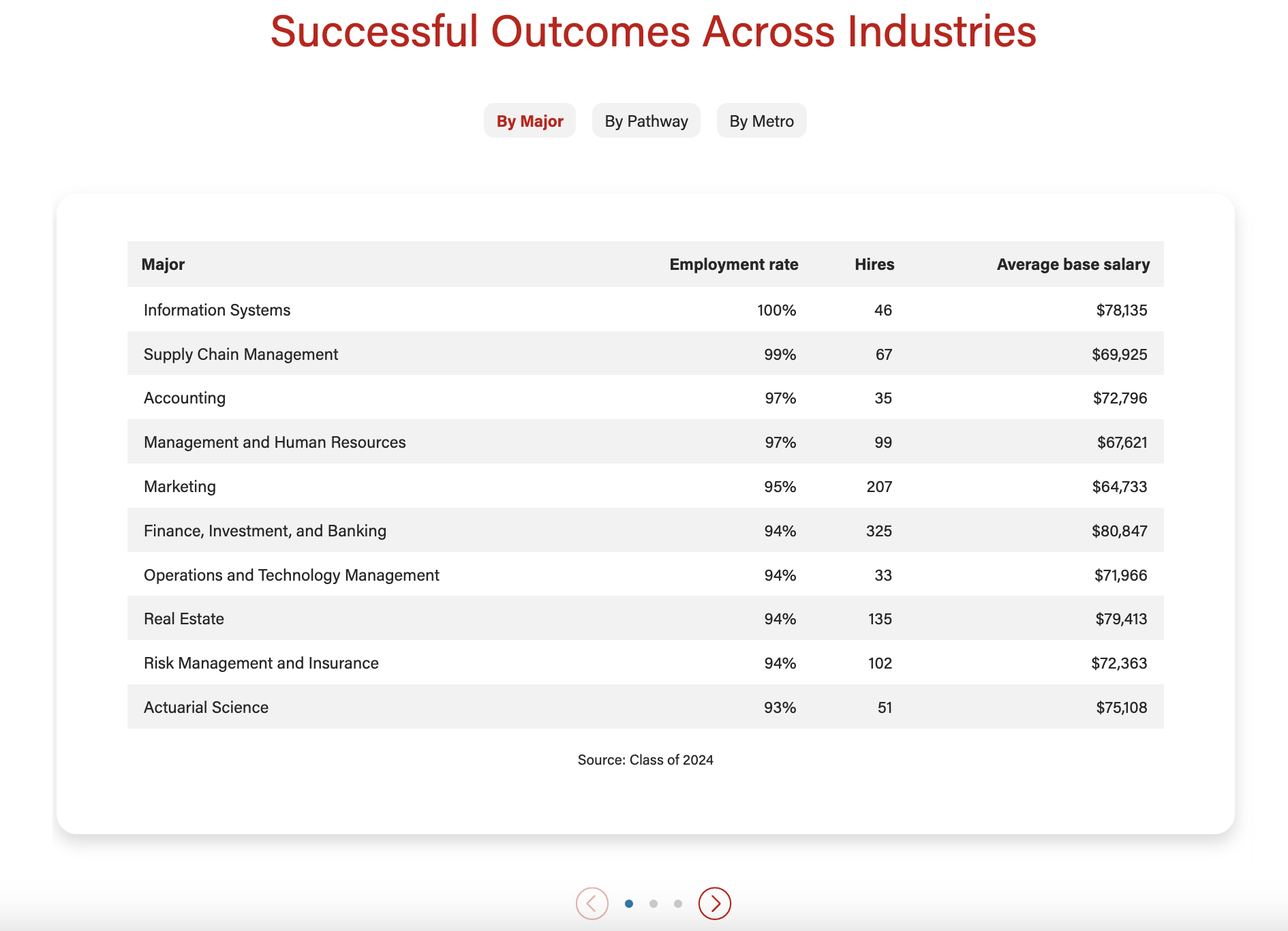
Text content and one column layout with badges
...
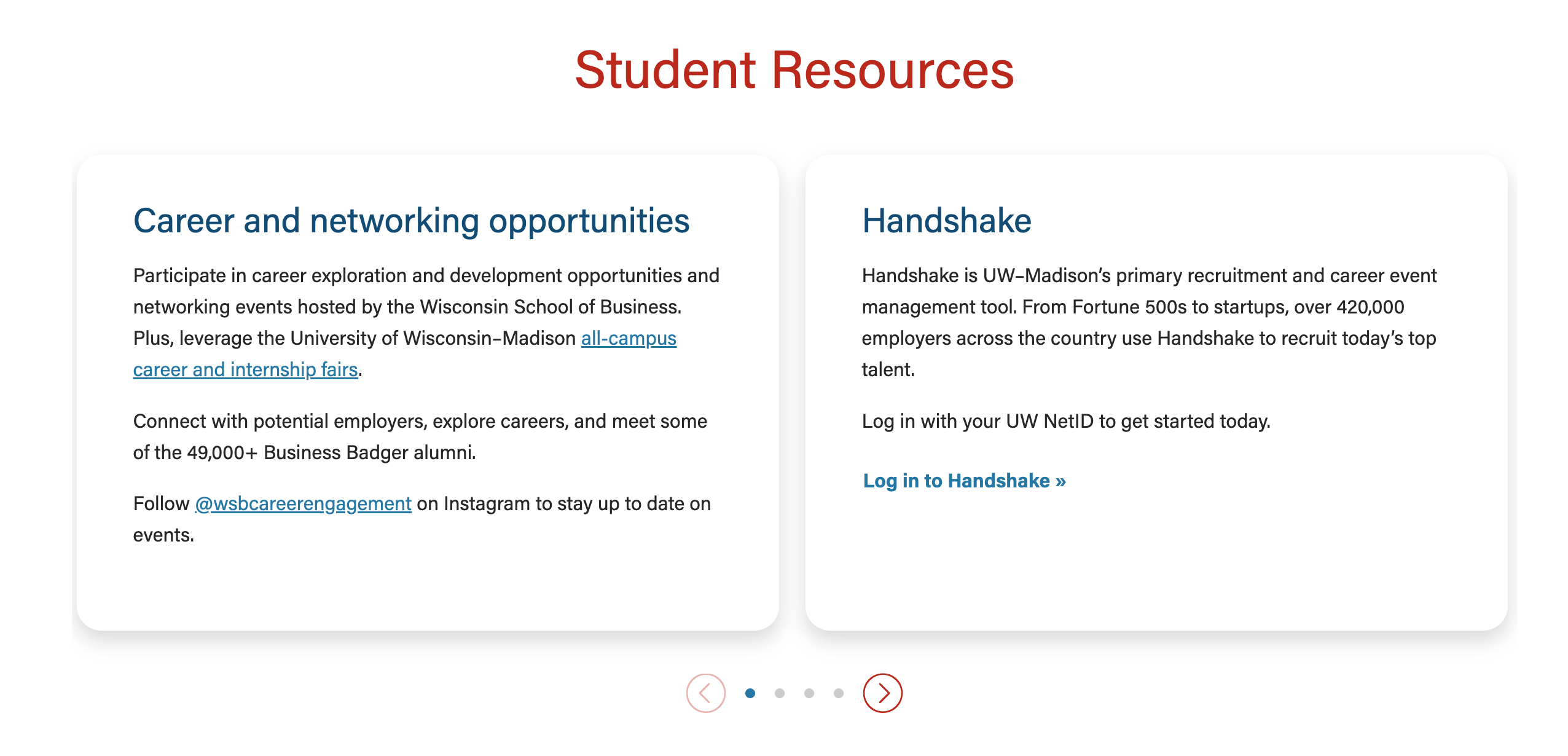
Text content and two column layout
...
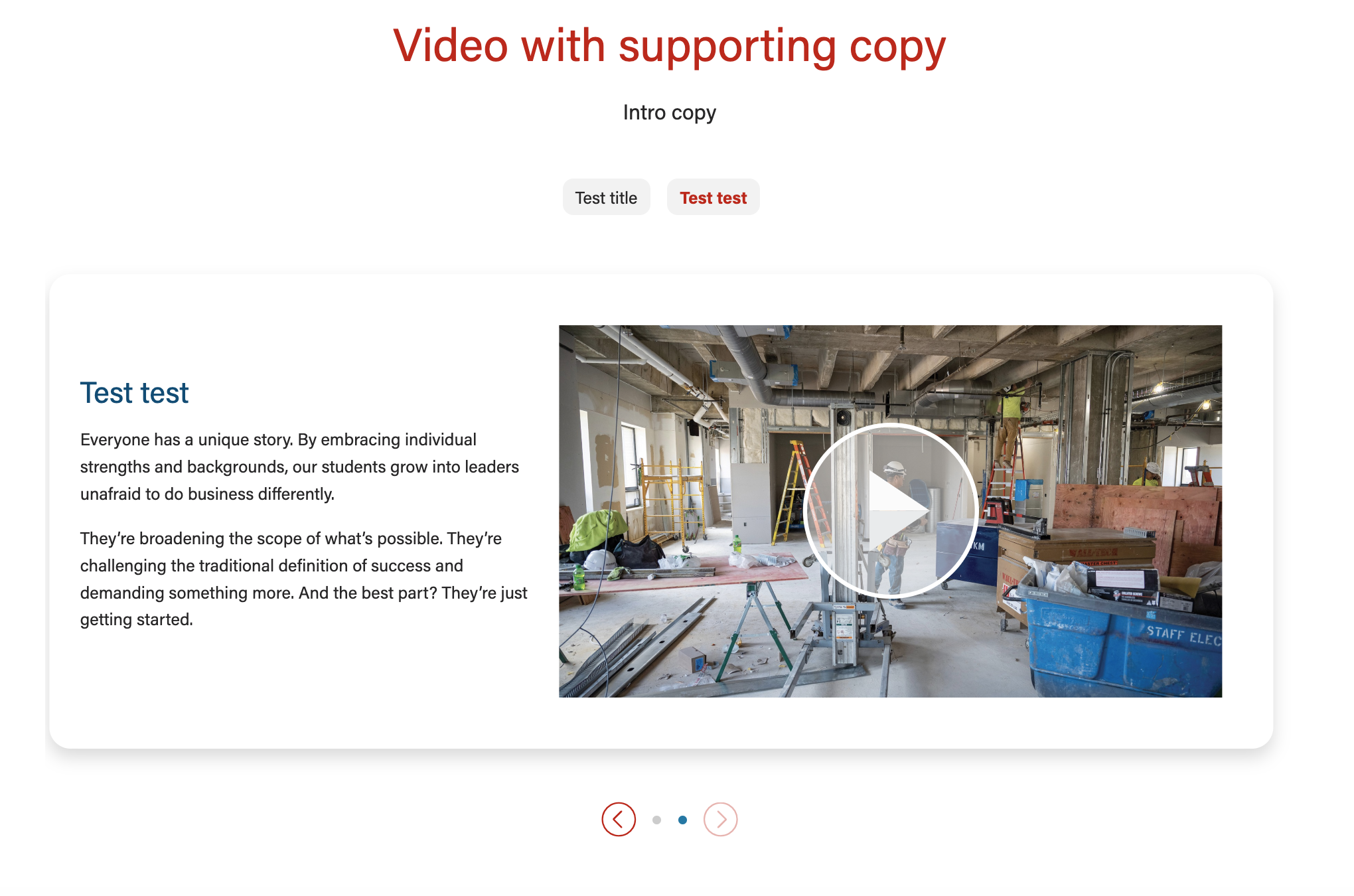
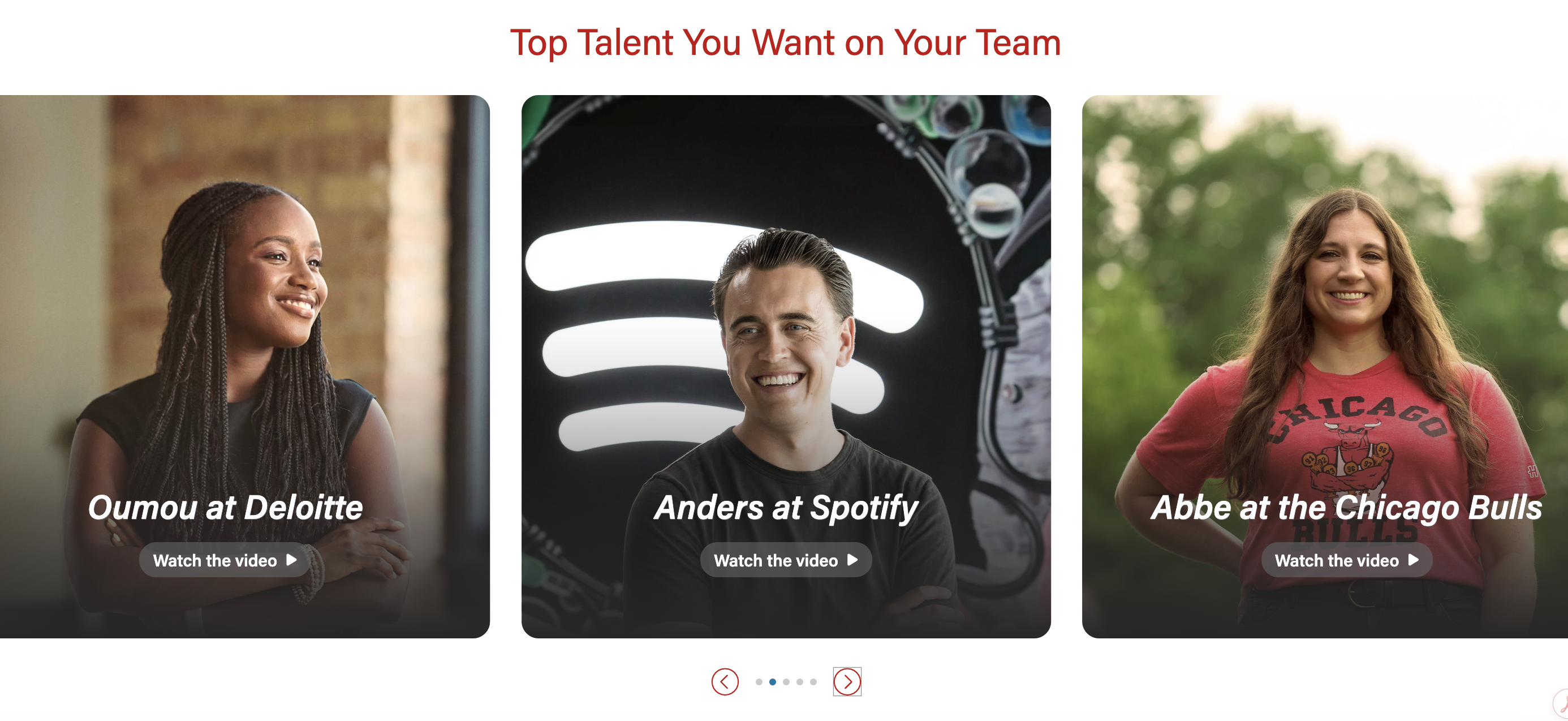
Video content with badges and supporting text
...
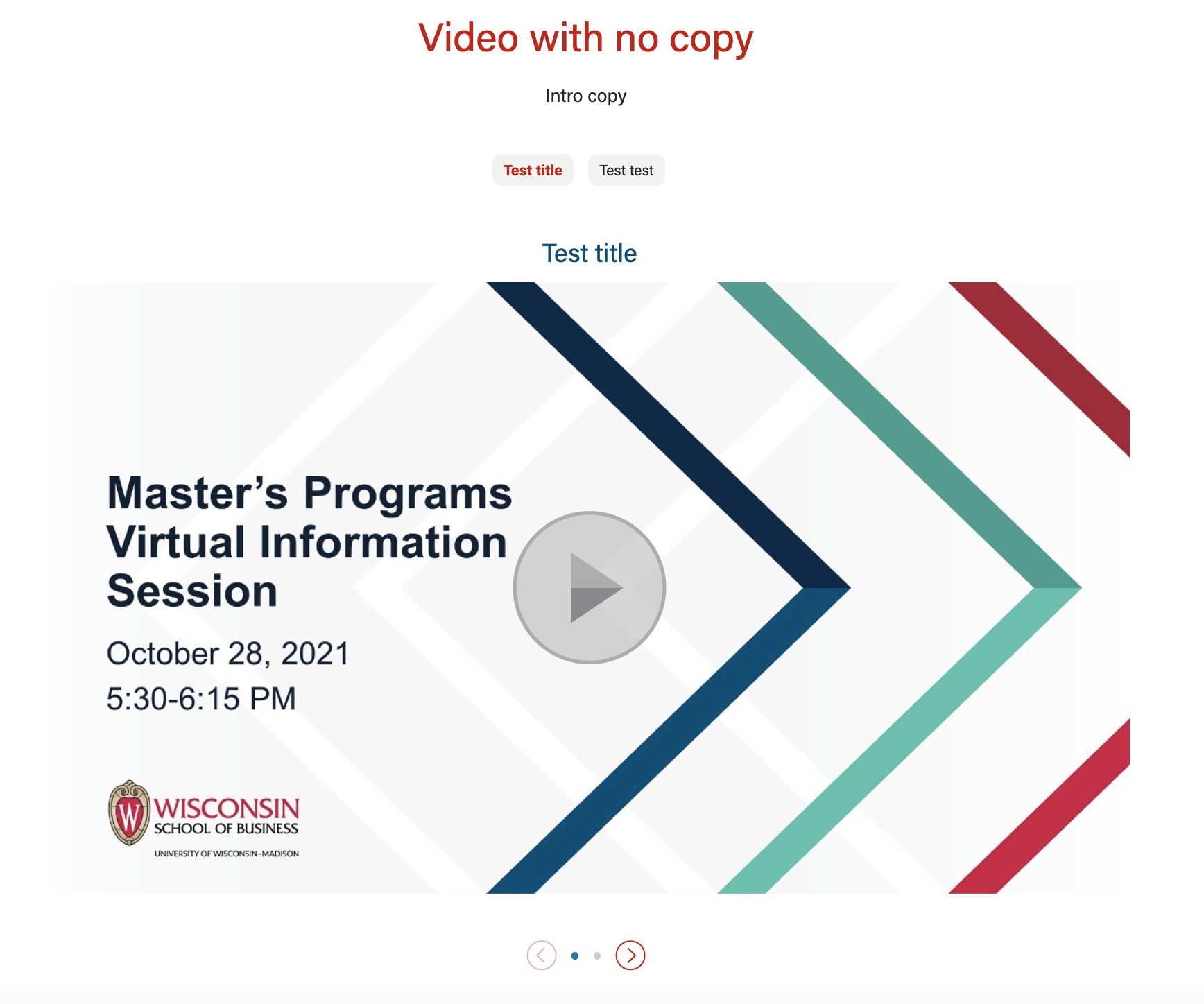
Video content with badges and no supporting text
...
Social video (video content + mobile video)
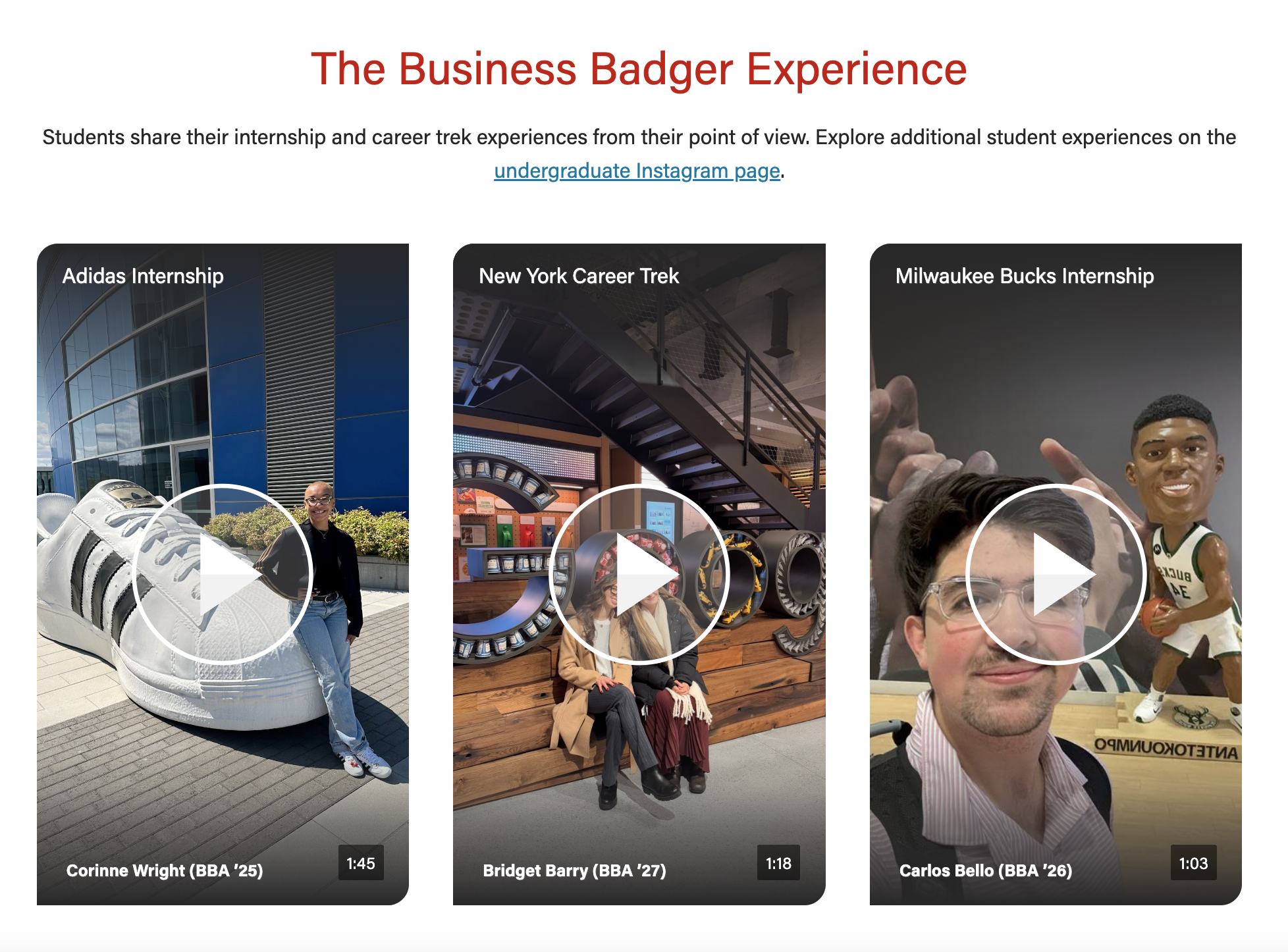
...
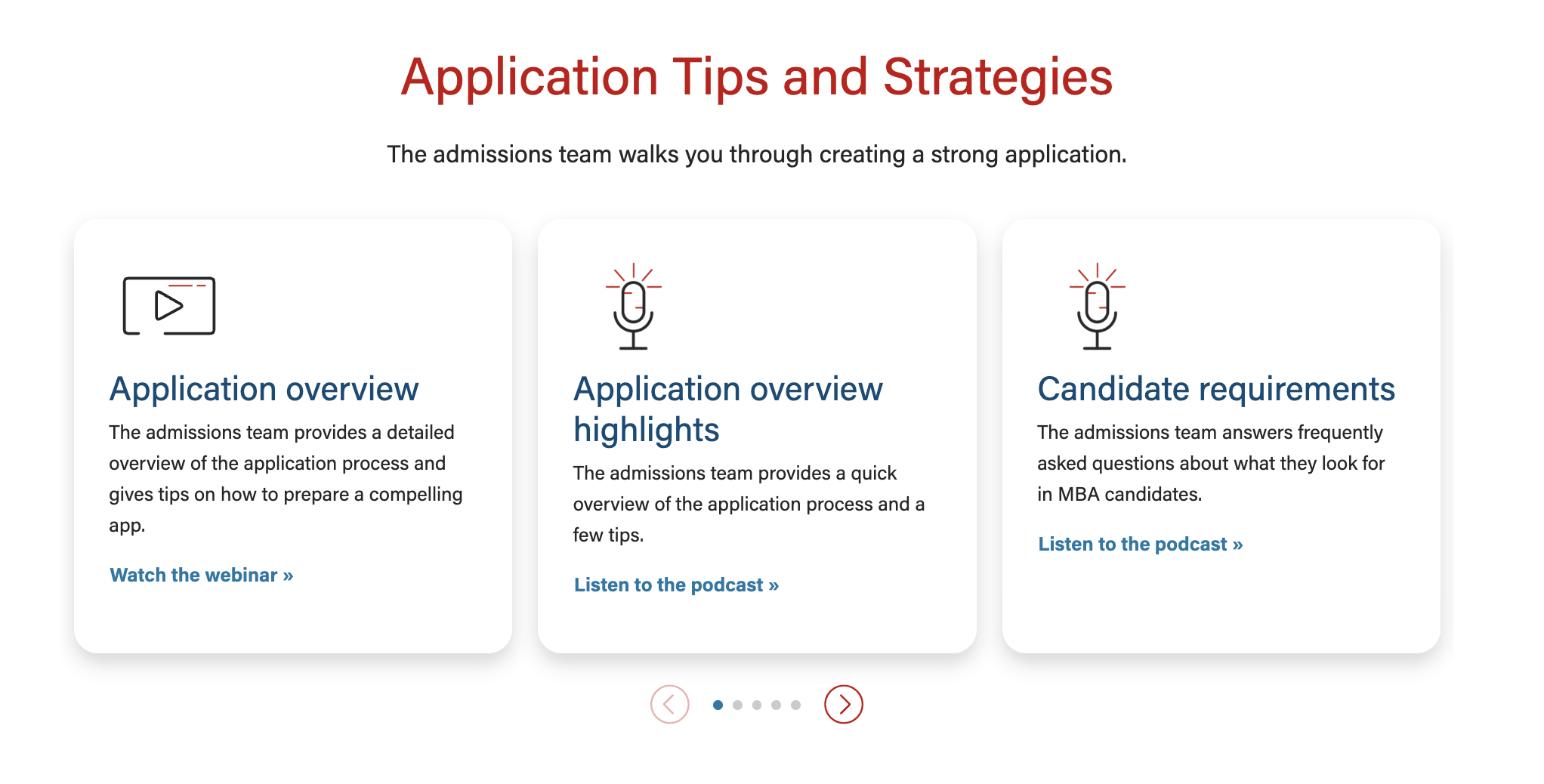
Text/image content with icons (top - icons centered, bottom - icons not centered)
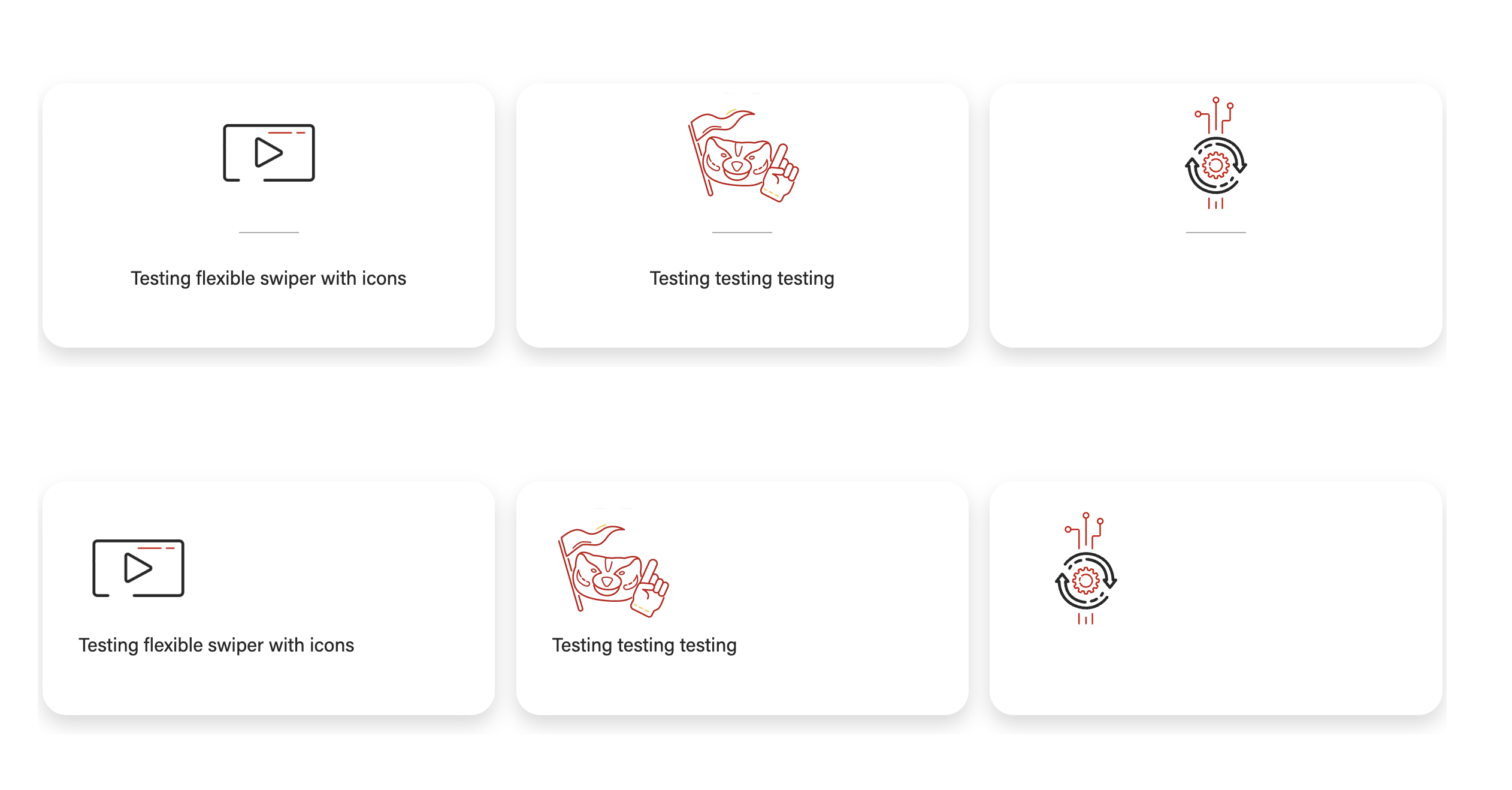
Can showcase videos, text, and/or images.
| Expand | ||||
|---|---|---|---|---|
| ||||
|
Examples
Use When
- Displaying multiple chunks of content with optional images and/or badges
- Examples:
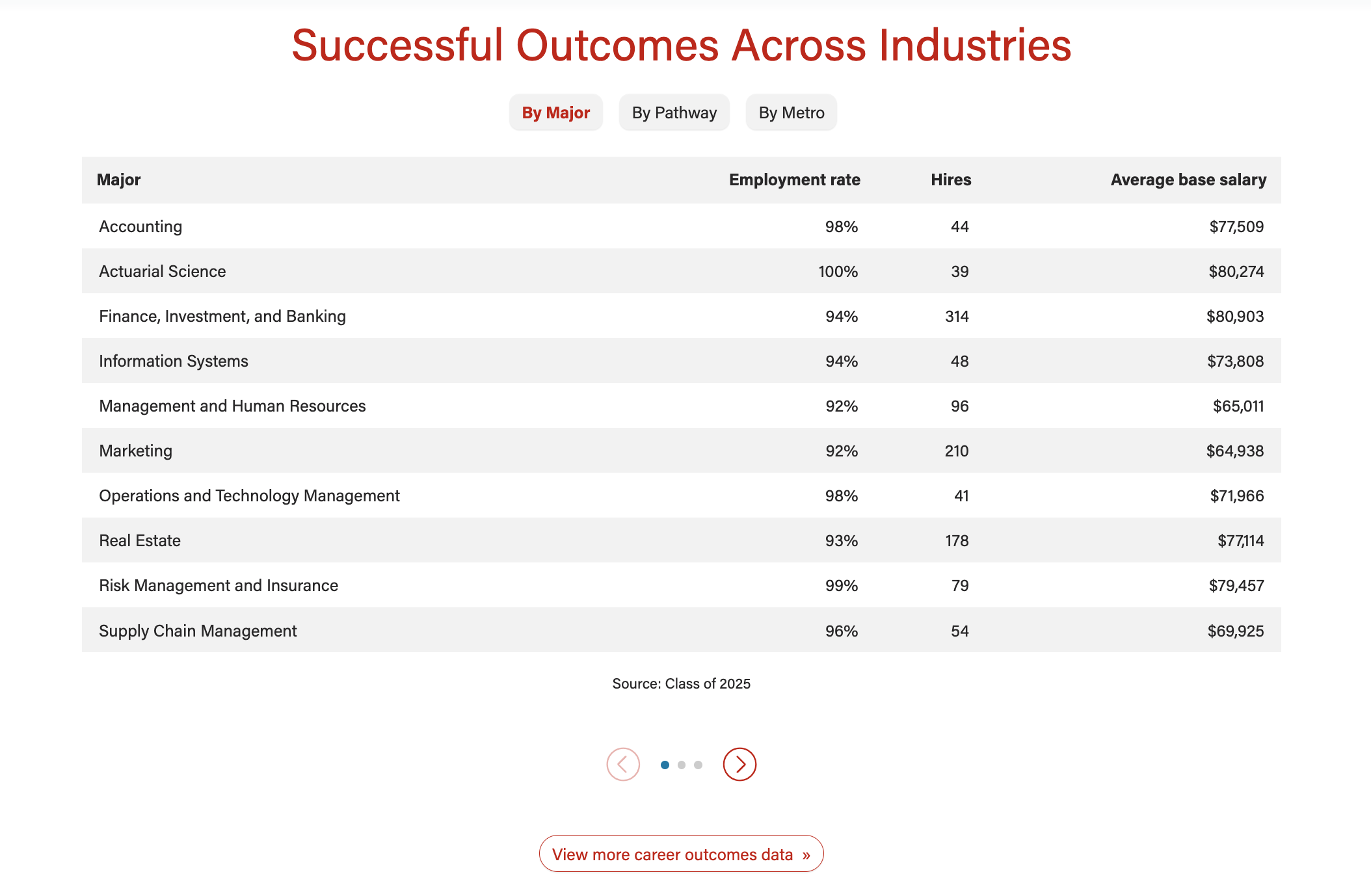
- Career outcomes data tables on BBA Careers
- Student resources on BBA Careers
- Popular major and certificate pairings on BBA Majors
- (Badges) Partnership levels and company logos on BBA Recruit and Hire
- Examples:
- Displaying multiple videos
- Examples:
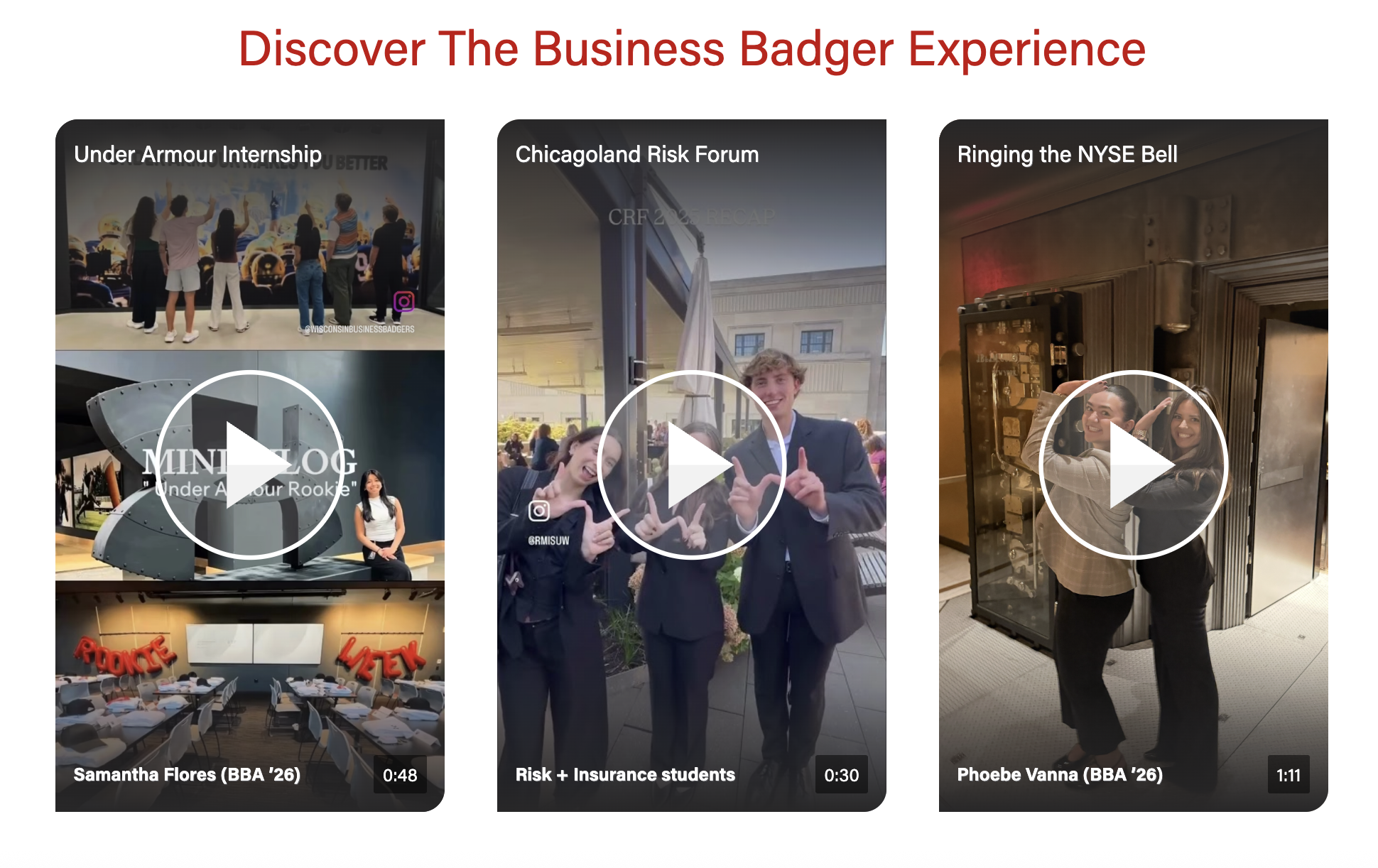
- Student experience YT Shorts videos on BBA Majors and BBA Careers
- Trusted to Lead alumni videos on Companies and Recruiters
- Examples:
Editorial Guidelines
Follow our general Web Copy General Guidelines in addition to the following:
For text/image cards
- Badges (optional)
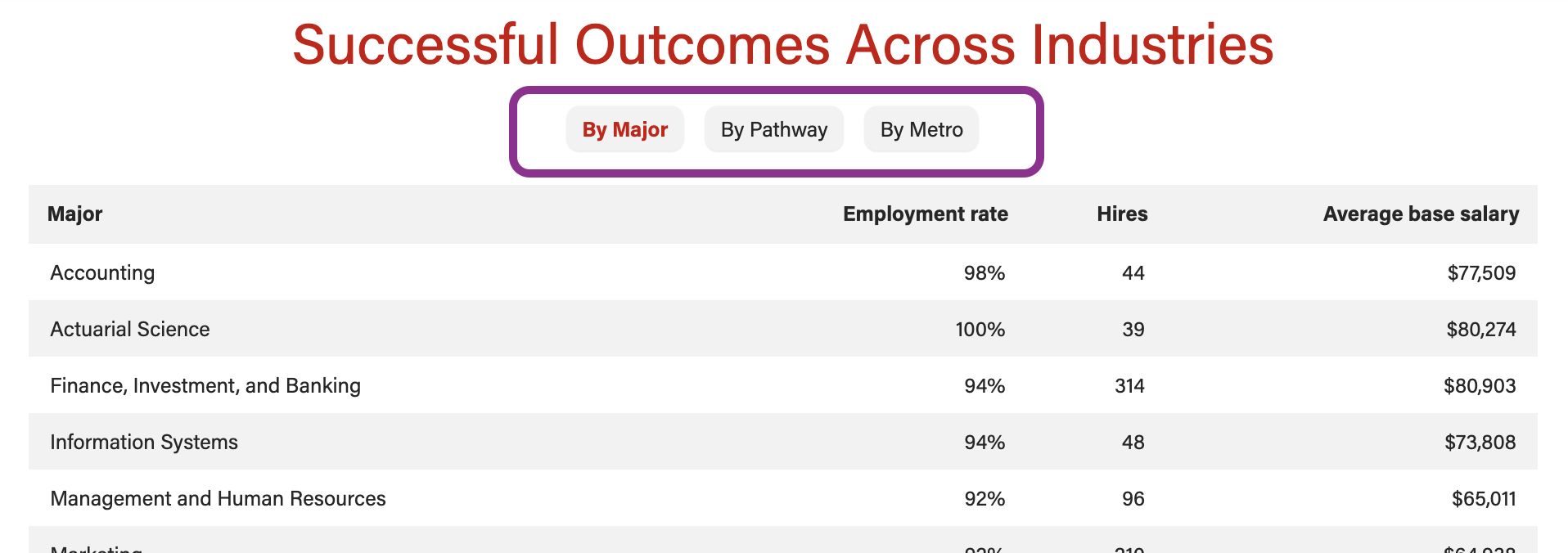
- Small navigational buttons displayed above the cards that feature a word or two to indicate the topic of each card in the swiper
- Character limit: 1-2 words, 30 characters for each badge
- Cards must have similar amounts of copy
- Images are optional, but if one card has a photo, they all need to have a photo
- Card title (recommended)
- If using badges, the card title should match or contain the badge copy for continuity
- Card content
- Ideal length is one or two short phrases or 3-4 bullet points
- For data tables, limit number of rows to ~10
- Card button/link (optional)
- Link text should be specific to each topic/card
For videos
- Videos must be uploaded to YouTube and captioned accurately. Share the YT link with the web developer when ready.
- Badges (optional)
- Small navigational buttons displayed above the videos that feature a word or two to indicate the topic of each video in the swiper
- Character limit: 30 characters
Traditional Videos (landscape)
- Video title (required for all videos)
- Character limit: 30 characters
- Recommend matching (or shortening) the title of the video on Youtube
- When you want the video to appear next to some copy
- Card title (required)
- If using badges, the card title should match or contain the badge copy for continuity
- Card content (optional)
- Ideal length is one or two short phrases or 3-4 bullet points
- Give users a few highlights from the video
- Card button/link (optional)
- Card title (required)
Social Videos (vertical)
- These are typically Instagram Reels uploaded as Shorts to our YouTube channel.
- Need 3 or more videos for this layout.
- Note that we cannot show a mix of content (e.g. we can't show a YT Short next to a photo with some copy)
- Video title (required for all videos)
- Character limit: 30 characters
- Recommend matching (or shortening) the title of the video on Youtube. Can move subject's name to the bottom text for length
- Bottom text (optional)
- Character limit: 30 characters
- Used to display name, grad. year, major, or other details about the video's subject(s)
Design Assets Needed
Images
Card image (optional)
- Photo - jpeg file; standard horizontal size
- Dimensions: 2400x1600px
- We can choose the aspect ratio for card photos, options:
- 16:9, 21:9, 4:3
- Icon - svg file
Videos
- Videos must be uploaded to YouTube.
Video cover image
- We can use the cover image from YT or upload a different one to override it
- Cover image override - jpeg
- Face should not be perfectly centered, as it will be covered by the play button. We recommend cropping so the face is in the top third of the image.
- For traditional, landscape videos
- Dimensions: 1176x662px
- Aspect ratio: 16:9
- For vertical, social videos
- Dimensions: 1170x1807px or 585x904px
- Aspect ratio: 9:16
Video options
Video player type
- Embed video on the page or have it open in a modal (popup window)
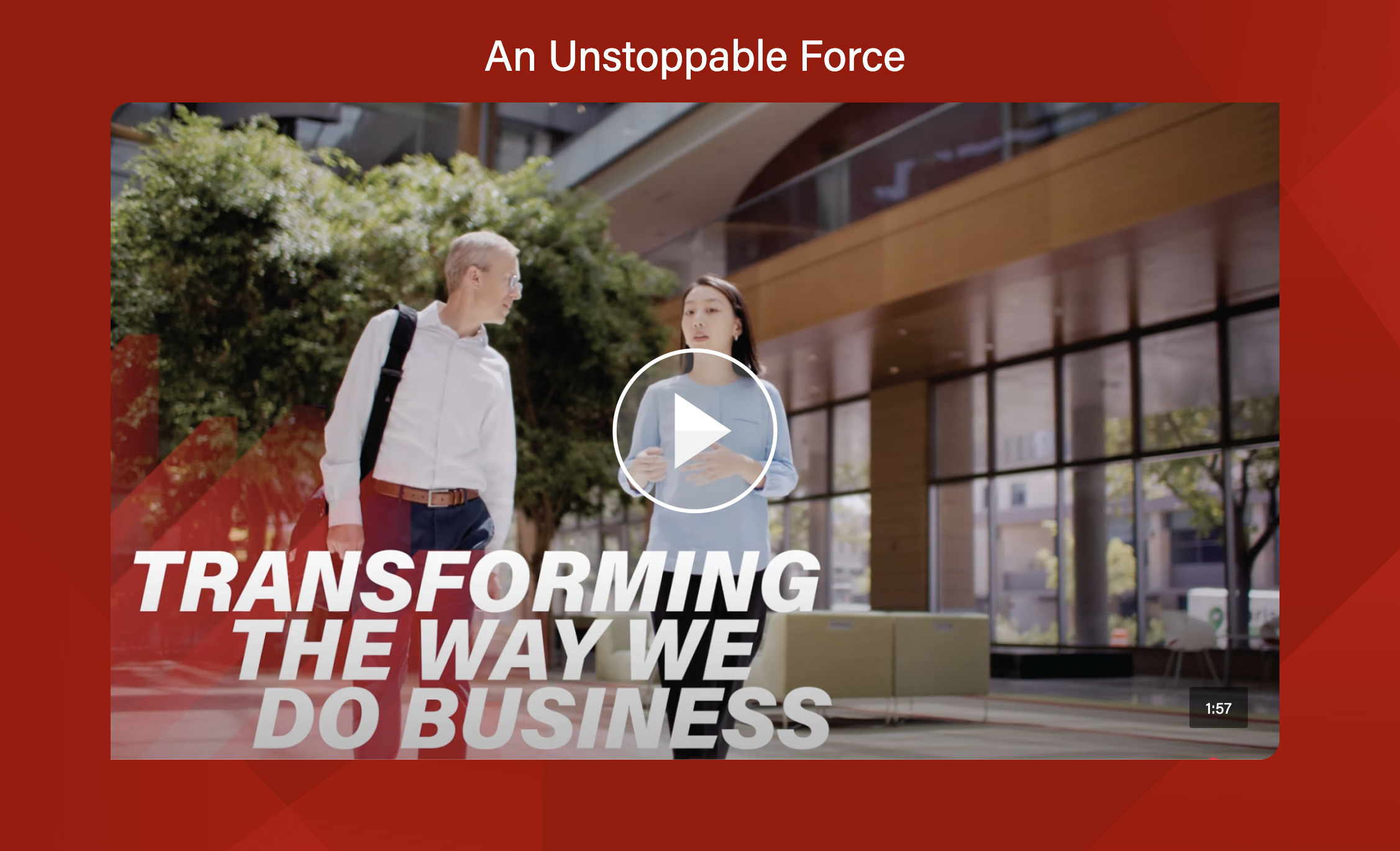
- Embedded video - use when a video is displayed large or for social videos
- Example: Student Experiences on BBA Majors
- Video modal - use when overflow layout is selected, when you want the video watching experience to have more impact, or when the video is better viewed full screen
- Example: Alumni videos on Companies & Recruiters
- Embedded video - use when a video is displayed large or for social videos
Video layout options

Implementation
Dev Notes
- The block displays swiper arrows and creates swiping functionality when the content requires it.
- Click and drag swiping is disabled for video content on desktop.
ACF
...
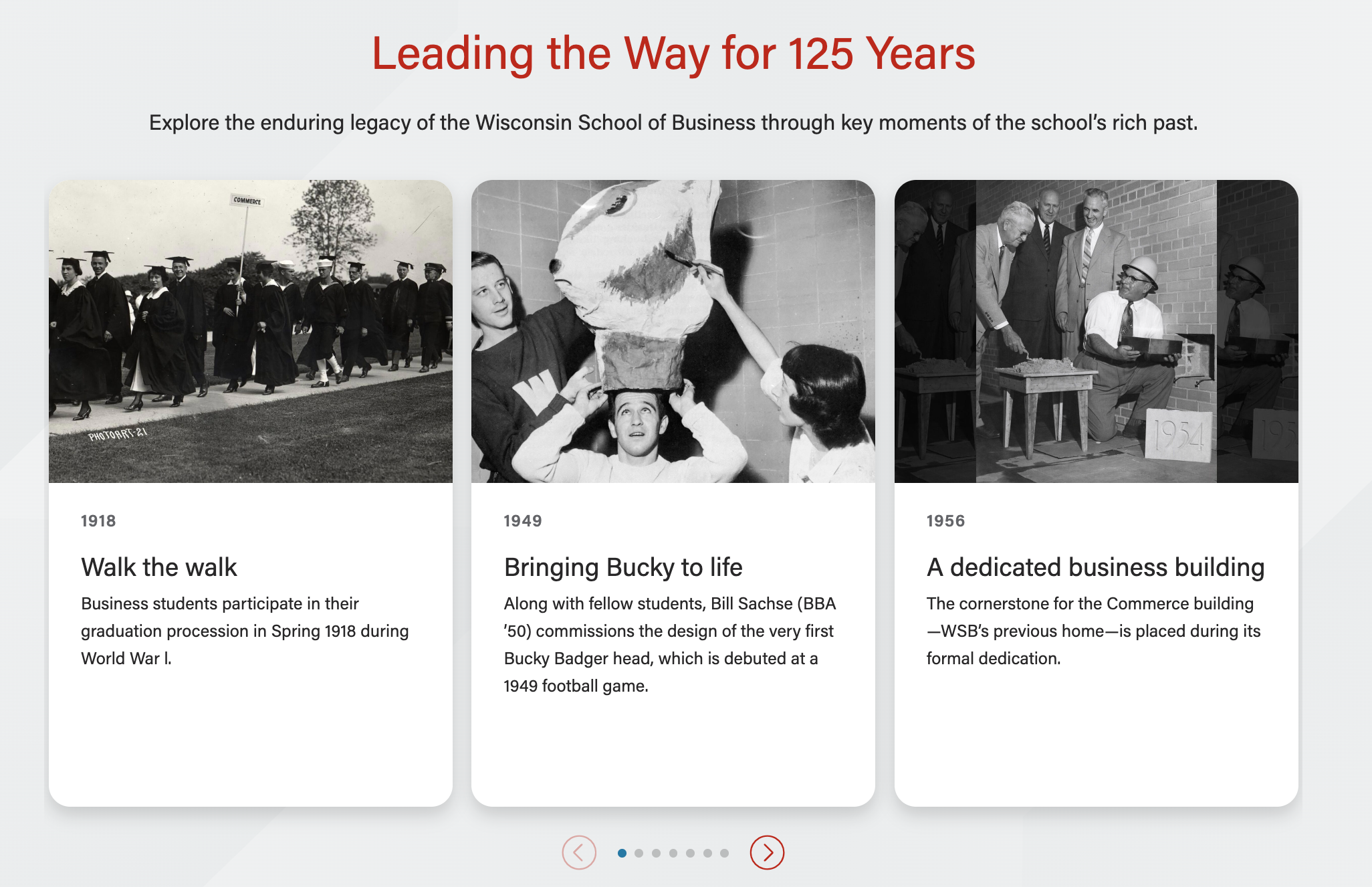
Text/image content with photos
Use Cases
Use Case 1
Use the text/image content option to display multiple html tables in a swiper. Example: https://business.wisc.edu/undergraduate/careers/#data
Use Case 2
Use the text/image content option to display multiple cards (with or without images) in a single row with the swiper. Example: https://business.wisc.edu/undergraduate/careers/#resources
Use Case 3
Use the video content option to display multiple videos in a swiper, with or without supporting copy for each video.
Use Case 4
Use the video content + mobile video option to display multiple youtube shorts. Example: https://business.wisc.edu/undergraduate/careers#badger-experience
Fields
Content type
- First you will need to select the type of content from two options: text/image or video
- This block has many conditional fields that depend on the content type chosen
Display badges?
- Yes or no
- Only works with a 1 column layout with more than one card
...
- Dropdown (default) or stacked
- Only choose stacked when you have 7 or fewer cards and the stacked badges look good on mobile
Mobile video
...
- Only appears with Video content type selected
- Crops videos to 9:16
Lazy load
...
(video)
- Only appears with Video content type selected
- Doesn't currently work with landscape videos! Only appears with Video content type selected
- Sets video to a lazy load embed instead of a modal viewinside a modal
Show Overflow
- Video columns expand to fill the width of the page, parts of the left and right cards will overflow off the page
- Randomize Order? - only available when Show Overflow is toggled to yes.
- When checked, the order of the videos will be randomized.
- Adaptive autoheight is not necessary as the override images should always be the same size.
Add/Edit Cards
...
| Expand | ||
|---|---|---|
| ||
Card image
Title (required)
Hide title in card?
Content
CTA Link |
...
CTA Style
|
...
|
| Expand | ||
|---|---|---|
|
...
Youtube Embed Code |
...
|
...
|
...
Video length |
...
Video title
Image Override
|
...
Image Alt text |
...
|
...
Play Button Color |
...
|
...
|
...
Play Button Alt Text |
...
|
...
|
...
Introduction
- Includes standard block intro fields
- Section Title
- Section paragraph
Footer
- Includes standard block footer fields
- Footer content
- Footer CTAs
| Expand | ||
|---|---|---|
| ||
Columns
|
...
|
...
Enable card shadows |
...
Adaptive autoheight |
...
Card image ratio
Center icons |
...
Anchor IDBlock Wrapper Classes |