Basic standards
- For the website, we use photos taken by WSB's professional photographer or UW's professional photographers. You can view those images on the Photo Shelter accounts: WSB Photo Shelter, UW Photo Shelter.
- Partners may submit other images for consideration, but we might not accept them if they do not meet our standards. We require original, in color, and uncropped images in JPEG format. They must fit in with the school's brand and tone standards. Do not pull images from social media.
- Always Export for Web when using Adobe.
- Images must be less than 5MB.
Detailed standards
Hero Photos, Jumbotron Photos, and other large photos (e.g. photos for blocks like the Traditional Cards, Horizontal Cards, Spotlight Cards, etc.)
Photos should be 2400px by 1600px. This the standard Photo Shelter "large" size. (The height may vary slightly. UW's ratio puts the height at 1597px for large and WSB's ratio puts it at 1661px for large.) 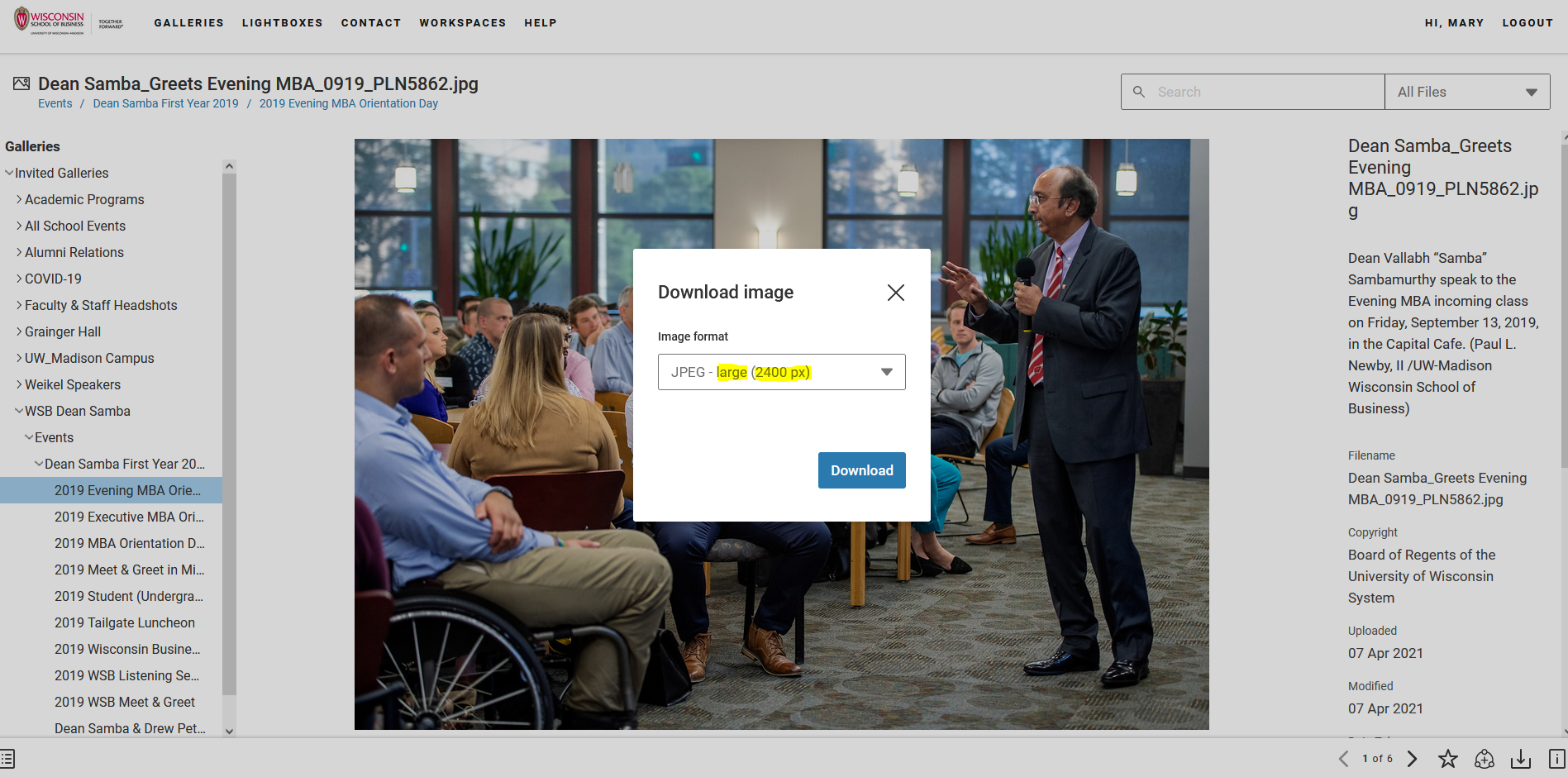
Directory Photos
These are styled into a circle via CSS, so the uploaded photo must be a square. The square should be 512 x 512px.
Stylized Headshots
The gray-background stylized headshot should be 512px in width.
Logos
Company logos (for employment/career sections) should be 512px in width.
(Note: 512px was chosen because it is the WordPress "medium" image size.)
Process for Acquiring Images
- For designers and others sourcing photos for the website, share the link to the Photo Shelter or make a lightbox and share the link with the developer in the relevant Jira ticket.
- Images may be attached to the relevant Jira ticket. If it's a lot of photos (that aren't in Photo Shelter for some reason), then uploading them to a Google Drive folder works. For MSC members, use MSC Web → Design/Visual → Assets → Images and then find the proper folder based on what page it's going on.
Adding Images to WordPress
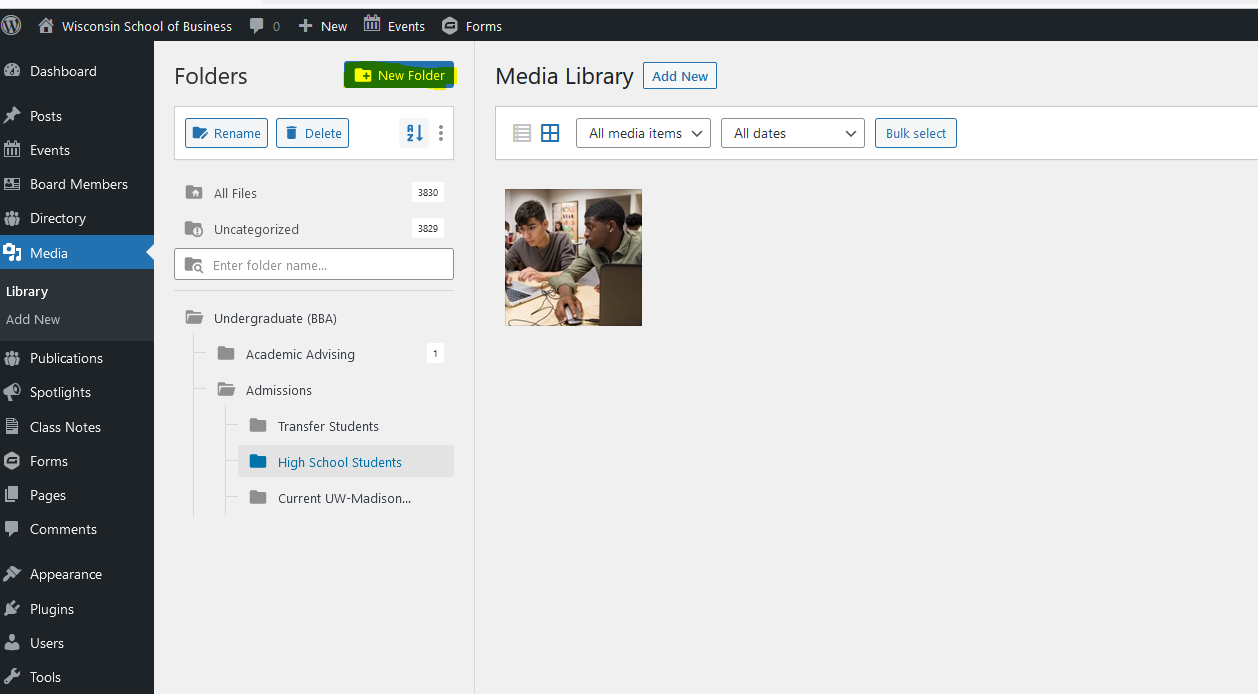
- Upload all images to the correct folder in the Media library. Folder structure mirrors page structure.
- Do not change the name of the image file because we want to be consistent with what the designers/photographers use.