
-
Created by
 Erica McConnaughey on Feb 11, 2026
4 minute read
Erica McConnaughey on Feb 11, 2026
4 minute read
Design
Displays a dynamic card with a dropdown/select element. The card content below the dropdown updates as the user chooses a different select item. This block utilizes the Web 2.0 (and UX) principle of progressive disclosure, which means showing a little content at first and allowing the user to see more if they choose to interact with the block.
- The block behaves like a tab group to show different options (i.e. tabs) along with related details (i.e. tab panels).
- Variations:
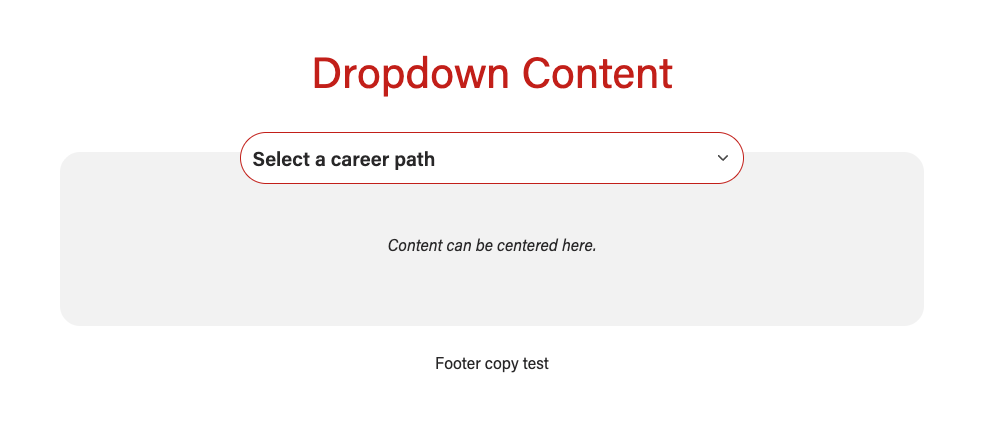
- No background - the card will be light gray
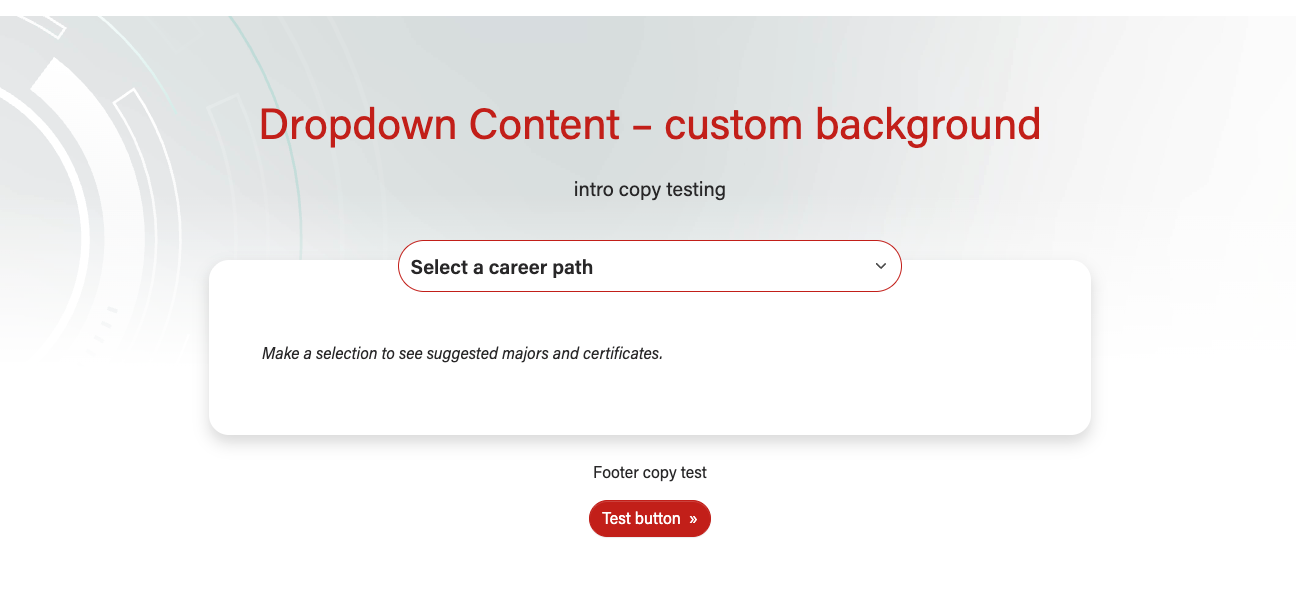
- With a background - the card will be white
- Dimensional lines light background pattern - see second screenshot below
- Custom background pattern - upload an svg pattern to the WP media library and add it to the block
No background and a gray card
|
With light dimensional lines bg pattern
|
With custom bg pattern
|

Use Cases
- For displaying a large number of options (up to 15) with supporting content
- Example: Popular career pathways on the BBA Majors overview page
- For displaying a few options (at least 3) with varying amounts of supporting content
Fields
Add/Edit Content
Disable first item in dropdown?
- Switch to Yes if your first dropdown item acts as a placeholder or label telling the user what to do
- Leave at No if your first dropdown item is an actual choice the user might select
Dropdown content (repeater)
- Dropdown item - the text that will go inside the dropdown
- Ideal character limit: 30 characters (all char. should be visible on mobile)
- True character limit: 40 characters
- Supporting content - details about the dropdown item that will go inside the card
- This is a WYSIWYG field. Add content inside HTML tags and
Introduction and Footer sections
- These are standard sections for many of our custom blocks.
Configuration
- Background pattern - choose or upload a background pattern
- Recommend only using light background patterns with this block. There is a fade to white gradient overlay for all background patterns and this effect can look jarring with bold, medium-dark, or dark colored backgrounds. Make sure to communicate this with a designer if they plan to create a pattern for use in this block.
- Options:
- None (default value)
- Dimensional lines - light
- Custom pattern (upload svg to media library)
- Text color - choose the color for the text in the intro section
- Conditional field (custom background pattern must be selected above)
- This field should be used rarely, since it is strongly recommended to only use light bg patterns in this block.
- Options:
- Default - uses our default web font colors
- Dark - makes all text dark gray for contrast with
- White -
- Custom background pattern - image field
- Block wrapper class(es) - common field for styling our custom blocks
Code Templates for Card Content
Supporting content is added in a WYSIWYG field, so you'll need to add HTML elements with classes for styling. Copy the code below for the content you need:
Image + Text (2 column flexbox layout, responsive)
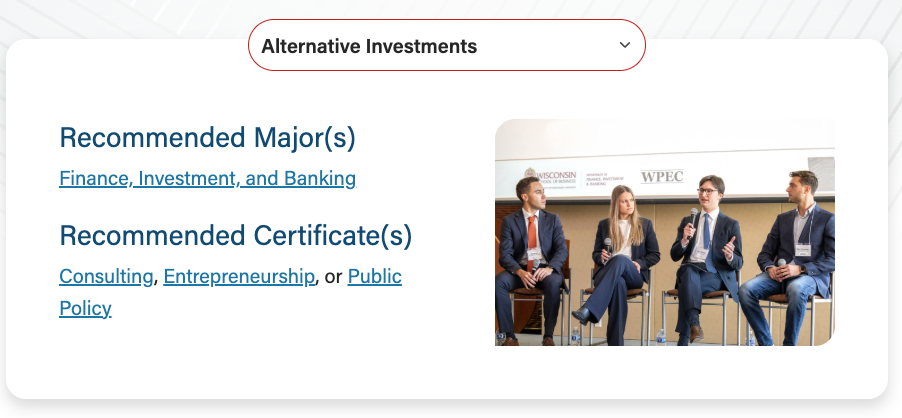
- Use if you want an image next to some text. Columns will stack for small screens and down.
- Where it says <img />, either
- Use the Add Media button and find the photo in the media library, then add classes from image in code snippet below
- Or copy the HTML for the image below and add the image URL and alt text yourself.
- Make sure to include <p> tags around any text that isn't inside another element.