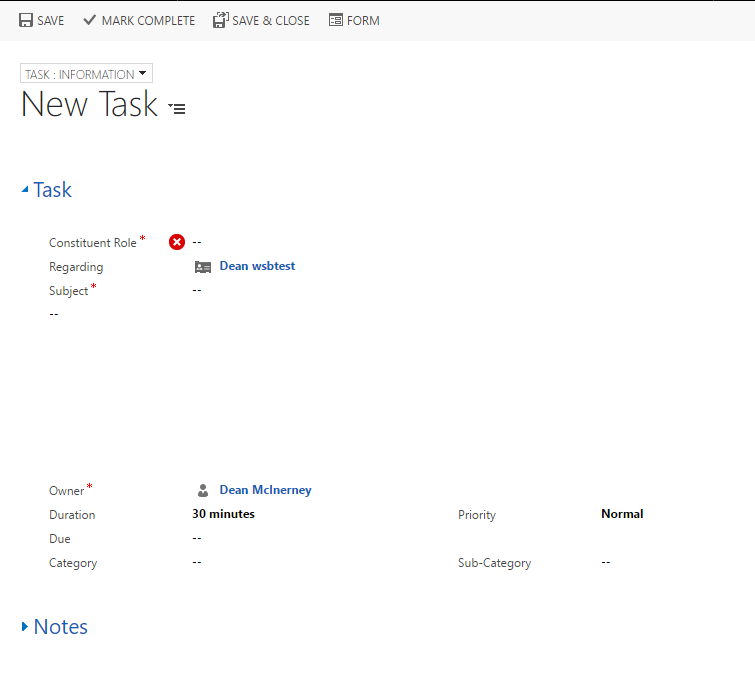
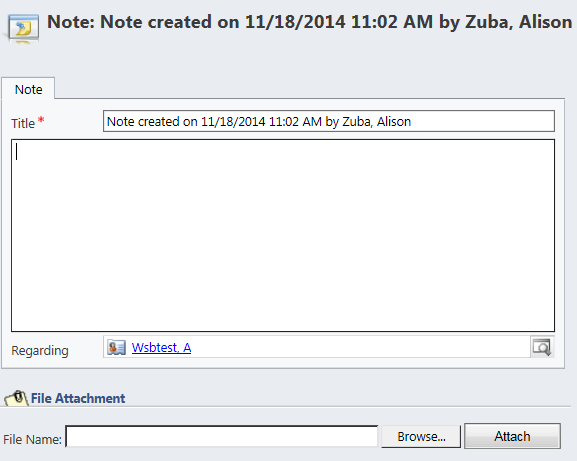
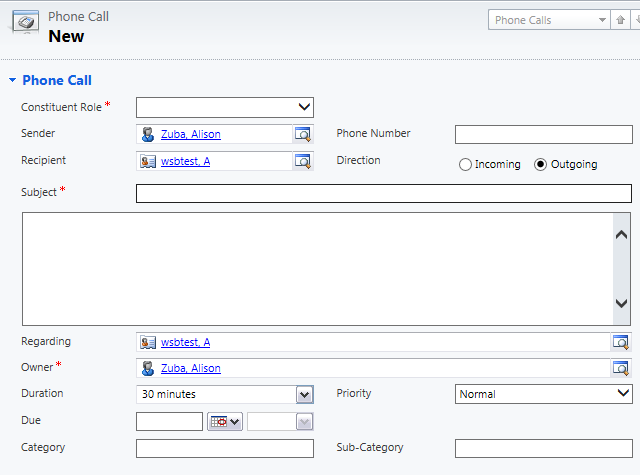
Common activities to add to a contact record include: Appointment, Phone Call, Email, Task, and Note.
Helpful hint: If you use consistent subject names for specific types of activities, you will be able to search and query on activities by subject name in the future.
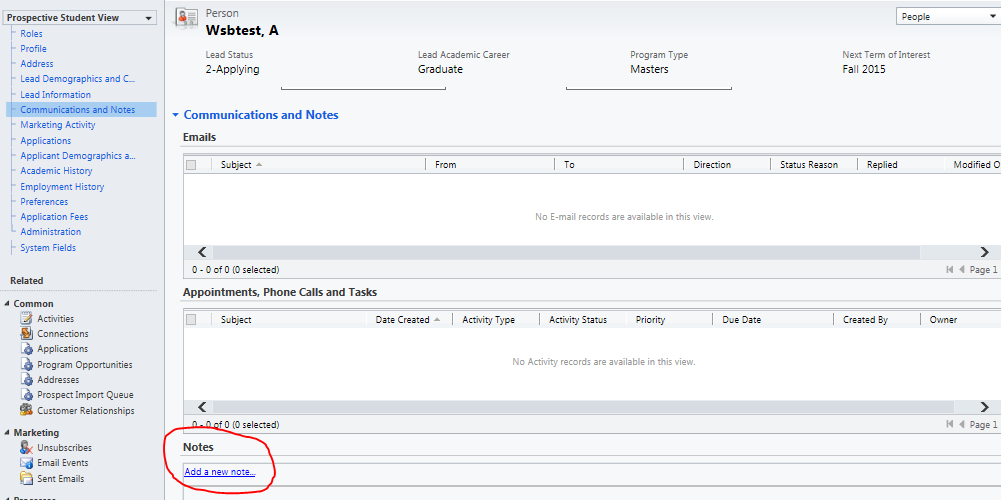
To add any activity, navigate to the "Communications and Notes" section of the person record.
- Open person record.
- Scroll down to "Communication and Notes," or use the navigation bar next to the person record's name to quickly jump to it.
- Under appointments, click on the plus sign on the right hand of the screen.
- Select the activity you would like to create.

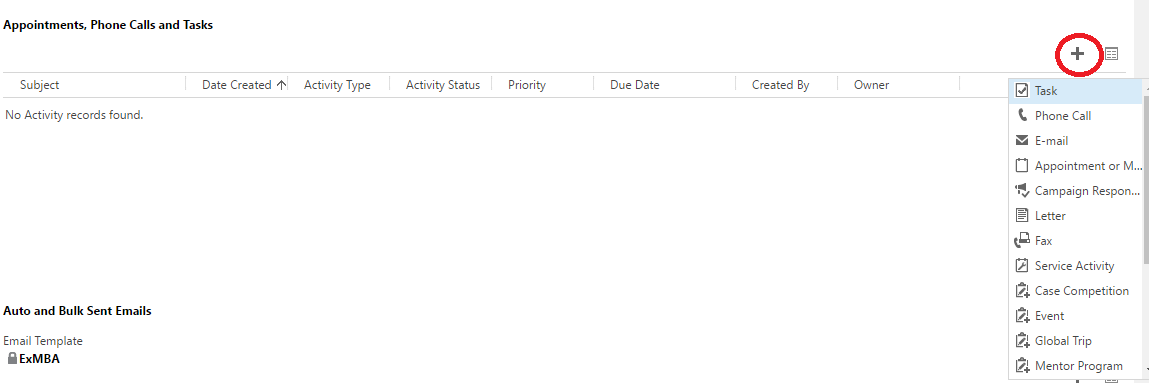



Add a task.
Open a person record.
Select "Add" on the top ribbon, and then select "Task."
Enter the constituent role, and then select the action which is occurring.
Enter the subject.
Enter in any relevant information about the task, such as what the agenda is, when it is due, etc.
Once the task has been finished, make sure to select "Mark Complete" at the top left of the screen in the ribbon.