
-
Created by
 Sonia Villa, last updated by Erica McConnaughey on Dec 05, 2022
2 minute read
Sonia Villa, last updated by Erica McConnaughey on Dec 05, 2022
2 minute read
Design
The ranking block has two formats:
Standard
| Circles
|
|---|
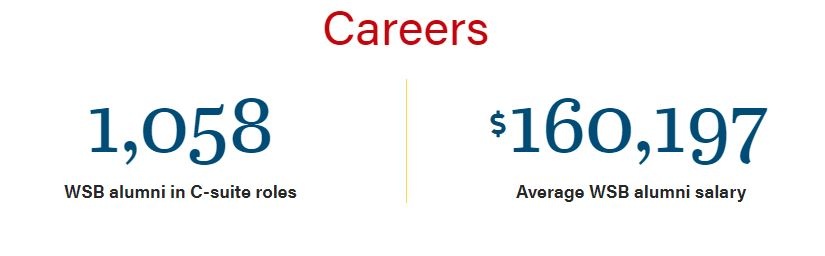
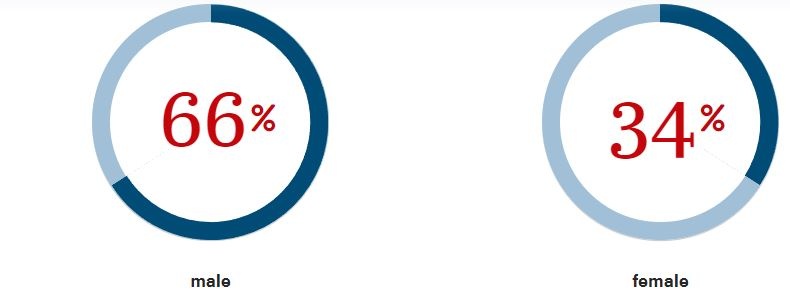
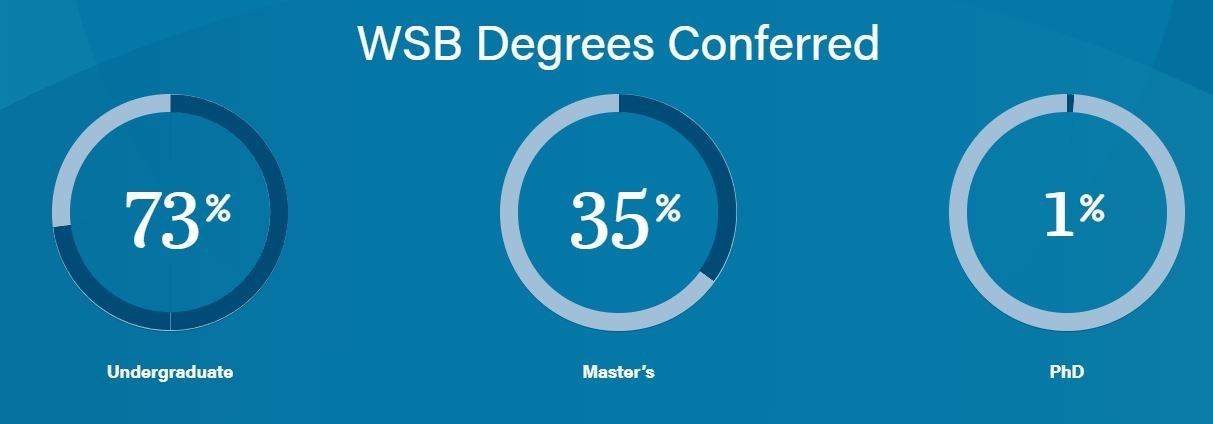
You can add a background color to the two formats:
Use Cases
You use this block when displaying rankings or statistics (ex: average salary).
Fields
Statistic
- Add copy elaborating on the ranking displayed.
Source
- You can add a source to cite the ranking.
Ranking with statistic and source:

Number Color
- You can change the color of the numbers.
Rankings Style
- You can choose between the standard or circle style for rankings.
Background
- You can choose the color of the background of the block.
Additional Notes
You can add more than three rankings in a row, but after three, the block will add a swiper at the bottom to swipe through rankings.
Try to keep the copy as short as possible with multiple rankings. After a certain amount of text, the copy will overlap and stretch too close to the yellow/white divider.

The width of this block (with no background color) is expanded in 5 Custom Post Types – Posts, Blogs, Update, RTI, and Spotlights. Find the code for this in _layout.scss