
Design
A block that spans full-width.
...
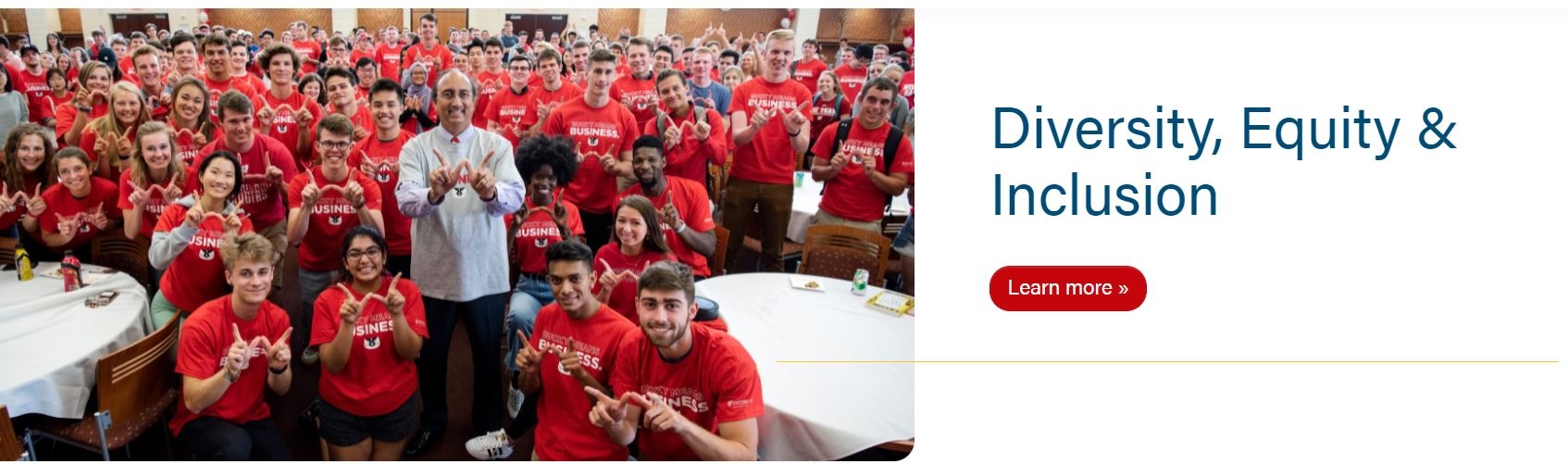
50/50 with link
| 50/50 with no link
|
|---|

Pattern
|
|---|

Use Cases
Use as the first block to introduce a page.
Use when using a Hero - News block.
See Additional Notes at the bottom for a special use case.
Fields
- Choose between a Jumbotron, 50/50 Split or Pattern.
- Note: With a Jumbotron and 50/50 Split, you can add an image. Make sure the image is high-quality and around 2400x1200.
- Note: With Pattern, you can add a Micro Title (usually a tagline or a secondary title) above the H1.
- With Pattern, choose between a Gray, White, Blue or Red background.
...
- Add a link to the page.
- Note: Buttons are either application links or links to a form to request more information about a program.
- Enable to display the breadcrumbs of a page.
- Note: Some parent pages with no subpages do not need to display breadcrumbs (see Diversity, Equity, and Inclusion and About pages for example).
Additional Notes
In some cases, the image for the Hero doesn't work within the block. You can add the image before the Hero (in either the WordPress Image block or as HTML with the Custom HTML Wordpress widget), not select a Type, not add any Title or Copy, and disable breadcrumbs.
...