
...
Card with no image
| Card with an image  | Card with an icon
|
|---|---|---|
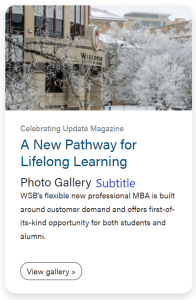
Card pulling a post (will also display featured image if there is one)
| Card with stretch link and no CTA | Card without stretch link and no CTA (no use cases yet) |





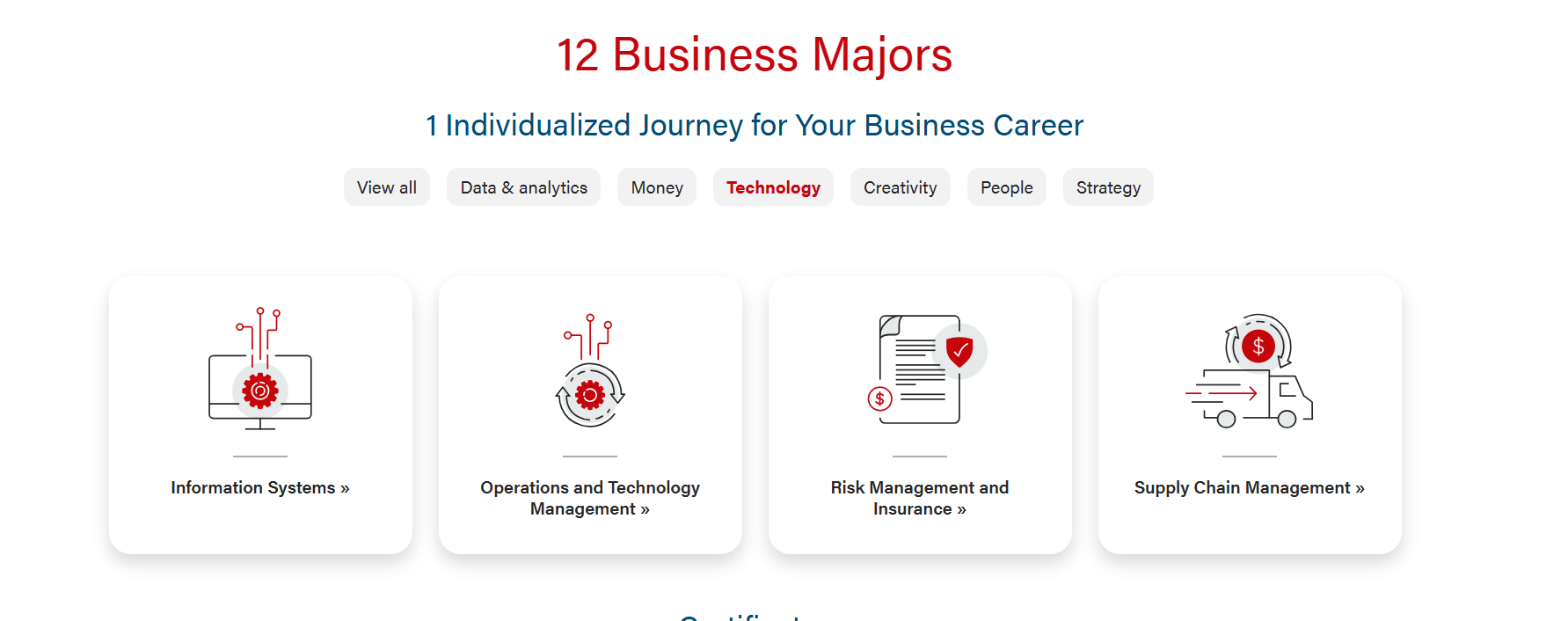
Filtered cards
Use Cases
Use when displaying content.
...
- You can add a subtitle to the card. This subtitle is displayed below the card title.
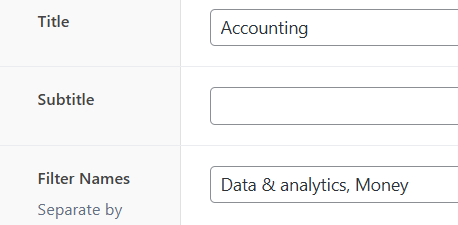
Filter Names (hidden)
- Text field that's revealed if "Add Filters?" in Configuration is checked
- Content of this field is not displayed anywhere- it is in the data of the card's html element.
- Add the list of filters, separated by commas, you want the card to be included in.
- These filter names must be ones already listed in "All Filter Names" in Configuration.
- All cards are automatically included in "View all", so you don't need to include that one.
- There's no minimum or maximum number of filters per card, but you'll probably want there to be at least one filter per card.
Image
- You can add an image from the Media Library to the card.
...
Enable Card Shadows
- Adds shadow around cards
Add Filters
- Check to add filters to the card component. When checked:
- Reveals additional fields: All Filter Names (Configuration), Filter Names (each card)
- Adds filter buttons below the Introduction and above the cards.
- Automatically adds "View all" button, and any filter buttons listed in "All Filter Names"
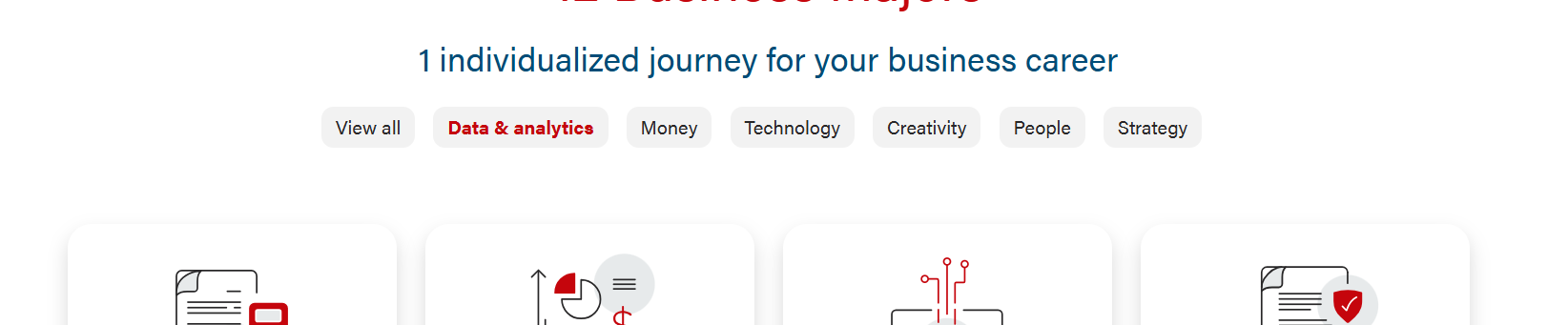
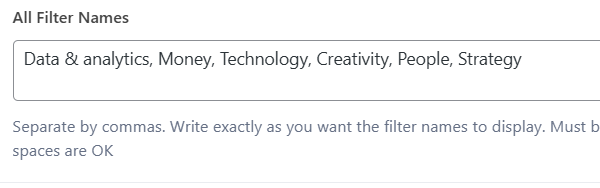
All Filter Names (hidden)
- Text field that's revealed if "Add Filters?" is checked
- Add the names of the filter buttons, in order as you want them to be displayed (case sensitive), separated by commas
- Special characters/numbers are okay but each name must start with a letter.
- The "View all" filter is added automatically as the first button and cannot be edited.
Coding Notes
02/2024 Changes:
...