
...
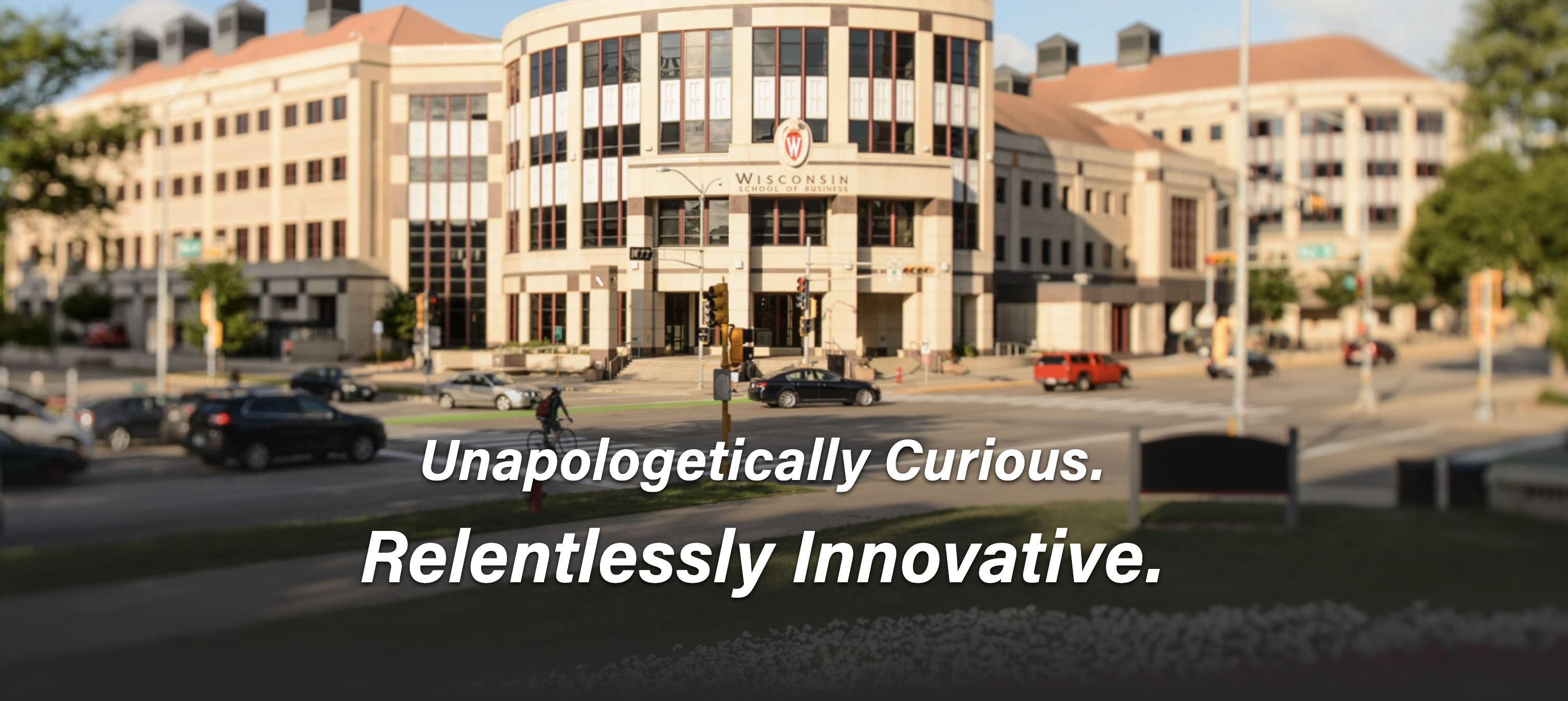
Jumbotron with link  | Jumbotron with no link
|
|---|---|
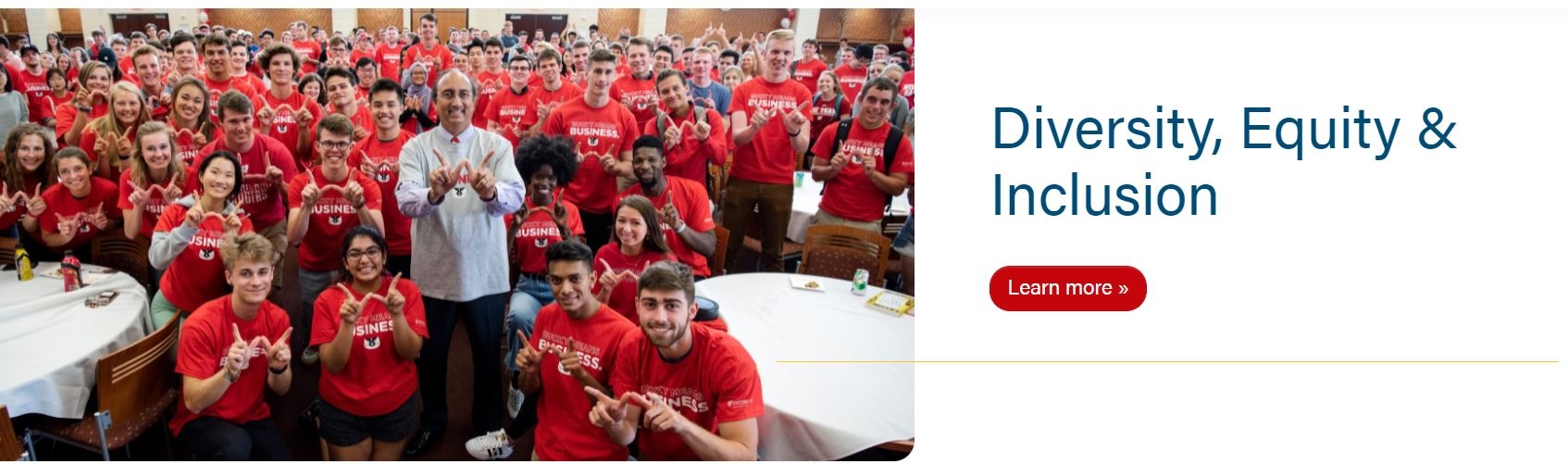
50/50 with link
| 50/50 with no link
|
Pattern with no link
| Custom Pattern with link
|
Animated
| Video
|




Use Cases
Use as the first block to introduce a page.
...
- Image - add your custom pattern
- Custom background images shouldn't have transparent sections as the background color will show in the transparent sections.
- Bg pattern color
- Add a hex color (i.e. #c5050c with hashtag included) - choose a brand color that best matches the bg image
- Branded colors must be used - please see Brand Toolkit or variables.scss file for colors
- Add a hex color (i.e. #c5050c with hashtag included) - choose a brand color that best matches the bg image
- Button color
- The color will be for the text in the button and background color when the hover effect is active
- Add a hex color (i.e. #c5050c with hashtag included) - choose a brand color that works well with the bg image, this will often be a color from the bg pattern or a darker shade of one
- Branded colors must be used - please see Brand Toolkit or variables.scss file for colors
- Text color
- There are 3 options: default, white, and black - choose the best option for optimal contrast with the background image
- default will have $red (#c5050c) H1 and $gray-800, or #494949, for the rest of the copy
- white - all the copy will be white
- black - all the copy will use $body-color variable, which is $gray-900 or #282728
- There are 3 options: default, white, and black - choose the best option for optimal contrast with the background image
- Microtitle - add a tagline or a secondary title above the H1
- Title
- Copy
- Link
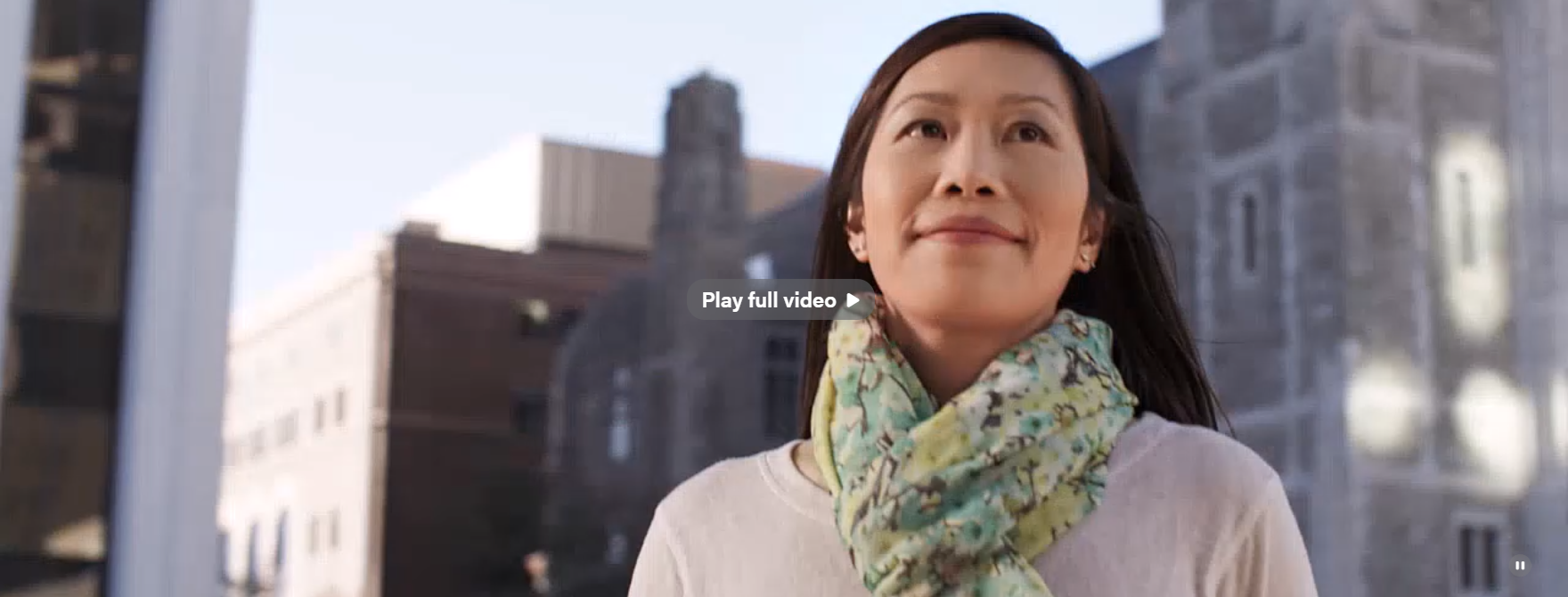
Video - a full width video that loops with no sound and a button to go to the full video overlay
Use sparingly.
- Poster Image
- Video (desktop)
- - 2400x1600, aspect ration 16:9
- Preview video is muted and need one for desktop and a separate video for mobile
- Full video is an overlay, and you need one video for desktop and a separate video for mobile
- You can escape the overlay by: clicking the X button, scrolling, clicking outside of the video, or the ESC key
- Can add a vtt file for close captions
- Can add copy for the play full video button or leave it empty and the button will automatically read "Play full video" Mobile video
Animated - a full width background image with animated text
...
- Even if the hero block doesn't work for a particular page, you may want to add the block with no content and check the "Hide breadcrumbs" option.
- You will need to select a type and optional to add a title such as hero or hidden hero and add the class d-none to the additional CSS classes under Advanced on the right side of the editor; otherwise, the hero is hidden from view on the editor, and you'll need to go to click on document overview to see it.
- In some cases, such as for Update magazine issue landing pages, the image for the Hero doesn't work within the block. You can add the image before the Hero (in either the WordPress Image block or as HTML with the Custom HTML Wordpress widget), not select a Type, not add any Title or Copy, and disable breadcrumbs.
- This will allow you to display an image as the page banner. This will also remove the black-text H1 that appears by default without a Hero on the page. See Update Fall 2020 as an example.
...