
...
| Code Block | ||||||
|---|---|---|---|---|---|---|
| ||||||
DEV NOTES
* Image one and two must be horizontal, image three vertical
* Image two and three are hidden for mobile screens.
* Can use a single caption for all three images for desktop.
* The mobile caption should just be for image one, since the others are not visible at that point.

CODE - WITH CAPTION
<div class="mixed-layout-collage">
   <div class="image-one">
      <img decoding="async" class="image brand-border-radius" src="" alt="" aria-describedby="mixed-collage-caption">
   </div>
   <div class="image-two">
      <img decoding="async" class="image brand-border-radius" src="" alt="" aria-describedby="mixed-collage-caption">
   </div>
    <div class="caption" id="mixed-collage-caption">
      <p class="mobile-caption pt-2">Mobile Caption</p>
      <p class="desktop-caption text-end">Desktop Caption</p>
   </div>
   <div class="image-three">
      <img decoding="async" class="image brand-border-radius" src="" alt="" aria-describedby="mixed-collage-caption">
   </div>
</div>

CODE - NO CAPTION
<div class="mixed-layout-collage">
   <div class="image-one">
      <img decoding="async" class="image brand-border-radius" src="" alt="">
   </div>
   <div class="image-two">
      <img decoding="async" class="image brand-border-radius" src="" alt="">
   </div>
   <div class="image-three">
      <img decoding="async" class="image brand-border-radius" src="" alt="">
   </div>
</div> |
Variations
...
Stacked or swiper
Stacked
| Swiper
|

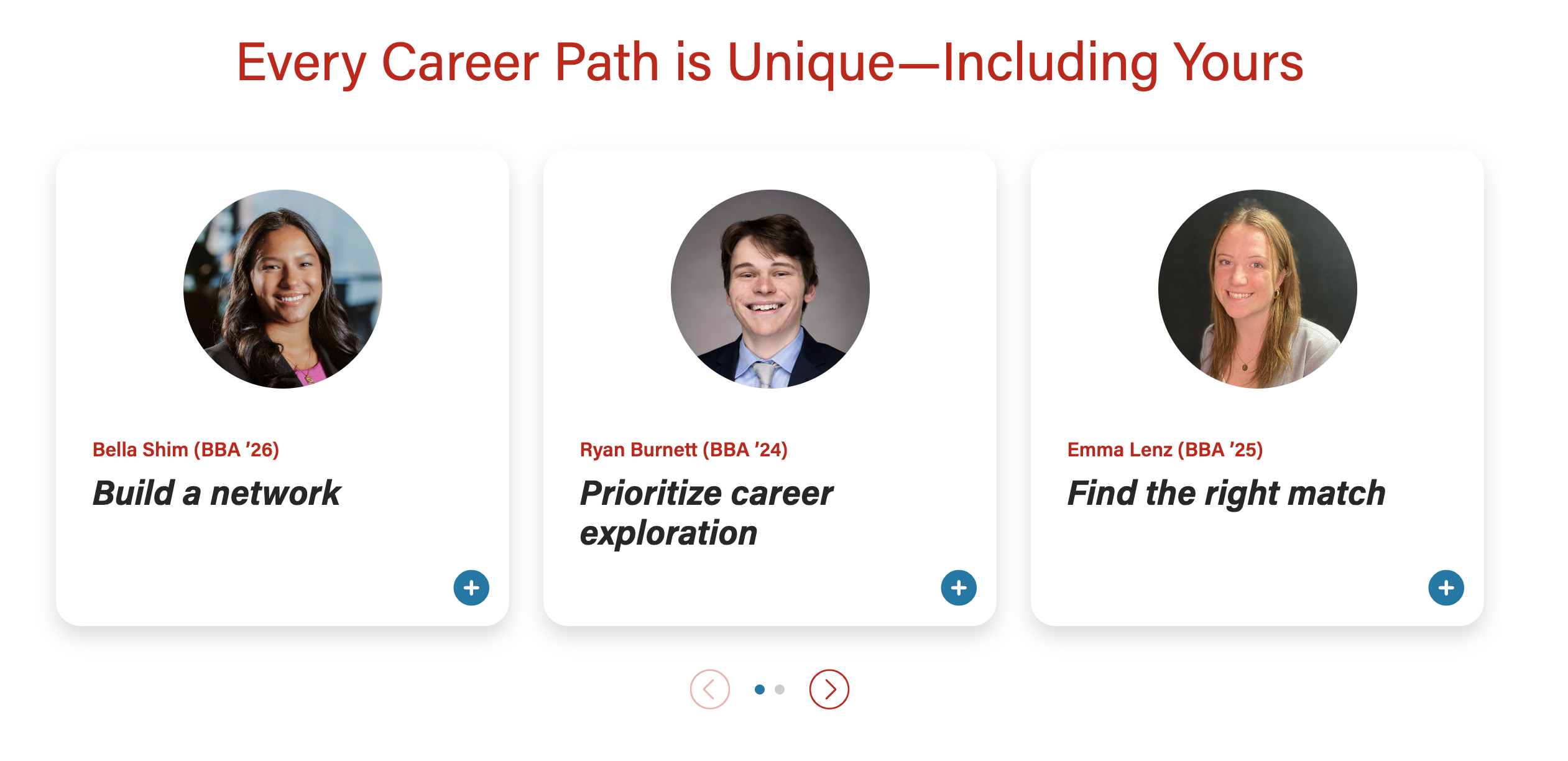
Modal header image
- When card images are full-width, the modal header can have a 50/50 or full-width image
50/50 modal header image

Full-width modal header image – text sits on the image, with a dark gradient overlay for contrast.

...