
Also known as: page header, banner, headline, primary section, above the fold
Description
A block designed to be used once at the top of every Page to display the H1 heading/page title and catch the users attention. The block spans full-width and has 7 layout options.
...
Commonly used hero layouts | |
Jumbotron (full-width photo) with optional linkSource: Executive MBA  | |
Limited-use hero layouts | |






...
- Use as the first block on a page, to display the H1/page title and catch the users attention with a large photo, video, or background pattern.
- The hero layout is typically determined by the page's level in the hierarchy
- Primary, top-level pages → jumbotron
- e.g. program landing pages
- Secondary, subpages or other important pages → 50/50
- e.g. program career, major, or curriculum pages
- Tertiary or informational pages (or pages that don't have good photo options) → pattern
- e.g. contact, tuition, or webinar/podcast pages,
- The limited-use layouts are used on a case-by-case basis.
- Primary, top-level pages → jumbotron
Editorial Guidelines
Follow our general Web Copy General Guidelines in addition to the following:
For all hero layouts (except animated and video layouts)
- Title (required)
- This is the H1 heading or Page Title.
- Keep this short and factual. Avoid marketing and descriptive language here.
- Character limit: ~35 characters (there is flexibility for a longer title if needed)
- Supporting copy (optional)
- Used to introduce the page.
- We typically only add this copy to top-level pages (e.g. program landing pages).
- Keep copy short, 150 characters max.!
- Character limit depends on the layout chosen; find more information for each layout below
- Used to introduce the page.
- Button (optional - use sparingly)
- Add a CTA; consider whether the CTA makes sense first-thing at the top of the page
- We typically only add a button for lead-generating CTAs on select pages (e.g. RFI button on FTMBA landing page hero)
- Add a CTA; consider whether the CTA makes sense first-thing at the top of the page
...
- )
Jumbotron
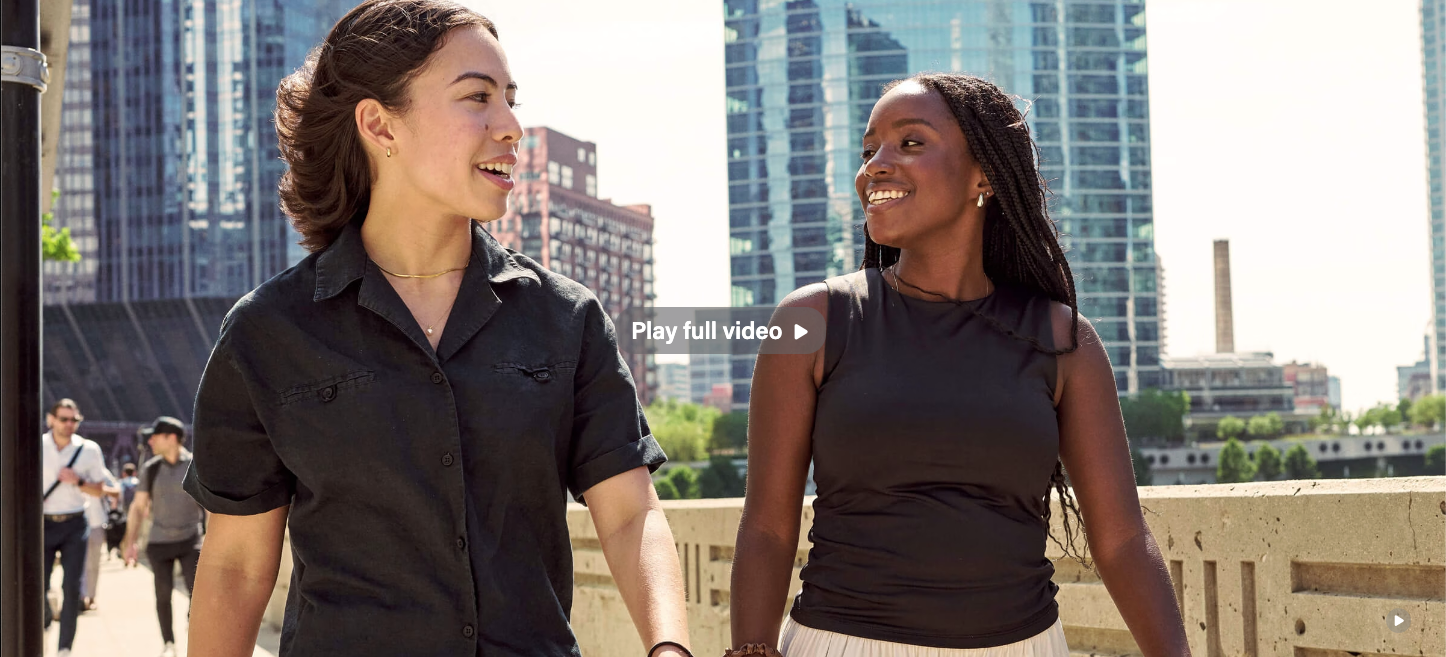
A photo spans the full width of the page. A red text box with white text appears on the left side of the photo.
- Supporting copy (optional)
- Character limit: 150 characters max (copy should fit on two lines for desktop)
50/50
A photo spans 50% of the page's width and copy fills the other 50%.
- Supporting copy (optional)
- Character limit: 125 characters max (copy should fit on two lines for desktop)
Patterns and Custom patterns
A pattern spans full width across the page. This could be one of our standard patterns (red, blue, or gray) or a custom pattern.
- Microtitle (optional - use sparingly)
- add a tagline or a secondary title above the H1
- example: AI Hub for Business
- Supporting copy (optional)
- Character limit: 150 characters max (copy should fit on two lines for desktop)
Animated (slideshow)
A photo spans the full page width and a phrase animates on top of it. Additional photos and phrases can be added to create a slideshow effect.
- One phrase per photo (recommended)
- If using one photo and phrase, the phrase must be the H1 heading/page title
- If using multiple photos and phrases, the H1 must be displayed directly below the hero so it is always present on the page.
- The hero copy can contain other content relevant to the purpose of the photos and the page as a whole.
- Character limit: 40 characters per phrase
Video
A video spans the full width of the page and autoplays, looped with no audio.
- There is no way to display copy on top of the video as text on top of moving video can be very difficult to read.
- The H1 must be displayed directly below the hero.
(in progress)
Design Assets Needed
...
Jumbotron - full width image with red box behind text
50/50 Split - image fills half the width, text is on other half
Pattern - choose one of our standard background patterns
Custom Pattern - add a custom background pattern
Video - a full width video that loops with no sound
Animated - a full width background image with animated text, coming soon: ability to add multiple images with a phrase for each; photos will loop through like a slideshow
Jumbotron - full width image with red box behind text
...