
Also known as: sound bite, audio clip, podcast player, media player
Description
Plays an audio clip
Purpose
To highlight an audio snippet, or multiple audio snippetsclips, with while also displaying supporting content inside a card , a transcript, and an optional photo for each audio snippetclip.
Design
Component Library
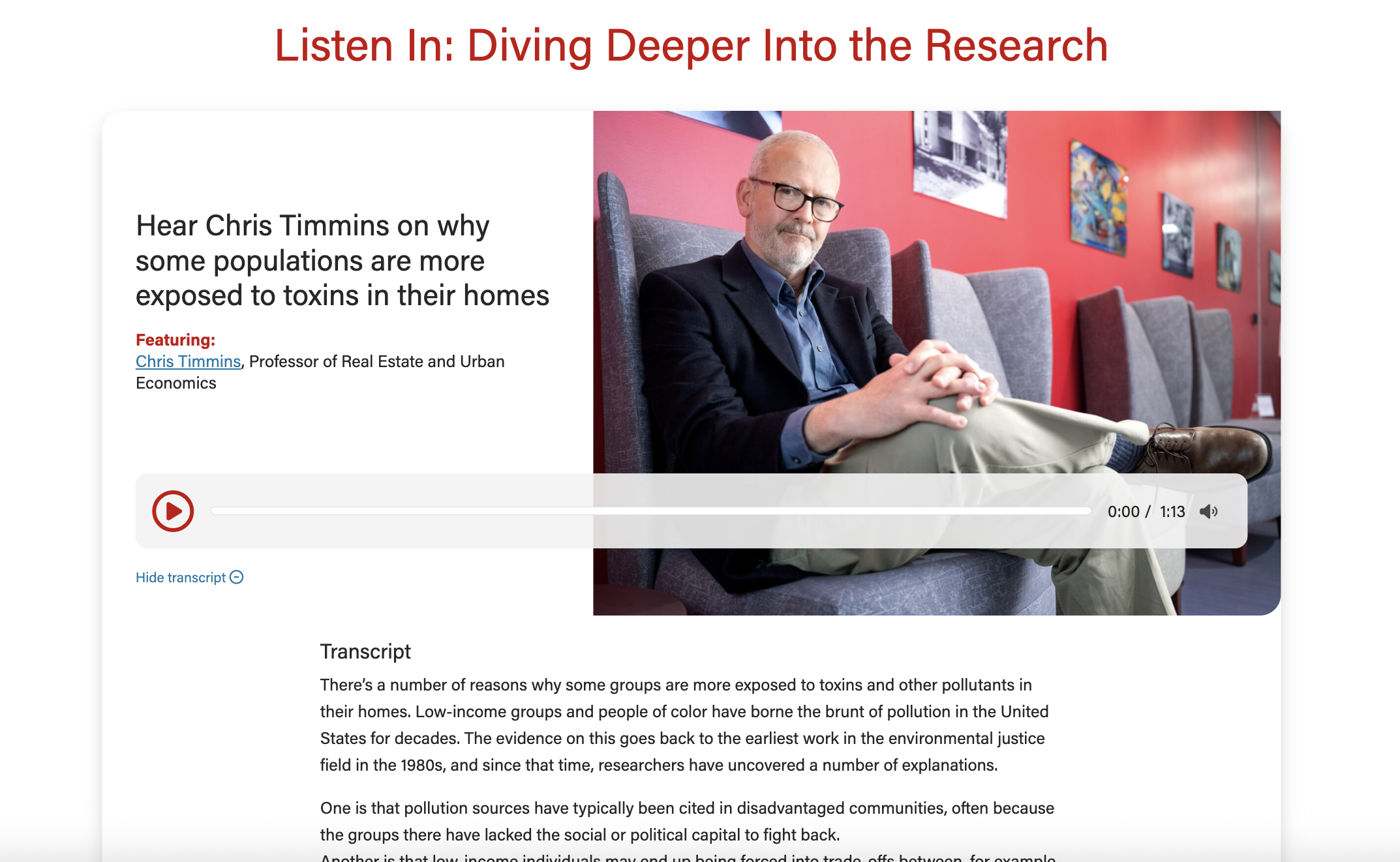
Wireframe - the audio player has a heading that starts "Listen In..."
Screenshots
...
Image 58% wide (with swiper arrows)
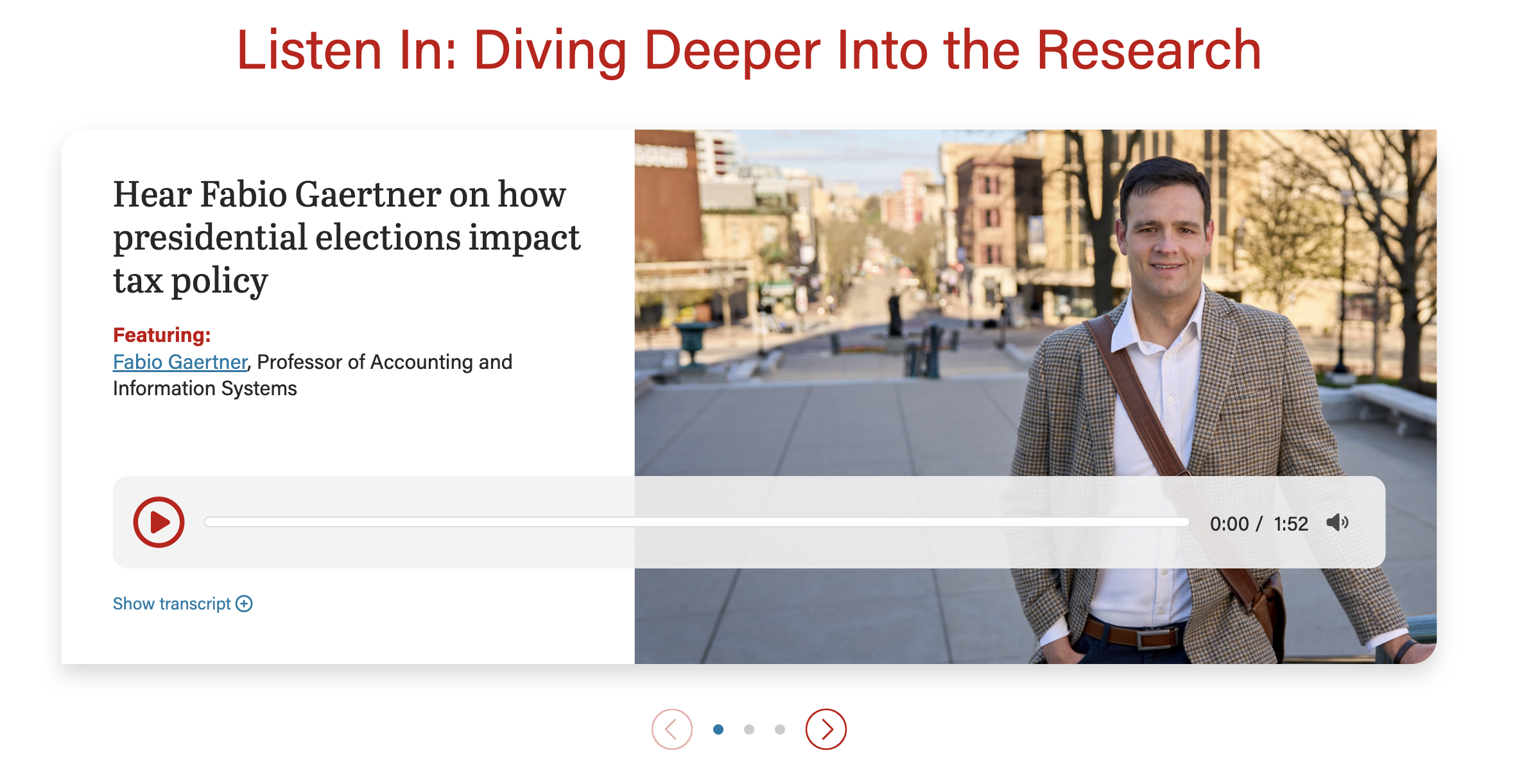
...
Image 66% wide
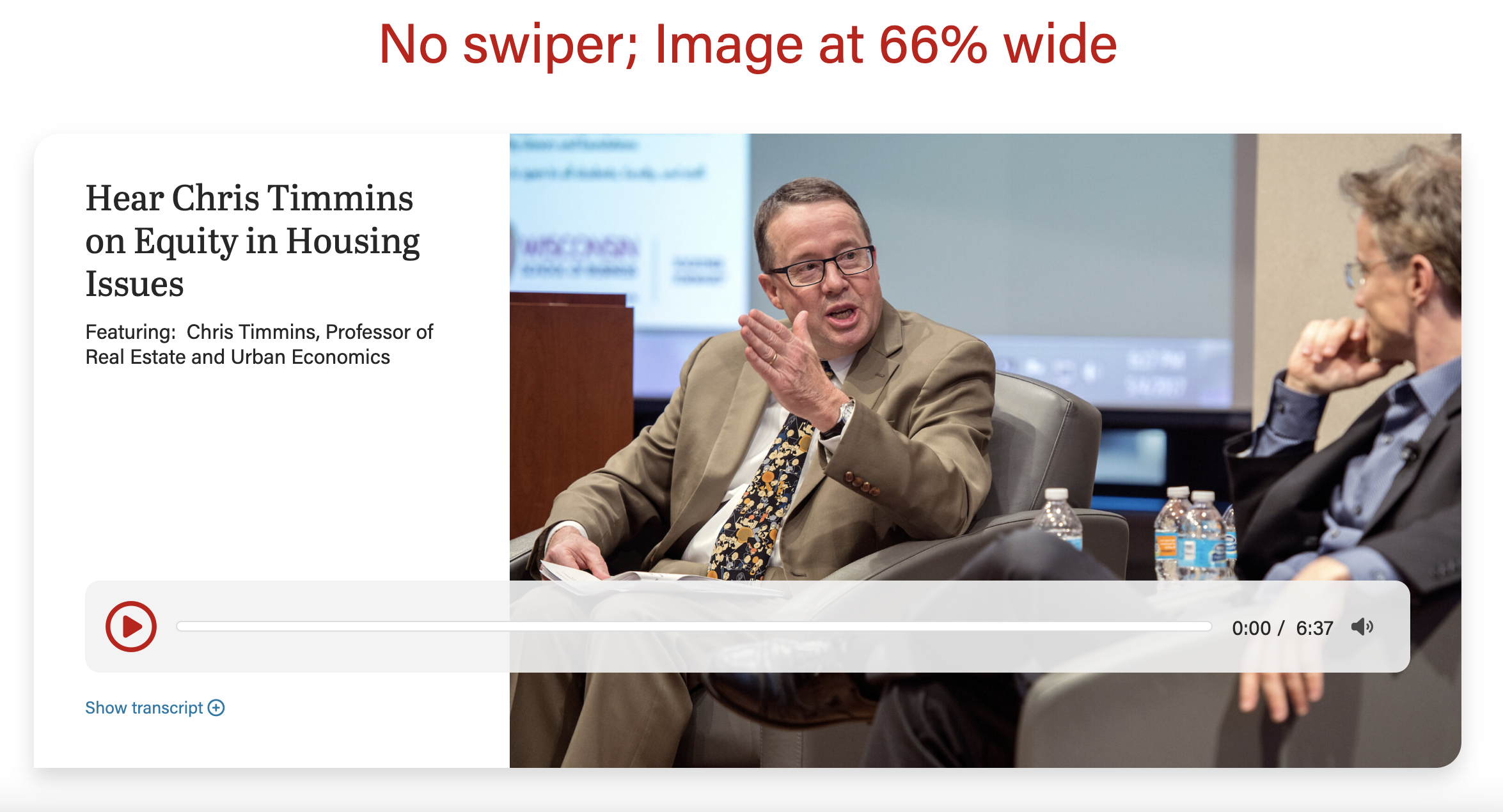
...
Image 50% wide (default; with swiper arrows)
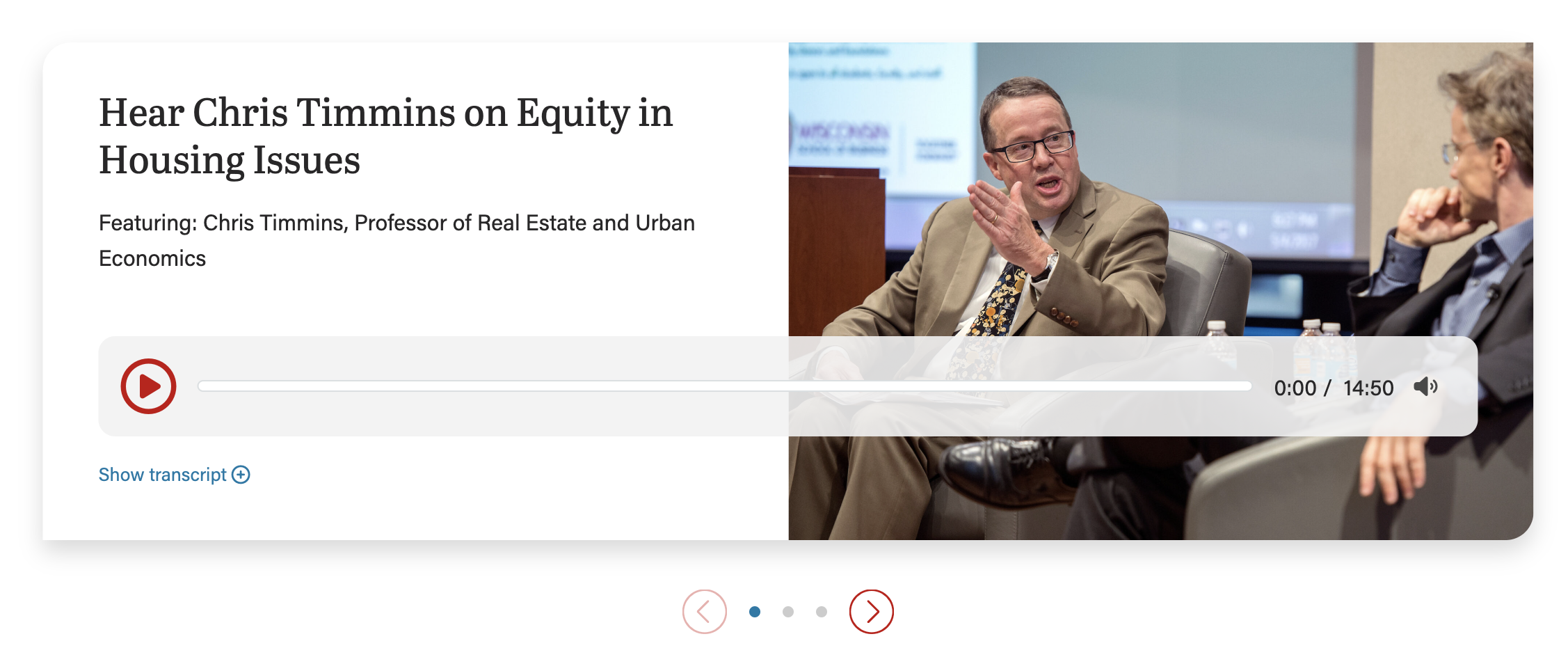
...
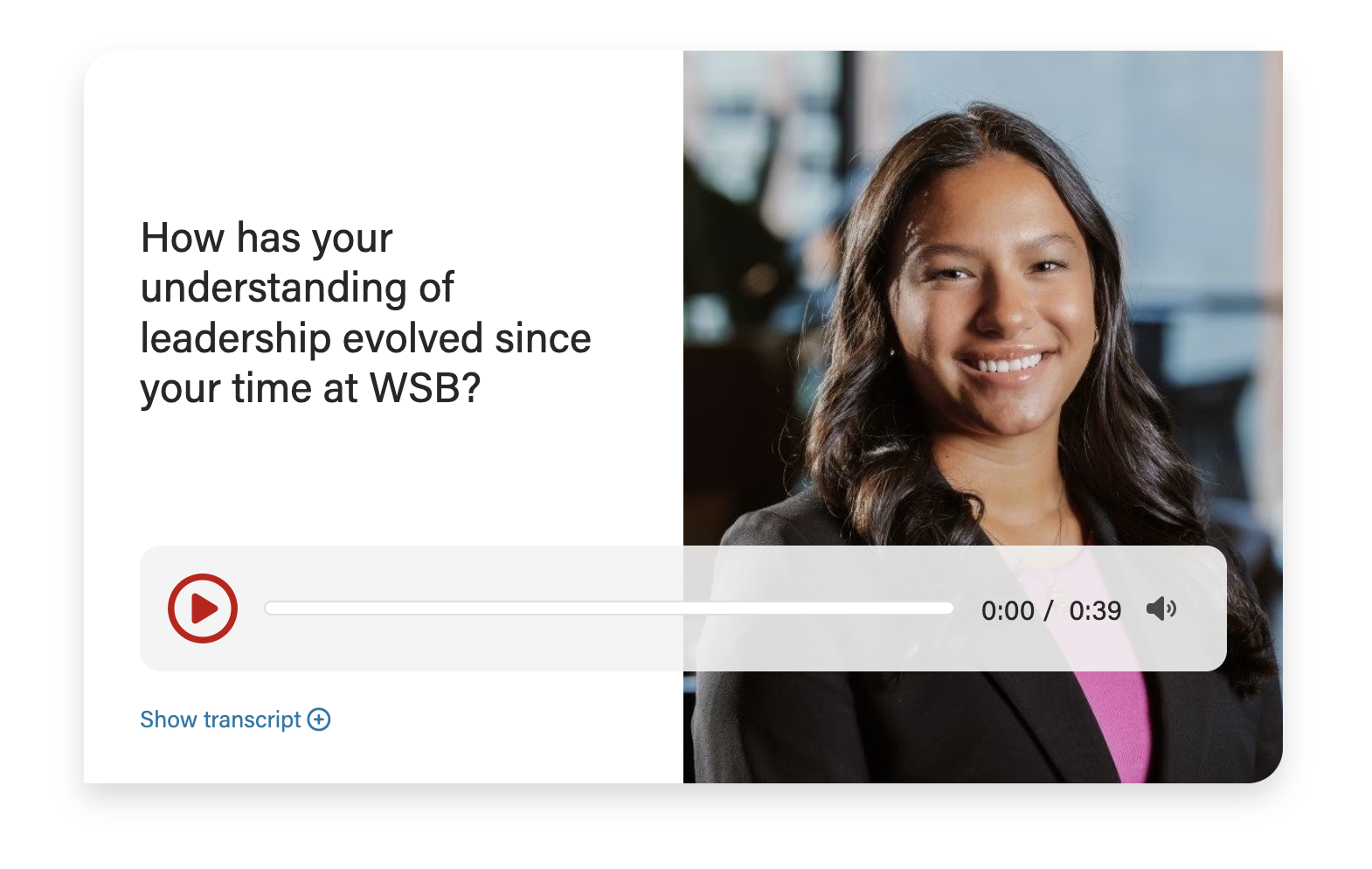
No image
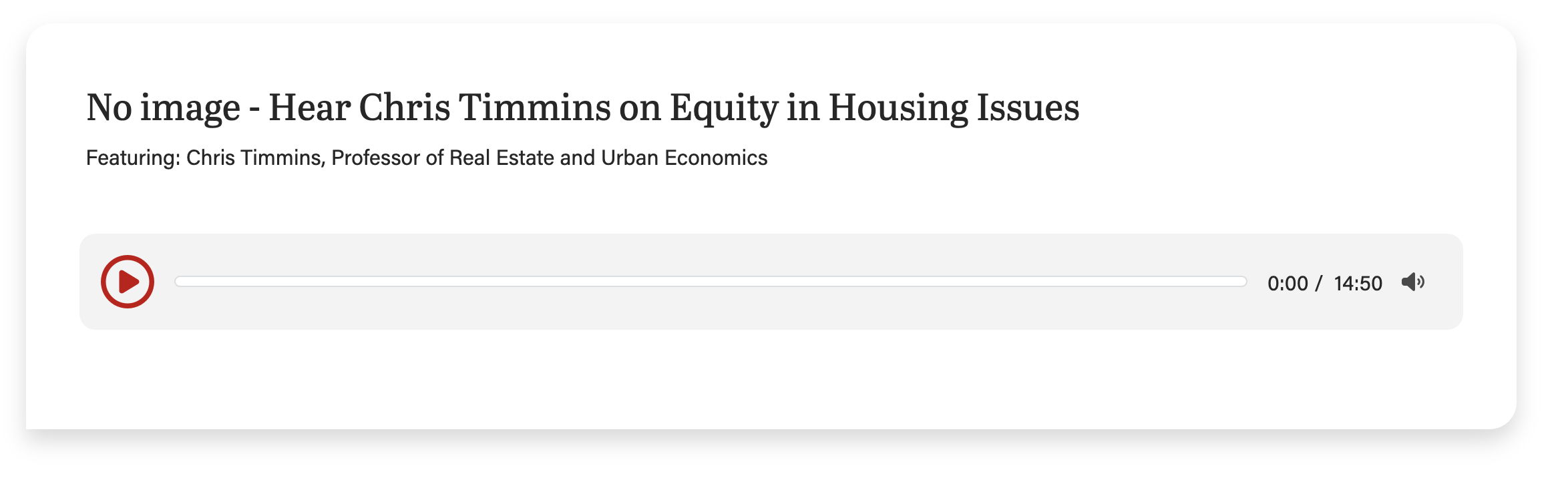
...
With transcript expanded
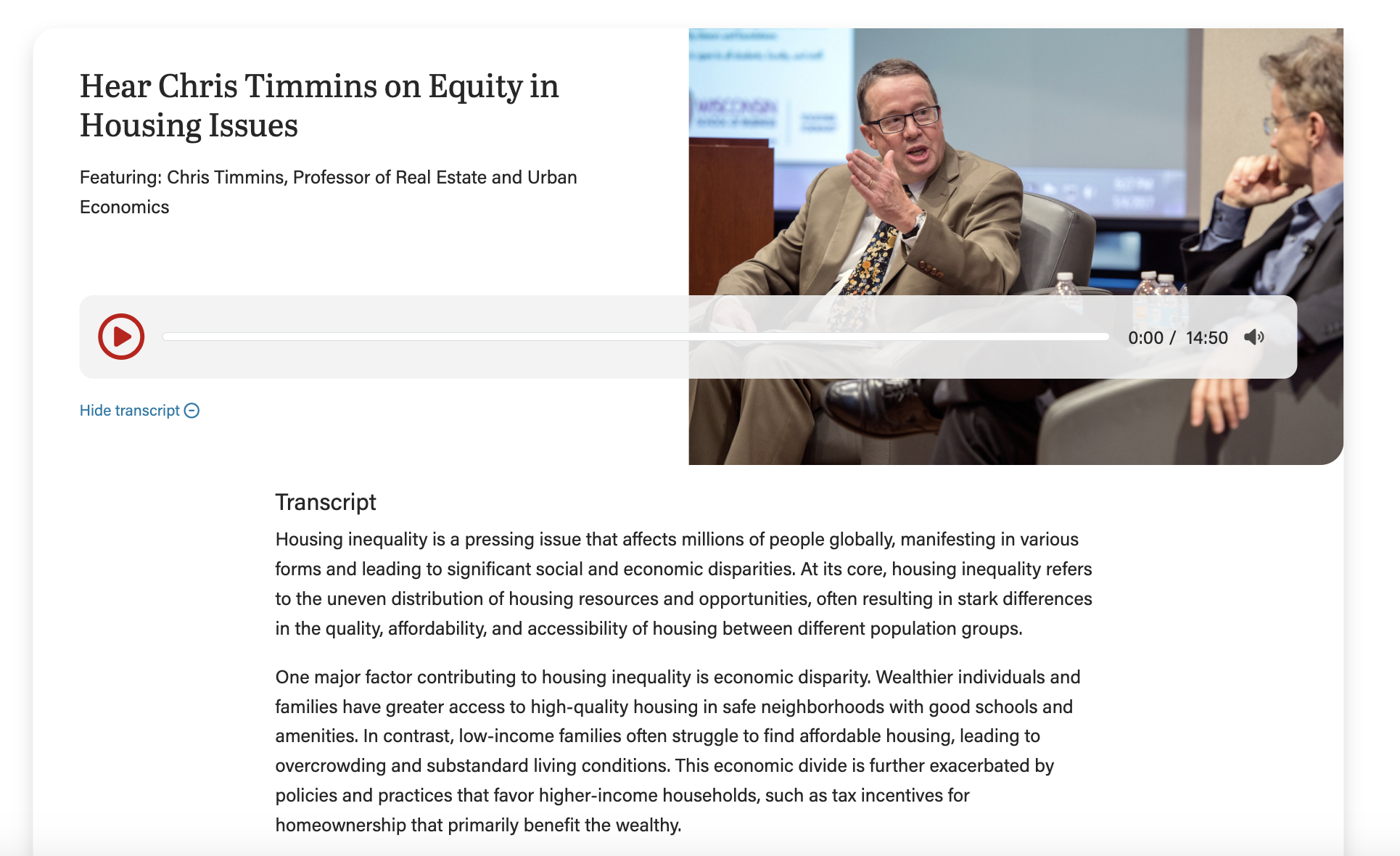
...
| Expand | ||||
|---|---|---|---|---|
| ||||
|
Design
|

Use When
- Embedding one or more audio clips onto a webpage, news story, or blog post.
Editorial Guidelines
Follow our general Web Copy General Guidelines in addition to the following:
- Can only use up to 3 of these fields at a time:
- Microtitle (optional)
- Very short (30 characters or up to 4 words)
- Displays a category/topic to give context
- Heading/title (required)
- Typically an h3 heading
- Subtitle (optional)
- Rarely used
- Supporting content (optional)
- Often used to highlight key people featured in the audio clip
- Link text (optional)
- Typically used to link to the full podcast episode for the clip
- Microtitle (optional)
- Transcript (required)
- This is an accessibility requirement
- Should be edited for clarity (remove stutters, repeated words, etc.)
- Include speaker names if more than one person is featured in the clip.
- See AI Hub for Business for an example of this
Use Cases
Use this block to embed an audio snippet with supporting content (heading, optional photo).
Use this block to embed multiple audio snippets, each in their own card.
...
| Info | ||
|---|---|---|
| ||
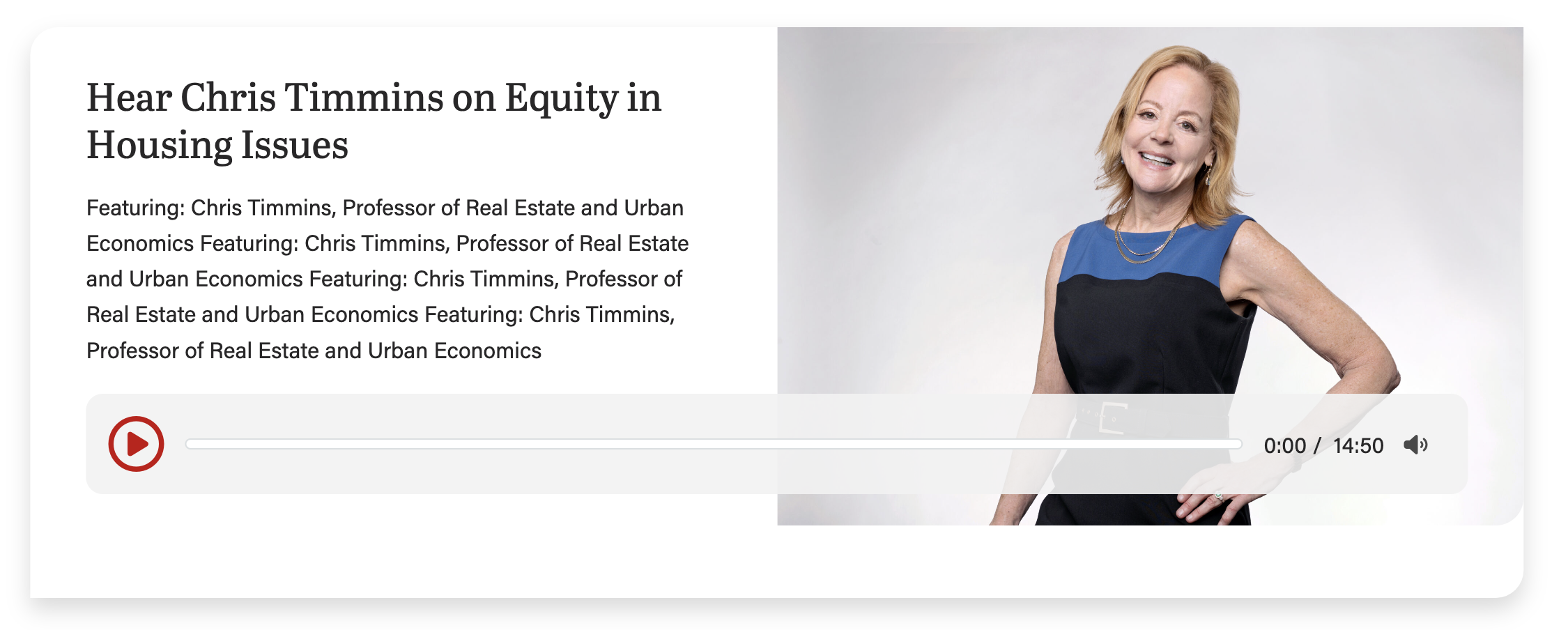
Keep copy short inside the card when using an image for this block. Too much copy will break the layout (the card will extend below the image), so test the block with the content in it at every breakpoint (screen size). This screenshot shows the card with too much copy, causing the layout to break:
|
...