
...
| Expand | ||||
|---|---|---|---|---|
| ||||
|
Design
Use When
- displaying Displaying a small amount of sidebar content for a news, Update magazine, or blog post
- We recommend using this block once per post, at the very end.
...
- A heading is recommended here to make this content accessible and easier to scan.
- Leave the heading size at an h2, unless you are nesting this block under another heading on the page.
Supporting copy
- Keep this at Length: 3 short paragraphs or less.max
Button (optional)
- Keep button copy short, while still providing enough context that the user can figure out what the link is for without reading all the content in your callout.
- Examples: "Read more about XX" or "Register for the workshop"
- Avoid saying "Click here" or "Register here"
...
Images
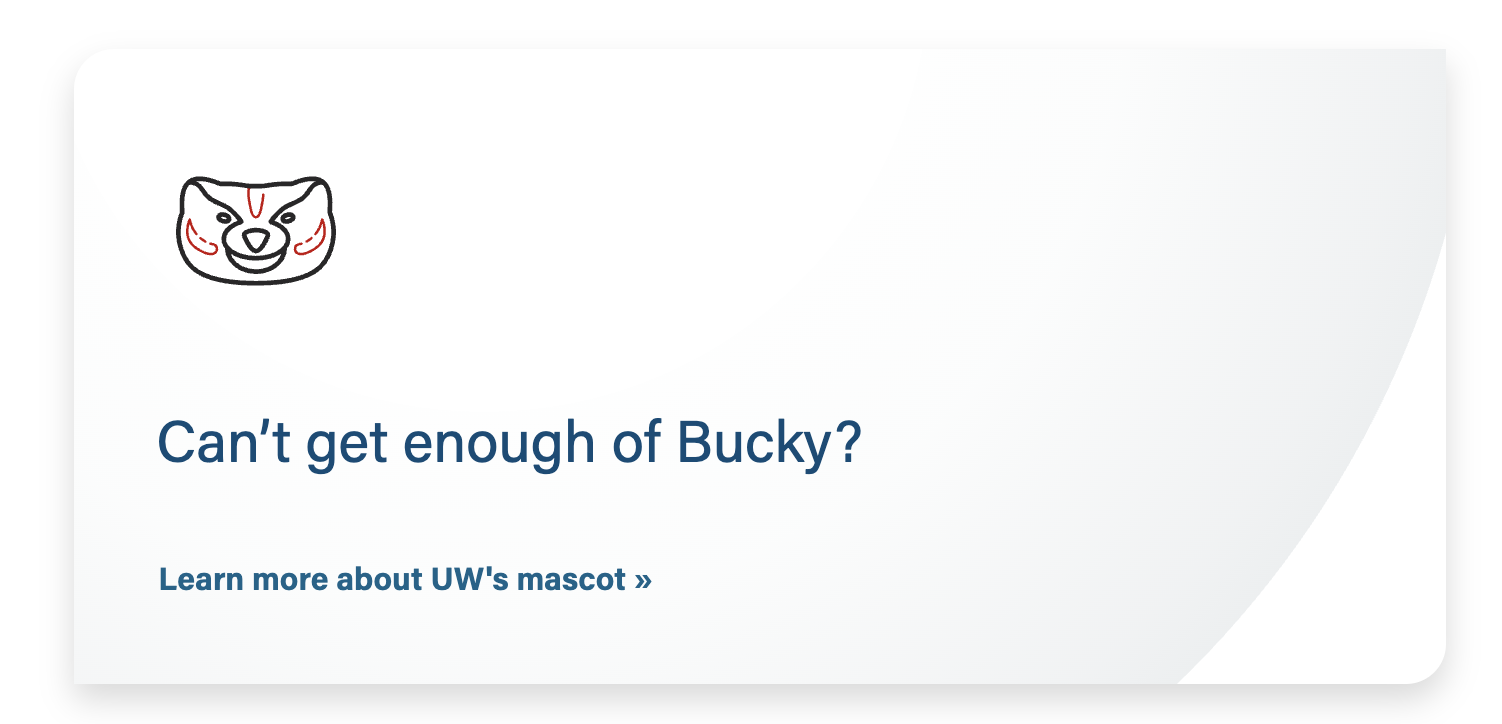
Photo or icon (optional)
- Photo
...
- - 2 options
- Rectangular photo
- File type: jpg
- Dimensions: 700x400px (you can use our standard image ratio/size of 16:9 or 2400x1600px)
- Square headshot (will be cropped to a circle on the webpage)
- File type: jpg
- Dimensions: 300x300px
- Keep faces centered, with space on all sides so nothing important gets cropped out
- Rectangular photo
- Icon
- File type: svg
- The svg icon will be displayed with a height of 100px.
- Can be displayed as a rectangle or circle
- Dimensions:
- Other details to note (e.g. keep faces vertically centered)
...
Implementation
ACF Fields
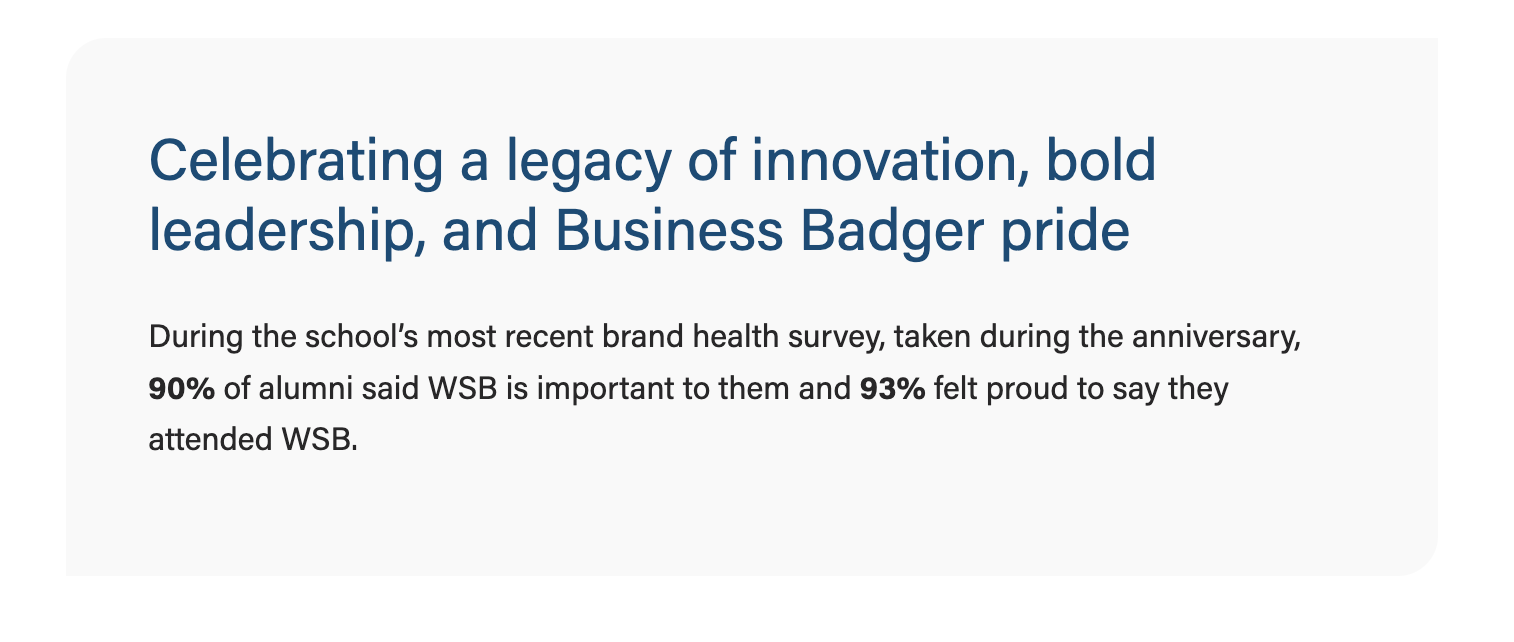
- Options: gray (default), light blue, or gray pattern.
- Note:our brand blue color was lightened to meet color contrast standards with text and button copy
Image
- Add an optional image to be displayed inside the top portion of the box. This can be a rectangular photo, square headshot, or svg icon.
- Note: This block treats all images with .svg extension as an icon and displays them at a smaller size to match the icon sizes across the website. If your chosen image is not an icon and you'd like it to be displayed larger, convert it to .jpg or .png file format.
Recommended photo sizes: - Rectangular image – 700x400px (you can use our standard image ratio/size of 16:9 or 2400x1600px)
- Square headshot – 300x300px
- Conditional fields:
- Crop image to circle? Toggle to Yes only when using a square headshot.
- Center image? Toggle to Yes if desired; if set to No, image will be left aligned.
...
- Add your heading text
- Conditional fields:
- Heading size – select the desired appropriate heading size (h2, h3, h4, h5)
- Heading alignment – choose left (default) or center
...
- Add URL and button copy
- The button is styled by the .btn-link class
- Note: the standard .btn-link color and hover color were darkened to meet color contrast standards
- Conditional fields:
- Button Alignment - choose left (default) or center
...