
Also known as: card with popup, story cards, profile cards, card with plus sign, expandable card
Description
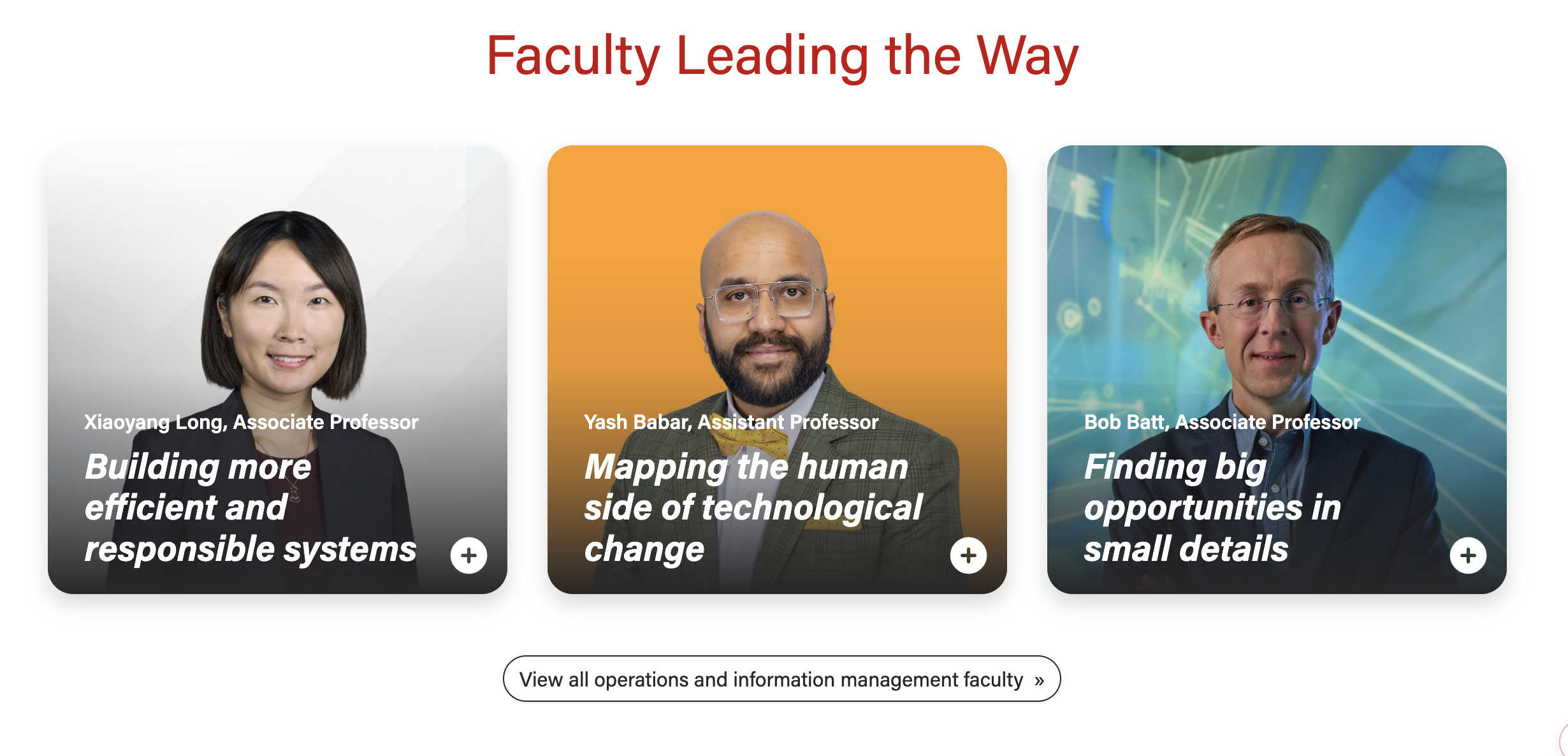
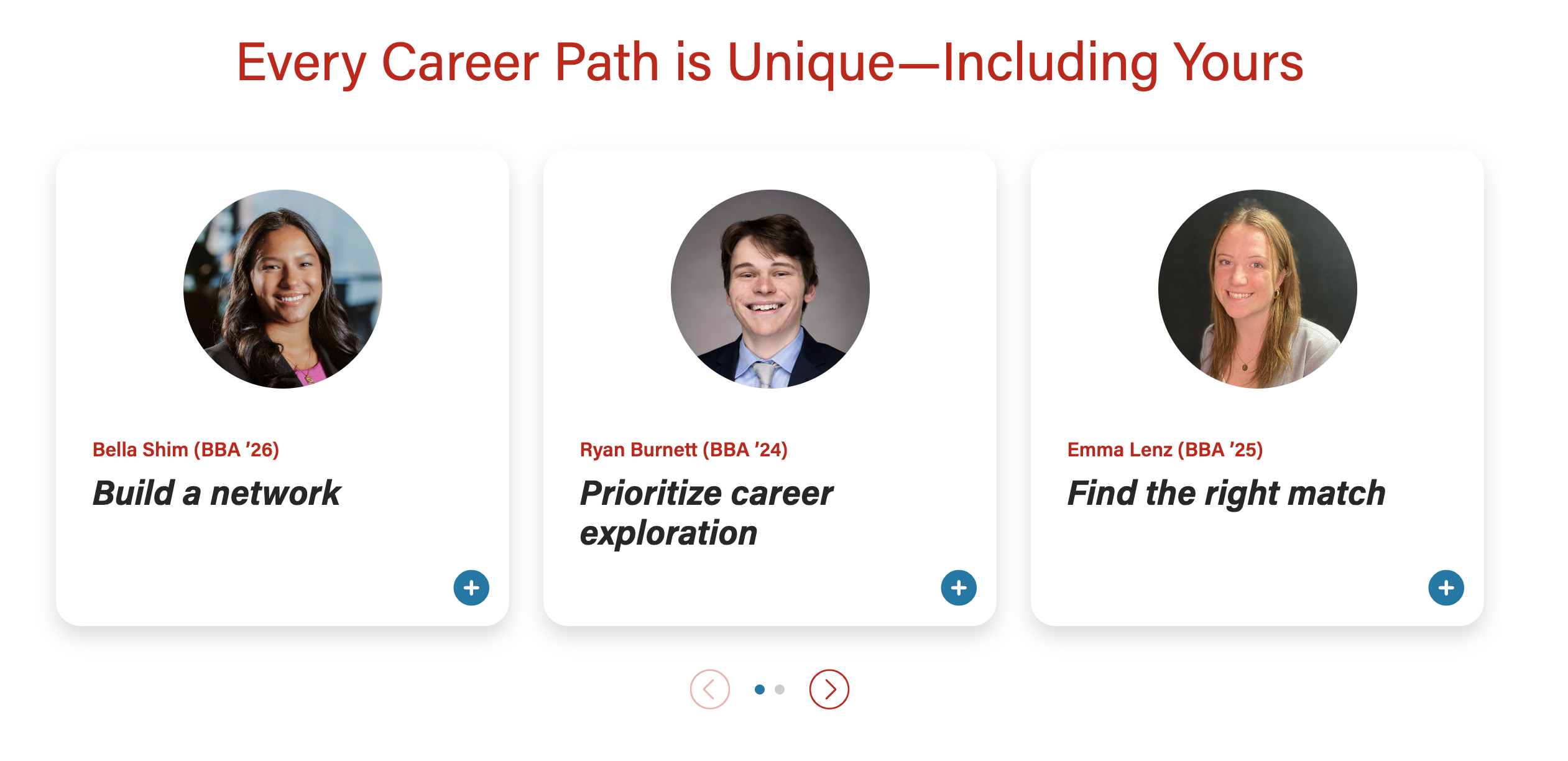
A card displaying a photo and brief teaser copy. When selected, the card opens a modal (popup) with more details about the topic or person.
...
| Expand | ||||
|---|---|---|---|---|
| ||||
|
Examples
Design
Example 1 -
Example 1 -
Example 2 -
Example 2 -
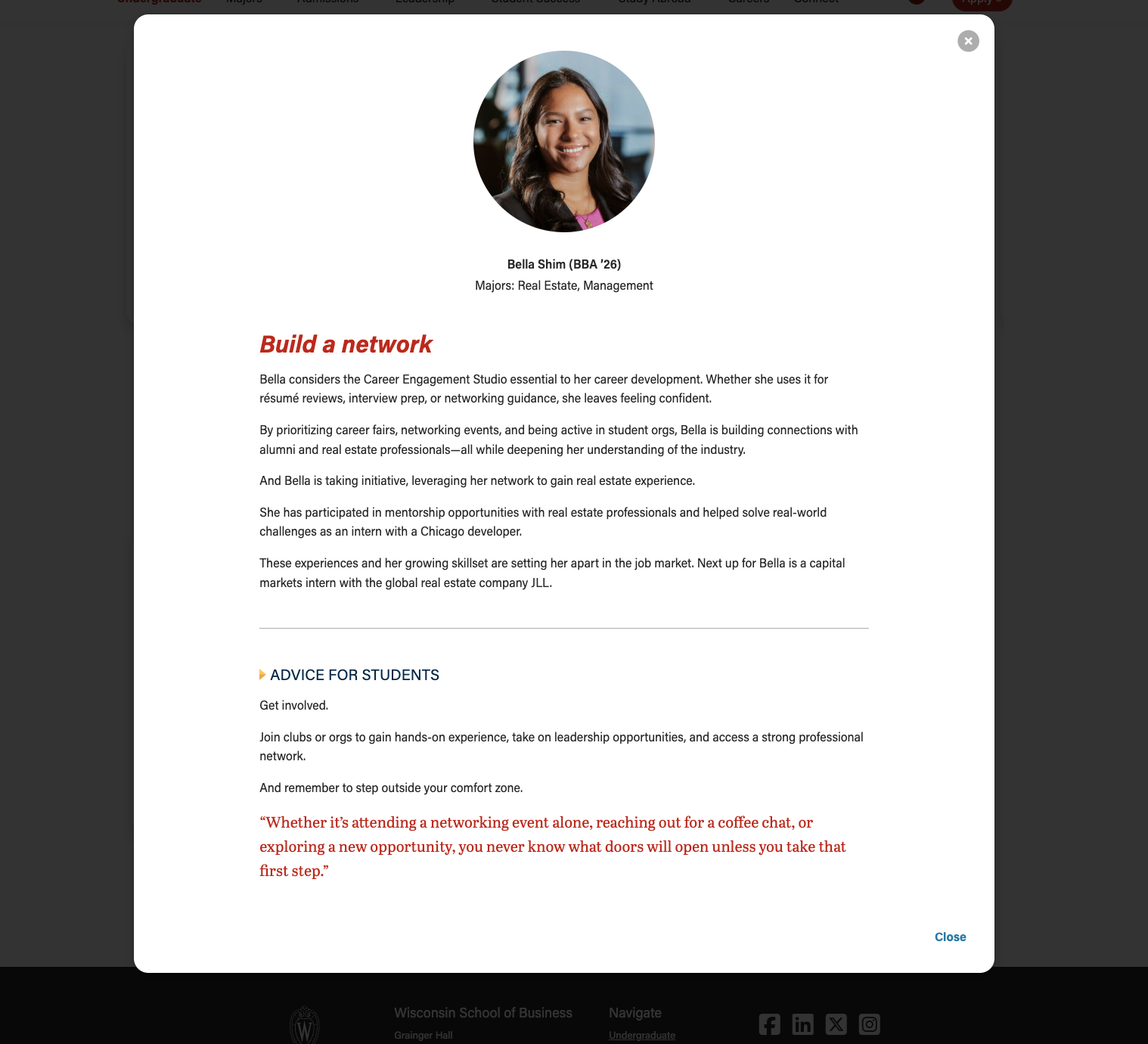
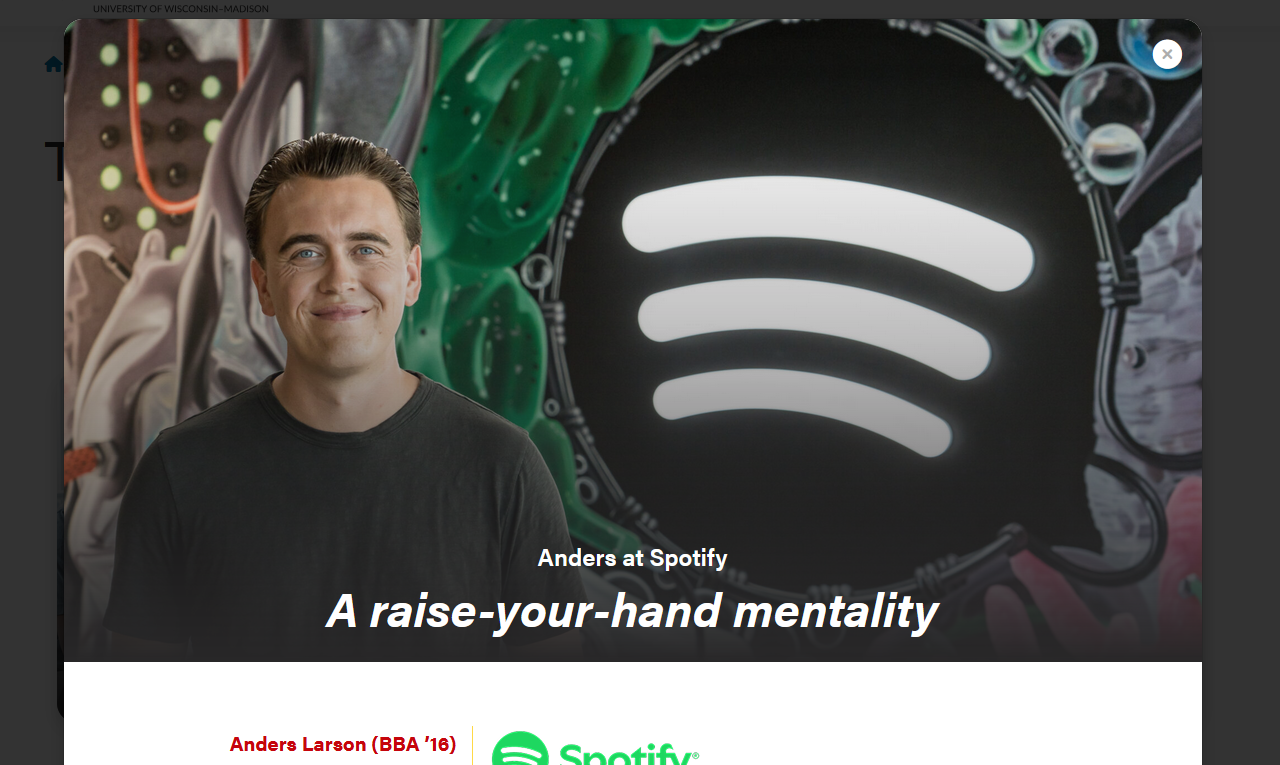
Modal open - full-width header image
|

Modal open
|
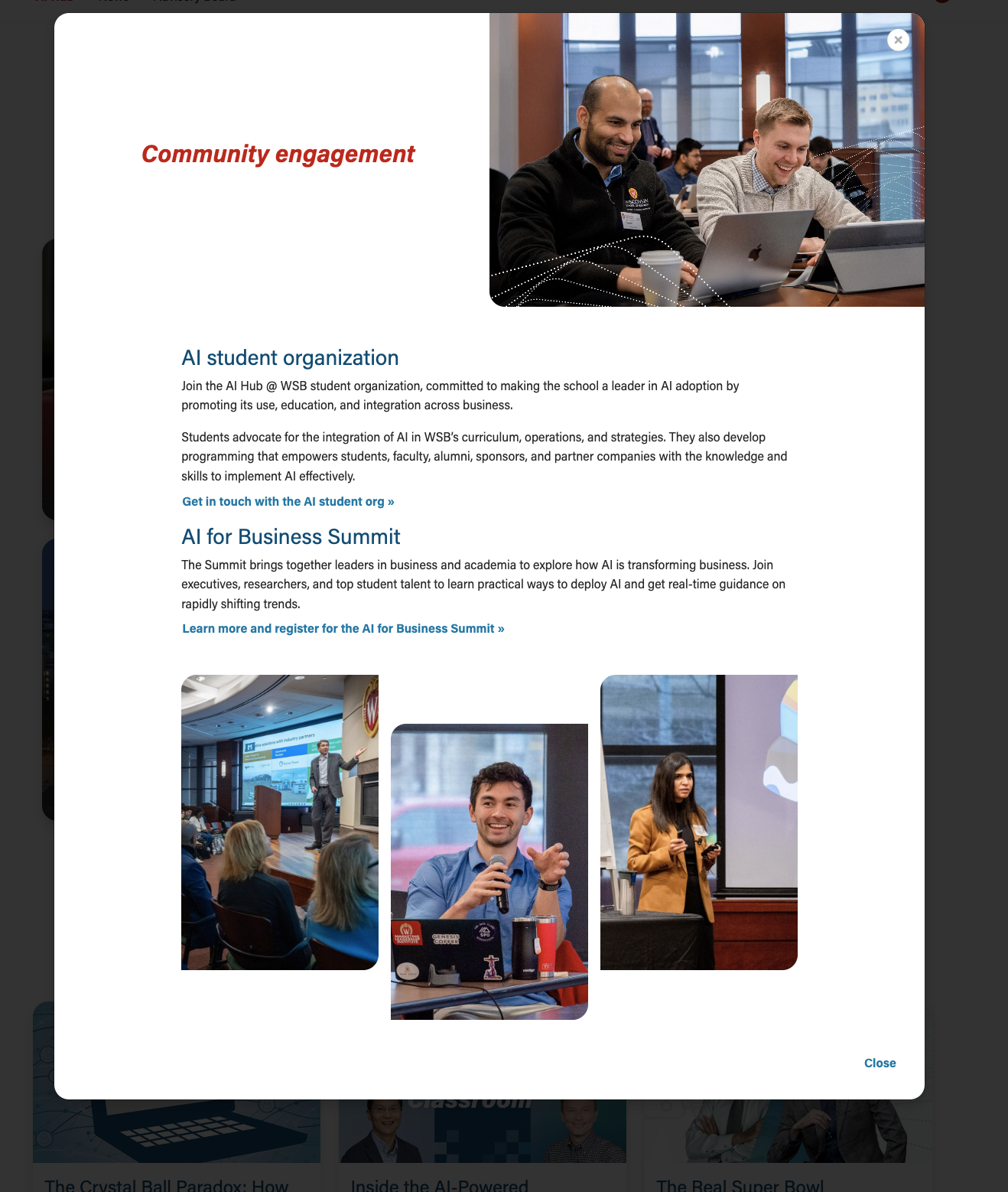
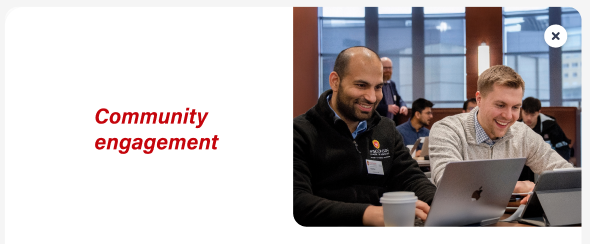
Modal open - 50/50 header image
|
Use When
- Storytelling; sharing a person's profile or career background (examples: BBA Careers, Companies and Recruiters)
- Expanding on a topic (example: AI Hub page)
- You have content to fill at least 2 cards and their modals (this component doesn't look as nice when there is only one card)
- There needs to be enough quality content such that interacting with the modal feels worthwhile to the user.
- Don't just fill the modal with fluff to try to make this component work. If it is a struggle to create enough content for each of the cards, consider using a different component with less copy and/or organizing the content differently.
- There needs to be enough quality content such that interacting with the modal feels worthwhile to the user.
Editorial Guidelines
Follow our general Web Copy General Guidelines & Requirements in addition to the following:
...
- No character limit, but keep the length within reason. Typically, modal content spans 3 to 6 short paragraphs or chunks of content.
- Follow web best practices for keeping content easy to digest and scannable
- Use subheadings if you include more than 2 paragraphs
- We can include a variety of content here, such as:
- paragraphs
- pullquotes
- supporting images
- photo collages
- an embedded YouTube video
Design Assets Needed
Images
Card photo (required)
- Circle crop photo
- Square photo with face centered; use a headshot or another type of photo where the person is facing the camera
- Dimensions: 500x500px or 1000x1000px
- jpeg file
- Full-width photo
- Standard horizontal photo; use a portrait or environmental shot
- Dimensions - : 2400x1600px
- jpeg file
- Face should be in top 1/3 of image so it doesn't get covered by text at the bottom
- We can add vertical images to make the cards taller, if desired. But all photos for cards in the same row/block should have the same dimensions.
- Standard horizontal photo; use a portrait or environmental shot
...
Modal supporting images (optional)
- We have a lot of layout flexibility in few options for adding images to the modal body. Work with a web developer if you have a layout idea that you don't see below.
Company Logo
Logo displayed next to name, title, and company
- Logo specs: 512px wide, height will vary
Layout created for T2L4 landing page
...
| Code Block | ||||||
|---|---|---|---|---|---|---|
| ||||||
DEV NOTES
* Image one and two must be horizontal, image three vertical
* Image two and three are hidden for mobile screens.
* Can use a single caption for all three images for desktop.
* The mobile caption should just be for image one, since the others are not visible at that point.

CODE - WITH CAPTION
<div class="mixed-layout-collage">
   <div class="image-one">
      <img decoding="async" class="image brand-border-radius" src="" alt="" aria-describedby="mixed-collage-caption">
   </div>
   <div class="image-two">
      <img decoding="async" class="image brand-border-radius" src="" alt="" aria-describedby="mixed-collage-caption">
   </div>
    <div class="caption" id="mixed-collage-caption">
      <p class="mobile-caption pt-2">Mobile Caption</p>
      <p class="desktop-caption text-end">Desktop Caption</p>
   </div>
   <div class="image-three">
      <img decoding="async" class="image brand-border-radius" src="" alt="" aria-describedby="mixed-collage-caption">
   </div>
</div>

CODE - NO CAPTION
<div class="mixed-layout-collage">
   <div class="image-one">
      <img decoding="async" class="image brand-border-radius" src="" alt="">
   </div>
   <div class="image-two">
      <img decoding="async" class="image brand-border-radius" src="" alt="">
   </div>
   <div class="image-three">
      <img decoding="async" class="image brand-border-radius" src="" alt="">
   </div>
</div> |
Variations
Stacked or swiper
...
Stacked
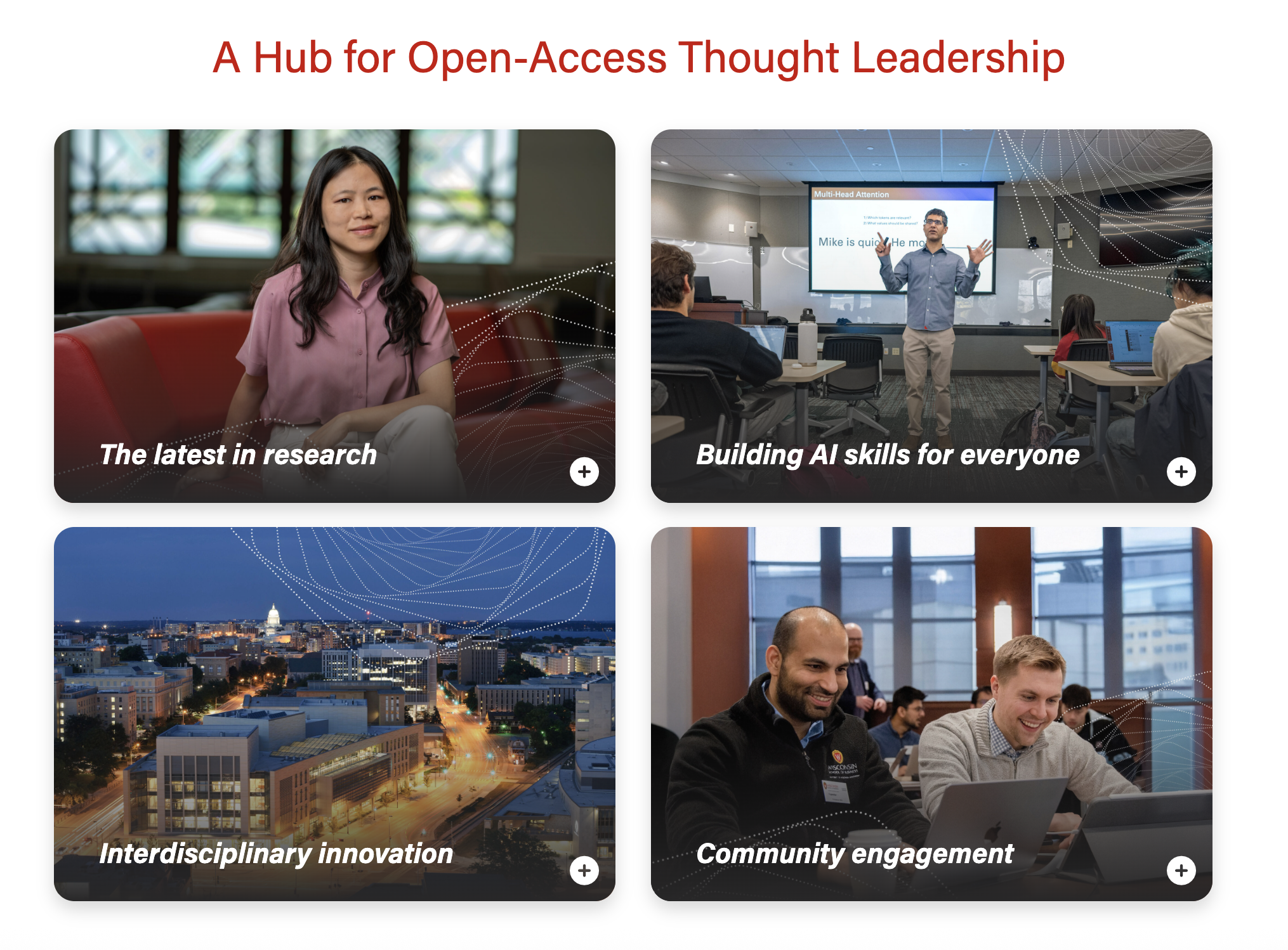
...
Swiper
Modal header image
...
50/50 modal header image
...
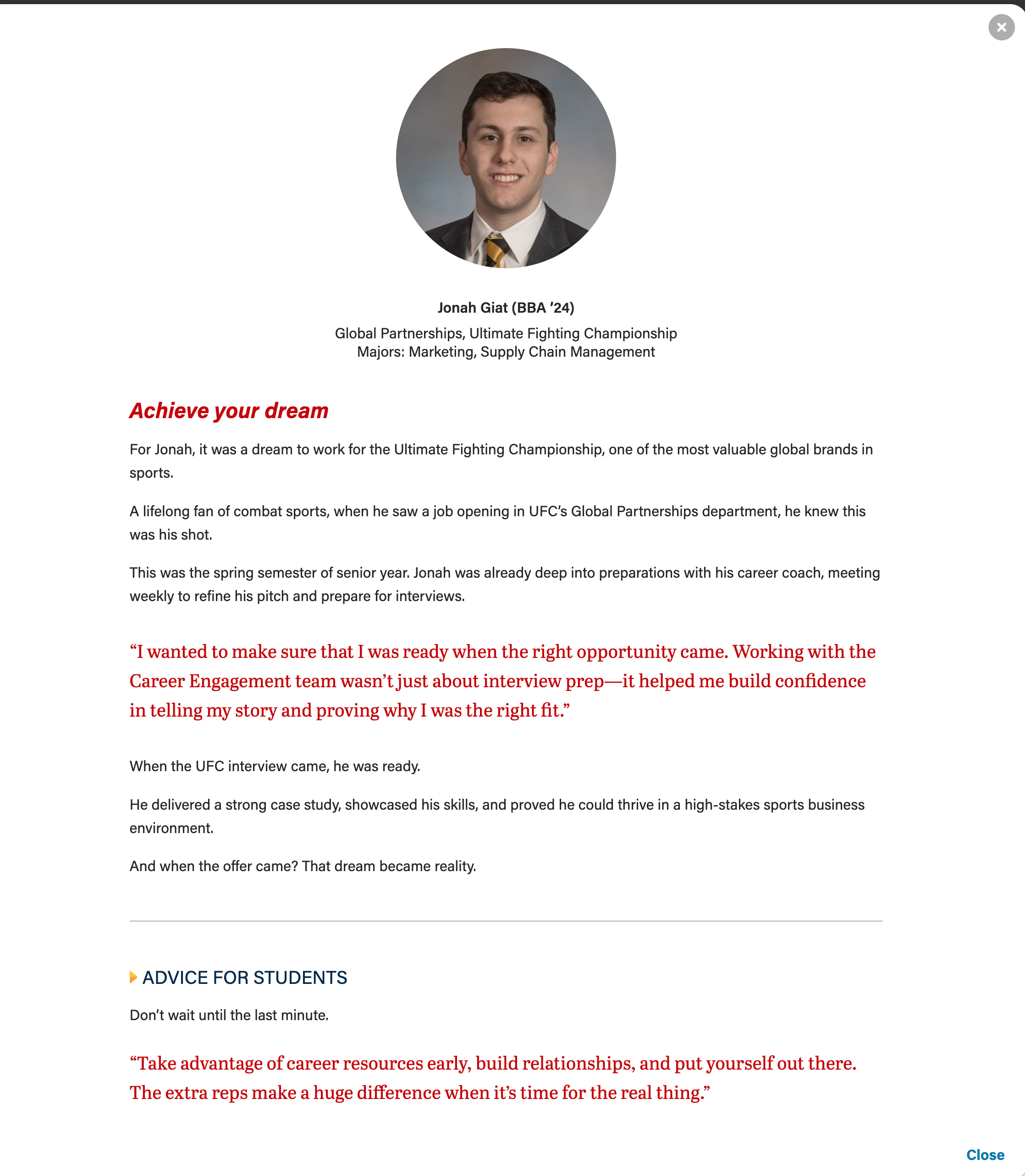
Additional modal elements
...
- red pullquote
- gray horizontal rule
- microtitle (yellow triangle, subhead styled in all caps, dark blue text)
...
- These are standard sections for our custom blocks.