
-
Created by
 Erica McConnaughey, last updated on Nov 30, 2022
2 minute read
Erica McConnaughey, last updated on Nov 30, 2022
2 minute read
aka: Sidebar, Endbar, Aside
Design
A simple content block with a background color.
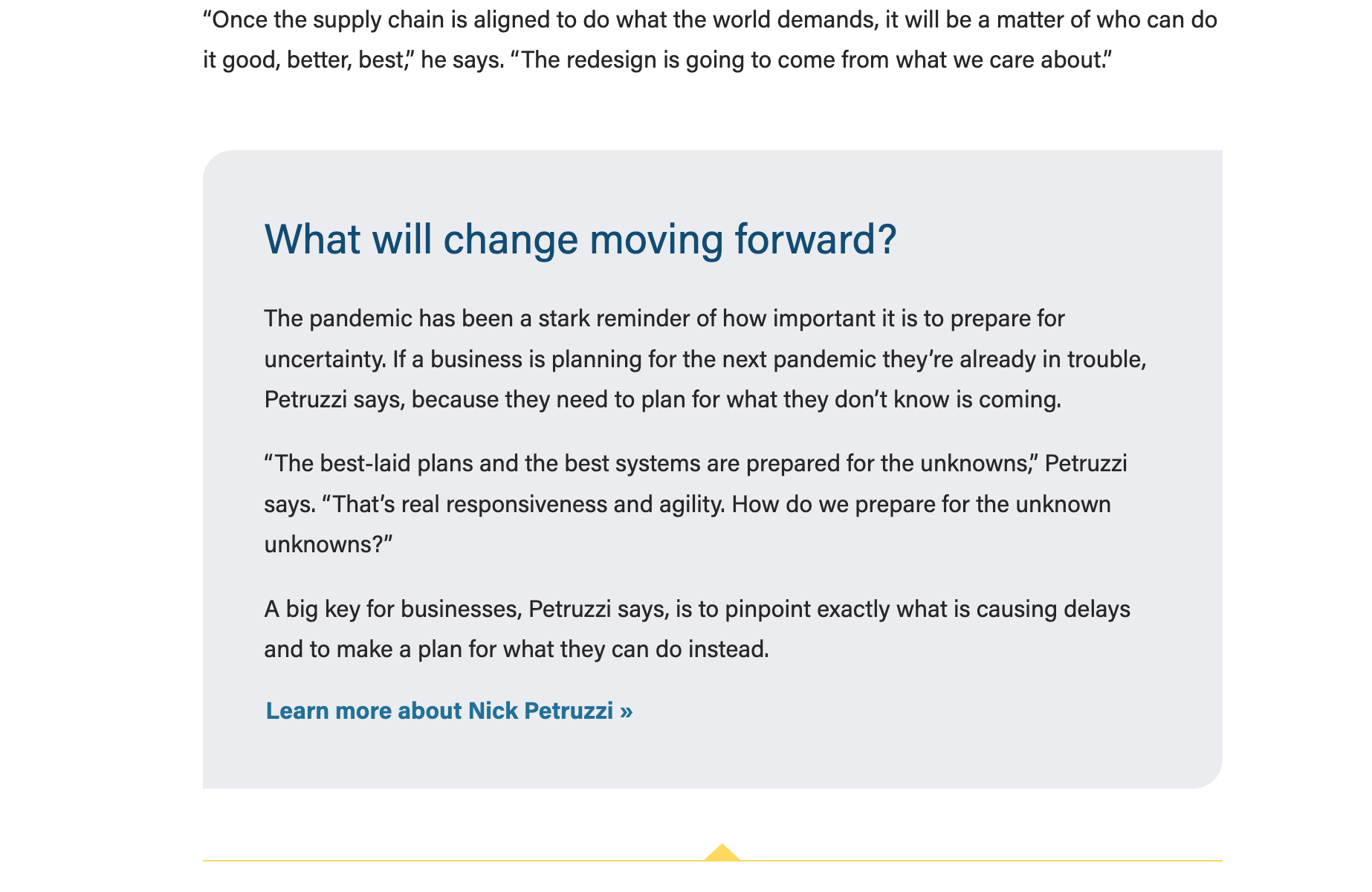
Blue background 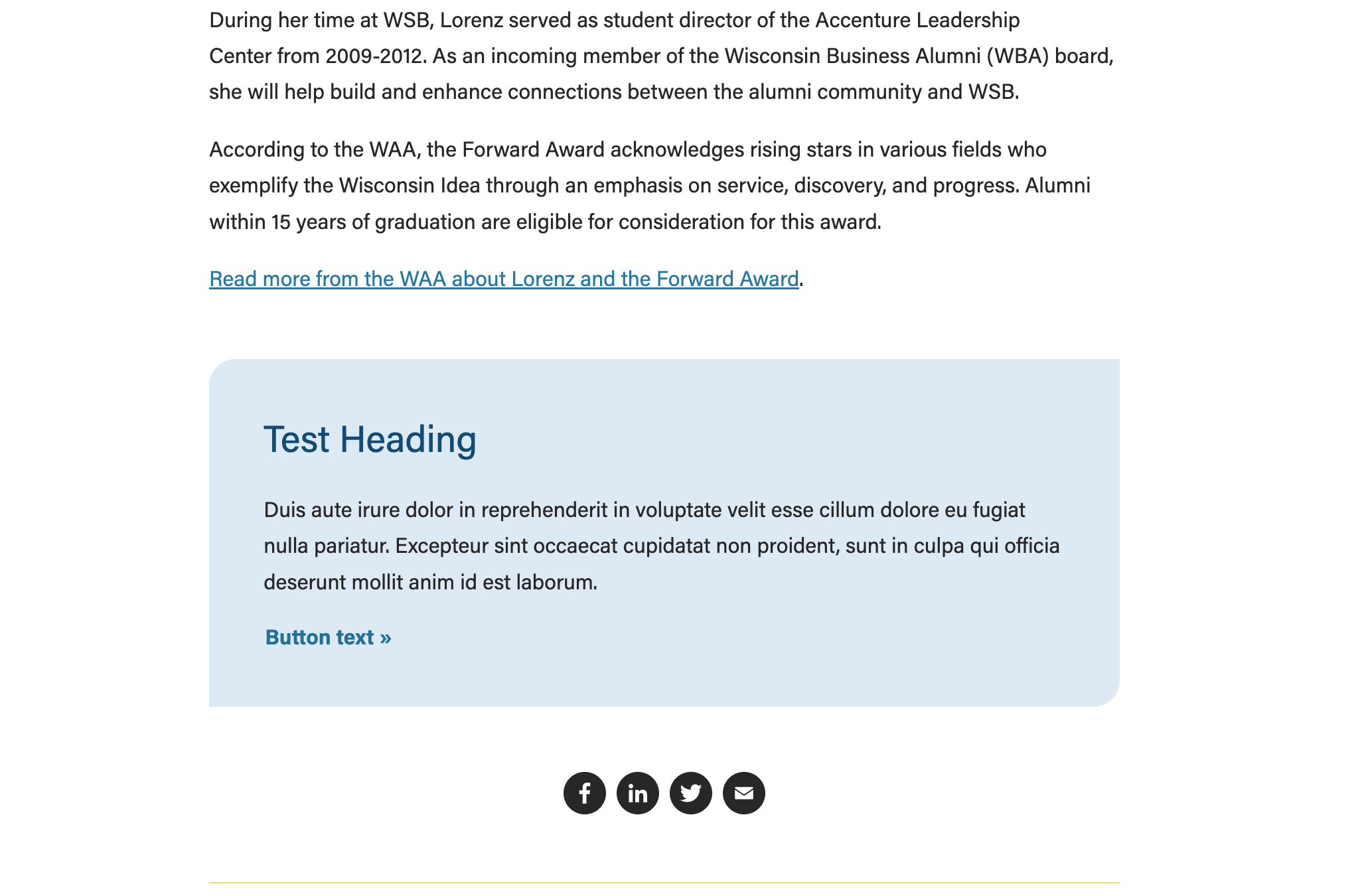 | Gray background
|
|---|
Use Cases
Use in News, Update magazine, or Report to Investors posts to highlight a small amount of content (typically at the end of the post).
Fields
- Choose gray (default) or light blue.
- Note: our brand blue color was lightened to meet color contrast standards with text and button copy
Heading
- Add your heading text
- Conditional fields:
- Heading size – select the desired heading size (h2, h3, h4, h5)
- Heading alignment – choose left (default) or center
Text
- Add your supporting copy. All content in this field will be enclosed in <p> elements.
Button
- Add URL and button copy
- The button is styled by the .btn-link class
- Note: the standard .btn-link color and hover color were darkened to meet color contrast standards
- Conditional fields:
- Button Alignment - choose left (default) or center
Additional Notes
- This block is intentionally kept very simple so that writers and other non-technical folks who work on News (and perhaps Update/RTI) can use it easily.
- V.2 of the block will include a photo field – we expect this to display a circle headshot. We may add additional background colors/patterns as well.