
-
Created by
 Erica McConnaughey, last updated on Dec 03, 2024
3 minute read
Erica McConnaughey, last updated on Dec 03, 2024
3 minute read
aka: Sidebar, Endbar, Aside
This block was designed to be used at the end of a Post (News article).
Design
A simple content block with a background color or pattern, text fields, and an optional image field.
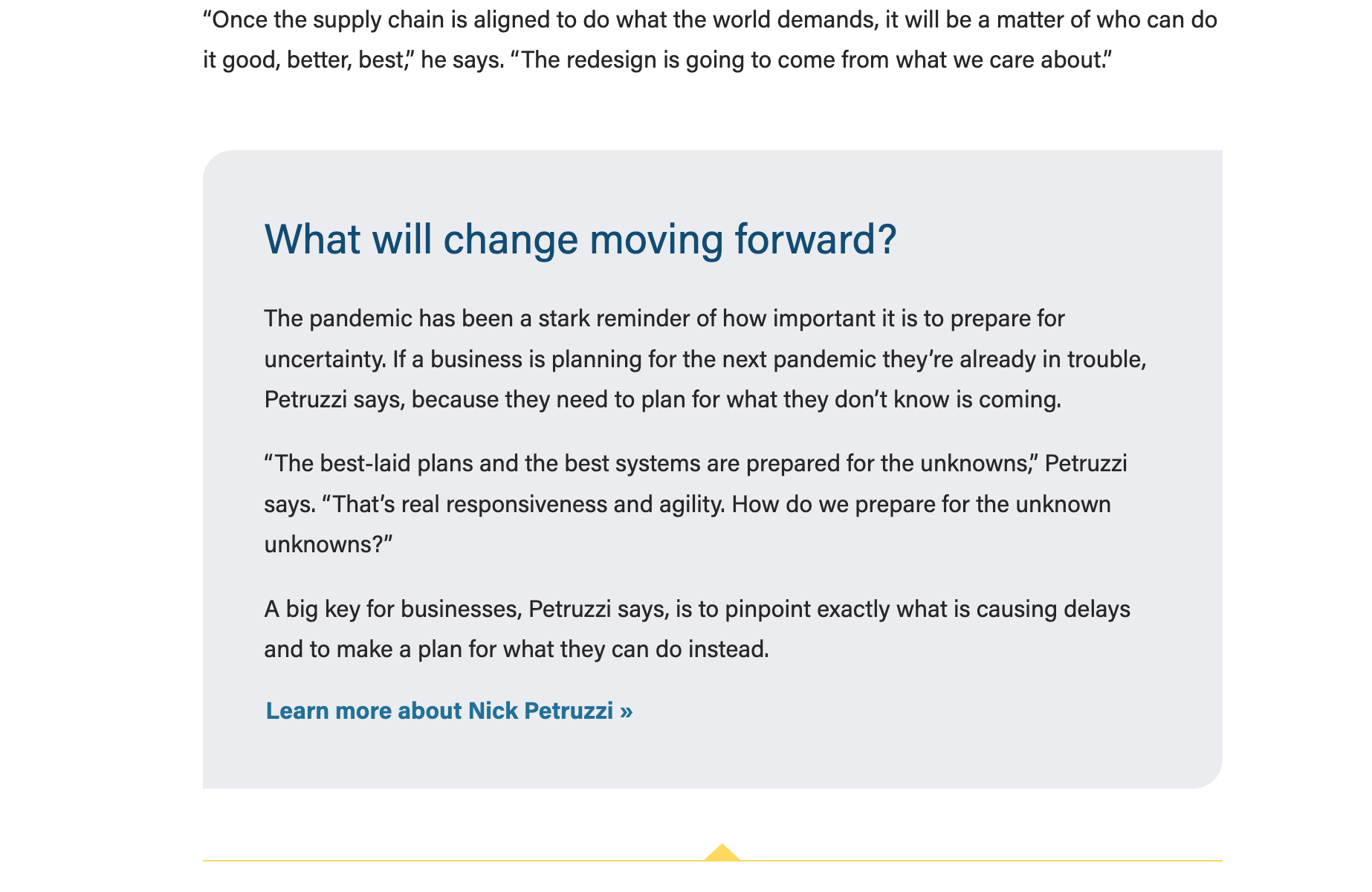
Blue background 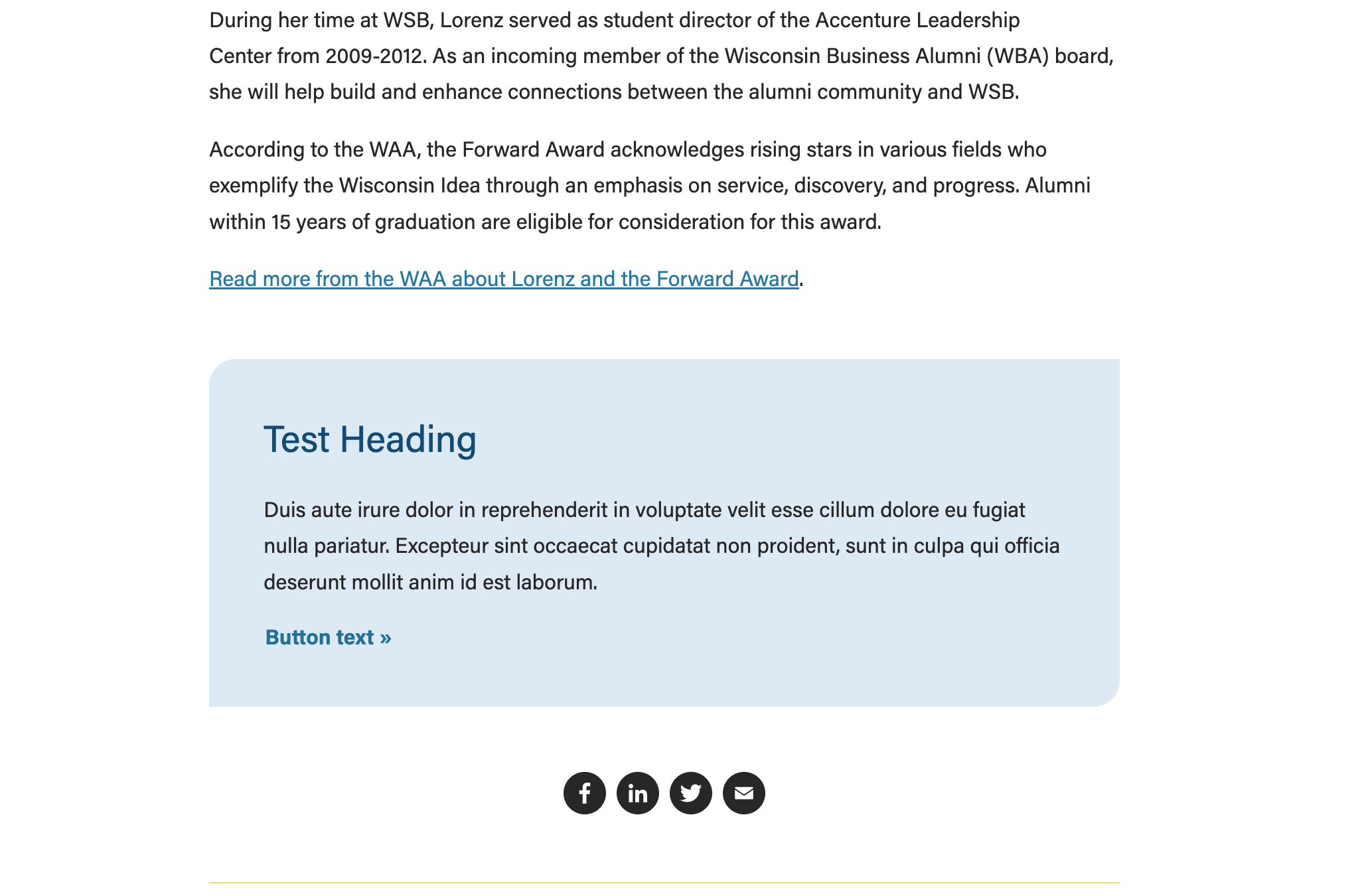 | Gray background
|
|---|---|
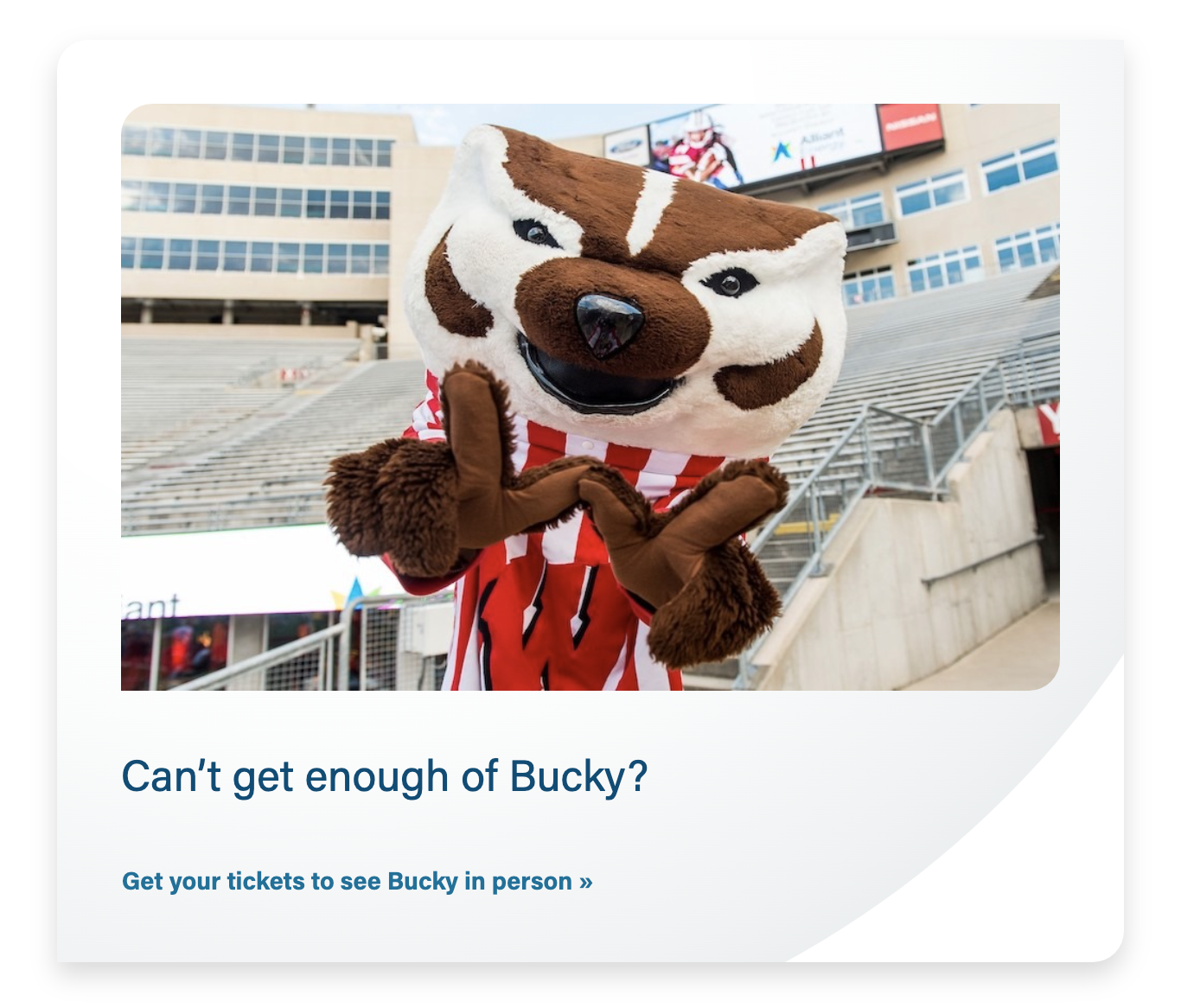
Gray pattern background with an icon
| Gray pattern with a photo
|
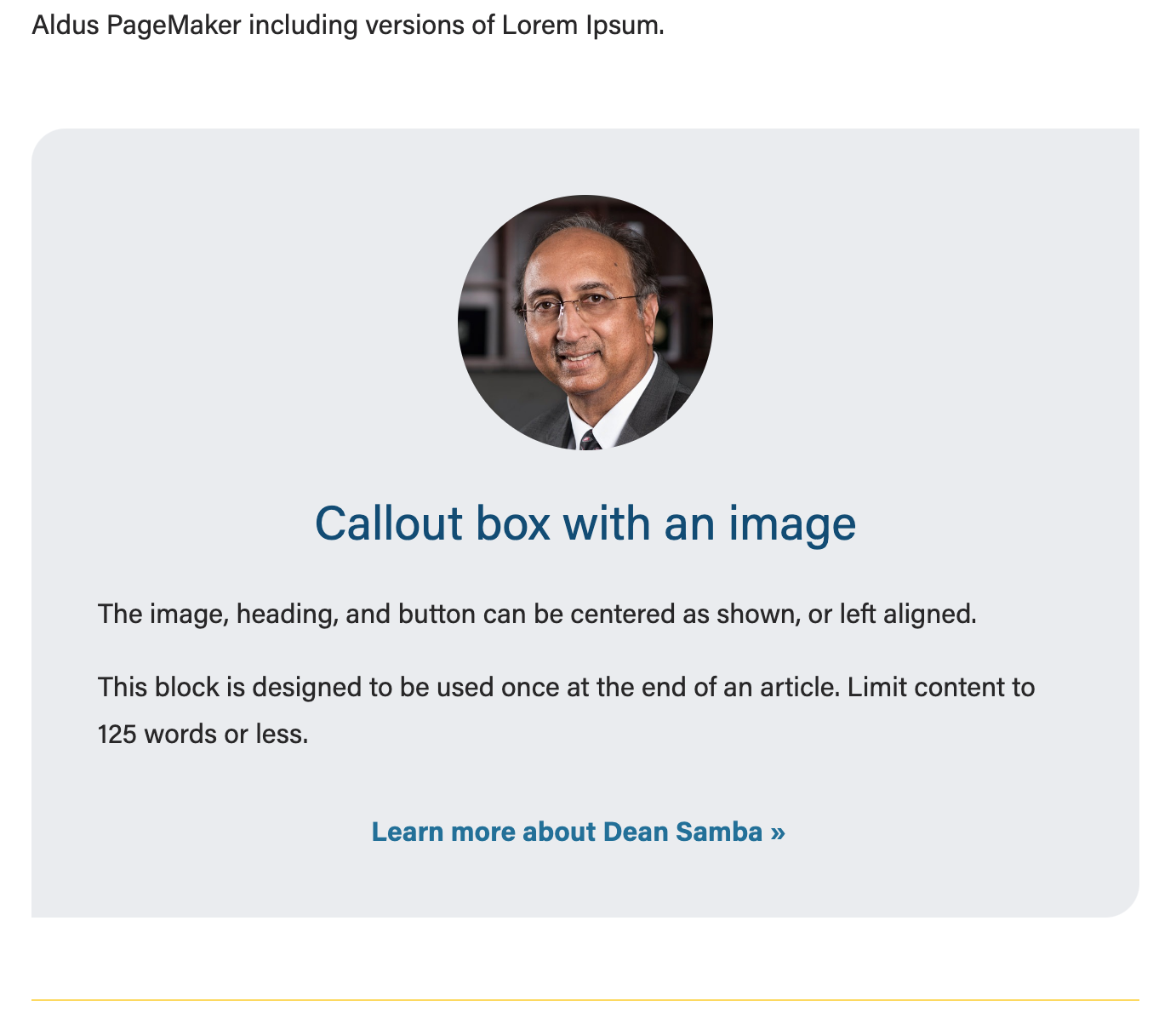
Callout box with centered, circle-cropped headshot
|

Use Cases
Use in News or Update magazine posts to highlight a small amount of content (typically at the end of the post).
Fields
- Options: gray (default), light blue, or gray pattern.
- Note: our brand blue color was lightened to meet color contrast standards with text and button copy
Image
- Add an optional image to be displayed inside the top portion of the box. This can be a rectangular photo, square headshot, or svg icon.
- Note: This block treats all images with .svg extension as an icon and displays them at a smaller size to match the icon sizes across the website. If your chosen image is not an icon and you'd like it to be displayed larger, convert it to .jpg or .png file format.
- Recommended photo sizes:
- Rectangular image – 700x400px (you can use our standard image ratio/size of 16:9 or 2400x1600px)
- Square headshot – 300x300px
- Conditional fields:
- Crop image to circle? Toggle to Yes only when using a square headshot.
- Center image? Toggle to Yes if desired; if set to No, image will be left aligned.
Heading
- Add your heading text
- Conditional fields:
- Heading size – select the desired heading size (h2, h3, h4, h5)
- Heading alignment – choose left (default) or center
Text
- Add your supporting copy. All content in this field will be enclosed in <p> elements.
Button
- Add URL and button copy
- The button is styled by the .btn-link class
- Note: the standard .btn-link color and hover color were darkened to meet color contrast standards
- Conditional fields:
- Button Alignment - choose left (default) or center
Additional Notes
- This block is intentionally kept very simple so that writers and other non-technical folks who work on News (and perhaps Update/RTI) can use it easily.