
-
Created by
 mkcummins, last updated on Jul 23, 2026
2 minute read
mkcummins, last updated on Jul 23, 2026
2 minute read
Description
List of text
Design
Default style
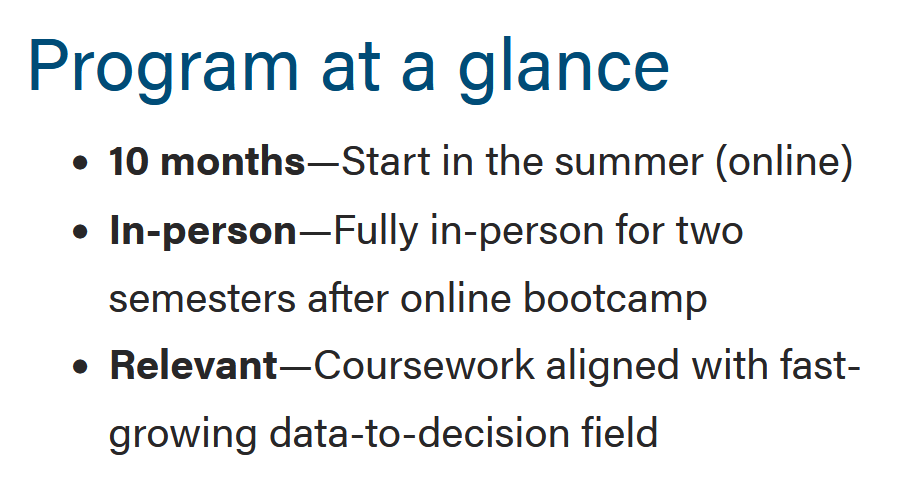
The default style for bulleted lists has traditional round bullets. Use this style in most cases. No special code or styling required-- it's the default.
Fancy styles
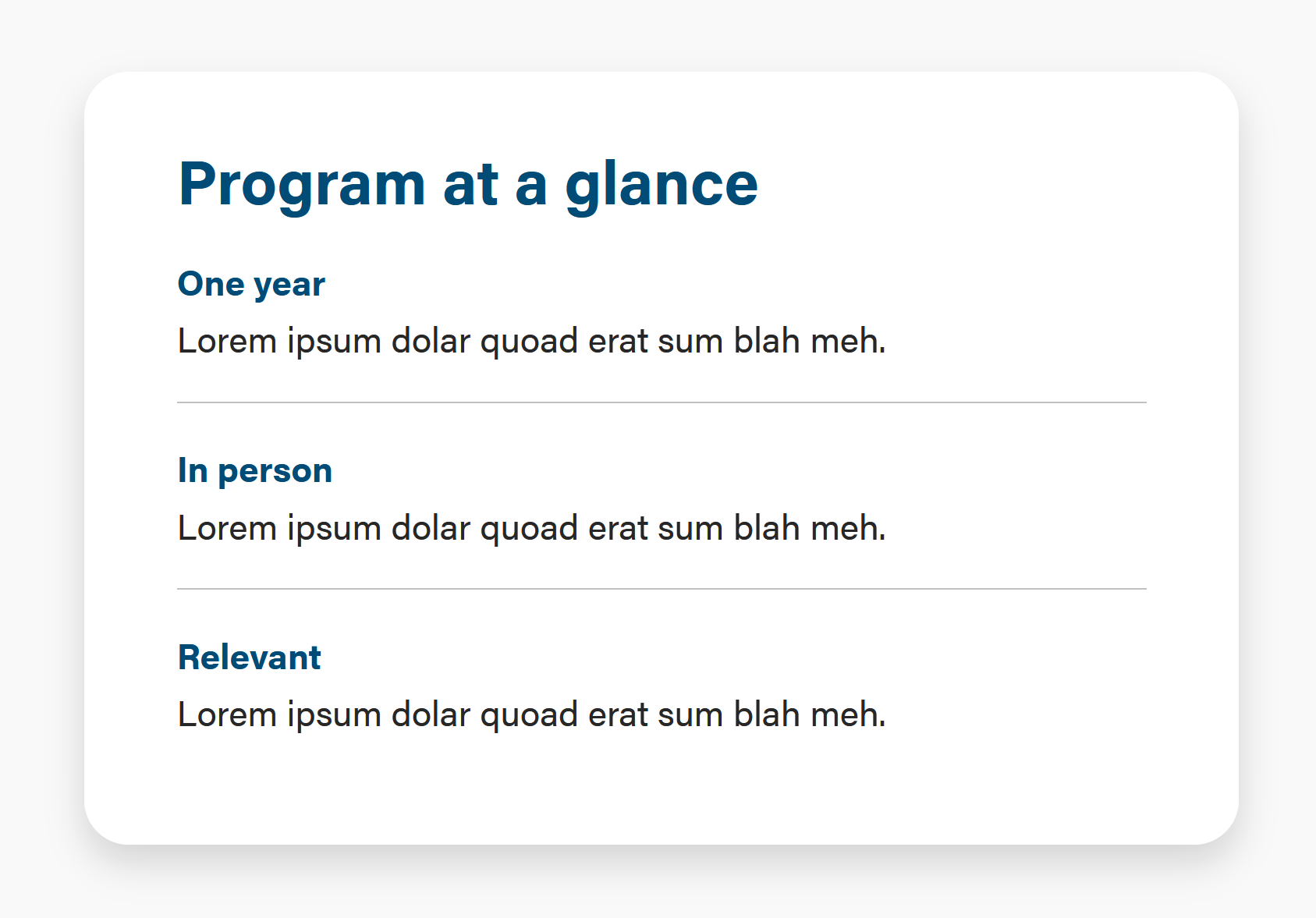
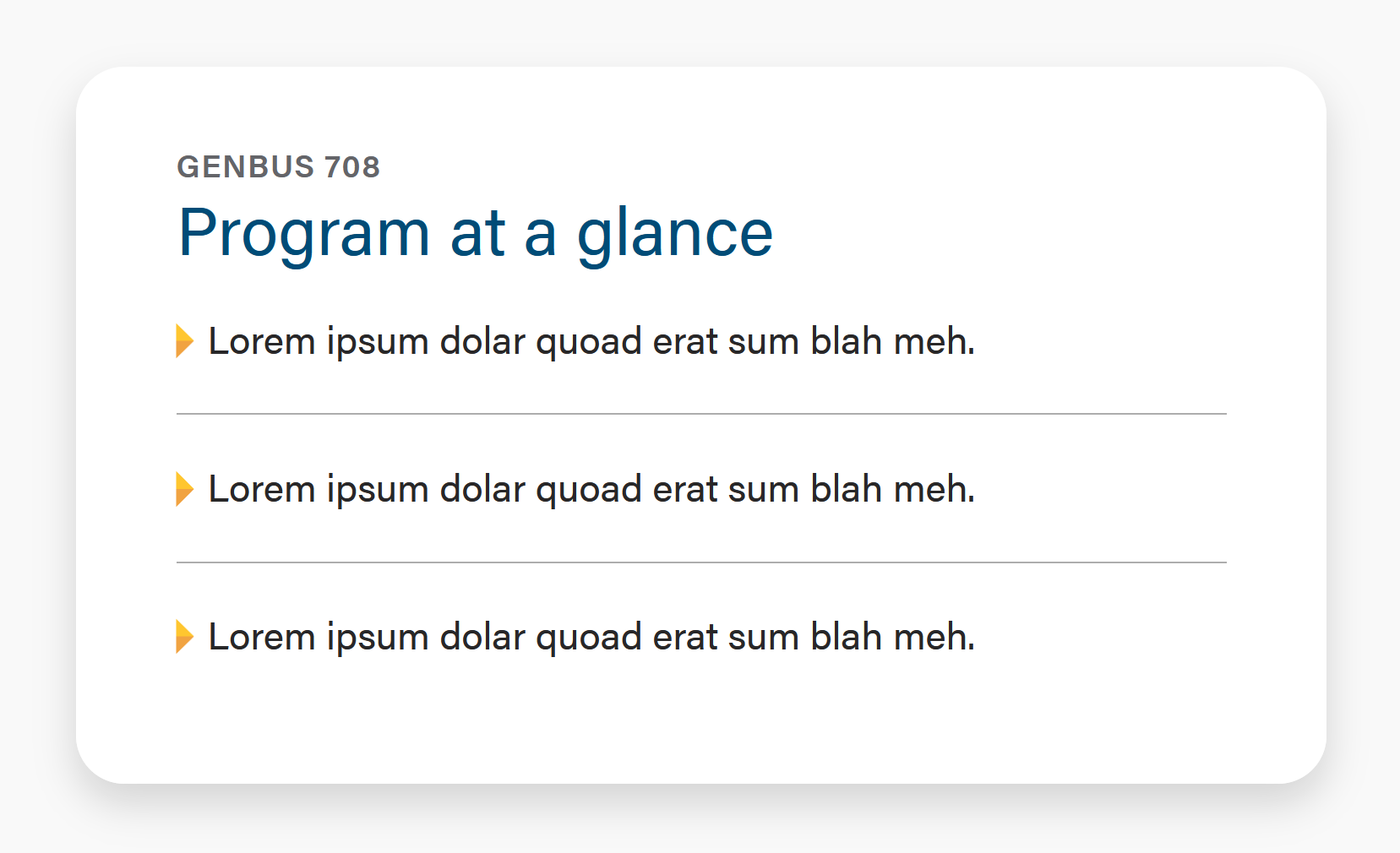
There are times when we may want to use our fancy style to add visual interest. Fancy style contains two optional flourishes: a horizontal rule between list items and the WSB yellow triangle for the bullet. Use these sparingly, and only when there are 3 or fewer list items.
Fancy - Horizontal rule only (often used with bolded keyword)
Implementation:
To the <ul> element, add Bootstrap class="list-unstyled;"
Add an <hr class="hr-gray"> after each list item, except for the last list item.
To achieve the font styles like the screenshot, apply them in the wysiwyg. Use <br>s to create line breaks if needed.
Fancy - Horizontal rule and yellow triangle bullet
Implementation:
OK to have up to 4 items.
To the <ul> element, add Bootstrap class="list-unstyled;"
To each <li> element, add WSB class="wsb-triangle"
Add an <hr class="hr-gray"> after each list item, except for the last list item.
Use When
Lists are a great way to make text more scannable and digestible. Instead of paragraphs, use lists when possible.
Editorial Guidelines
- Follow our general Web Copy General Guidelines.
- Maximum 120 characters per bullet. Keep copy short. Each bullet should be a single phrase.
- Action-oriented phrases (starting with a verb) are a good way to connect with users.
Design Assets Needed
- None